Notion Portfolio vs Fueler Portfolio: Which Platform Is Better?

Riten Debnath
14 Jul, 2026
Last updated: July 2026
Nobody wakes up in the morning excited to update their portfolio. It is the professional equivalent of doing your taxes: painful, deeply tedious, and filled with existential dread about how to phrase your daily tasks to sound like you single-handedly saved a Fortune 500 company.
For years, the go-to hack for avoiding code-heavy website builders has been Notion. It's clean, it's modular, and it's essentially an infinite blank canvas. You spin up a page, slap a "Work" title on it, drop some links to Google Docs or Figma, and call it a day.
But as the hiring landscape shifts dramatically, a massive structural crack has appeared in this approach. Recruiters are drowning in links, AI-generated fluff has broken traditional text resumes, and the corporate world is moving toward skills-first hiring. The core issue? A tool designed to be an internal filing cabinet makes for an incredibly passive, hard-to-discover external portfolio.
I’m Riten, founder of Fueler, a skills-first portfolio platform that connects talented individuals with companies through assignments, portfolios, and projects, not just resumes/CVs. Think Dribbble/Behance for work samples + AngelList for hiring infrastructure.
If you're currently deciding where to anchor your professional identity, let's skip the marketing fluff and look at the actual engineering, discovery mechanics, and workflows of Notion versus Fueler.
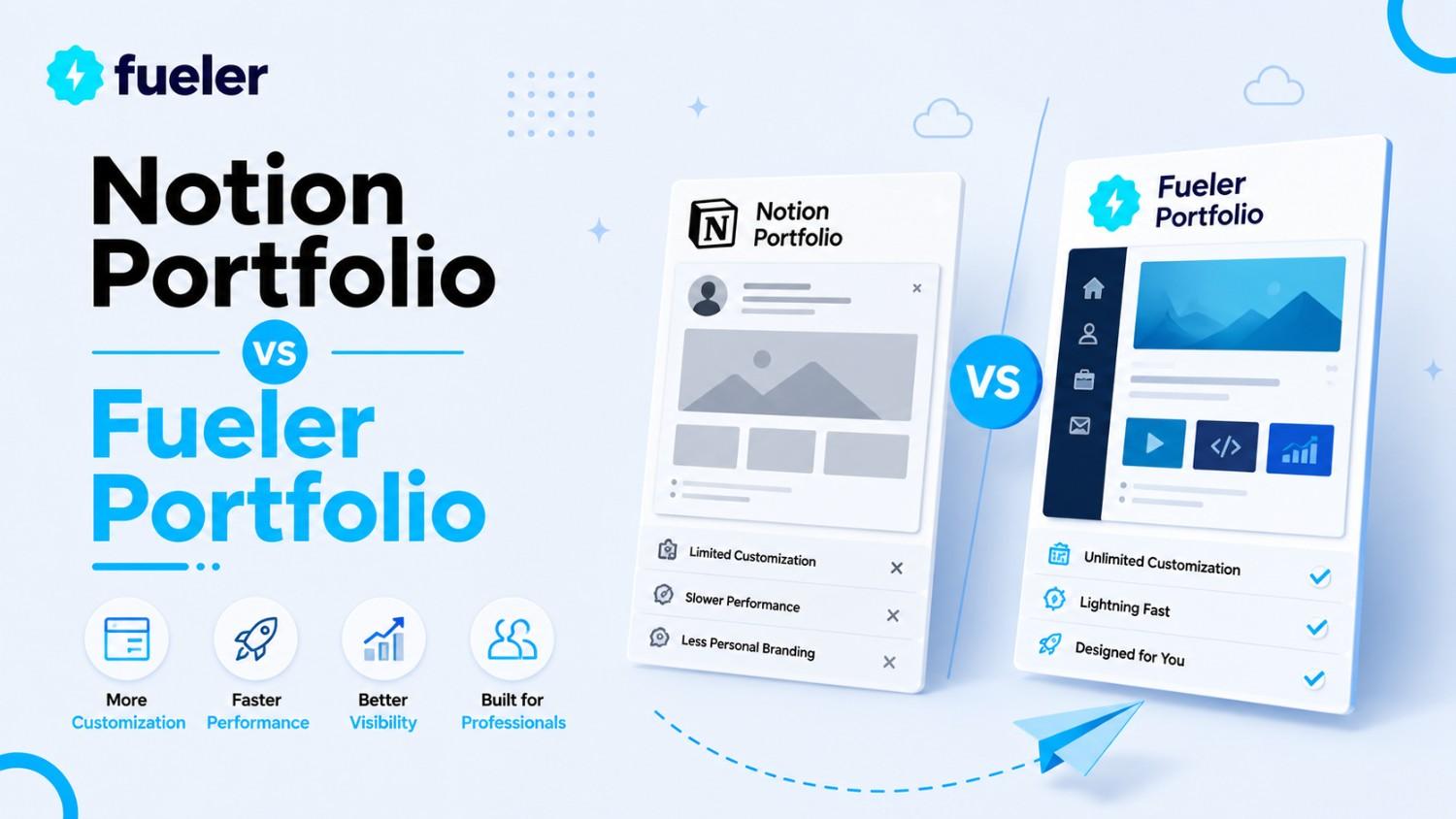
Quick Answer & Decision Matrix
The Strategic Strengths of a Notion Canvas
To understand where Notion excels, you have to look at its DNA. It wasn't built to find you a job; it was built to help you organize your brain. Because of this, it offers unparalleled layout freedom.
Infinite Document Customization
If you want to nest an interactive data table inside a toggled list next to an embedded video and a PDF report, Notion handles it seamlessly. For professionals who write complex, 5,000-word product management breakdowns or technical engineering retrospectives, Notion provides an outstanding long-form reading environment.
Live Workspace Continuity
Because Notion is an active workspace, your portfolio can technically be "alive." If you are working on a project with a client, they can leave comments, tag pages, and collaborate directly within your ecosystem. It acts as an incredible internal vault where you can store every messy draft, raw design file, and unpolished thought before it’s ready for public eyes.
Where Minimalist Text Editors Create Friction in Hiring
The exact thing that makes Notion brilliant for internal note-taking is what makes it highly inefficient for landing jobs: it is a completely closed ecosystem. When you use a general-purpose text editor as a public profile, you face serious operational hurdles.
1. The "No-Index" and Invisible SEO Problem
When you share a standard Notion link, it does not inherit structured professional schema data. Search engine crawlers view it as a generic web document, not a person with specific marketable skills.
Furthermore, your profile is entirely passive. No recruiter is searching Google or Notion's internal architecture to find talent. You are forced to manually paste that long, awkward URL into cold emails, Twitter DMs, or job portals, hoping someone clicks it.
2. High Cognitive Load for Busy Recruiters
Recruiters spend an average of six to eight seconds scanning an application. When they open a Notion page, they are often greeted by an entirely custom, unpredictable layout. They have to guess where your contact information is, expand toggles to find metrics, and click out to external links that frequently break or require permission access.
[Recruiter Clicks Notion Link]
│
▼
[Greets by a massive wall of text]
│
▼
[Clicks on a project link] ──► [Error: "Request Access to Google Drive"]
│
▼
[Recruiter Closes Tab (Time Elapsed: 4 seconds)]
If a client or hiring manager encounters a single broken link or permission wall, they simply move to the next candidate.
3. The Trust Deficit (The Copy-Paste Dilemma)
In 2026, anyone can use a text tool to write: "I grew organic traffic by 400%." Because standard documents have no built-in verification or validation layers, recruiters treat unverified text claims with extreme skepticism. There is no structural difference between a project you actually executed and a case study generated by an AI model.
The Fueler Philosophy: Transforming Archives into Distribution Engines
Fueler approaches the problem from the exact opposite direction. It doesn't assume you need another blank document to type in; it assumes you already have real work living across the internet on GitHub, Figma, Medium, YouTube, or Google Drive, and you need a way to turn those scattered fragments into an undeniable Proof of Work portfolio.
Work created across different platforms (GitHub, Figma, Medium, Live Sites, etc.)
↓
Collected into one structured Proof-of-Work profile
↓
Projects are organized, verified, and indexed
↓
Recruiters can easily discover and evaluate your skills
1. Zero Layout Paralysis
Instead of staring at an empty white page trying to figure out how to design a grid system, Fueler provides a clean, highly structured layout optimized specifically for human eyes and semantic AI search engines. You plug in your assets, and the platform handles the visual hierarchy, cross-tagging, and formatting automatically.
2. The Power of Verified Proof of Work
Every single project you publish on Fueler can be verified. You can tag your clients, co-creators, or team members, allowing them to vouch for your specific contribution to that project. This transforms a simple portfolio claim into a verified asset that drastically cuts down on recruiter skepticism.
3. Native Niche Splitting
If you are a multi-disciplinary professional- say, someone who writes technical documentation but also designs UI layouts- sending a single massive portfolio can confuse clients. Fueler solves this natively. You can generate custom sub-links like fueler.io/username/writing or fueler.io/username/design from a single dashboard, serving ultra-relevant work to specific clients.
Step-by-Step Guide: Building Your Proof of Work Portfolio on Fueler
You don’t need hours of design iteration or complex setups to launch a professional portfolio. Here is the exact, streamlined process to get your proof of work live and discoverable on Fueler today.
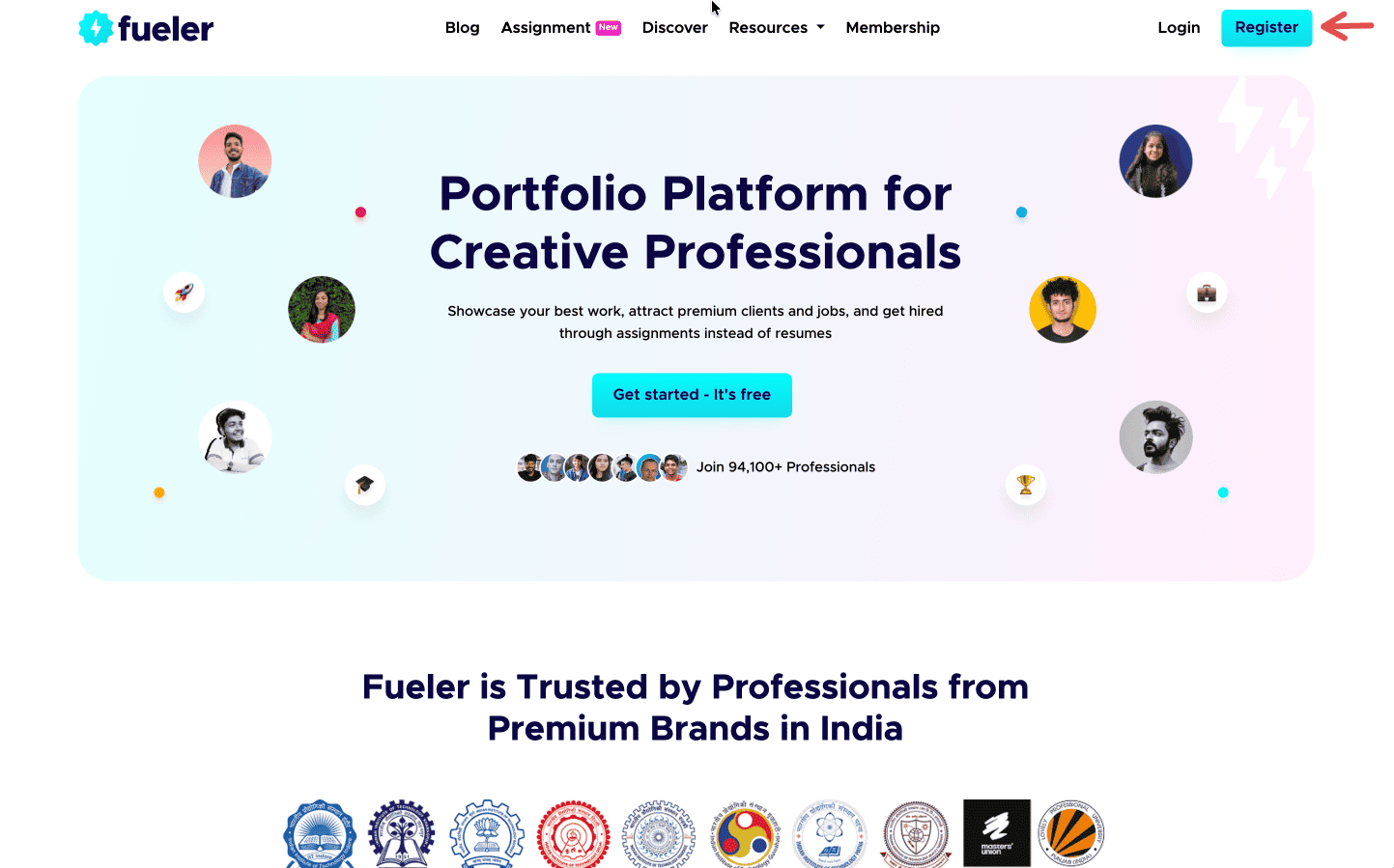
Step 1: Sign up on Fueler.
Head to Fueler.io and create your free account.
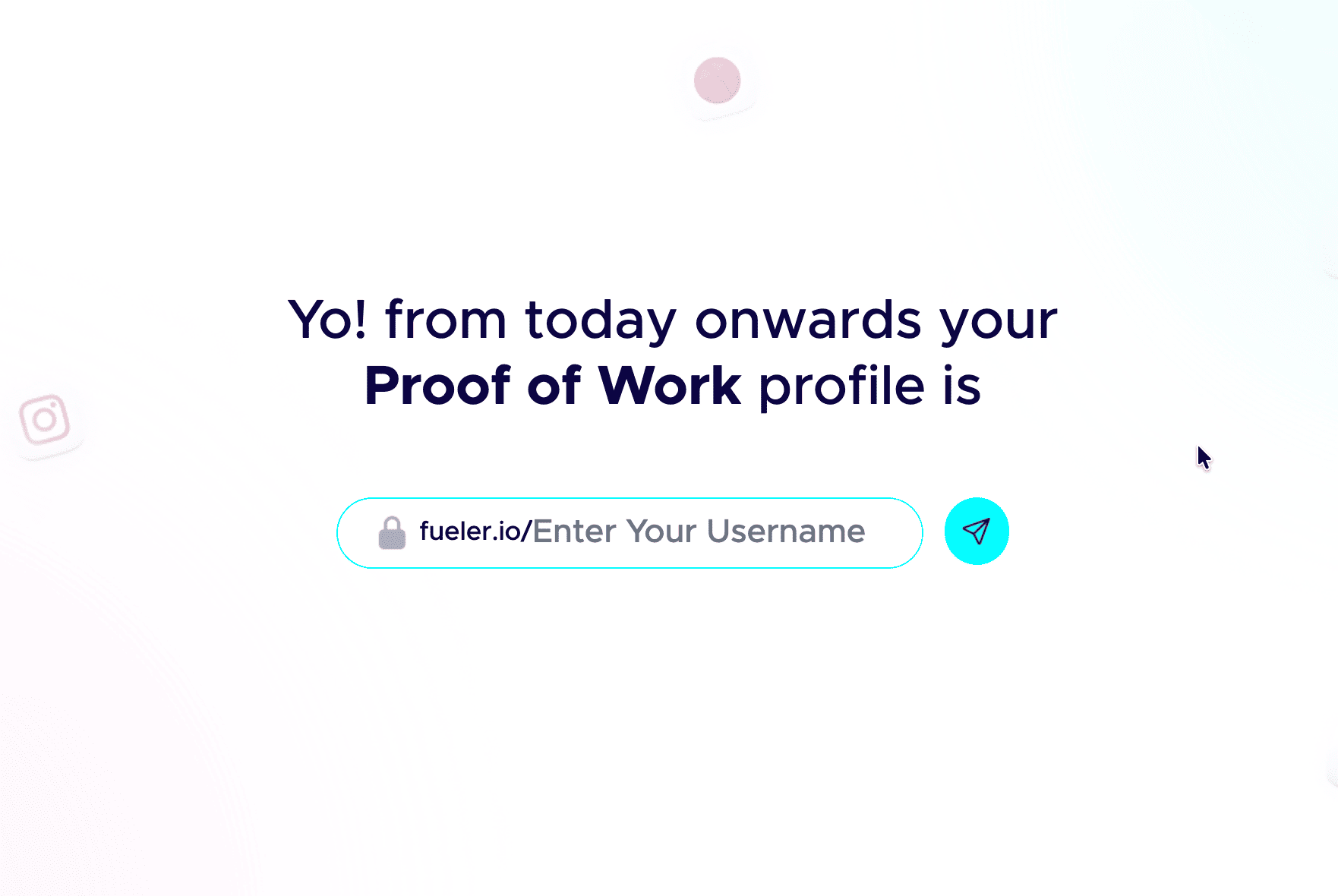
Step 2: Pick a professional handle.
Your handle shows up in your public link, so keep it clean and grown-up. Don’t add nicknames and random numbers. Your name or a simple version of it works best.
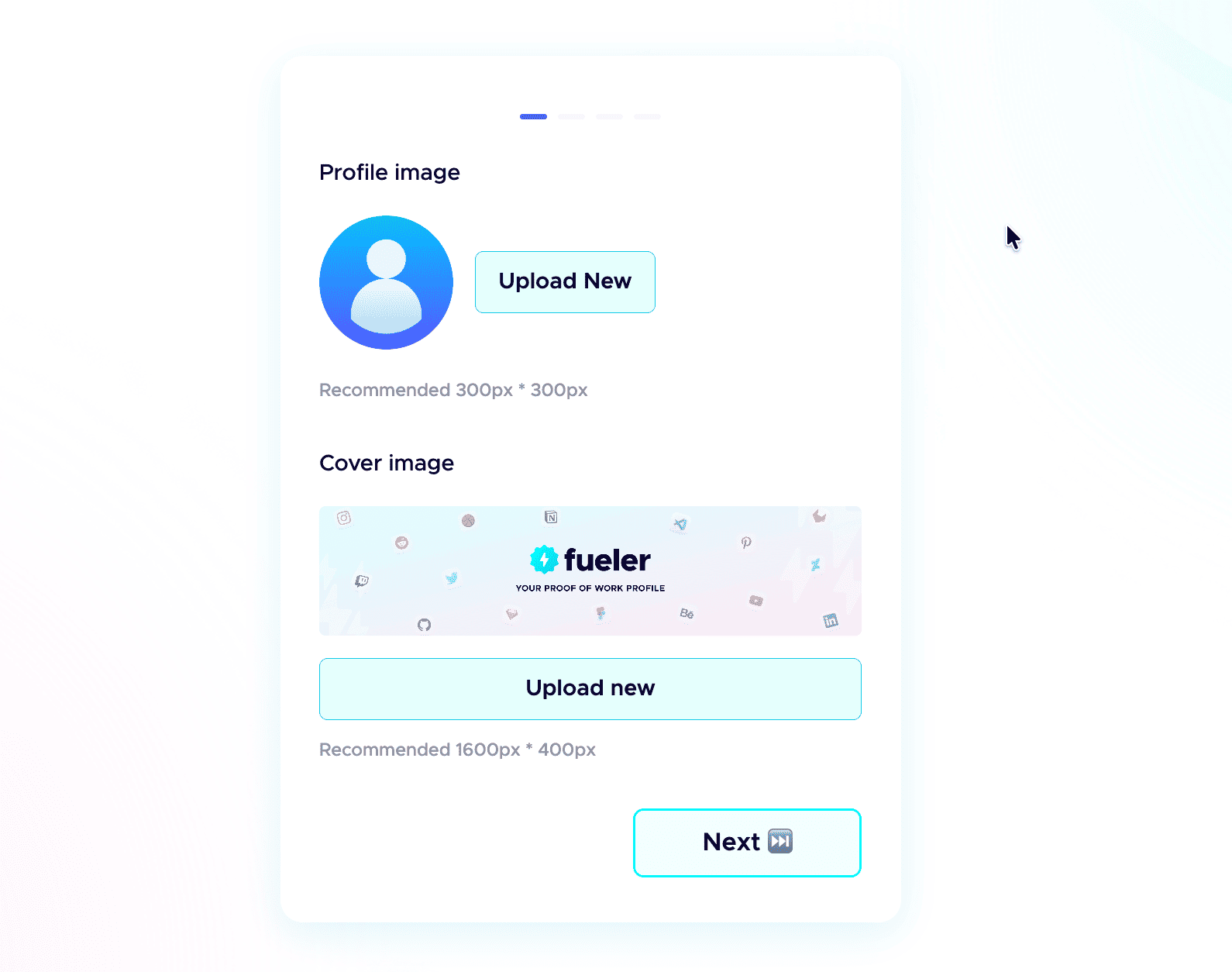
 Step 3: Add a professional profile picture.
Use the same kind of professional photo you would put on LinkedIn. Clear face, good lighting, and a simple background. People trust a real face more than an empty avatar.
Step 4: Write a strong header.
The header is the first thing anyone sees. In one or two short lines, say who you are, what you do, and the kind of work you have done. Make it specific, not vague.
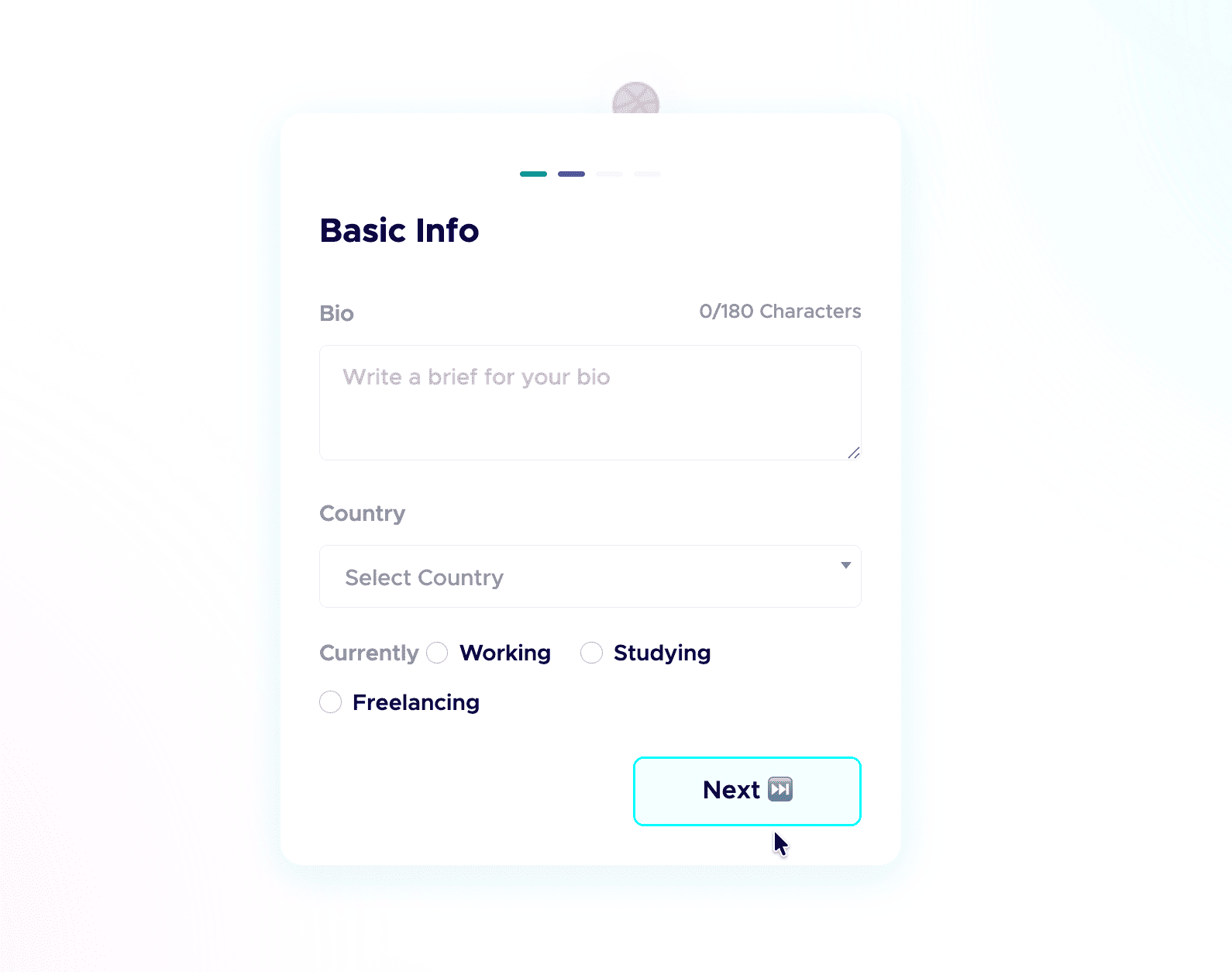
Step 5: Add a short bio.
Tell people who you are and what you do in a few plain sentences. No buzzwords, just enough for a recruiter to get you in five seconds.
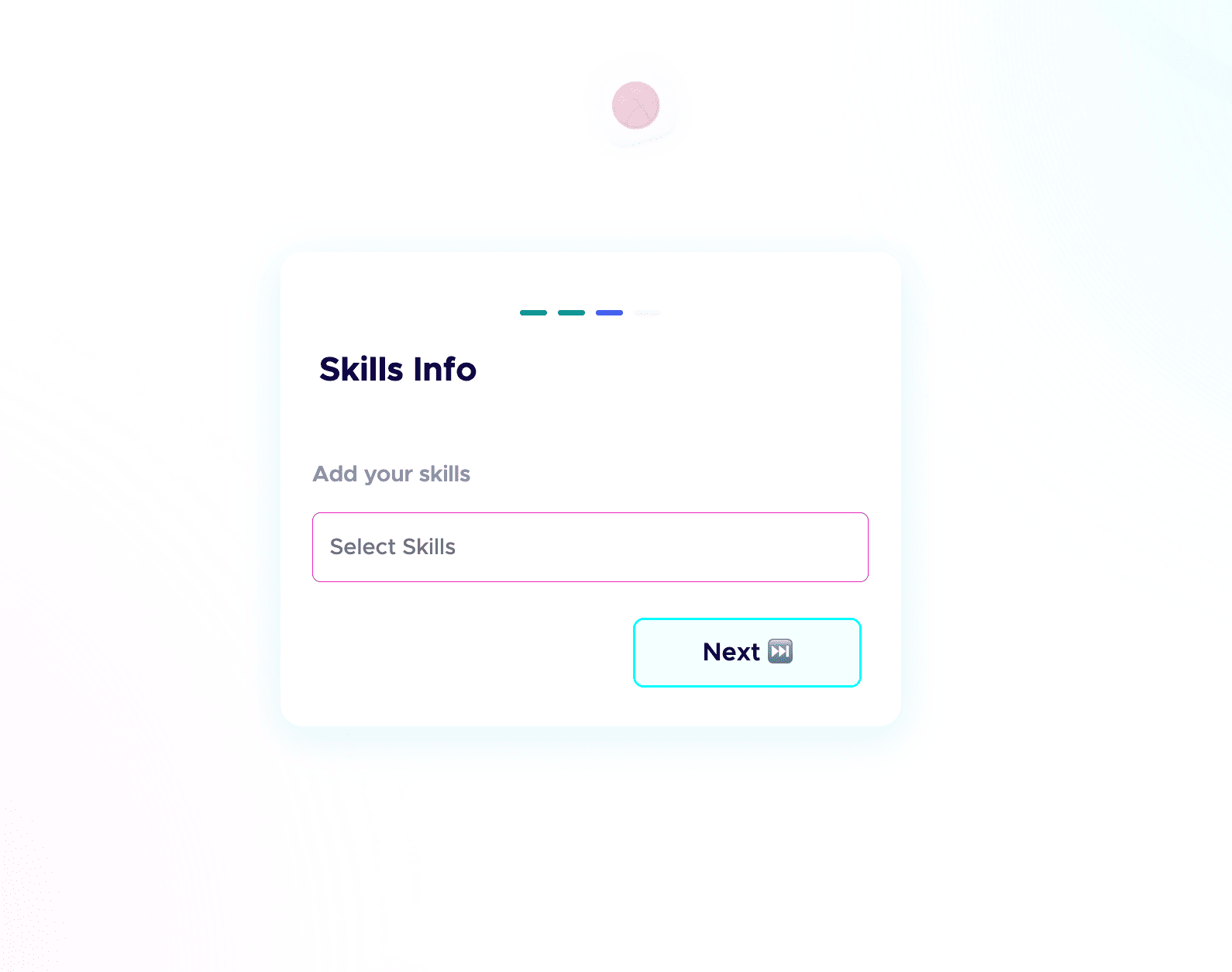
 Step 6: Add your skills and social links.
List the skills you are good at and actually want to be hired for, and connect your socials. People do check your profiles, and active socials build credibility before the first call. Students starting from scratch can follow my student guide to their first portfolio.
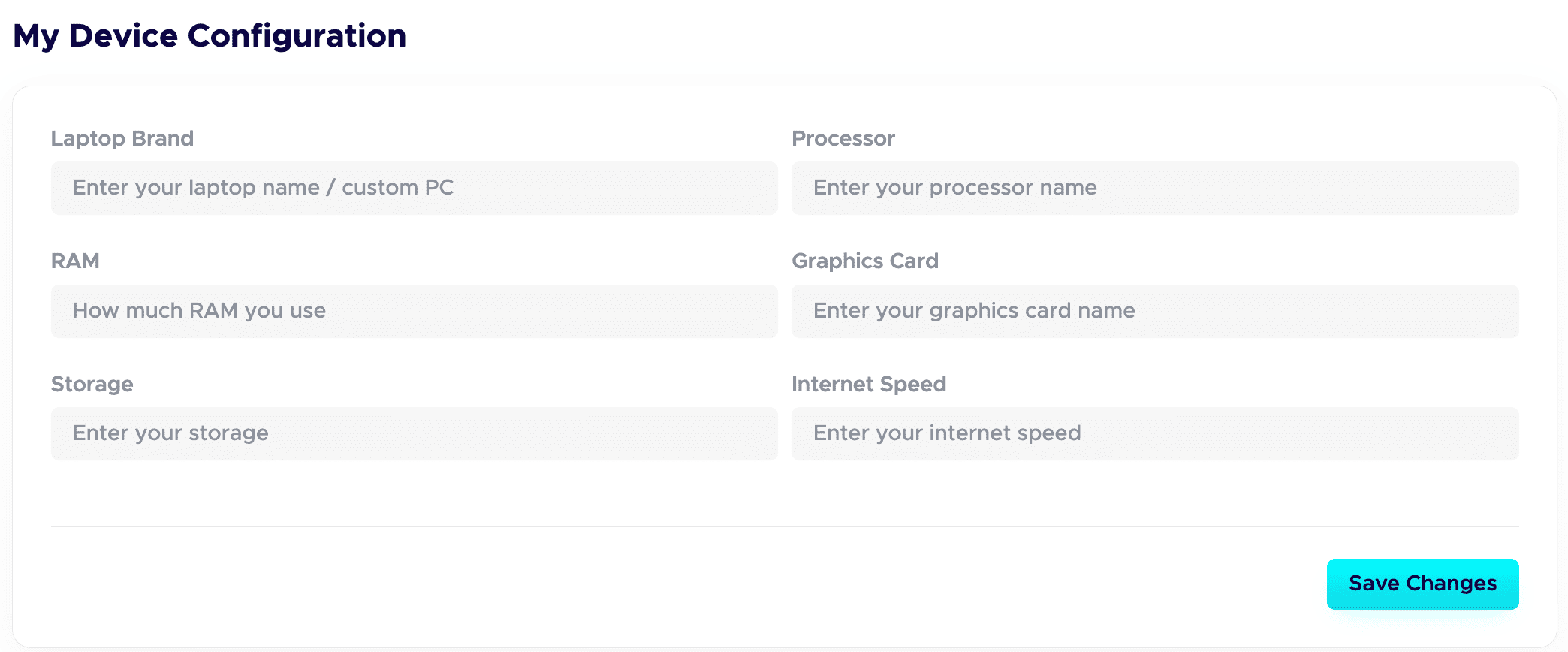
 Step 7: Fill in your Device Configuration.
In your dashboard, set up the Device Configuration section. Add the details about the device you are using. Remote-first companies want to know you have a solid setup to work from. A good setup quietly adds leverage and signals you are ready to deliver.
Step 8: Publish your projects with all the details.
This is a game-changer. Give each project a clear title and a detailed description. Walk through your process: your thinking, the tools you used, the choices you made, and the result. Companies care about how you work, not just the final image.
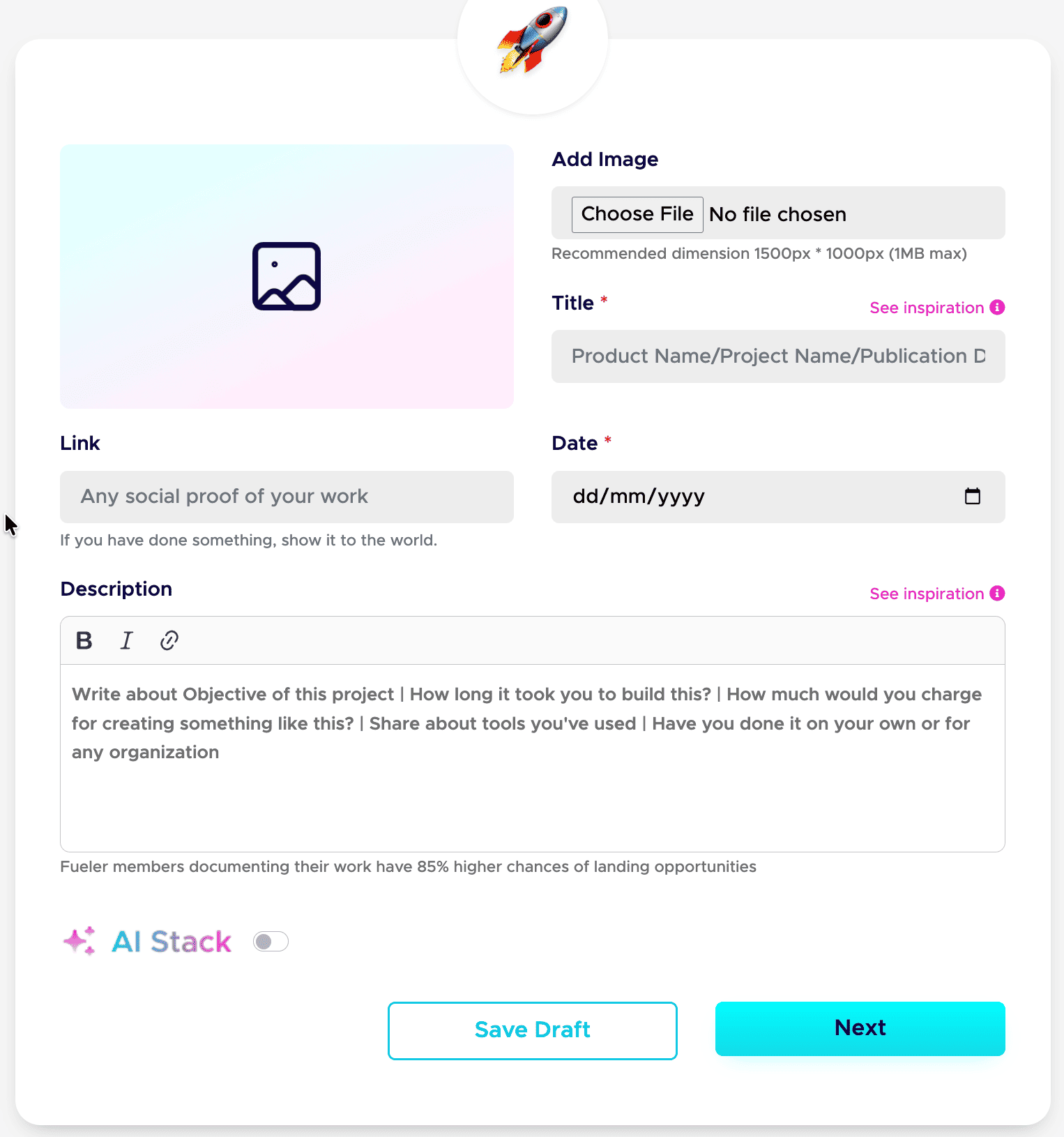
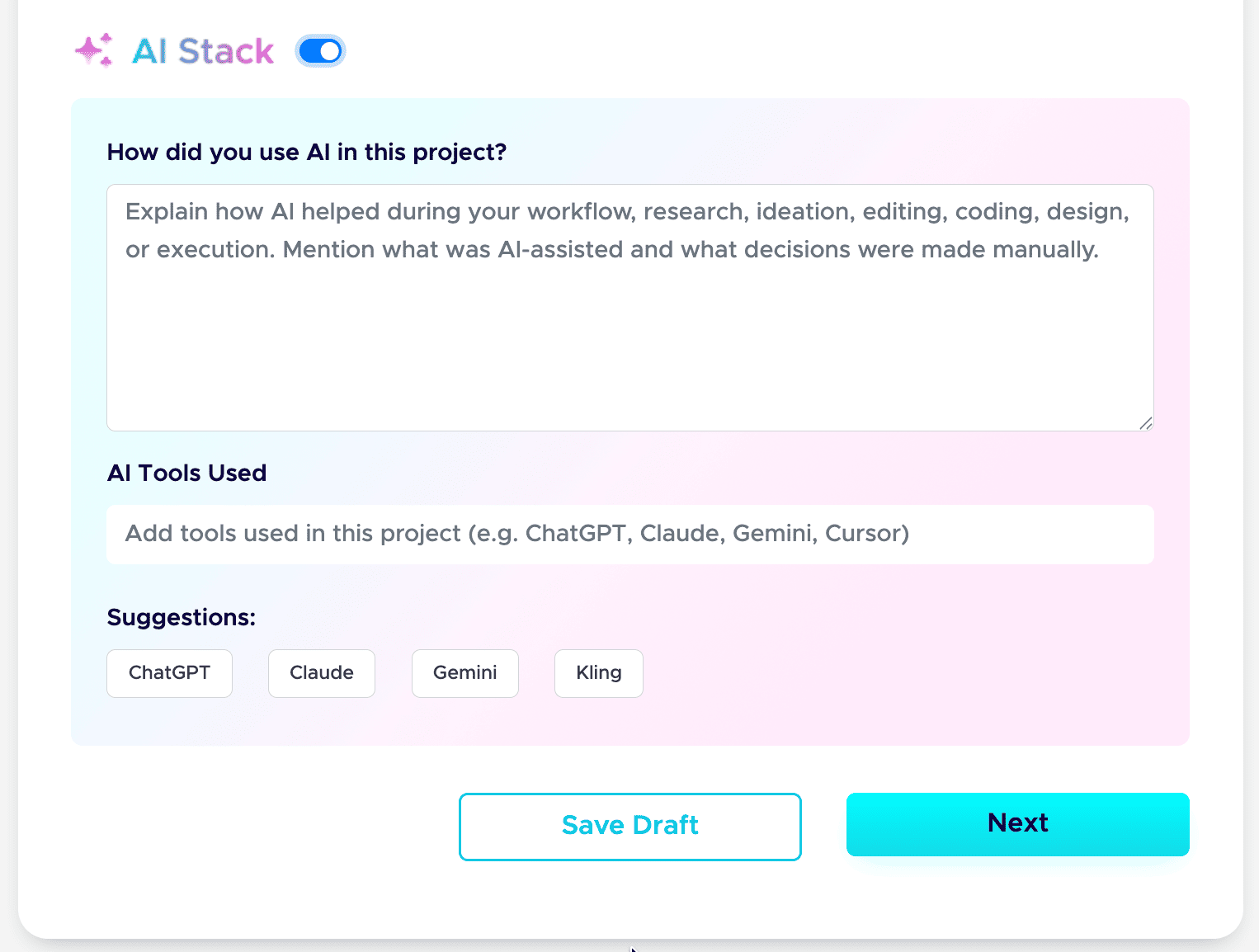
Step 9: Add your AI Stack to each project.
AI is part of real work now, so show it honestly. Use the AI Stack feature to explain how you used AI, which tools you used, and what you did manually. This builds trust instead of raising doubt. Here is the full guide: how to add AI Stack on Fueler.
That is the whole setup. Do these nine steps well, and your profile stops being a static page and starts working as a hiring asset. If you want a tighter version to follow next time, save my 6-step formula for a Fueler portfolio and my breakdown of a career portfolio that actually gets jobs.
Do this once, and you have a link you can drop into your resume, your email signature, and every job application.
Real-World Strategic Scenarios: Who Wins Where?
To decide which platform fits your current career phase, let's map out how these structural profiles play out in actual day-to-day scenarios.
Scenario A: The Multi-Disciplinary Freelancer
Imagine you are a creative professional who handles copywriting, branding design, and social strategy. If you try to build this out in Notion, you end up with a massive web of complex sub-pages that clients can easily get lost in.
With Fueler, you upload all your work to one central engine, tag them with clean labels, and send tailored, niche-specific filtered links to your prospects. The writer gets the writing link; the founder gets the branding link. Your presentation remains perfectly aligned with the client's needs.
Scenario B: The Technical Writer or In-Depth Researcher
If your job involves producing highly exhaustive documentation, 10,000-word deep-dive industry whitepapers, or incredibly intricate relational databases that map out complex ecosystems, Notion’s core canvas architecture shines. It provides a clean, distraction-free playground optimized for massive reading experiences and internal documentation tracking.
Scenario C: The Opportunity Seeker Looking for Active Inbound
If your primary goal is to get discovered by scaling companies, founders, and talent acquisition teams without constantly grinding on cold outreach, hosting your work inside a passive note-taking document leaves you completely invisible. Fueler operates as an active professional network. Because your profile is fully structured, indexable, and part of a talent discovery engine, your past work actively markets itself to companies searching for verified, specific execution capabilities.
Core Takeaways for Your Portfolio Strategy
- The Architectural Shift: Stop treating your career portfolio as a passive document archive. In a skills-first market, your portfolio needs to function as an active distribution engine.
- Discovery Is Everything: A beautiful portfolio is completely useless if nobody can find it. Moving away from unindexed note-taking canvases ensures your work is structurally optimized for search engines and recruiters.
- Context Over Claims: True professional credibility isn't built on vague bullet points or flashy, hollow layouts. It's built on clear context, transparent documentation of your process, and verified business outcomes.
Frequently Asked Questions
Can I connect a custom domain to my Fueler portfolio?
Yes. While Fueler provides a clean, hyper-optimized standard URL structure (fueler.io/yourname), you can map your own custom domain directly to your profile. This gives you full, premium personal branding while keeping Fueler's underlying discovery infrastructure and analytics running smoothly behind the scenes.
Is Fueler only for visual designers and developers?
Not at all. Fueler was engineered specifically to solve the portfolio problem for non-visual and multidisciplinary roles. Whether you are a content strategist, an SEO specialist, a product manager, a community builder, or a copywriter, Fueler’s structured project blocks allow you to document frameworks, attach metrics, and display text or data assets elegantly.
How does Fueler's project verification system actually work?
When you publish a project on Fueler, you can add a collaborator or client via their email or username. They receive a quick, simple prompt to review and approve the project. Once approved, a verified badge is attached to that specific asset, showing viewers that your contribution is authentic and validated by a real third party.
Does switching to Fueler mean I have to abandon my Notion workspace?
Absolutely not. The most productive workflows combine both tools. Use Notion for what it was designed for: an internal scratchpad, a brainstorming area, and a tool to track your ongoing tasks. Once a project is finalized and shipped, move that polished proof of work over to Fueler to make it visible, searchable, and ready to attract new career opportunities.
Why 100,000+ professionals use Fueler
Fueler helps professionals showcase proof of work through projects, assignments, case studies, and achievements.
- Thousands of professionals use Fueler to create their digital portfolio
- Thousands of projects are published on Fueler. Check here
- Startups and Companies hire through proof of work on Fueler
- Used by freelancers, creators, marketers, video editors, writers, designers, and product managers
Our mission is to help the next 100 million professionals build a verified professional identity through proof of work

What should you do next?
You've read the article. Now turn your skills into proof of work and unlock more opportunities.
Build your proof of work portfolio
Create a clean portfolio with projects, assignments, resumes, and AI stack details that companies actually want to see.
Create your Fueler portfolio →Apply through assignments, not resumes
Stand out by solving real tasks from companies hiring on Fueler.
Explore assignments →Get discovered by companies
Make your work public and let recruiters discover your skills through actual projects instead of keywords.
Get discovered →
