My Device Configuration


Games, Challenges & Interviews


Project Overview
After editing multiple game-based challenges, This or That videos, and interactive interviews, I've developed a strong understanding of what makes these formats work.
It wasn't just about cutting clips together. I spent time experimenting with different layouts, framing, graphic placements, and pacing until I figured out how to make these videos visually clean, entertaining, and easy to follow.
Over time, I cracked the editing format and developed a consistent approach that I could apply across different videos.
01. Cracking the Visual Placement
Knowing where everything belongs.
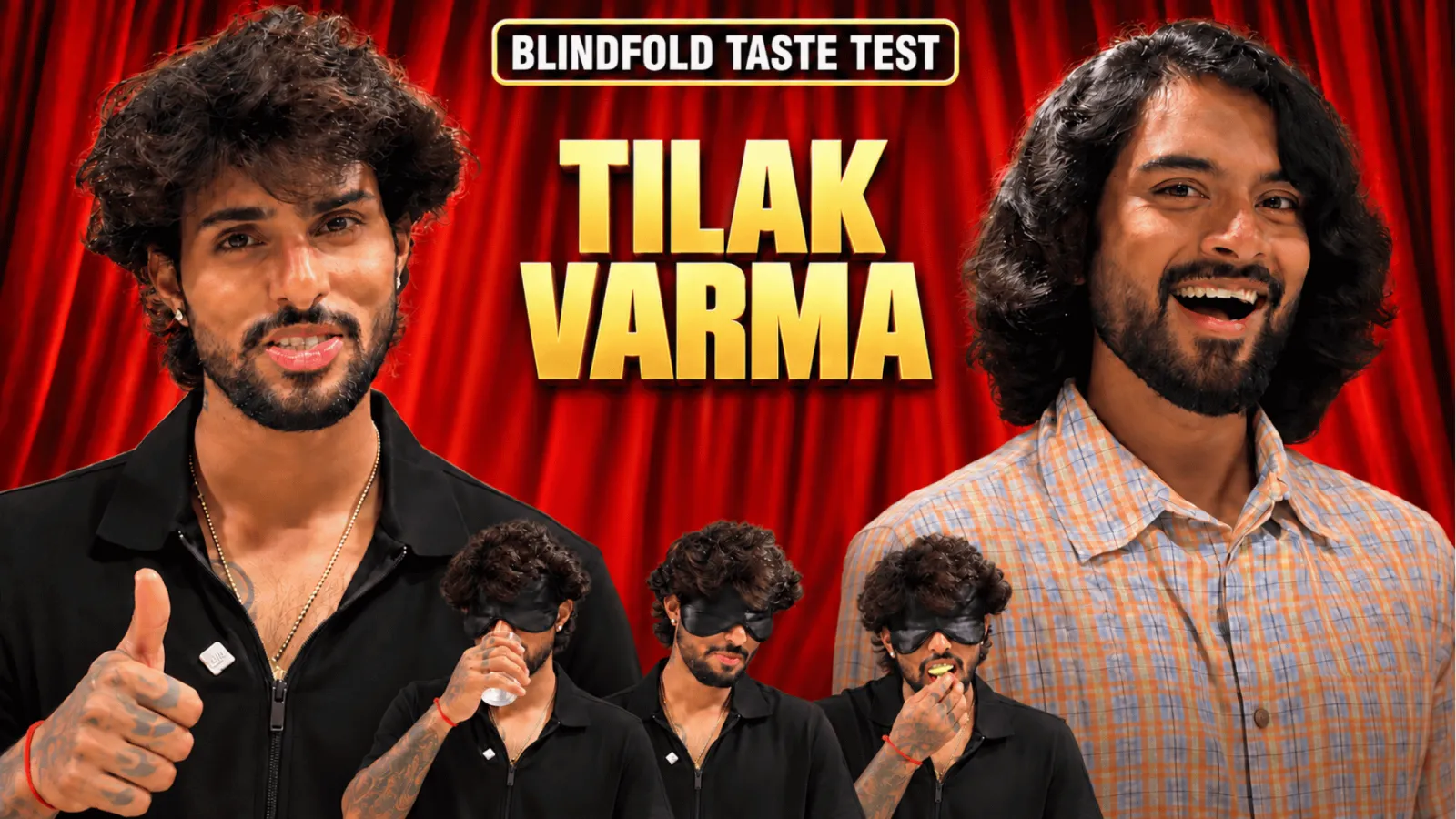
One of the biggest things I figured out was the placement of on-screen elements. From questions and answer options to scoreboards and captions, I learned how to position everything without making the screen feel cluttered.
I developed a better understanding of visual hierarchy, making sure viewers know exactly where to look while keeping the participants as the main focus.
02. Getting the Framing Right
Making every frame feel balanced.
Framing plays a huge role in these videos, especially when multiple people and graphics share the screen.
I worked on finding the right crops, participant positioning, and spacing for different situations. Whether it's a two-person challenge, a close-up reaction, or an interview, I learned how to make each frame look balanced while leaving enough room for the visual elements.
03. Mastering the Pacing
Knowing when to cut and when to let a moment play out.
Challenge videos are all about timing. A question, an answer reveal, or even a funny reaction can lose its impact if the timing isn't right.
Through these edits, I developed a better understanding of reaction cuts, pauses, zooms, sound effects, and transitions. I learned how to keep the energy high without making the video feel rushed.
04. Creating a Consistent Visual Style
Making the graphics feel like part of the video.
I focused on making questions, answer options, animations, and other graphics work together visually.
By maintaining consistency in typography, colours, spacing, and animation styles, I created a cleaner and more recognisable editing approach across different videos.
05. Building a Repeatable Editing Format
From experimenting to knowing what works.
This was my biggest takeaway from the project.
After working on multiple videos, I started recognising what worked best for different situations. I understood where elements should go, which framing suited each moment, and how the overall sequence should flow.
Instead of figuring everything out from scratch for every video, I developed a reliable editing approach that could be adapted to different games, challenges, and interviews while still keeping each video fresh.
The Outcome
What started as editing individual challenge videos turned into a much deeper understanding of the format itself.
I became more confident in making decisions about framing, visual placement, timing, and storytelling.
I didn't just learn how to edit these videos. I cracked the format, understood what makes it work, and developed my own consistent approach to bringing it all together.
11 Aug 2026
Keywords