6 Best Business Card Makers in 2026

Team Fueler
25 Apr, 2026
Last updated: August 2026
A well-designed business card still holds its ground as one of the most effective ways to make a lasting first impression in 2026. But with so many tools available today, it can be harder than you'd expect to find one that looks the part.
Some platforms keep things simple with a handful of templates and intuitive editing tools. Others bring AI into the picture, handling most of the design work so you can focus on getting the details right.
To cut through the noise, we tested six of the best business card makers available right now. We looked at everything from design quality and ease of use to customization depth and overall value. What follows is an honest breakdown of what each tool does well, where it falls short, and who it is actually built for.
Quick Verdict
- Best overall: Design.com - the most complete package on this list, delivering AI-generated business card designs in seconds with deep customization and seamless brand alignment, all without needing any design experience.
- Next best: BrandCrowd - a strong runner-up with a rich template library and solid print options built right in, making it a dependable choice for anyone who wants a more hands-on approach to their design.
- Best free option: Canva - a good starting point for beginners who need something done quickly without spending anything upfront.
How They Stack Up
1. Design.com - The Best Business Card Maker
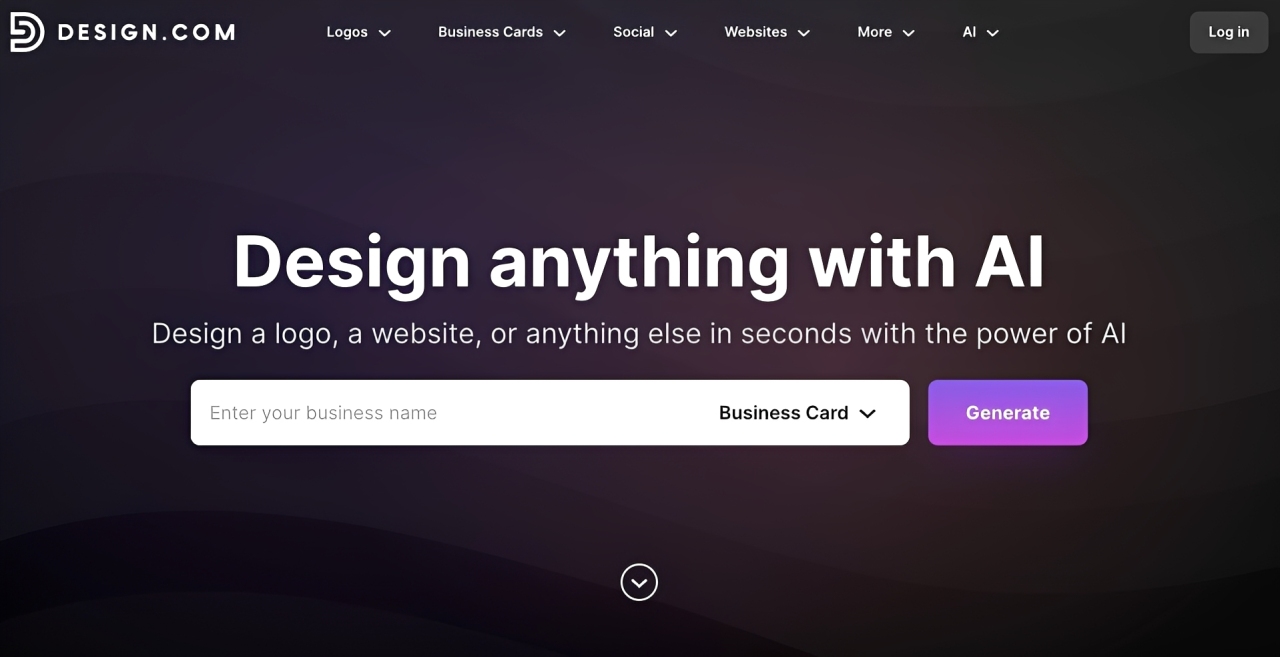
Design.com weaves a powerful business card maker into a broader suite of creative tools that all work together seamlessly. It is built for anyone who wants a polished, unified card that pulls directly from their own AI generated brand assets rather than starting from a blank page. Every card you put together through Design.com feels less like a standalone piece and more like a natural extension of your brand as a whole.
What makes it the top pick:
- AI Design: The platform's built-in AI generator takes your logo, fonts, and colors and instantly puts together a fully branded business card, so what you see from the very first draft already feels intentional and on brand
- Free Card Designs to Explore: A selection of free business card templates is available right from the start, giving you room to browse, adjust, and experiment until the look and feel clicks
- An Enormous Design Library: With upwards of 400,000 logo templates and over a million total design assets, you are unlikely to ever run out of directions to take your card or your broader brand identity
- Built for Anyone to Use: No background in design is needed whatsoever. The interface is intuitive enough to take you from an empty canvas to something that looks genuinely finished in just a handful of clicks.
- A Complete Branding Package: The business card tool does not sit in isolation. It comes bundled with a full logo package and an AI-built website, so your entire brand presence stays consistent and connected in one place.
- Over 50 Tools Under One Roof: Business cards are just one piece of what the platform offers. More than 50 creative tools live here alongside it, covering everything from website building and poster creation to social media templates, so your brand has room to grow without ever needing to switch platforms.
- Free Global Delivery on Printed Orders: Once your card is ready to go to print, Design.com ships it anywhere in the world at no added cost. No hidden charges, no surprises, just your finished cards delivered straight to your door.
To see what the tool can do, we entered the business name “Network IT Services” and selected “information technology” as the keyword. Within seconds, it generated multiple design options automatically.
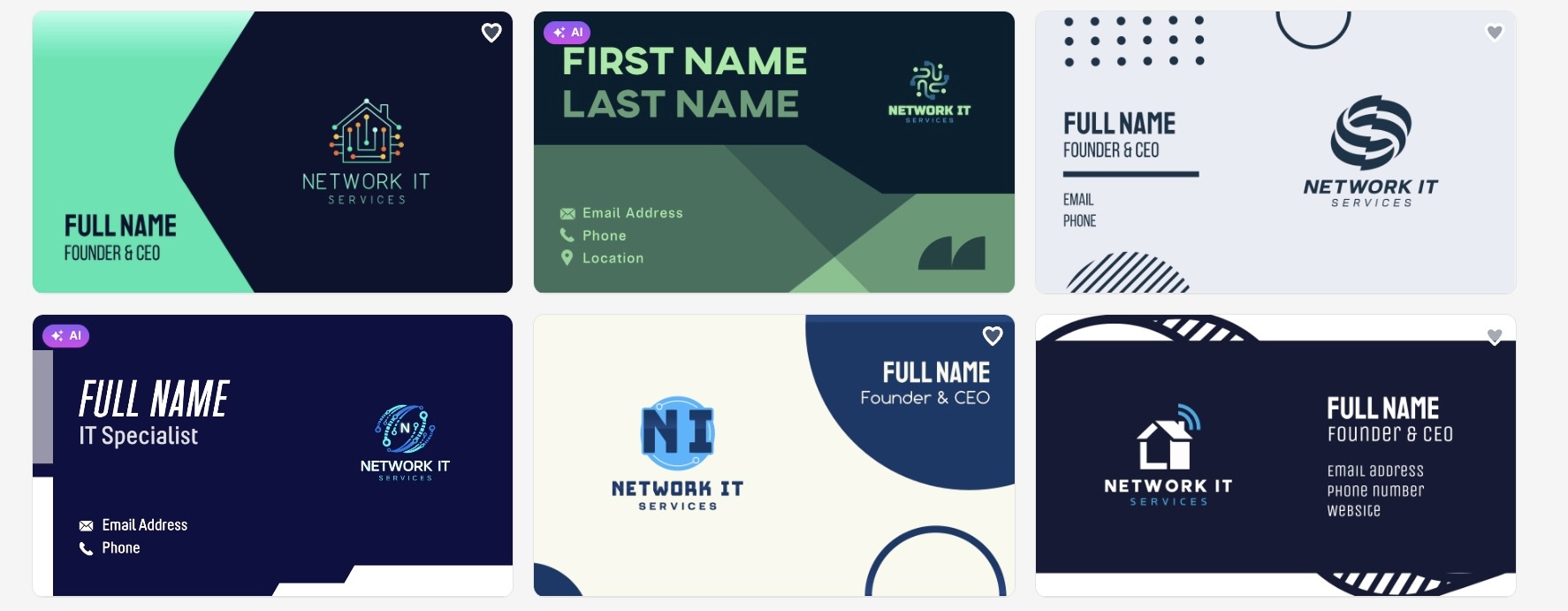
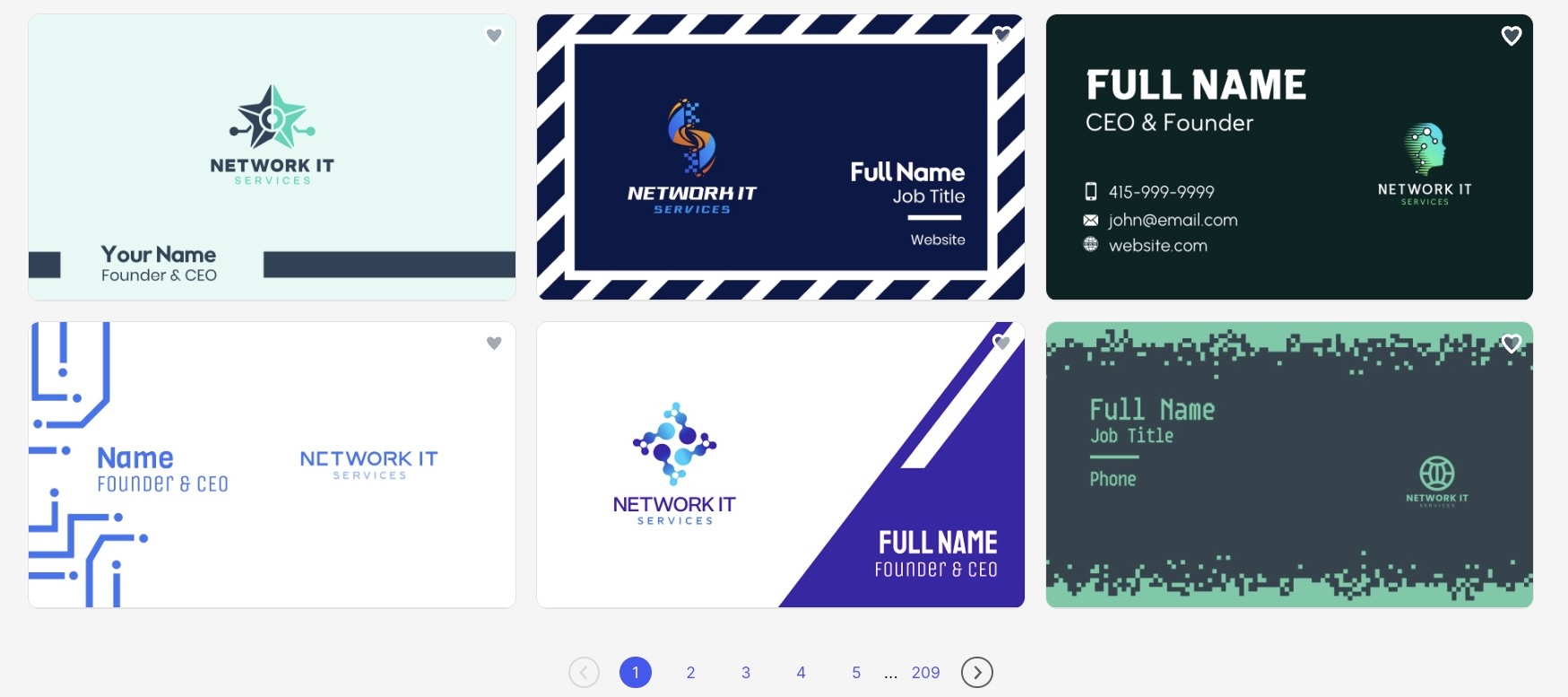
As you can see, the results look great, and more templates continue to load as we scroll.
Verdict
Design.com provides a high level of visual consistency and precision across every element, from typography to spacing and color balance. Each detail is structured in a way that reinforces clarity and professionalism, so the final design communicates exactly who you are and what your business represents.
2. BrandCrowd - Fast Professional Design for Every Kind of Founder
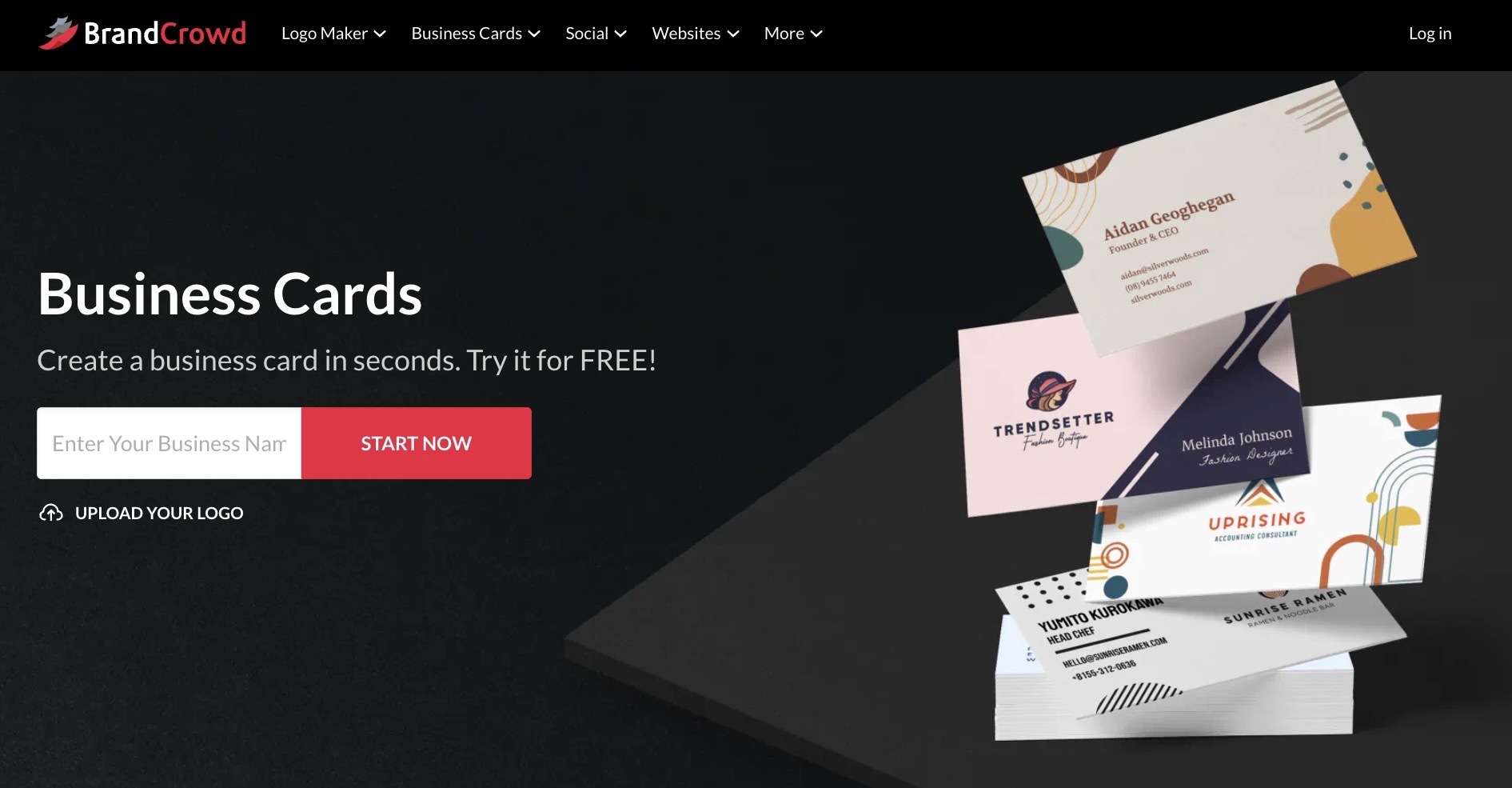
BrandCrowd's business card generator carries the same level of quality that the platform has built its name on. With a 4.8 Trustpilot rating backed by over 9,000 reviews, that reputation speaks for itself. It is put together for freelancers and creators who need their brand to come across as sharp and credible from the first handover.
What the business card maker puts on the table:
- Instant Results from the Start: Type in your business name and the generator pulls up polished, ready-to-use layouts in seconds, each one put together by professional designers, so your card looks the part right away
- Free Templates to Get Going: A solid range of free business card templates is available to browse from the start, giving you the freedom to play around with colors, fonts, and layouts until something feels right, with no pressure to commit to anything before you are ready
- A Template Library That Goes Deep: Over 3,000 business card templates are on hand, spanning industry specific layouts and a broader ecosystem of 579,000-plus total design assets built to cover just about every type of business and professional out there
- Total Control Over Every Detail: Fonts, colors, layouts, icon placement, backgrounds, and typography are all yours to adjust, with unlimited edits included under your subscription, so the final card always looks exactly the way you want it.
- More Than 50 Tools and 750 Fonts: The platform hands you over 50 creative tools covering everything from business cards and posters to flyers and social content, all paired with access to more than 750 fonts, including 525 exclusive ones, giving you everything needed to build something that looks entirely your own
- Brand Consistency Built Right In: Every new asset you create automatically pulls in your logo, colors, and fonts without you having to lift a finger, keeping your business cards, social posts, and every other touchpoint locked in and consistent across the board.
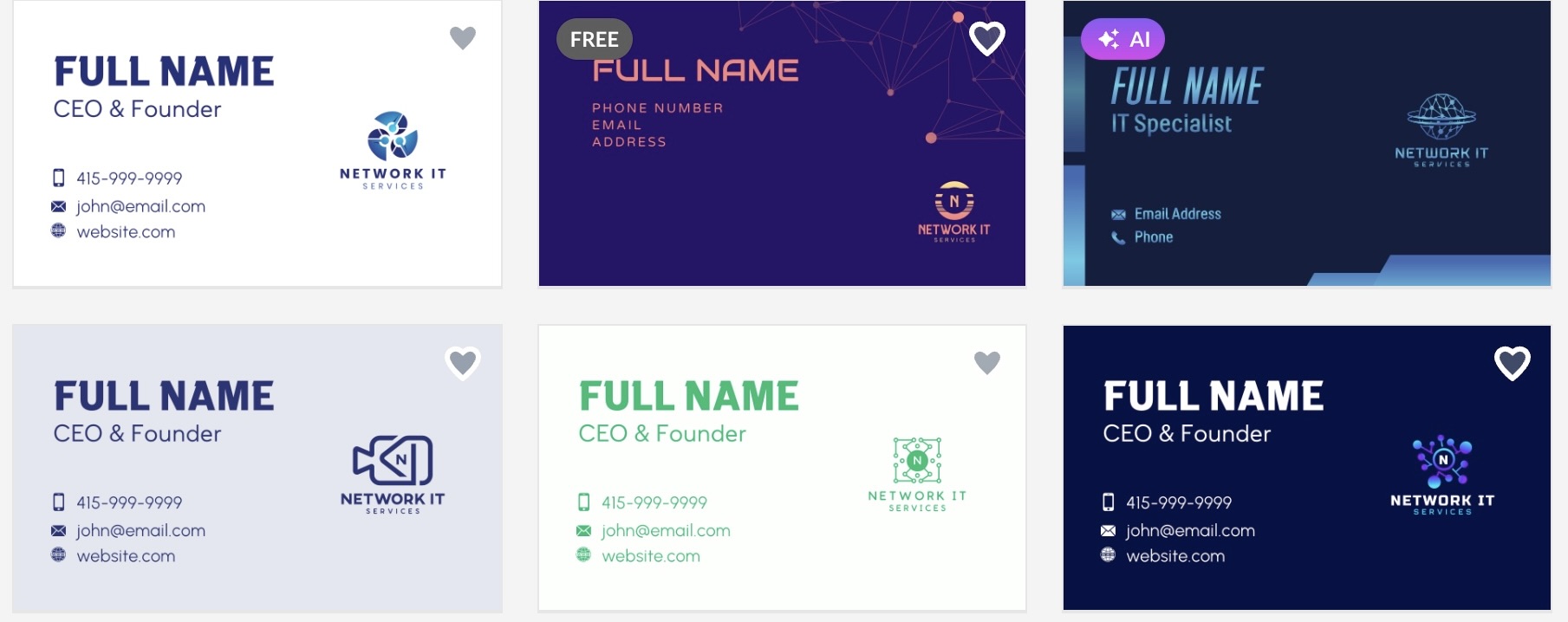
This shows the tool in action. Using the same business name from Design.com, BrandCrowd generates creative templates that help streamline the design process.
Verdict
BrandCrowd delivers where it counts. The card you walk away with looks professional, feels consistent with the rest of your brand, and gets to you without any added cost on the printing side.
3. Canva - A Decent Starting Point for Beginners
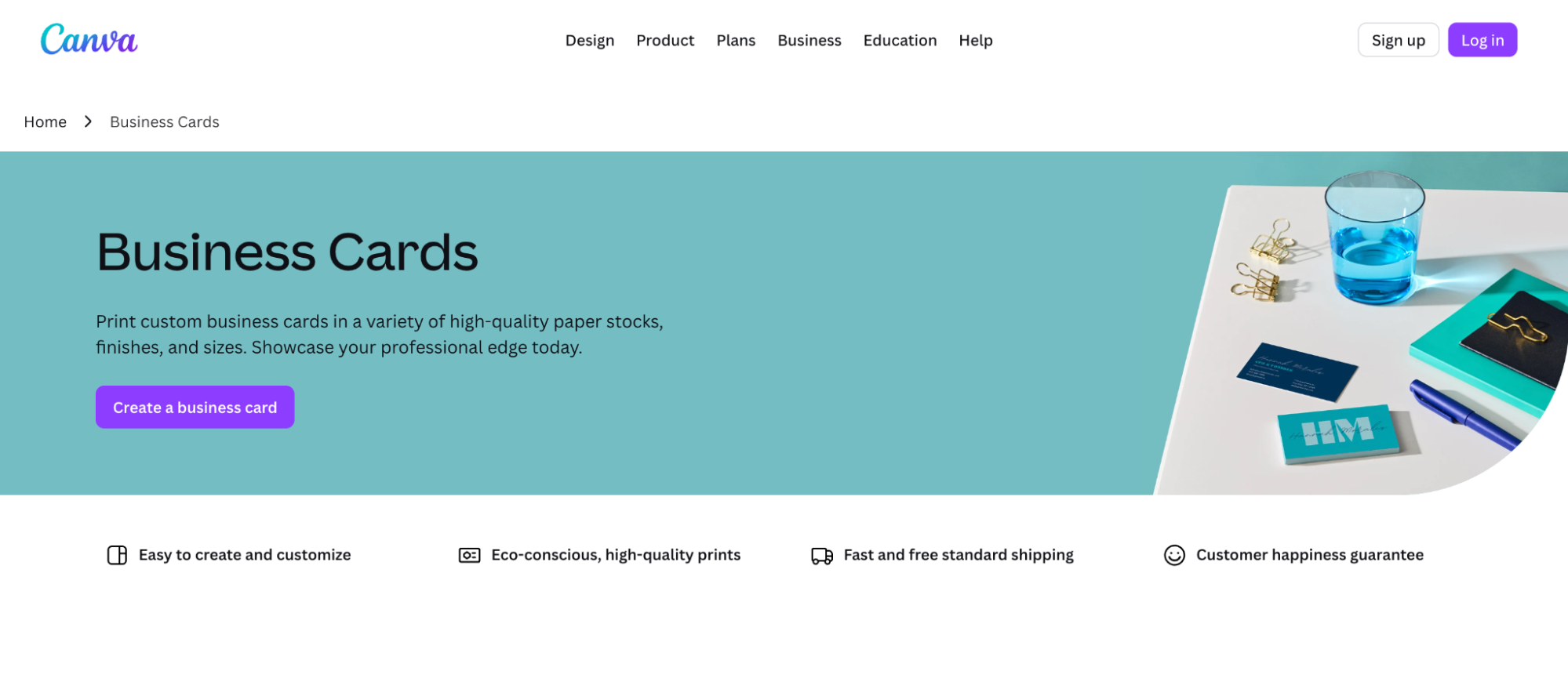
Canva's business card maker is one of the more accessible options on this list, and for someone who has never touched a design tool before, that accessibility is useful. It is not the most powerful platform here, but it gets the basics done without asking too much of you along the way.
What the business card maker offers:
- A Workable Template Library: Over 1,000 business card templates are available to browse, giving you enough variety to find a starting point
- Simple Drag and Drop Editing: The editor is easy enough to pick up in minutes, with no design background needed to move things around and make basic adjustments
- Reasonable Customization: Fonts, colors, and layouts can all be changed, though the depth of control is fairly surface level compared to the tools higher up this list
- Free to Start: A free tier is available, though the better assets and features sit behind a paid plan
- Export Options for Print and Digital: Finished cards can be downloaded in formats suitable for both printing and online use
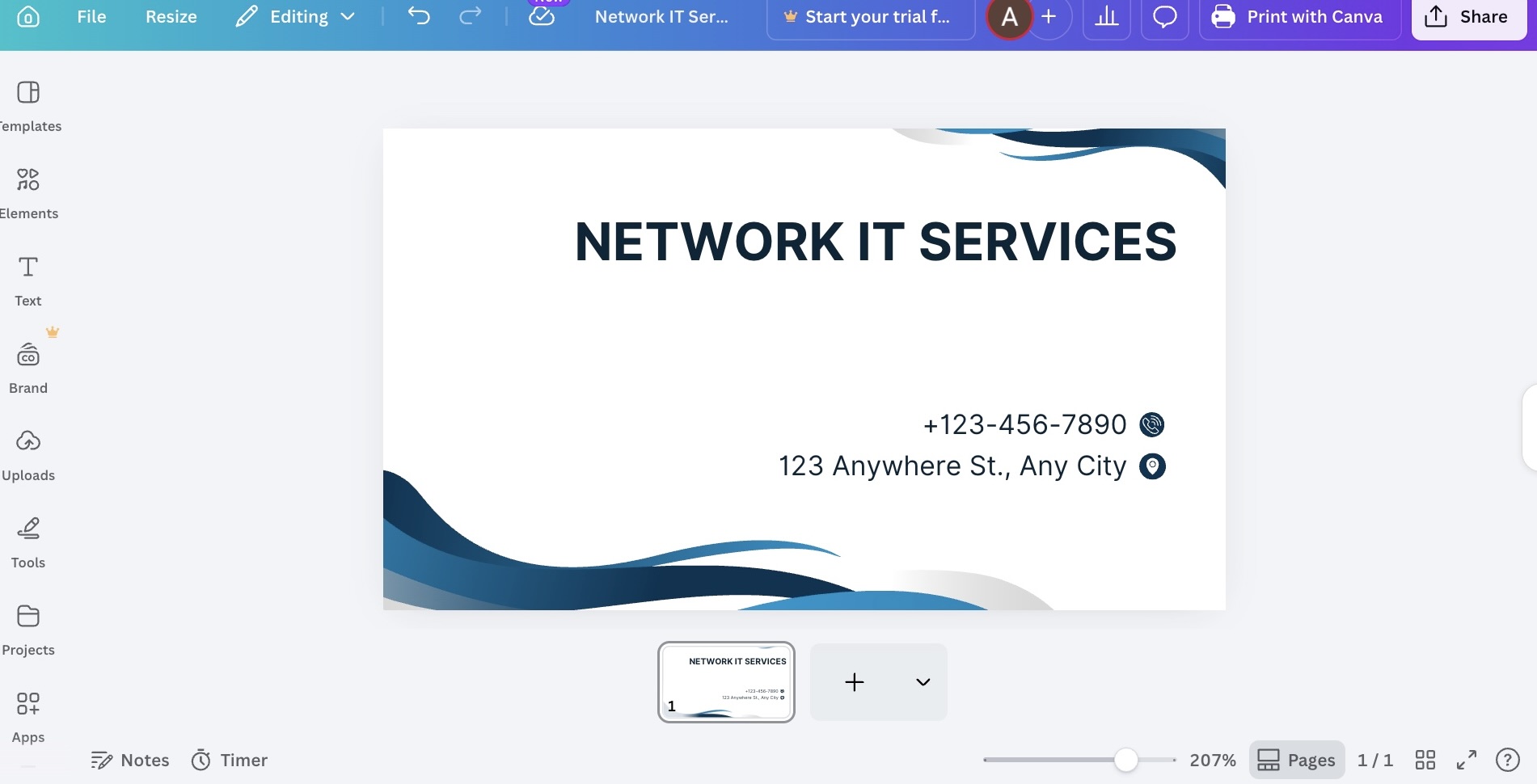
See the business card Canva can create:
Verdict
Canva is a functional tool that does what most beginners need it to do. For a quick and straightforward card without spending anything up front, it covers the basics well enough.
4. Adobe Express - Familiar Territory for Adobe Users
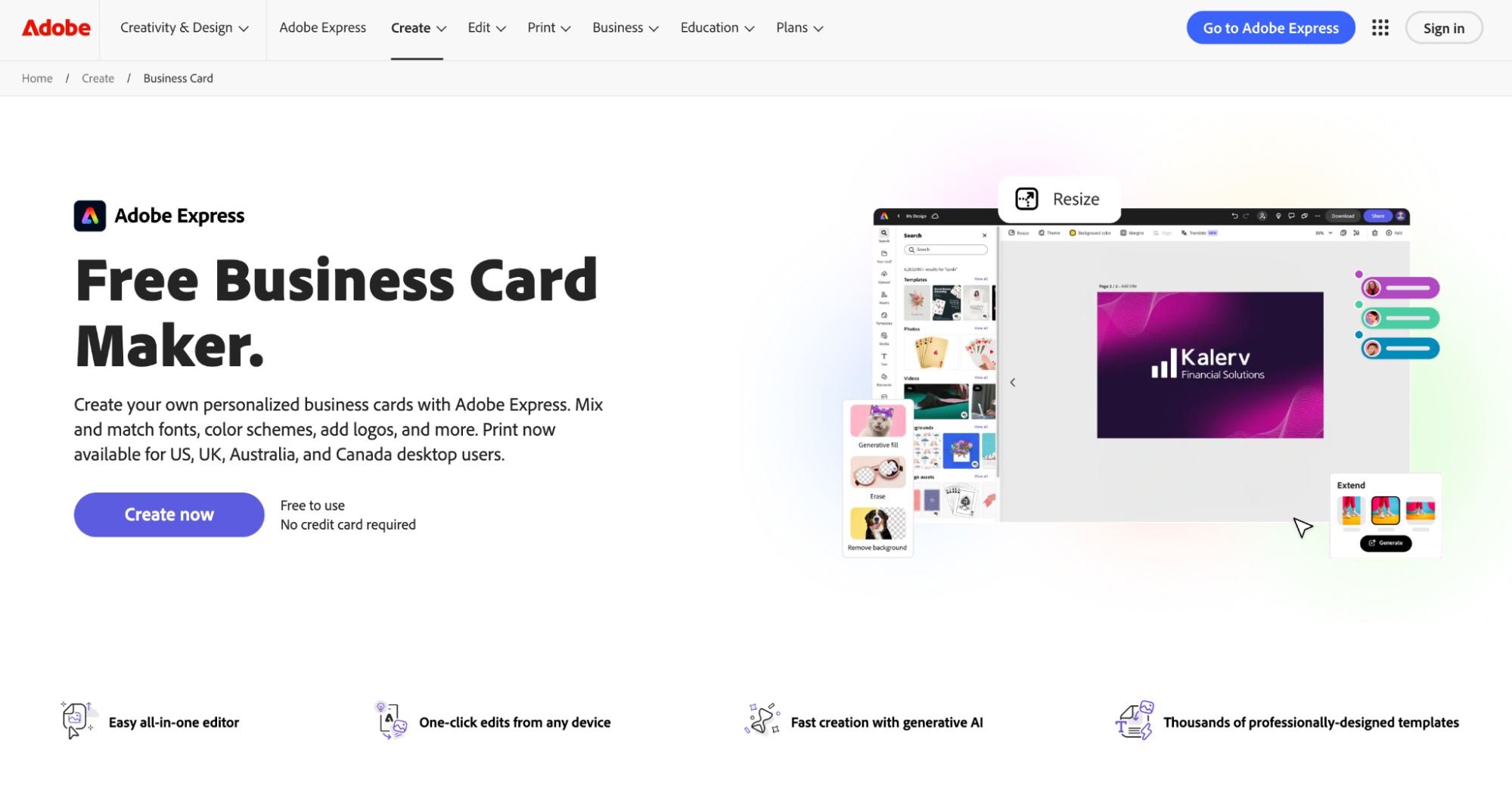
Adobe Express's business card maker sits within the broader Adobe ecosystem, which makes it a natural fit for anyone already working across other Adobe products. Outside of that context, though, it does not offer enough to pull someone away from the stronger options on this list.
What the business card maker offers:
- A Modest Template Selection: Around 500 business card templates are available, which is on the lower end compared to most tools here
- Decent Design Control: More granular editing options are available than you would find in something like Canva, though it takes more effort to get to a result you are happy with
- Free Tier with Limitations: A free version exists, but the more useful features and assets require a paid Adobe subscription
- Fits Into the Adobe Workflow: If you are already using Illustrator, Photoshop, or other Adobe tools, Express slots in without much friction
- Standard Export Formats: Downloads are available in formats suitable for both digital and print purposes
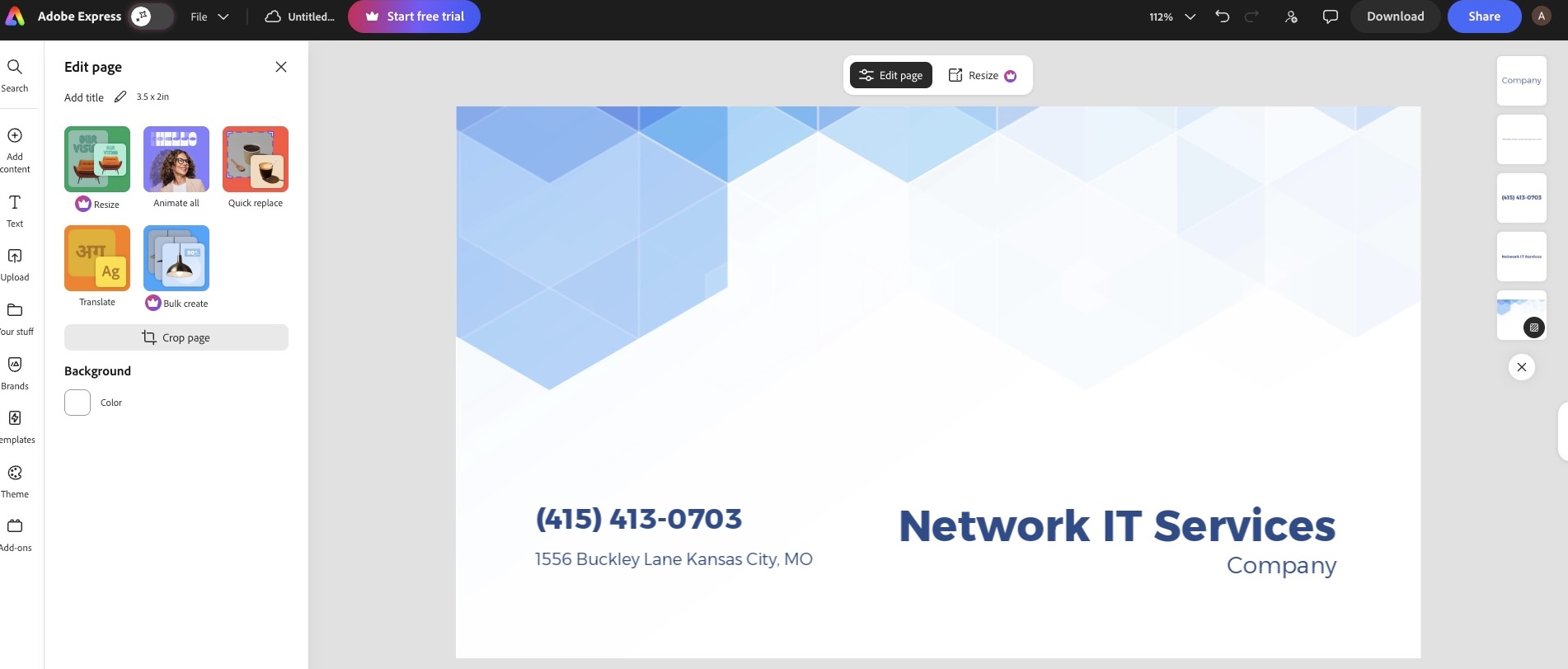
Here’s what Adobe Express actually produces:
Verdict
Adobe Express is a reasonable option if you are already deep in the Adobe ecosystem and want to keep everything in one place. For everyone else, the effort it asks of you does not quite match what you get back compared to the tools sitting above it on this list.
5. VistaPrint - Straightforward if You Just Need Cards Printed
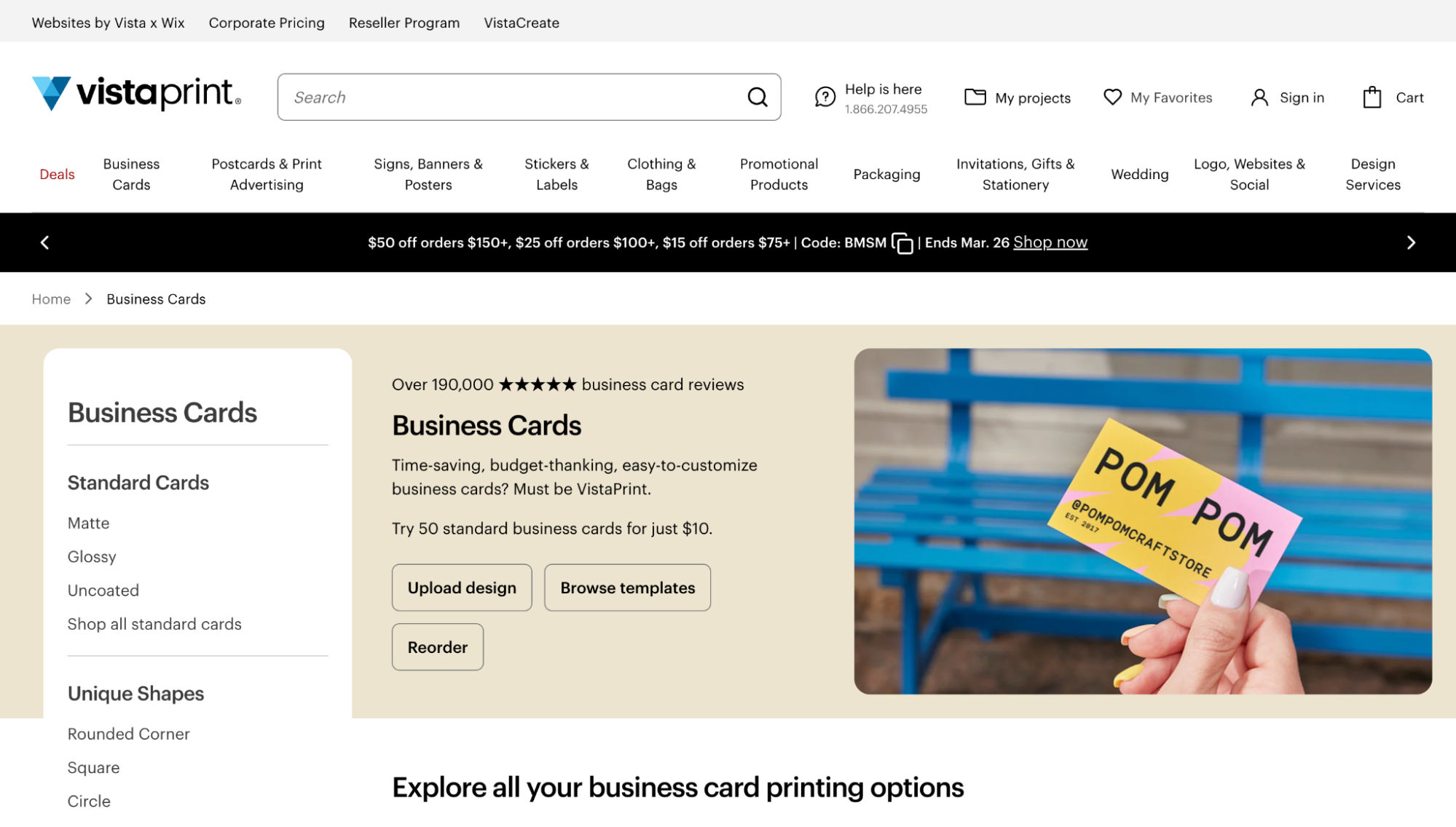
VistaPrint is less of a design tool and more of a print service that comes with a basic card builder attached. The design side of things is functional but fairly limited, and most people will find themselves doing only the minimum amount of editing before moving on to checkout.
What the business card maker offers:
- Basic Templates to Work From: Around 1,000 templates are available, though most lean toward generic rather than distinctive
- Simple Editing with Limited Depth: You can swap out text, colors, and a few layout elements, but do not expect much beyond that
- Free to Design, Pay to Print: Building and previewing your card costs nothing, but getting it physically produced requires payment
- Reliable Print Quality: The physical cards come out consistently for the price point
- Delivery Options to Suit Different Timelines: Faster turnaround options are available for those who need cards in a hurry
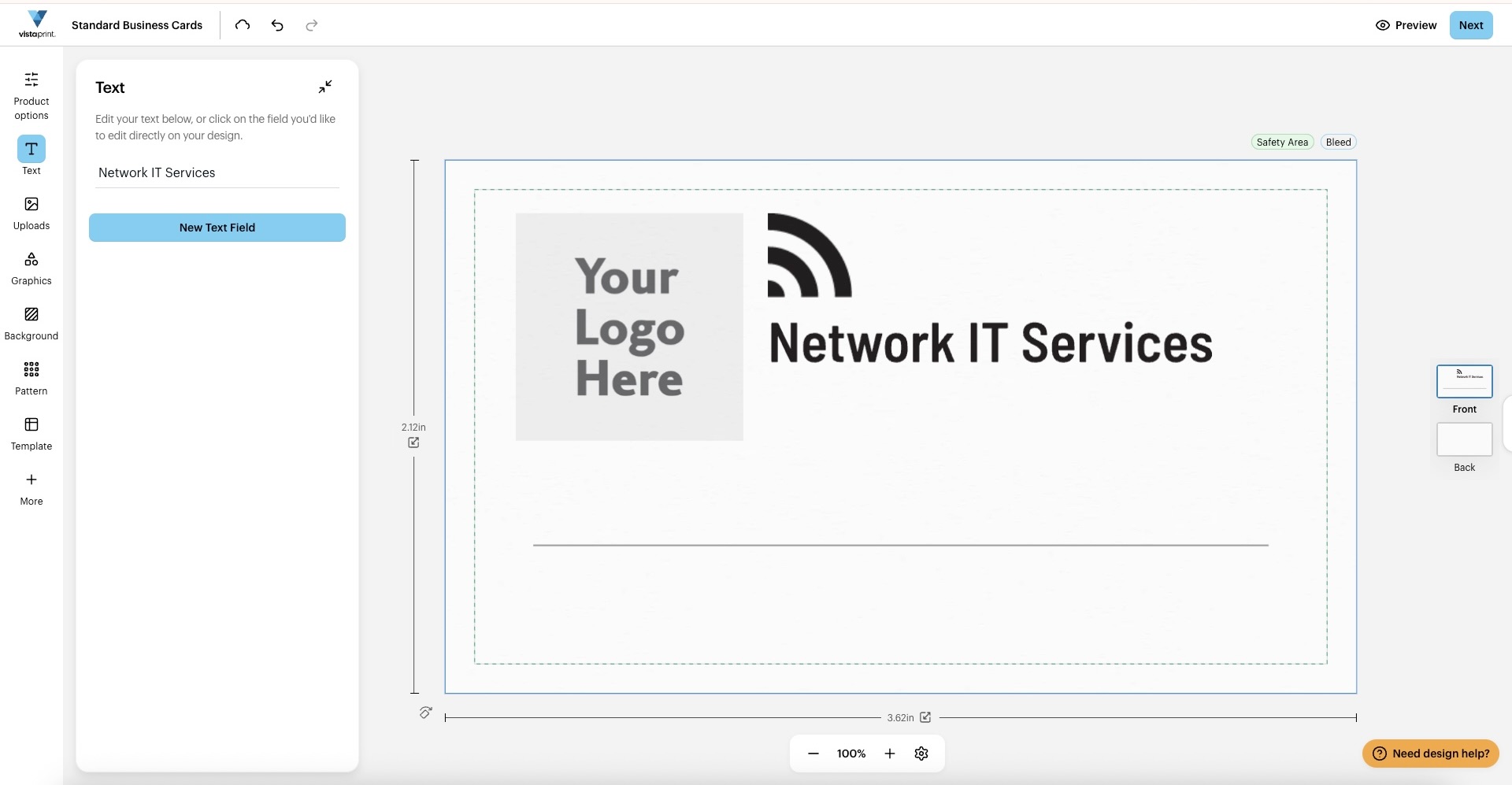
Take a look at a business card from VistaPrint:
Verdict
VistaPrint is a practical choice when getting cards physically printed is the main priority. As a standalone design tool, it is average at best, but as a print-focused solution, it gets the job done without much fuss.
6. Venngage - Better Suited to Infographics Than Business Cards
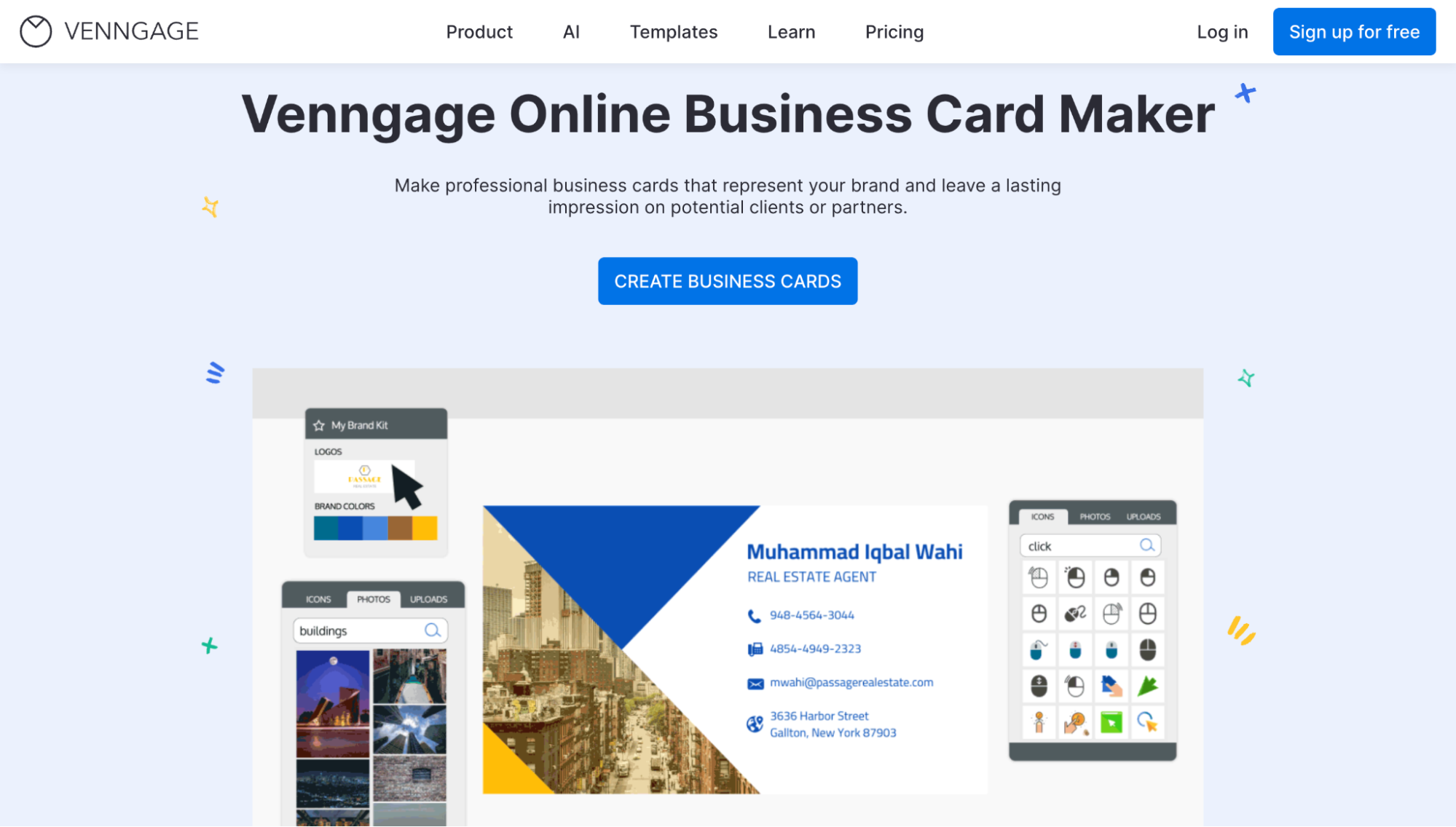
Venngage's business card maker is primarily built around visual data and infographic-style layouts, and that shows up in its approach to business card design in ways that do not always translate well to a clean, professional result.
What the business card maker offers:
- A Varied Template Range: The number of templates available shifts depending on the plan, with the free tier offering a limited selection
- Infographic Influenced Layouts: The designs lean toward visually busy, which works for certain use cases, but not for a traditional business card
- Medium Level Customization: Editing options are reasonable but not particularly deep
- Free Option Available: A free plan exists, though it comes with notable restrictions on downloads and template access
- Niche Appeal: It has a place for anyone who wants a card that leans into a more visual or infographic style presentation
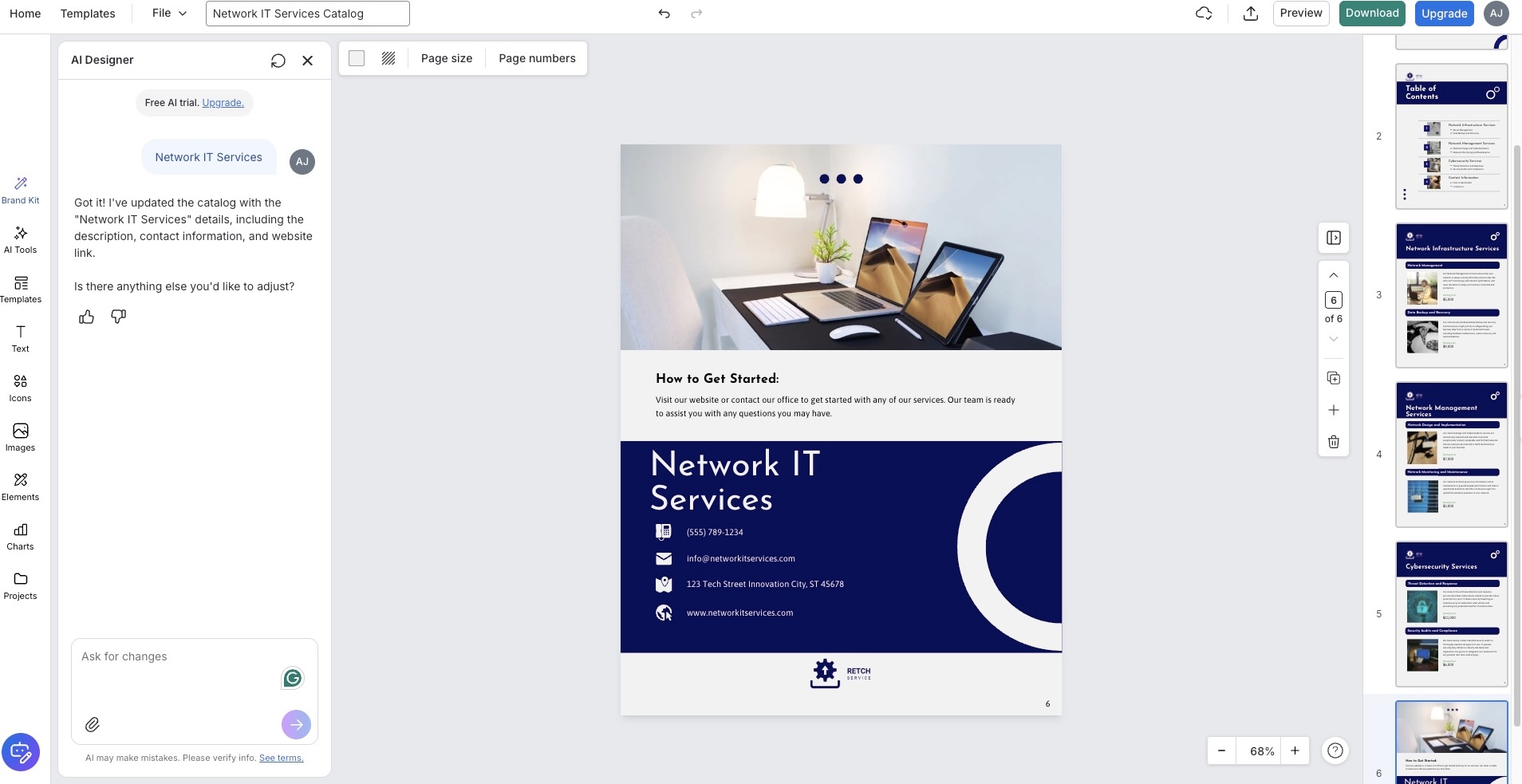
Check out this card design from Venngage:
Verdict
Venngage is not really built for business cards, and it shows. For a professional card that holds its own in a real-world setting, there are better and more purpose-built options further up this list.
Final Thoughts
Picking a business card maker does not have to be a drawn-out decision, but it is worth being clear on what you actually need before you commit to anything. A tool that suits a freelance designer is not always the right call for a startup owner who just needs something clean and finished without a lot of back and forth.
Think about what matters most to you, be it cost, print quality, or how much creative control you want, and let that point you in the right direction. Out of everything on this list, Design.com is the one that comes out on top, ready to take you from a blank page to a finished, professional business card faster and more reliably than anything else here.
What is Fueler Portfolio?
Fueler is a career portfolio platform that helps companies find the best talent for their organization based on their proof of work. You can create your portfolio on Fueler. Thousands of freelancers around the world use Fueler to create their professional-looking portfolios and become financially independent. Discover inspiration for your portfolio
Sign up for free on Fueler or get in touch to learn more.

What should you do next?
You've read the article. Now turn your skills into proof of work and unlock more opportunities.
Build your proof of work portfolio
Create a clean portfolio with projects, assignments, resumes, and AI stack details that companies actually want to see.
Create your Fueler portfolio →Apply through assignments, not resumes
Stand out by solving real tasks from companies hiring on Fueler.
Explore assignments →Get discovered by companies
Make your work public and let recruiters discover your skills through actual projects instead of keywords.
Get discovered →
