
My Device Configuration


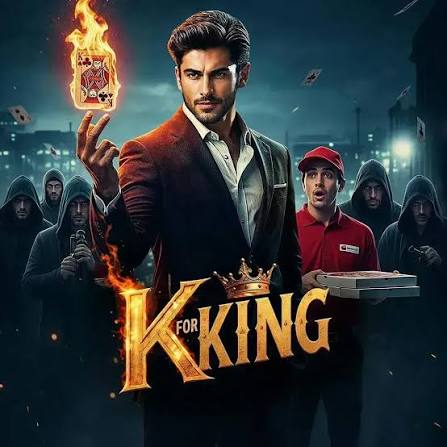
AI version of drama (HQ)


Analyze the entire script to understand the story, characters, emotions, locations, and pacing. Break it into 1-minute segments with clear scene boundaries. For each segment, create detailed shot-by-shot AI image prompts and generate multiple image variations while maintaining consistent characters and visual style. Select the best images, generate AI videos with cinematic camera movement, accurate lip-sync, natural facial expressions, voiceovers, ambient sound, Foley, background music, smooth transitions, color grading, and export a polished high-quality final video.
09 Jul 2026
Keywords


AI Usage
Use AI throughout the entire production pipeline. First, use an LLM (such as GPT, Claude, or Gemini) to analyze the script, understand the story, identify characters, emotions, locations, and automatically split it into 1-minute segments with shot lists. Next, use an AI image generation model (e.g., Flux, Midjourney, Ideogram, or GPT Image) to generate multiple image variations for every shot while keeping characters and style consistent. Then, use an AI video generation model (e.g., Veo, Kling, Runway, Pika, or Hailuo) to animate the selected images into cinematic video clips. Use AI lip-sync tools to synchronize dialogue with character mouth movements. Generate AI voiceovers for narration and characters, create AI-based sound effects, ambient audio, Foley, and background music, then use AI video editing tools to apply transitions, color grading, motion effects, and export a polished final cinematic video.