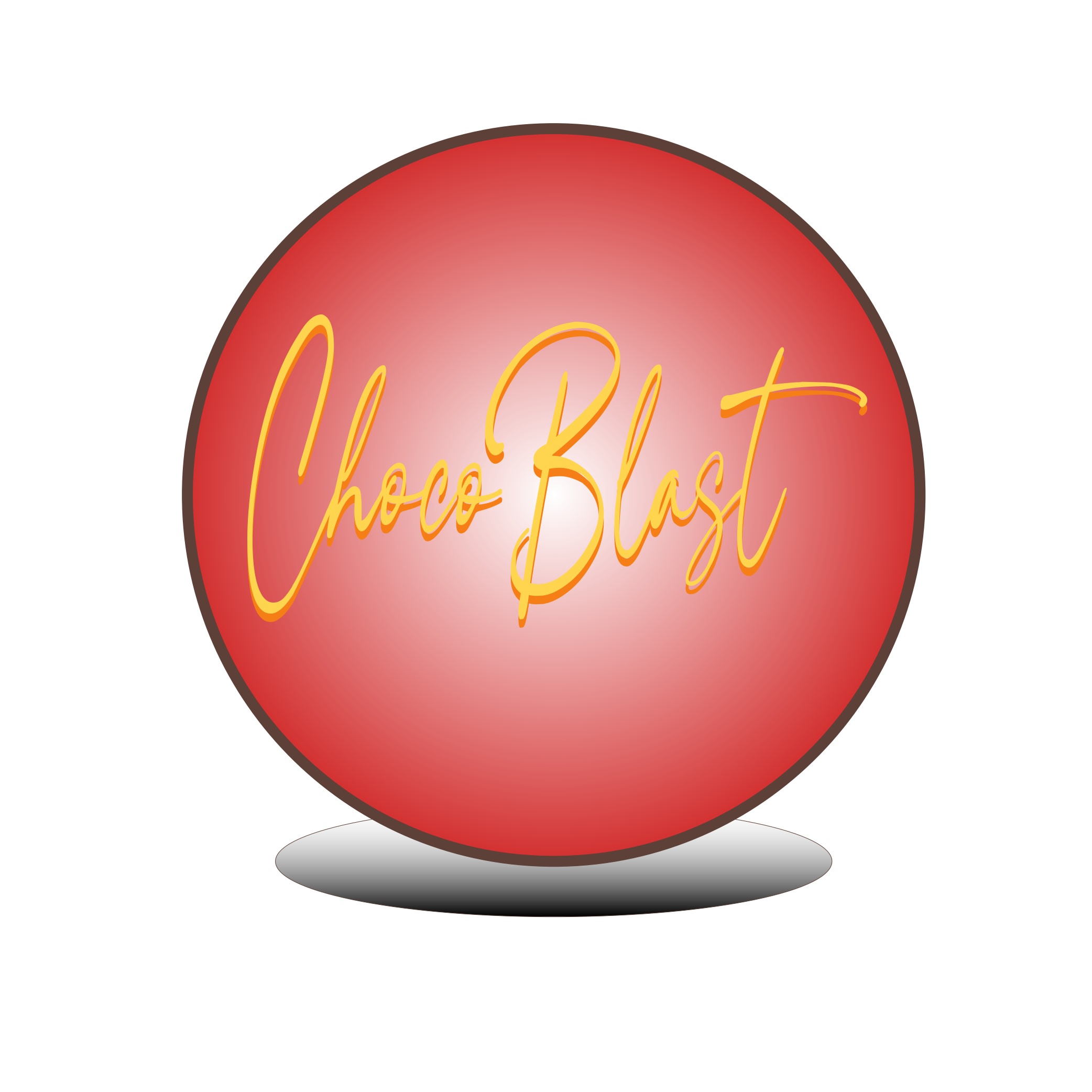
Choco Blast Product Logo

🍫 Product Logo Design
Adobe Illustrator में Step-by-Step (Hindi + Color Theory)
📌 Product Logo क्या होता है?
Product Logo किसी कंपनी के अंदर मौजूद एक विशेष प्रोडक्ट की पहचान होता है।
उदाहरण:
- एक food company के अलग-अलग snacks के अलग logos
- cosmetic brand के अलग product logos
- tech company के अलग gadgets logos
Product Logo का उद्देश्य:
- Product को तुरंत पहचान दिलाना
- Emotion और Brand Feel दिखाना
- Packaging पर आकर्षक दिखना
🎨 Example Concept
हम एक imaginary product logo बनाएंगे:
✨ “ChocoBlast”
(Chocolate Snack Product)
Style:
- Modern
- Attractive
- Bold
- थोड़ा 3D look
🌈 Color Theory (रंग सिद्धांत)
🔴 Red → Excitement & Appetite
| HEX | Use |
|---|---|
| #D32F2F | Main Energy Color |
Meaning:
- Hunger increase
- Attention grabbing
- Fast visibility
Food product logos में लाल रंग बहुत लोकप्रिय है।
🟤 Brown → Chocolate Feel
| HEX | Use |
|---|---|
| #5D4037 | Chocolate Depth |
| #8D6E63 | Highlights |
Meaning:
- Richness
- Taste
- Warm feeling
🟡 Yellow / Gold → Fun & Premium
| HEX | Use |
|---|---|
| #FBC02D | Highlights |
| #FFD54F | Glow |
Meaning:
- Happiness
- Youthful energy
- Premium touch
⚪ White → Clean Contrast
Used for:
- Shine
- Readability
- Highlights
🛠️ Step-by-Step Design in Illustrator
✅ Step 1: New Document Create
- Open Adobe Illustrator
- File → New
- Size:
- 1000 × 1000 px
- Color Mode:
- RGB
✅ Step 2: Background Shape Create
Tool:
Rounded Rectangle Tool
- Rounded shape बनाएं
- Fill Gradient:
| Top | Bottom |
|---|---|
| #D32F2F | #B71C1C |
Why?
Red gradient logo को energetic बनाता है।
✅ Step 3: Add 3D Depth
Go To:
Effect → 3D and Materials → Extrude & Bevel
Settings:
- Depth: Medium
- Lighting: Front Top
- Surface: Plastic Shading
Result:
Logo base glossy 3D लगेगा।
✅ Step 4: Product Name Add करें
Text:
ChocoBlast
Font Suggestions:
- Baloo
- Poppins ExtraBold
- Luckiest Guy
- Bungee
Color:
White or Yellow
✅ Step 5: Text को Stylize करें
Gradient:
| Top | Bottom |
|---|---|
| #FFD54F | #F57F17 |
Stroke:
Dark Brown #5D4037
Purpose:
Chocolate + fun appearance
✅ Step 6: Chocolate Splash Add करें
Tool:
Pen Tool
- Curved splash shape बनाएं
- Fill:
Brown Gradient
| Top | Bottom |
|---|---|
| #8D6E63 | #5D4037 |
Why?
Product identity stronger बनेगी।
✅ Step 7: Shine & Highlight Add करें
Tool:
Ellipse Tool
- Small white highlights बनाएं
- Opacity:
- 20–40%
- Gaussian Blur करें
Result:
Glossy premium look
✅ Step 8: Shadow Add करें
- नीचे ellipse shadow बनाएं
- Fill:
Black - Opacity:
20%
Purpose:
Floating effect
✅ Step 9: Optional Icon Add करें
Possible icons:
- Chocolate cube
- Milk splash
- Energy spark
- Bite mark
✅ Step 10: Final Polish
✔ Gradient smooth करें
✔ Font readable रखें
✔ Extra effects avoid करें
✔ Small size में भी visible होना चाहिए
🌟 Final Logo Feel
यह logo लगेगा:
- Delicious
- Modern
- Attractive
- Youth-focused
- Premium Product Style
📦 Export Settings
Social Media:
PNG
- Transparent Background
Packaging:
SVG / PDF
💡 Pro Design Tips
✔ Product Logos ज्यादा Emotional होते हैं
Corporate logos की तुलना में अधिक playful बन सकते हैं।
20 May 2026
Keywords
Product Branding
Modern Logo
Logo 3D
Premium Packaging
Creative Branding
Bold Typography
Glossy Effect
Brand Identity
Minimal Design
Professional Logo