Research cutoff: November 2026. Coverage: global, with a focus on India and the US. Forecasts are clearly marked as forecasts.
Quick answer: In 2027, AI tools for professionals will stop being separate apps you visit and become features inside the tools you already use. The big trends are AI built into everyday software, AI assistants turning into agents, AI search replacing traditional research, creative AI for design and video, AI inside recruiting and marketing platforms, and growing worries about accuracy, privacy and tool overload. The best professionals will not use the most AI tools. They will use a few tools very well and prove the results.
The 10 AI tool trends for 2027 at a glance
# | Trend | Impact | Evidence |
|---|---|---|---|
1 | AI moves inside the tools you already use | High | Strong |
2 | Assistants turn into agents | High | Strong |
3 | AI search becomes the research starting point | High | Strong |
4 | Creative AI for design and video | High | Strong |
5 | AI inside hiring and HR platforms | High | Strong |
6 | AI inside marketing and ad platforms | High | Strong |
7 | Paid AI plans become normal work expenses | Medium | Developing |
8 | Accuracy and trust stay the weak spot | High | Strong |
9 | Company AI policies and data rules | Medium to high | Strong |
10 | Tool overload pushes people to fewer, better tools | Medium | Developing |
Why I am writing this
I am Riten, founder of Fueler. My team tests a lot of AI tools because we are small and need to move fast. I have also seen many professionals on Fueler list 20 AI tools on their profile without showing a single result. In 2027, the tool list will matter less and the outcome will matter more. This guide explains where AI tools are going and how to use them in a way that actually helps your career.
Where AI tools stand going into 2027
OpenAI said in early 2026 that ChatGPT had around 900 million weekly users and about 50 million paying subscribers.
Microsoft's 2026 Work Trend Index, a survey of 20,000 AI users, found 66% say AI gives them more time for high-value work.
Canva reported more than 265 million monthly users and over 31 million paid users in early 2026.
Figma's 2025 AI report found 78% of users say AI makes their work more efficient, but only 32% can rely on its output.
The top 10 AI tool trends to watch in 2027
1. AI moves inside the tools you already use
Instead of copying text into a chatbot, professionals now find AI inside their email, documents, design tools, video editors and CRMs. Adobe added AI features like Generative Extend to Premiere Pro, Canva built AI into its editor, and Microsoft built Copilot into Office apps.
What to expect in 2027 (forecast): "AI-powered" stops being a feature people pay extra attention to, because almost every work tool will have it.
2. Assistants turn into agents
AI tools are learning to take actions, not just give suggestions. Microsoft reported 15 times growth in active agents in Microsoft 365 in a year. McKinsey found 62% of organisations are at least experimenting with AI agents.
What to expect in 2027 (forecast): Your tools will offer to "do it for you." Your job becomes setting goals and checking the work. Start with these AI work assistants for professionals.
3. AI search becomes the research starting point
Professionals increasingly start research in AI tools rather than search engines. Google said AI Overviews reached 2 billion monthly users in 2025, and a Pew Research Center study found people click fewer links when AI summaries appear.
What to expect in 2027 (forecast): Faster research, but more need to check sources. The skill is asking good questions and verifying answers.
4. Creative AI for design and video
AI image, design and video tools have become part of everyday creative work. Upwork reported AI video generation and editing work grew 329% in 2025. Google's Veo 3 and OpenAI's Sora 2 made AI video with sound widely available.
What to expect in 2027 (forecast): Designers and editors who direct AI well will produce more and better work. Those who refuse to use it will feel pressure on speed and price.
5. AI inside hiring and HR platforms
Recruiting tools now include AI agents. LinkedIn's Hiring Assistant went global in 2025, and LinkedIn said its agentic hiring products passed a $450 million revenue run rate by April 2026. TestGorilla found 65% of US and UK employers used AI in hiring in 2025.
What to expect in 2027 (forecast): AI will handle sourcing and scheduling. Recruiters will spend more time judging real work.
6. AI inside marketing and ad platforms
Gartner's 2026 CMO Spend Survey found 15.3% of marketing budgets go to AI. Meta has said it aims to let advertisers create full AI-made ads from a product image and a budget.
What to expect in 2027 (forecast): Marketing tools will automate setup and testing. Strategy and creative ideas will stay human.
7. Paid AI plans become normal work expenses
With around 50 million paying ChatGPT subscribers and over 31 million paid Canva users, paying for AI is becoming as normal as paying for software. This trend is developing, and pricing keeps changing.
What to expect in 2027 (forecast): Freelancers and small teams will budget for two or three paid AI tools as a basic cost of doing business.
8. Accuracy and trust stay the weak spot
Only 32% of Figma survey respondents said they can rely on AI output. In hiring, Greenhouse found only 8% of US job seekers believe AI screening makes things fairer.
What to expect in 2027 (forecast): Checking AI output becomes a core professional skill. People who can spot AI mistakes will be trusted more.
9. Company AI policies and data rules
India's DPDP Rules main duties apply from 12 May 2027, and the EU AI Act's high-risk rules apply from 2 December 2027. Companies are writing rules on which AI tools staff can use with customer or employee data.
What to expect in 2027 (forecast): More approved tool lists and fewer "use any free tool" workplaces.
10. Tool overload pushes people to fewer, better tools
Microsoft found 45% of AI users feel it is safer to stick with current goals than redesign their work with AI, which shows many people feel overwhelmed. This is a developing trend based on survey signals and what I see in our community.
What to expect in 2027 (forecast): Professionals will settle on a small, trusted toolkit and go deep, rather than trying every new app.
A simple AI toolkit for professionals in 2027
Need | Type of AI tool | What to check |
|---|---|---|
Thinking and drafting | General AI assistant | Facts, tone, originality |
Research | AI search tool | Sources and dates |
Design and video | AI features inside your creative tools | Brand fit and rights |
Repetitive tasks | No-code automation or agent tool | Error rate and data privacy |
Meetings and notes | AI note-taker | Decisions and owners |
If you want tested recommendations, read AI tools that are useful for real work and AI productivity tools that actually deliver results. Freelancers can also see the best AI tools loved by freelancers.
How to show your AI tool skills
Pick one task you do every week and redo it with an AI tool. Record the time and quality difference.
Write a short case study explaining the tool, your process and where AI got things wrong.
Share the result publicly as a portfolio project.
How Fueler helps
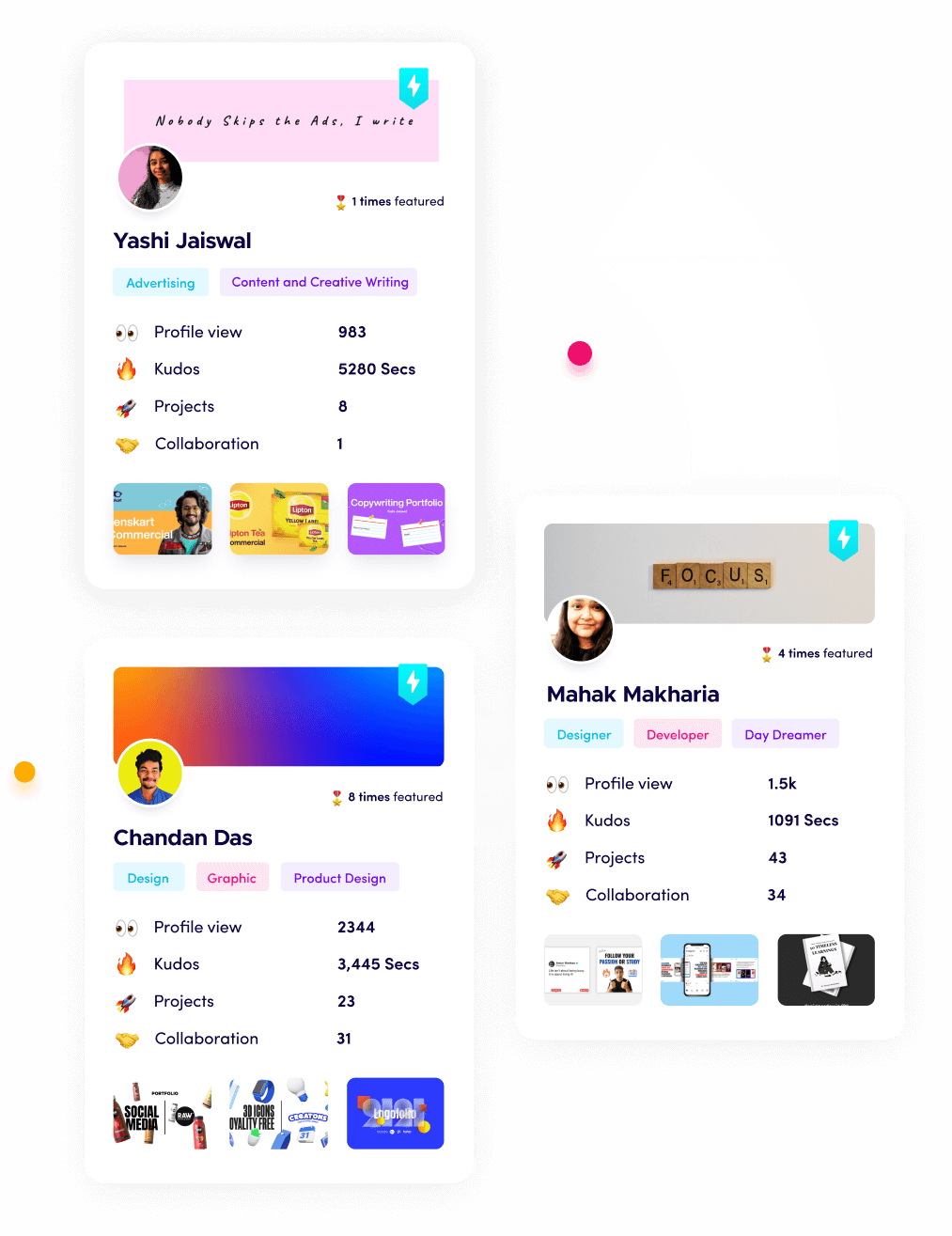
Employers do not care how many AI tools you know. They care what you achieved with them. On Fueler, you can show AI-assisted projects with the full story, so a hiring manager sees results, not a list of logos. Companies on Fueler also test skills through real assignments. For a look at what is shaping work right now, see the AI products that are changing work.
How I researched this
I used public information from 2025 to November 2026, including OpenAI and Google statements, Microsoft's 2026 Work Trend Index, McKinsey's State of AI 2025, Figma's 2025 AI report, Canva company figures, Upwork, LinkedIn, TestGorilla, Greenhouse, Gartner's 2026 CMO Spend Survey, reporting on Meta's ad plans and legal updates on DPDP and the EU AI Act. Company user numbers are self-reported. All 2027 points are forecasts.
Frequently asked questions
What are the most important AI tools for professionals in 2027?
A general AI assistant, an AI research tool, AI features inside your design or video software, a no-code automation tool and an AI note-taker. The best toolkit is small and used deeply.
Are free AI tools enough for work?
Free tools are great for learning, but many professionals pay for one to three tools for better limits, privacy and features. Always check your company's rules before using AI with customer or employee data.
Can I trust AI tools at work?
Use them, but check them. Figma's survey found only 32% of users can rely on AI output. Always verify facts, numbers and anything sent to customers.
Should I list AI tools on my resume?
Listing tools alone adds little value. Show what you achieved with them, like time saved or quality improved, through a short case study or portfolio project.
Which AI tools are best for freelancers?
Freelancers benefit most from AI writing assistants, AI design and video tools, AI meeting notes and simple automation tools for client admin. Choose tools that save real hours on paid work.
Why 150,000+ professionals use Fueler
Fueler helps professionals showcase proof of work through projects, assignments, case studies, and achievements.
Thousands of professionals use Fueler to create their digital portfolio
Thousands of projects are published on Fueler. Check here
Startups and Companies hire through proof of work on Fueler
Used by freelancers, creators, marketers, video editors, writers, designers, and product managers
Our mission is to help the next 100 million professionals build a verified professional identity through proof of work