Research cutoff: November 2026. Coverage: global, with a focus on India and the US. Forecasts are clearly marked as forecasts.
Quick answer: AI-powered design in 2027 means designers working with AI at every step: generating ideas, creating variations, building prototypes and producing final assets. Most designers say AI makes them more efficient, but few fully trust its output, and designers are less satisfied with AI tools than developers. The top trends are prompt-to-prototype tools, AI art direction, generative brand assets, AI-ready design systems, AI features inside every design app and a growing gap between designers who direct AI and those replaced by it. Taste and judgement are becoming the core design skills.
The 10 AI-powered design trends for 2027 at a glance
# | Trend | Impact | Evidence |
|---|---|---|---|
1 | AI becomes part of every design workflow | High | Strong |
2 | Prompt-to-prototype tools | High | Strong |
3 | Designers become AI art directors | High | Developing |
4 | Generative brand and marketing assets | High | Strong |
5 | AI-ready design systems | Medium | Developing |
6 | The trust gap in AI output | High | Strong |
7 | Designers lag developers in AI satisfaction | Medium | Strong |
8 | Production design gets cheaper | High | Strong |
9 | Originality and rights questions | Medium | Developing |
10 | Taste and process become the proof | High | Developing |
Why I am writing this
I am Riten, founder of Fueler. Designers on Fueler are using AI in very different ways. Some produce five times more work with the same quality. Others submit work that clearly looks AI-generated and gets rejected. Companies hiring on Fueler can usually tell the difference. This guide explains where AI-powered design is going in 2027 and how to stay on the right side of that line.
Where AI-powered design stands going into 2027
Figma's 2025 AI report, a survey of 2,500 users, found 78% agree AI significantly improves their efficiency, but only 32% say they can rely on AI's output.
The same report found 82% of developers were satisfied with AI tools, compared with 69% of designers.
Canva reported more than 265 million monthly users in early 2026, with its AI features part of its growth.
A Washington University study of Upwork found image-related freelancers saw earnings fall 9.4% after AI image tools launched.
The top 10 AI-powered design trends to watch in 2027
1. AI becomes part of every design workflow
Adobe Firefly, Canva's AI features and Figma's AI tools are now part of daily work: removing backgrounds, generating images, resizing layouts and writing placeholder copy.
What to expect in 2027 (forecast): Using AI will be as normal for designers as using layers. Not using it will slow you down.
2. Prompt-to-prototype tools
Figma introduced Figma Make, which turns prompts into working prototypes, in 2025. Collins Dictionary named "vibe coding" its 2025 Word of the Year.
What to expect in 2027 (forecast): Designers will go from idea to clickable or coded prototype in hours, and test with users much earlier.
3. Designers become AI art directors
When AI can produce endless options, the designer's job is choosing, refining and directing. This is developing, but it mirrors how creative directors already work with teams.
What you should do: Practise writing clear creative briefs for AI, then editing the output until it meets your standard.
4. Generative brand and marketing assets
Marketing teams use AI to create social posts, ad variations and product images at scale. Gartner's 2026 CMO Spend Survey found 15.3% of marketing budgets go to AI.
What to expect in 2027 (forecast): Designers will spend more time building templates, rules and brand systems that AI then scales.
5. AI-ready design systems
AI tools produce better, more consistent output when they work from a clean design system with clear components and rules. This is developing.
What to expect in 2027 (forecast): Teams will invest in design systems partly so AI can use them well.
6. The trust gap in AI output
Only 32% of Figma survey respondents can rely on AI output. AI designs can include odd details, off-brand choices, accessibility problems or text errors.
What to expect in 2027 (forecast): Designers who can quickly spot and fix AI mistakes will be trusted with more responsibility.
7. Designers lag developers in AI satisfaction
Figma found a gap of 13 points: 82% of developers versus 69% of designers satisfied with AI tools. Design quality is harder for AI to get right than code that simply works.
What to expect in 2027 (forecast): Design-focused AI tools will keep improving, but human taste will remain the deciding factor.
8. Production design gets cheaper
The WEF Future of Jobs Report 2025 listed graphic designers among fast-declining roles, and Adobe's analysis of US data found graphic designer employment fell 7.7% in one year. Meanwhile, web and digital interface designers have stronger pay and growth.
What to expect in 2027 (forecast): Pure production work will keep losing value. Strategy, UX and art direction will hold up better.
9. Originality and rights questions
Clients ask whether AI-made designs are original and safe to use commercially. Rules differ by country and are still evolving, so I mark this as developing. I am not a lawyer.
What to expect in 2027 (forecast): Clients will ask designers to disclose AI tools used, and some will prefer commercially safe AI tools.
10. Taste and process become the proof
When AI can create a polished image instantly, the polish proves little. TestGorilla found 73% of employers noticed more AI-generated resumes in 2025, and the same doubt applies to portfolios.
What to expect in 2027 (forecast): Portfolios showing research, options, rejected ideas and reasoning will stand out. Read how hiring managers tell if a portfolio was made with AI.
What AI does well in design, and what it does not
Task | AI strength | Human strength |
|---|---|---|
Variations and resizing | Very strong | Choosing the right one |
Image generation | Strong | Art direction and brand fit |
Prototyping | Fast first versions | User testing and decisions |
Brand strategy | Weak | Core human work |
Accessibility and detail | Inconsistent | Careful review |
Skills for AI-powered designers in 2027
AI art direction: writing briefs and editing output to a high standard.
Rapid prototyping: turning ideas into testable products.
Design systems: building the rules AI can follow.
Quality review: catching AI errors in detail, text and accessibility.
Strategy and storytelling: the parts AI cannot do.
Portfolio projects to build
Show an AI-assisted campaign with your brief, AI outputs, your edits and the final result.
Prototype an app idea with an AI tool and test it with five users.
Build a small design system and show how it keeps AI output consistent.
For ideas, see these portfolio ideas for designers and use the Fueler UI/UX design playbook.
How Fueler helps designers
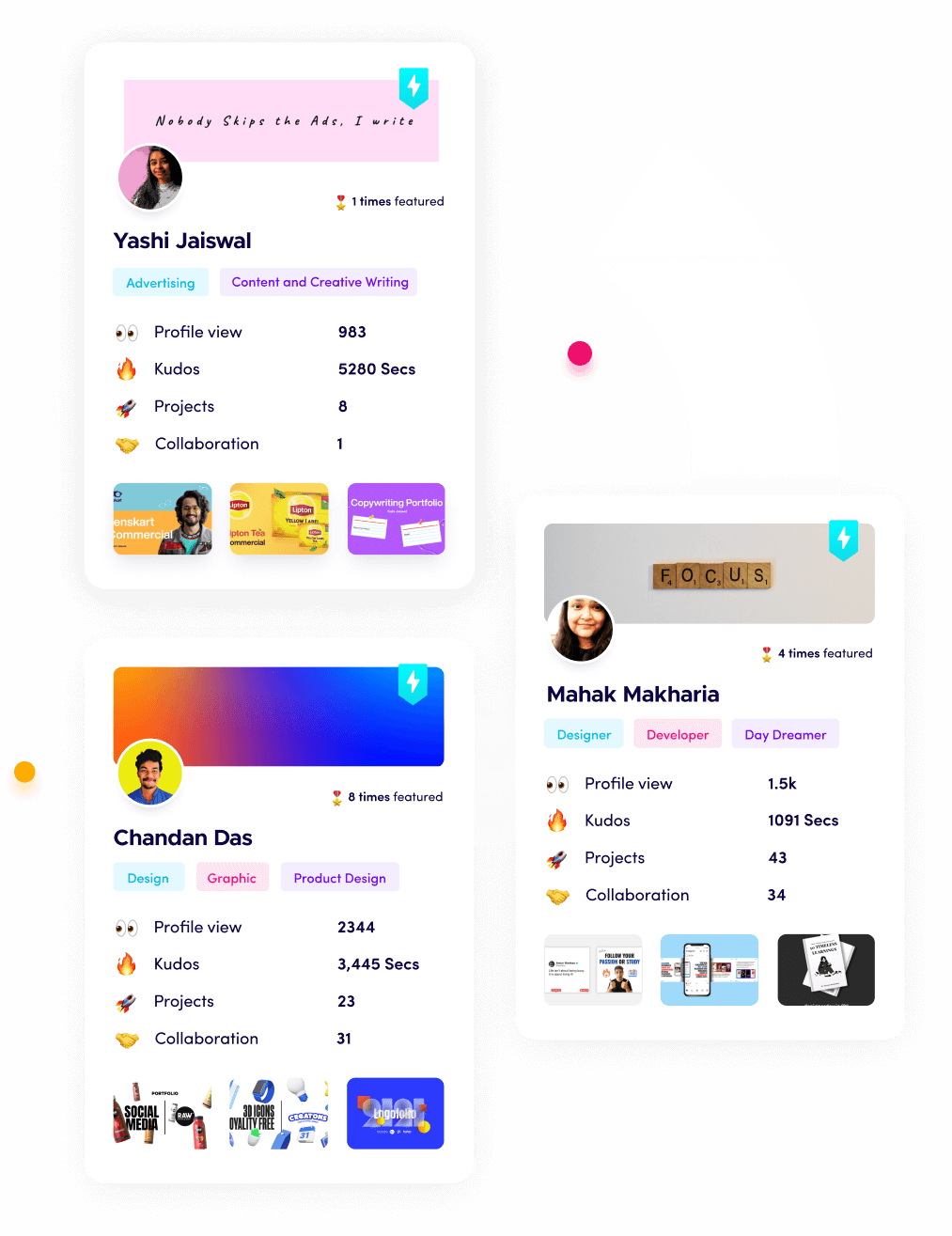
On Fueler, designers can show the full process behind each project, which is exactly what proves skill in the age of AI. Companies on Fueler hire through real assignments. Discovery is also changing on design platforms, which I cover in how AI is changing portfolio discovery on Behance and Dribbble. For structure, follow this step-by-step guide to building a design portfolio.
How I researched this
I used public data from 2023 to November 2026, including Figma's 2025 AI report, Canva figures, Adobe's analysis of US Bureau of Labor Statistics data and product announcements, the WEF Future of Jobs Report 2025, a Washington University study on freelance earnings, Gartner's 2026 CMO Spend Survey, TestGorilla and Collins Dictionary. Trends on AI art direction, AI-ready design systems and rights are developing. All 2027 points are forecasts.
Frequently asked questions
What is AI-powered design?
AI-powered design means using AI tools to generate ideas, images, layouts, prototypes and variations, with designers directing, editing and making final decisions.
Will AI replace designers in 2027?
AI is reducing demand for simple production design, but designers who bring strategy, taste, UX thinking and art direction remain in demand. Use AI to multiply your skills.
Which AI design tools should designers learn?
Learn the AI features inside your main tools, such as Figma, Adobe and Canva, plus at least one image generator and one prompt-to-prototype tool.
Can I use AI-generated designs for clients?
Often yes, but check the tool's commercial terms and your local rules, and be open with clients about AI use. Many clients now expect disclosure.
How do I show AI design skills in my portfolio?
Show your brief, the AI options, your choices and edits, and the final result. Explain why you rejected some AI ideas. This proves your judgment, which is what clients pay for.
Why 150,000+ professionals use Fueler
Fueler helps professionals showcase proof of work through projects, assignments, case studies, and achievements.
Thousands of professionals use Fueler to create their digital portfolio
Thousands of projects are published on Fueler. Check here
Startups and Companies hire through proof of work on Fueler
Used by freelancers, creators, marketers, video editors, writers, designers, and product managers
Our mission is to help the next 100 million professionals build a verified professional identity through proof of work