7 Reel Editing Apps Instagram Creators Use for Viral Content

Riten Debnath
06 Jul, 2026
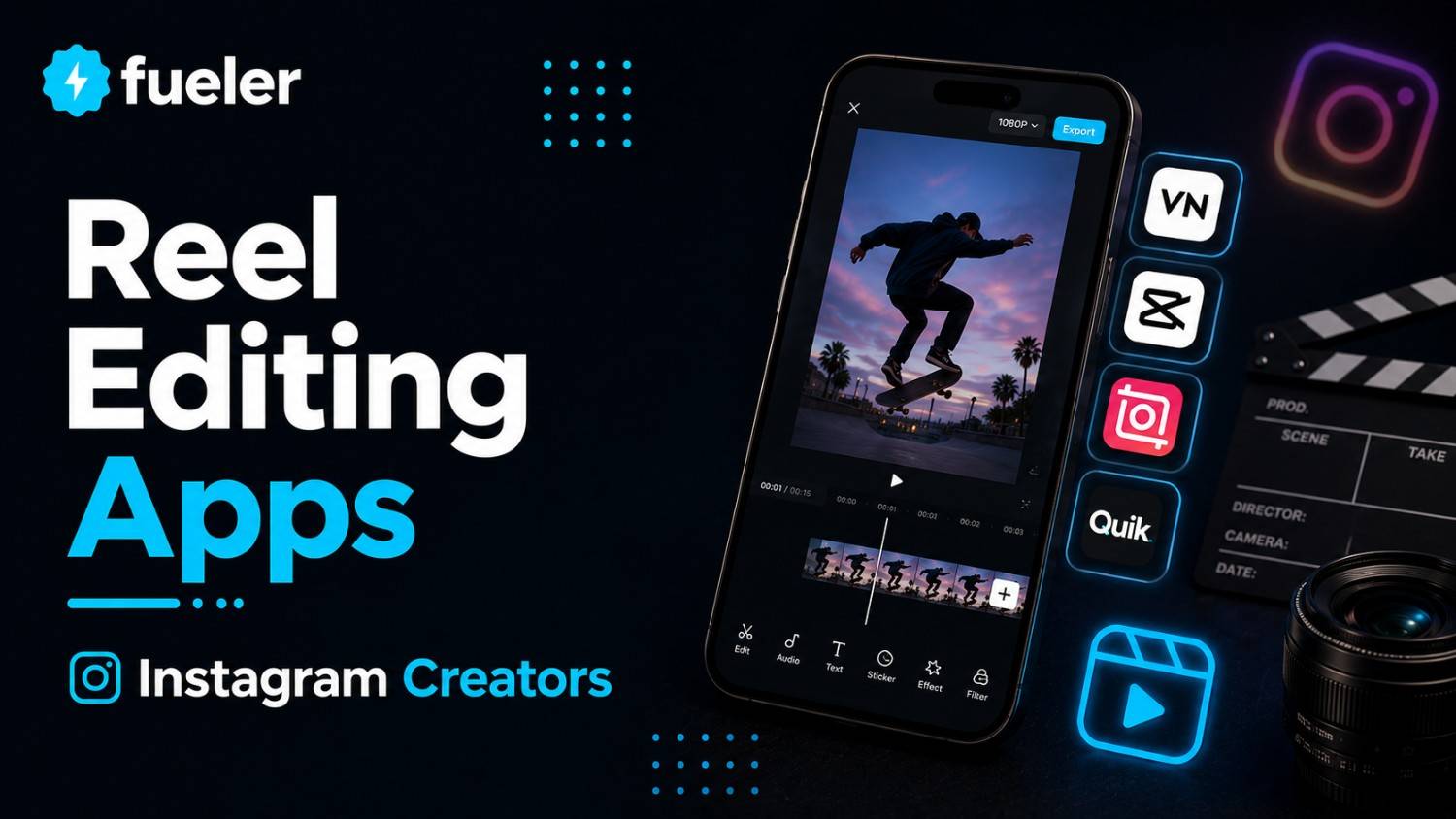
Last updated: July 2026
The Instagram algorithm in 2026 leaves no room for unpolished content. With millions of creators competing for the same attention spans, organic reach is driven entirely by watch time, seamless loops, and micro-gestures. Raw video files no longer convert casual scrollers into followers; viral growth requires precise pacing, rhythmic cuts, and dynamic typography that keeps viewers locked in.
I’m Riten, founder of Fueler, a skills-first portfolio platform that connects talented individuals with companies through assignments, portfolios, and projects, not just resumes/CVs. Think Dribbble/Behance for work samples + AngelList for hiring infrastructure.
Succeeding with short-form media depends on finding an app that balances advanced timeline controls with fast rendering speeds. Creators look for software that offers automated framing, precise audio syncing, and simple export profiles. These layout environments help individuals publish content consistently without burning out.
Here are the best Reel editing apps in 2026.
At a glance: Comparing the Reel Editing Apps Instagram Creators Use for Viral Content
CapCut
Best For
High-volume digital creators and social media teams who need advanced, automated auto-captions and trendy video effects optimized for rapid deployment.
CapCut remains an essential tool in the creator economy due to its direct integration with shifting platform sounds and editing formats. It eliminates the slow process of keyframing manually by providing intuitive mobile timelines that support complex asset layers. Both independent video editors and brand managers use it to ship highly accurate short-form videos quickly.
- Dynamic Text Auto-Captions: The voice transcription engine generates highly accurate, synchronized word animations across multiple languages, dramatically improving retention for viewers who watch without sound.
- Smart Motion Tracking: Users can pin titles, digital graphics, or sticker elements directly to moving subjects in the frame without manual adjustment cycles.
- Audio Beat Synchronization: The multi-track editing interface allows users to align structural cuts to background music markers automatically, maintaining a snappy visual rhythm.
- Background Eraser Controls: Built-in isolation tools let editors remove or swap backgrounds instantly without relying on standard physical green screens.
- Pro Asset Paywalls: Many trending filters and specific performance export settings require an active paid subscription, limiting the depth of the free version.
Pricing
- Free Plan: $0 per month (Basic video editing, standard transitions, and watermark-free exports under specific parameters).
- CapCut Pro Monthly: $7.99 per month (Unlocks premium cloud storage, special text options, and advanced templates).
- CapCut Pro Annual: $74.99 per year (Full system access at a reduced ongoing rate for long-term production teams).
Why It Matters in 2026
In 2026, production velocity dictates channel growth. CapCut handles the tedious parts of asset creation like transcribing text and timing sound effect cues so creators can spend their valuable energy on the actual hook strategy and ideation.
VN Video Editor
Best For
Independent videographers and professionals who want a clean, multi-track desktop-grade editor on mobile without dealing with intrusive watermarks.
VN Video Editor balances a highly intuitive mobile interface with professional-grade desktop editing timelines. It provides a non-destructive workflow where multi-layered text, audio, and visual assets are displayed clearly, preventing timeline clutter. It remains a reliable option for creators who refuse to compromise on technical visual clarity.
- Multi-Track Timeline Architecture: A layered sequencing system separates your audio files, overlay imagery, and main footage tracks to make detailed timeline trimming simple.
- Custom Curve Velocity: Precise speed-ramping controls allow video editors to create seamless cinematic transitions and dynamic product reveals without jarring frame jumps.
- LUT Color Profiles: The engine supports importing external lookup tables, giving creators the power to apply signature brand color grades across mobile projects.
- Sub-Frame Audio Cutting: Editors can zoom deep into waveforms to make precise micro-adjustments, ensuring sound effects land exactly on the correct frame.
- Template Export Caps: While building custom workflows is straightforward, sharing those specific operational blueprints across different team groups can sometimes feel restrictive.
Pricing
- Free Tier: $0 per month (Allows up to 100 active projects with full access to standard exporting setups).
- VN Pro Monthly: $9.99 per month (Removes asset limitations and opens access to custom font management suites).
- VN Pro Annual: $69.99 per year (Provides long-term value for scaling freelancers who need to ship high-quality video files daily).
Why It Matters in 2026
Clean visual asset production builds immediate authority online. VN Video Editor gives mobile creators the precise layout control of heavy desktop suites, making it easier for independent operators to build impressive freelance portfolio examples right from a smartphone.
InShot
Best For
Lifestyle vloggers and solo creators who require quick canvas restructuring, basic color tools, and fast content repurposing for multiple networks.
InShot is highly valued for its straightforward layout and high-speed execution. It strips away steep technical learning curves, giving creators instant access to canvas resizing, ratio framing, and basic track splitting. It serves as an excellent option for creators who need to publish raw behind-the-scenes content or quick product summaries.
- Instant Canvas Reformatting: A dedicated aspect ratio selector alters master footage shapes instantly between 9:16, 1:1, and 16:9 formats without asset distortion.
- Integrated Sound Library: The audio panel provides immediate access to royalty-free audio tracks, cartoon sound effects, and voiceover recording options.
- Keyframe Animation Tools: Editors can introduce custom paths for text titles or static image overlays, creating unique graphic entry movements.
- Batch Processing Layouts: The user interface allows creators to apply specific crop frameworks or filtration styles across several selected clips at once.
- Interface Ad Placement: The free tier features prominent advertising layouts and requires manual ad views to remove project watermarks temporarily.
Pricing
- Free Version: $0 per month (Standard features with ad views required to remove the default watermark on exports).
- InShot Pro Monthly: $3.99 per month (Unlocks all visual effect packages, stickers, and ad-free timeline editing).
- InShot Pro Yearly: $14.99 per year (Extremely budget-friendly ongoing subscription model for individual digital creators).
- Lifetime Purchase: $39.99 one-time payment (Full permanent software access without recurring subscription renewals).
Why It Matters in 2026
Not every video project requires hours of advanced node-based compositing. InShot provides an accessible, rapid entry point that lets small brand operators format, clean up, and ship daily video logs across social channels without getting bogged down in complex menus.
Splice
Best For
Action sports content creators, outdoor channels, and travel vloggers who need automated music matching and advanced audio sync engines.
Splice brings powerful desktop-level sequencing logic into a compact, mobile-first design. Developed originally to handle high-energy action footage, its core processing engine excels at handling fast-paced adjustments and precise beat matching. This framework makes it highly effective for editing energetic rhythm-based videos that command viewer focus.
- Intelligent Audio Mapping: The application matches video edit points to the structural downbeats of an audio track automatically, saving hours of manual adjustment.
- Speed Ramping Engines: Users can adjust specific clip velocities dynamically within a single file to emphasize high-impact physical movements seamlessly.
- Pro Audio Mixing Panel: A multi-channel audio mixer helps creators balance voiceover levels, ambient environment tracks, and heavy background music tracks perfectly.
- Direct Asset Access: Deep integration with major royalty-free music libraries provides instant access to thousands of compliant audio tracks directly from the app.
- Heavy Rendering Load: Processing multiple 4K asset layers simultaneously can cause performance throttling on older mobile hardware configurations.
Pricing
- Free Trial: 7-day trial period available with full access to pro tools.
- Splice Weekly: $2.99 per week (Flexible short-term option for creators who only edit occasionally for specific projects).
- Splice Monthly: $9.99 per month (Standard ongoing subscription model for scaling social media managers).
- Splice Yearly: $59.99 per year (Best value option for long-term creators who use best portfolio websites for freelancers to attract media clients).
Why It Matters in 2026
Pacing errors kill viewer engagement on short-form networks. Splice removes the guesswork from rhythmic editing by handling audio sync automatically, ensuring your videos look intentional and polished from start to finish.
Adobe Premiere Rush
Best For
Creative agencies and creative directors who require cross-platform desktop syncing and direct integration with Adobe Creative Cloud assets.
Premiere Rush functions as a mobile extension of Adobe's desktop ecosystem. It provides professional editors with a familiar timeline interface that syncs assets across tablets, mobile phones, and workstations via the cloud. This cross-platform fluidity is critical for media teams that start projects on the go and finish them on advanced edit systems.
- Creative Cloud Synchronization: Editors can start a project draft on a smartphone and open it instantly in Premiere Pro on a desktop with all layers preserved.
- Custom MOGRT Templates: The layout supports advanced Motion Graphics templates, letting teams maintain consistent brand graphics across global channels.
- Advanced Color Correction: Built-in color wheels and exposure sliders allow creators to adjust color balance with high accuracy.
- Multi-Track Export Matrix: The software supports exporting across multiple custom frame rates and specific video container profiles optimized for platform requirements.
- Account Ecosystem Requirements: The application requires a full Adobe ID setup, which can introduce friction for teams not using Creative Cloud services.
Pricing
- Starter Plan: $0 per month (Allows unlimited free exports on mobile devices with basic feature restrictions).
- Premiere Rush Single App: $9.99 per month (Unlocks full asset access, advanced audio tools, and 100GB of cloud storage space).
- Creative Cloud All Apps: $54.99 per month (Includes Premiere Rush alongside Premiere Pro, After Effects, and Photoshop assets).
Why It Matters in 2026
Modern agencies don't operate in structural silos. Premiere Rush bridges the gap between quick mobile agility and advanced desktop post-production, making it easier for digital storytellers to build high-end case studies for their career portfolio platforms.
LumaFusion
Best For
Advanced tablet editors, mobile journalists, and documentary creators who need professional multi-cam editing and external SSD drive workflows.
LumaFusion is an industry-standard mobile editing platform built for power users. It bypasses standard app limitations by offering up to six video and audio tracks alongside professional monitoring tools. It is widely adopted by creators who shoot on cinema cameras and edit high-resolution assets directly on mobile tablets.
- Six-Layer Media Timeline: Supports up to six separate 4K video and audio tracks simultaneously for complex compositing, b-roll placement, and title stacking.
- External Drive Editing: Creators can plug external storage drives directly into mobile tablets to edit high-bitrate files without taking up internal device space.
- Advanced Keyframe Attributes: Fine-tune position, rotation, scale, and opacity parameters across every individual frame for precise control over custom animations.
- Chroma Key Isolation: High-end green screen keying tools allow editors to clean up background mattes with professional edge fidelity.
- Desktop Platform Absence: The application is built specifically for mobile touch interfaces, meaning it lacks a native Windows or macOS equivalent workspace.
Pricing
- One-Time Purchase: $29.99 (Flat upfront fee providing permanent access to the core editing system without recurring bills).
- Storyblocks Integration: $9.99 per month (Optional in-app subscription for direct access to a premium stock media library).
Why It Matters in 2026
As audiences demand higher production standards, creators need software that can handle pro-tier files without crashing. LumaFusion delivers uncompromising editing capabilities in a mobile format, helping creative professionals win high-paying jobs by producing network-grade content on the go.
Kinemaster
Best For
Traditional editors transitioning to mobile who prefer a classic, landscape-oriented interface with advanced layer-blending controls.
Kinemaster provides a unique, landscape-first interface that mirrors traditional desktop layouts. It is built around a precision editing wheel that makes trimming down to the individual frame intuitive on touch devices. This approach makes it a favorite among experienced editors who prefer a familiar, structural editing environment.
- Landscape-First Workspace: The horizontal layout optimizes screen real estate on mobile devices, making long timeline editing sessions more comfortable.
- Advanced Layer Blending: Multiple blending modes allow creators to overlay light leaks, texture effects, and double-exposure visuals over raw clips.
- Real-Time Audio Recording: The timeline interface lets hosts record voiceover tracks directly over playing clips for fast narrative adjustments.
- Asset Store Ecosystem: An expansive integrated store provides instant access to custom fonts, transition effects, vector stickers, and background music.
- Subscription Price Shifts: The continuous adjustment of subscription pricing tiers can make budget management unpredictable for independent freelancers.
Pricing
- Free Version: $0 per month (Includes functional feature access but adds a permanent watermark to exported media).
- Premium Monthly: $11.59 per month (Removes all watermarks, eliminates interface ads, and opens the asset store).
- Premium Annual: $70.00 per year (Reduces the overall software cost for independent creators who edit social media content full-time).
Why It Matters in 2026
Familiarity breeds production speed. Kinemaster’s traditional layout allows experienced media managers to jump straight into mobile editing without learning an entirely new structural philosophy, helping them quickly scale their output across digital channels.
Which Tool Should You Choose?
Your choice of app should match your current production scale and workflow needs:
- High-Velocity Creators: Choose CapCut or InShot if your goal is rapid output, trendy text animations, and automated captioning for daily social uploads.
- Mobile Professionals: Choose VN Video Editor or Splice to access advanced speed-ramping controls and color tools without dealing with export watermarks.
- Studio Operations: Choose LumaFusion or Adobe Premiere Rush if you need to integrate mobile timelines with professional desktop suites and external storage hardware.
Building a Strong Career or Portfolio With Reel Editing Apps
The global demand for short-form video editors has skyrocketed. Brands are actively moving marketing budgets away from traditional ads toward Reels, which means being able to deliver high-retention social content is an incredibly lucrative skill. Knowing how to use these editing apps effectively is your ticket to a sustainable media career.
To stand out to international brands, you need to showcase your actual output rather than just listing app names on a resume. Building a public record of your work that outlines your editing processes, growth metrics, and final video loops helps you win premium contracts. Creators use freelance portfolio websites to present this proof of execution clearly, turning creative skills into verifiable business results.
Final Thoughts
Viral reach isn't an accident; it is the result of careful pacing, clear hooks, and intentional visual structure. The mobile apps available in 2026 put professional-grade production tools right in your pocket, allowing anyone to compete at the highest level of social media distribution.
The goal isn't to accumulate tools, but to choose a single app that fits your workflow and master it completely. Focus on refining your visual timing, optimizing your intro pacing, and building a public record of your work. Once you establish a repeatable production system, the metrics will take care of themselves.
FAQ
What are the best Reel editing apps for beginners in 2026?
InShot and VN Video Editor are excellent entry options because they feature clean interfaces, straightforward timeline trimming, and zero-cost entry points.
Can I edit professional-grade 4K videos entirely on a mobile device?
Yes, applications like LumaFusion support multi-track 4K video streams and direct external SSD drive editing on modern tablet devices.
How do automated captions help video performance?
Captions dramatically improve audience retention because a significant percentage of mobile users browse social feeds with their device audio turned off entirely.
Do these mobile video apps leave watermarks on exports?
Apps like CapCut and InShot place watermarks on free exports that require paid upgrades to remove, while VN Video Editor allows watermark-free sharing out of the box.
How do I share my short-form video editing work with potential clients?
You can create a clear, public profile using a dedicated platform to organize your case studies and share your output, which is why learning to build a portfolio is crucial for landing high-paying freelance work.
Why 100,000+ professionals use Fueler
Fueler helps professionals showcase proof of work through projects, assignments, case studies, and achievements.
- Thousands of professionals use Fueler to create their digital portfolio
- Thousands of projects are published on Fueler. Check here
- Startups and Companies hire through proof of work on Fueler
- Used by freelancers, creators, marketers, video editors, writers, designers, and product managers
Our mission is to help the next 100 million professionals build a verified professional identity through proof of work

What should you do next?
You've read the article. Now turn your skills into proof of work and unlock more opportunities.
Build your proof of work portfolio
Create a clean portfolio with projects, assignments, resumes, and AI stack details that companies actually want to see.
Create your Fueler portfolio →Apply through assignments, not resumes
Stand out by solving real tasks from companies hiring on Fueler.
Explore assignments →Get discovered by companies
Make your work public and let recruiters discover your skills through actual projects instead of keywords.
Get discovered →
