Last updated: November 2026
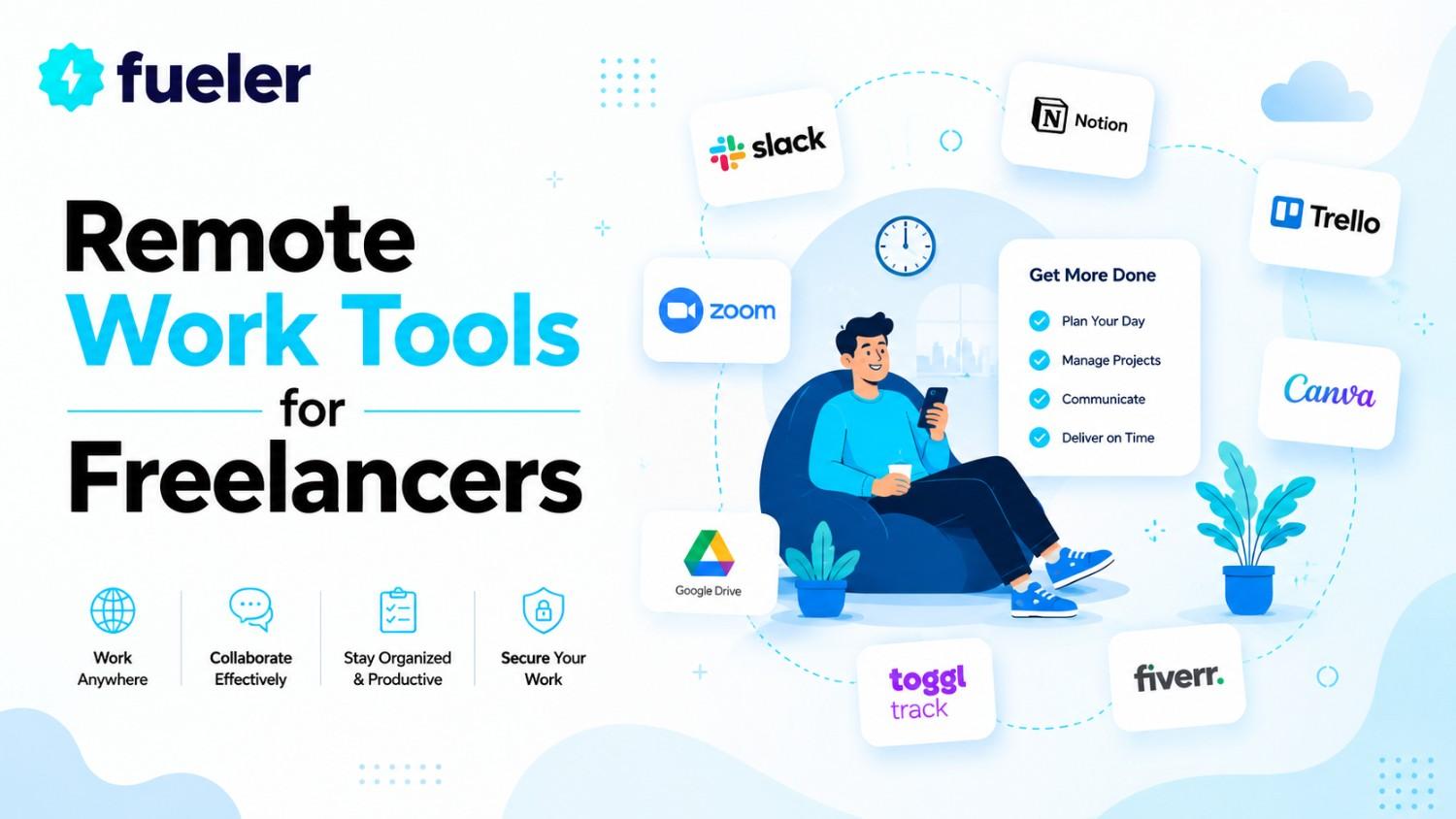
The freelance landscape in 2027 is faster, smarter, and more competitive than ever. We have created this curated list of remote work tools that focuses on AI-powered efficiency, airtight security, and seamless collaboration to help freelancers thrive. Let’s dive into the tools redefining remote work this year.
Here are 25 Remote work tools to help you become productive at work
1. Project & Task Management Tools For Freelancers
1. TaskFlow AI
Key Features: Auto-prioritizes tasks using machine learning, syncs with calendars, and predicts deadlines.
Pricing: Free for solo users; $12/month for teams.
Why 2027? AI eliminates busywork, perfect for freelancers juggling 10+ clients.
2. Asana Nexus
Key Features: Embedded AI coach, 3D project timelines, and real-time client feedback portals.
Pricing: From $15/month.
Trend Alert: Clients now demand transparency; Asana’s live progress dashboards are a game-changer.
3. ClickUp 4.0
Key Features: All-in-one workspace with AI content generation, automated docs, and VR brainstorming.
Pricing: Free tier available; premium from $9/month.
2. Communication & Collaboration Tools For Freelancers
4. Happy Scribe:
Key Features: Use Google Meet transcript to transcribe meetings in 60+ languages. Upload unlimited audio or video, and convert it into text seamlessly.
Pricing: Starter option from $12 per 60 min
5. VirtualSpace VR
Key Features: Host 3D meetings in customizable VR rooms; ideal for design or architecture freelancers.
Pricing: $20/month (includes avatar customization).
Why 2027?: Remote clients crave immersive interactions stand out with VR pitches.
6. Loom AI+
Key Features: Auto-generates video summaries, translates captions in 50+ languages, and highlights key moments.
Pricing: Free for 25 videos/month; $16/month for pro features.
Bonus: Slack Quantum
Key Features: AI filters distractions, schedules “focus hours,” and auto-replies during deep work.
Pricing: From $8/month.
Connectivity Boost: Integrates with auto-forwarding SMS to ensure you never miss urgent client messages, even when working offline.
3. Time Tracking & Productivity Tools For Freelancers
7. Toggl Neural
Key Features: AI tracks time automatically across apps and generates invoice-ready reports.
Pricing: $13/month (unlimited clients).
Freelancer Hack: Cut admin time by 70% with one-click client billing.
8. Motion 2.0
Key Features: Plans your day using AI, blocks calendar overlaps, and reschedules tasks during emergencies.
Pricing: $19/month.
9. FocusGuard
Key Features: Detects burnout patterns, blocks distracting sites, and suggests breaks via biometric data.
Pricing: $7/month.
4. Design & Creativity Tools For Freelancers
10. Adobe Firefly Pro
Key Features: Text-to-video generation, brand-kit compliance checks, and auto-resizing for 50+ platforms.
Pricing: $35/month.
11. Canva Quantum
Key Features: AI generates custom templates from client briefs and auto-optimizes designs for SEO.
Pricing: Free; Pro tier at $14/month.
5. Finance & Legal Tools For Freelancers
12. QuickBooks AI Auditor
Key Features: Scans expenses for tax savings, predicts cash flow gaps, and auto-files invoices.
Pricing: $30/month.
13. Bonsai Legal Shield
Key Features: AI-generated contracts, instant NDAs, and dispute resolution via blockchain.
Pricing: $25/month.
6. Security & Privacy Tools For Freelancers
14. NordLayer Quantum VPN
Key Features: Hack-proof encryption, hides IP even on public Wi-Fi, and blocks phishing sites in real time.
Pricing: $15/month.
15. Proton Sentinel
Key Features: Self-destructing file shares, biometric email access, and AI-powered breach alerts.
Pricing: $12/month.
7. Emerging Tech to Watch Tools For Freelancers
16. ChatGPT-5
Key Features: Drafts emails, writes code, and negotiates rates via hyper-personalized client interactions.
Use Case: Turn 1 hour of work into 10 minutes.
17. HoloDesk
Key Features: Holographic screen for hands-on collaboration (e.g., edit designs mid-air).
Pricing: Beta access available; $299 one-time.
FAQs
Q: Are AI tools replacing freelancers?
A: No, they’re freeing up time for high-value tasks like creativity and strategy.
Q: How to pick tools on a budget?
A: Start with free tiers (e.g., Canva, Toggl) and upgrade as you scale.
Q: What’s the #1 trend for 2027?
A: Hyper-automation tools that handle repetitive tasks while you focus on growth.
Conclusion:
The right tools in 2027 aren’t just about convenience; they’re about staying irreplaceable. Experiment with AI-driven platforms, prioritize security, and lean into immersive tech to wow clients.
PS: Want to create your portfolio? Create a standout portfolio on Fueler using these tools.
Why 150,000+ professionals use Fueler
Fueler helps professionals showcase proof of work through projects, assignments, case studies, and achievements.
Thousands of professionals use Fueler to create their digital portfolio
Thousands of projects are published on Fueler. Check here
Startups and Companies hire through proof of work on Fueler
Used by freelancers, creators, marketers, video editors, writers, designers, and product managers
Our mission is to help the next 100 million professionals build a verified professional identity through proof of work