Video editor/ Motion designer

I first studied all the reference videos that were provided and then created a storyboard to plan the entire flow of the edit.
For the section after the line "How to use Cardboard", I decided to create a short promo that quickly explains how Cardboard works. The main idea was to show the audience the simplest and most engaging way to understand the product.
For the "Hey, can you create a vlog?" part, I designed and animated all the UI elements from scratch to make the sequence feel unique and visually appealing.
I also created the scan effect for the "It asks questions" section to make the interaction feel more dynamic and futuristic.
For the Cardboard edit reveal, I placed both the edited result and the facecam on screen together so the audience could clearly see the reaction while seeing the result.
For the "You can create podcasts, clips, etc." section, I explored several different ideas. Some of them didn't work as well as expected, so I eventually decided to use the carousel-style animation, which felt cleaner and communicated the message more effectively.
After completing all the animations in After Effects, I moved to Premiere Pro for sound design and final audio mixing.
For the music, I chose a high-energy track during the opening UI animation to grab attention, then gradually transitioned into a more relaxed beat to match the pace of the video.
I hope you like my work and the creative decisions behind it.
Ridham Khera
13 Jun 2026
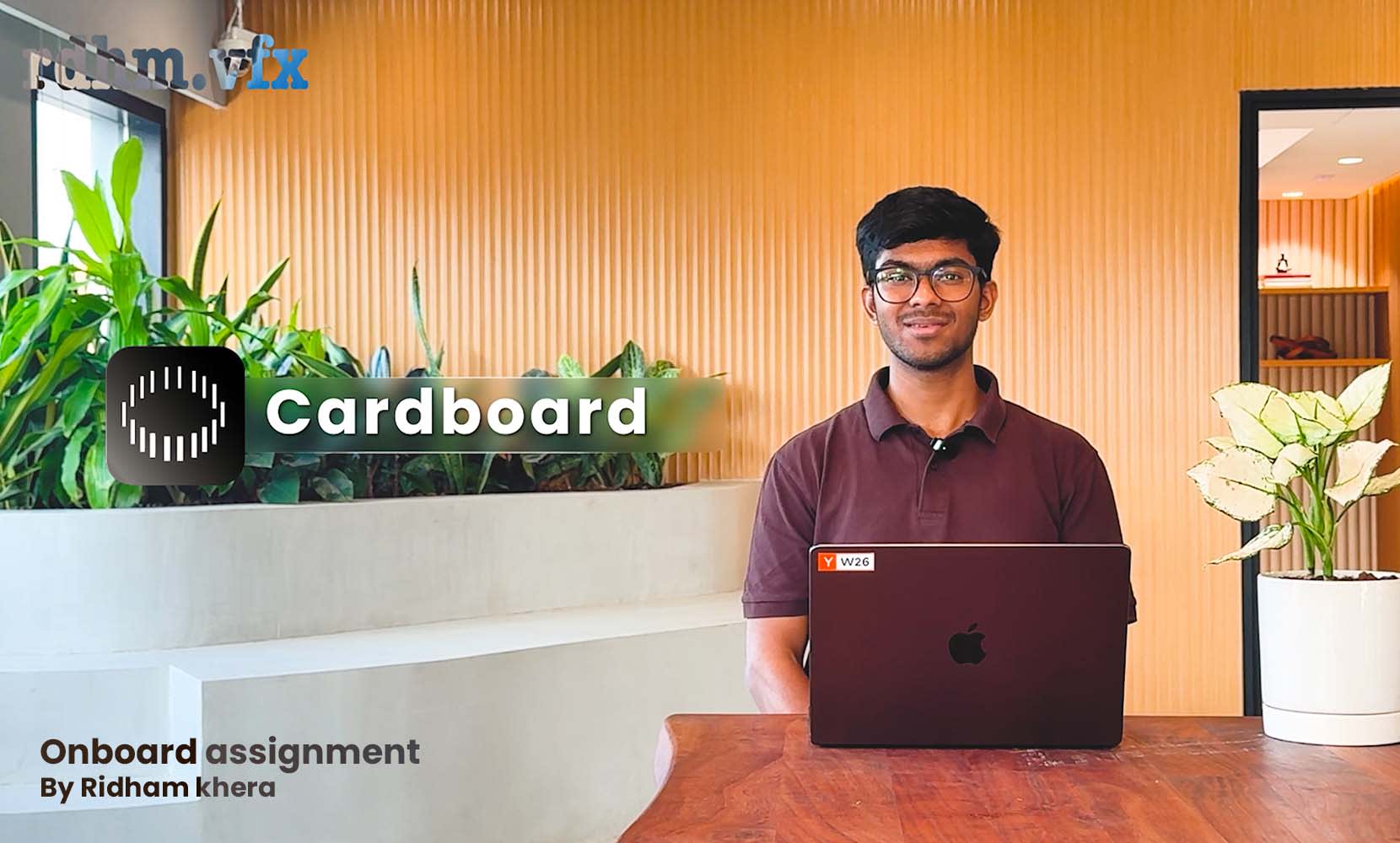

👀 Assignment details

Video Editor (founding team) at Cardboard
Full-Time | Remote | Immediate JoiningSalary: Upto 18LPAPaid Assignments (More details below)AssignmentMake a tutorial that teaches ‘How to use Cardboard’. A tutorial is the hardest format to retain, so make sure it is engaging.Raw inputs are in this folder: a script, a screen recording of the workf...