5 Best Business Card Maker Tools for Freelancers

Riten Debnath
11 Jun, 2026
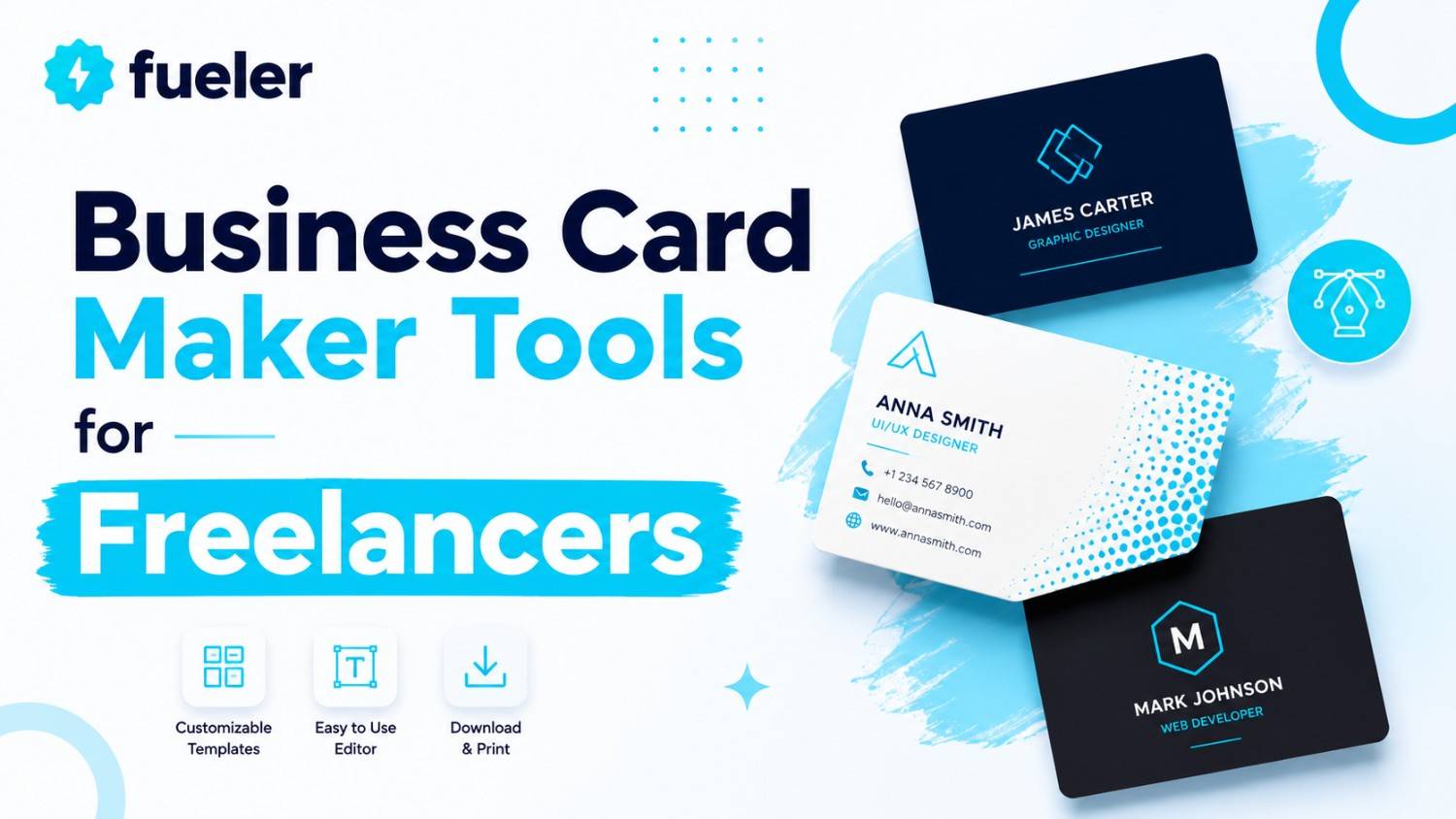
Last updated: June 2026
Handing out a generic, thin piece of paper at an industry meetup does more harm than good; it signals that your freelance business is an afterthought. In 2026, a business card is no longer just a way to pass along contact information; it is a critical touchpoint that links physical encounters to your digital proof of work. Whether you are an independent software engineer, a creative director, or a fractional marketing operator, your card must immediately communicate your level of craftsmanship and expertise.
I’m Riten, founder of Fueler, a skills-first portfolio platform that connects talented individuals with companies through assignments, portfolios, and projects, not just resumes/CVs. Think Dribbble/Behance for work samples + AngelList for hiring infrastructure.
If you are looking to build a premium personal brand this year, choosing the right production system to design and print your cards is a highly strategic decision. This guide evaluates the absolute best business card makers for freelancers in 2026, analyzing design flexibility, software integrations, asset libraries, and actual physical print quality.
The right business card maker should do more than make your details look polished; it should help you create something that feels like a natural extension of your personal brand.
Here are the best business card maker tools for freelancers in 2026.
At a glance: Comparing the Best Business Card Maker Tools for Freelancers
Canva
Best For
Freelance generalists, content creators, and independent consultants who need to quickly create visually polished cards without an advanced design background.
Canva remains the industry standard for drag-and-drop design, offering an incredibly smooth and accessible creation environment. For independent operators who need to launch a clean business card alongside matching social assets, invoice templates, and slide decks, its comprehensive template ecosystem minimizes setup friction completely.
- It offers an expansive catalog containing thousands of industry-specific, pre-formatted business card layouts that eliminate the need to build grids from scratch.
- The built-in print fulfillment engine, Canva Print, provides direct ordering pipelines with free standard shipping, delivering physical cards directly to your workspace.
- The software features real-time color palette generation and direct hex-code input, enabling freelancers to match their cards precisely to their existing website assets.
- It supports direct export to print-ready, high-resolution PDF formats complete with crop marks and bleed configurations to prevent printing errors on external presses.
- Its digital publishing module allows users to turn a standard layout into an interactive virtual business card, accessible via a hosted, view-only web link.
Pricing
- Canva Free: $0 (Access to basic templates, standard editing canvas, 5 GB of cloud storage, limited asset exports).
- Canva Pro: $12.99 per month or $120.00 billed annually (Unlocks 100 GB of storage, premium asset library, background removal tools, and brand kits).
- Canva for Teams: $10.00 per user per month with a 3-user minimum (Collaborative design workspaces, approval flows, and centralized brand management assets).
Why It Matters in 2026
Canva bridges the gap between speed and professionalism. It gives solo operators the ability to produce clean, well-proportioned layout geometry without wasting hours fine-tuning vector curves, making it highly valuable when preparing assets right before an unexpected networking conference.
Adobe Express
Best For
Designers and creative professionals who want a fast, web-native interface that connects natively with Adobe Creative Cloud font libraries and asset ecosystems.
Adobe Express functions as a highly streamlined design suite that brings professional asset handling into a responsive web application. It serves as an excellent intermediate option for freelancers who find full desktop publishing software too slow but still demand precise typographic control and access to premium creative assets.
- It links directly with Adobe Fonts, providing access to a massive library of professional typefaces that elevate typography past generic system fonts.
- The system utilizes Adobe Creative Cloud Libraries, letting you instantly pull in logos, color profiles, and vectors created in Illustrator or Photoshop.
- It features highly intuitive layout tools that automatically align contact text blocks, social handles, and logos according to precise grid alignments.
- It supports high-fidelity CMYK-optimized PDF exports, ensuring that the colors you see on your monitor match the ink on the physical card paper.
- The platform includes a quick-action toolkit for generating customized, vector-based QR codes that link directly to your online portfolio without pixelation.
Pricing
- Adobe Express Free: $0 (Standard templates, basic editing controls, 5 GB of storage, 25 monthly generative credits).
- Adobe Express Premium: $9.99 per month or $99.99 billed annually (Access to millions of premium assets, entire Adobe Font collection, 100 GB storage).
- Adobe Express Teams: Starting at $4.99 per user per month (Advanced team collaboration tools, locked corporate templates, and dedicated administrative management controls).
Why It Matters in 2026
Adobe Express allows independent operators to maintain a highly polished aesthetic across their print collateral. By providing effortless access to professional typographic assets and seamless asset syncing, it ensures your physical cards carry the same visual depth as a high-end corporate brand identity.
Figma
Best For
Product designers, UI/UX freelancers, and technical builders who require pixel-perfect vector control and custom layout geometry for non-standard card shapes.
Figma has grown far past its origins as a digital product design tool to become an exceptional platform for print layout assembly. Because it handles vector geometry with absolute precision, it is the platform of choice for technical freelancers who want to design bespoke, minimalist cards from an entirely blank canvas.
- Its powerful auto-layout engine allows designers to create highly adaptive text hierarchies that adjust perfectly when updating contact numbers or email links.
- The platform supports absolute positioning and unlimited custom framing, enabling freelancers to design non-standard layouts like square or vertical cards.
- It allows users to build reusable component libraries for logos and icons, making it simple to test multiple colorways across dozens of card variations simultaneously.
- It offers a vast community plugin ecosystem that automates tasks like dummy data populating, barcode generation, and complex geometric pattern creation.
- The platform features real-time, link-based review sharing, allowing freelance operators to send layout options to clients or collaborators for direct feedback.
Pricing
- Starter: Free (Includes 3 active design files, 3 FigJam whiteboards, unlimited personal files, and a 30-day version history log).
- Professional: $16.00 per full seat per month billed annually, or $20.00 month-to-month (Unlocks unlimited files, infinite version history, and shared team libraries).
- Organization: $55.00 per full seat per month billed annually only (Adds organization-wide design systems, centralized asset font management, and advanced analytics tracking).
Why It Matters in 2026
Figma gives creative professionals complete freedom over their print layouts without forcing them into rigid template ecosystems. If your brand relies on precise alignment, custom geometric patterns, or highly specific spatial layouts, Figma ensures your design file matches your exact creative intent.
MOO
Best For
Premium freelancers and consultants who want to pair an online design interface with ultra-high-end, heavy paper stocks and specialty print finishes.
MOO is a highly respected print-on-demand platform known for its focus on material quality and premium tactile experiences. Rather than functioning as a general graphic design canvas, its online suite is built explicitly to help users configure clean, high-impact cards that leverage luxury paper options.
- Its signature "Printfinity" technology allows freelancers to print a completely different design or portfolio image on the back of every single card within a single pack.
- The online design portal includes precise bleed boundaries and safety margin overlays that guarantee your artwork prints accurately without clipping text elements.
- It features specialty configuration options for premium finishes, including raised spot gloss, tactile gold foil, and silver foil accents.
- The platform provides an intuitive vector uploader that accepts native Illustrator and PDF formats, converting complex files into accurate physical print proofs.
- It offers an exclusive selection of luxury paper weights, including their 600gsm "Tripleux" stock, which features a customizable colored layer running through the middle.
Pricing
- Design Tool Access: Free (The online design studio, template libraries, and file validation tools are completely free to use).
- Physical Print Packages: Variable based on material choices (Standard 16pt card packs start around $23.00 for 50 cards; premium stocks like Cotton or Luxe range from $38.00 to $45.00+ per 50 cards depending on custom spot finishes).
Why It Matters in 2026
MOO understands that the physical weight of a card forms an immediate psychological impression during an introduction. For premium consultants and independent operators closing high-ticket contracts, the tactile feel of an ultra-heavy, beautifully finished card communicates an uncompromised commitment to quality.
VistaPrint
Best For
Freelance business operators requiring cost-effective, high-volume physical print runs paired with straightforward, structured design wizards.
VistaPrint is a long-standing leader in global print logistics, offering highly dependable manufacturing pipelines that balance price with scalability. For freelancers managing extensive local outreach campaigns or attending multiple sequential trade shows, it provides a highly reliable environment for mass-producing professional collateral.
- The design engine features a guided template wizard that organizes contact metadata into clean, highly scannable corporate layouts.
- It supports a wide array of physical card shapes, including modern rounded corners, square layouts, and unique die-cut oval silhouettes.
- The system includes an automated digital previewer that generates realistic 3D mockups to help you check legibility and paper textures before finalized printing.
- It features extensive paper stock selections ranging from budget-friendly standard matte options to premium linen, bamboo, and durable plastic finishes.
- The platform integrates directly with global shipping networks, offering rapid turnaround options including expedited shipping configurations for last-minute orders.
Pricing
- Design Studio Access: Free (Using the online designer layout tools and browsing standard template databases requires no subscription).
- High-Volume Printing Tiers: Project-based pricing structure (Standard business card orders begin at approximately $15.00 to $20.00 for a baseline batch of 100 cards, with significant per-unit discounts as order volumes scale up to 500 or 1,000+ units).
Why It Matters in 2026
VistaPrint solves the challenge of scaling physical networking collateral affordably. It provides a highly predictable, error-free manufacturing engine that ensures independent operators can keep their field marketing teams fully stocked with crisp, clean business cards without overextending their operational budgets.
Which Tool Should You Choose?
Selecting the correct platform depends entirely on where you stand on the spectrum between design speed and print premiumization:
- For Beginners & Fast Execution: Canva is the clear choice. Its massive library of pre-made layouts ensures you can generate a professional design in minutes and order prints immediately.
- For Creative Cloud Users: Adobe Express provides the best balance, linking your fast web-native workflow directly to your existing Illustrator assets and premium Adobe typography.
- For Technical & UI Designers: Figma offers unmatched vector precision, letting you construct complex layouts, grids, and custom dimensions from scratch.
- For High-Ticket Consulting: MOO is the absolute baseline for premium execution, allowing you to use heavy, luxury stocks and tactile metallic finishes that make an immediate impression.
- For High-Volume Outreach: VistaPrint delivers the best overall print economics, providing solid, dependable manufacturing quality at highly competitive bulk price points.
Building a Strong Career or Portfolio With Business Cards
Your business card is simply the initial hook; its ultimate purpose is to direct attention to your real-world capabilities. In the modern freelance economy, an attractive card or a clever job title is not enough to win high-value retainers. Clients want undeniable proof of execution.
When a potential client scans the QR code on your card, they should land on a curated repository of your actual work rather than a generic social media feed. Utilizing platforms like Fueler allows you to connect your physical introductions directly to your published assignments, deep-dive case studies, and code repositories. Documenting your craft through clear proof of work validates your expertise instantly, transforming a brief handshake into a highly credible business opportunity.
Final Thoughts
A great business card functions as a physical anchor for your digital reputation. Transitioning away from low-quality, generic printing options to a deliberate design and manufacturing workflow ensures your personal brand stands out in competitive spaces. Evaluate your specific design experience, choose a tool that integrates cleanly with your creative stack, and build a cohesive calling card that directs prospects straight to your verifiable portfolio assets.
FAQ
What file format is best to export for professional printing?
You should always export your business card designs as a print-ready PDF in high resolution. Ensure that you check the options to include crop marks and extend your design past the bleed lines to prevent thin white margins from appearing after the physical paper is cut.
What is the standard physical size for a business card?
The standard dimensions for a classic business card are 3.5 inches by 2.0 inches in the United States, or 85mm by 55mm across Europe. When setting up custom frames in vector tools like Figma, ensure your canvas matches these target dimensions at a print resolution of 300 DPI.
Can I include a digital QR code on a printed card safely?
Yes. Including a vector-based QR code is a highly effective way to link physical cards to online portfolios. Ensure the QR code layout is scaled to at least 0.75 inches square and printed with high contrast against the background to guarantee reliable smartphone camera scanning.
What is the difference between matte and glossy card finishes?
Matte finishes provide a non-reflective, clean satin texture that excels at modern, minimalist designs and makes text highly readable under direct light. Glossy finishes feature a highly reflective coating that makes colorful photography and bright brand palettes pop, though it can pick up fingerprint smudges easily.
Do I need to understand CMYK color spaces to design a business card?
While modern web tools like Canva handle color conversions automatically, professional design tracks like Figma require a basic understanding that screens display color in RGB, while printing presses use CMYK inks. Exporting your final file as a print-optimized PDF ensures accurate color mapping.
What is Fueler Portfolio?
Fueler is a career portfolio platform that helps companies find the best talent for their organization based on their proof of work. You can create your portfolio on Fueler. Thousands of freelancers around the world use Fueler to create their professional-looking portfolios and become financially independent. Discover inspiration for your portfolio
Sign up for free on Fueler or get in touch to learn more.

What should you do next?
You've read the article. Now turn your skills into proof of work and unlock more opportunities.
Build your proof of work portfolio
Create a clean portfolio with projects, assignments, resumes, and AI stack details that companies actually want to see.
Create your Fueler portfolio →Apply through assignments, not resumes
Stand out by solving real tasks from companies hiring on Fueler.
Explore assignments →Get discovered by companies
Make your work public and let recruiters discover your skills through actual projects instead of keywords.
Get discovered →
