Remote Work Is Now Mainstream, But the Real Revolution Is Just Beginning
By 2027, we’ve gotten used to Zoom calls, shared docs, Slack pings, and digital workflows. But remote work isn’t just about working from anywhere anymore; it’s about working smarter, faster, and more humanely. That’s exactly where Virtual AI Assistants come in. These tools aren’t here to replace us; they’re built to amplify our productivity, focus, and impact.
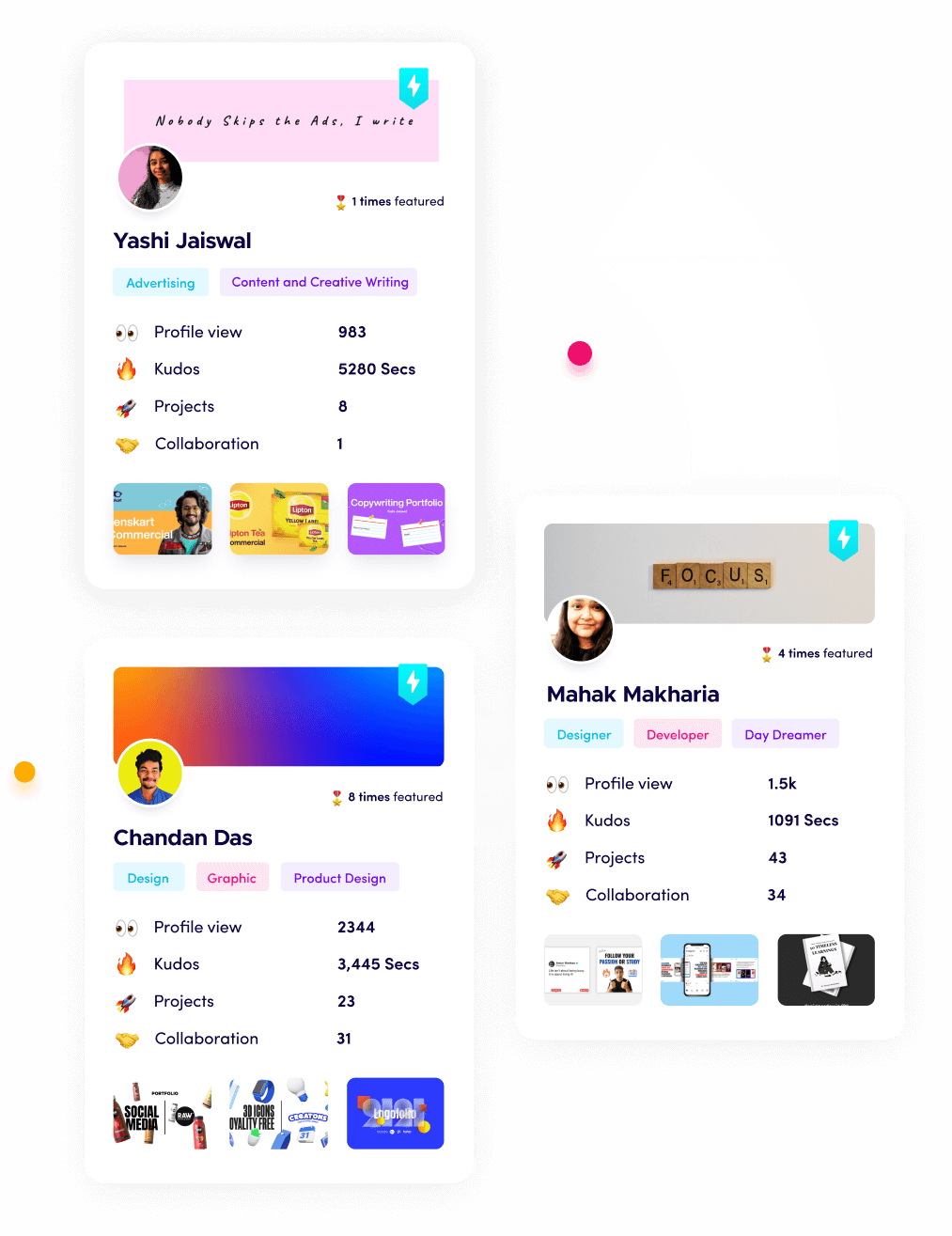
I’m Riten, founder of Fueler, a skills-first portfolio platform building the career infrastructure for 100 million creative professionals. Fueler connects talented individuals with companies through assignments, portfolios, and projects, not just resumes or CVs. Think of it as Dribbble/Behance for work samples combined with AngelList for hiring infrastructure.
In this article, I’m walking you through the rise of Virtual AI Assistants in remote work. But beyond tools and tech, let’s not forget: the key to getting hired in a competitive world is how you present your work. Your portfolio isn’t just a collection of past projects; it’s your proof of execution, your credibility, and the fastest way to build trust with clients or companies.
Let’s explore how Virtual AI Assistants are transforming the modern workplace.
1. What Are Virtual AI Assistants and Why Are They Essential in 2027?
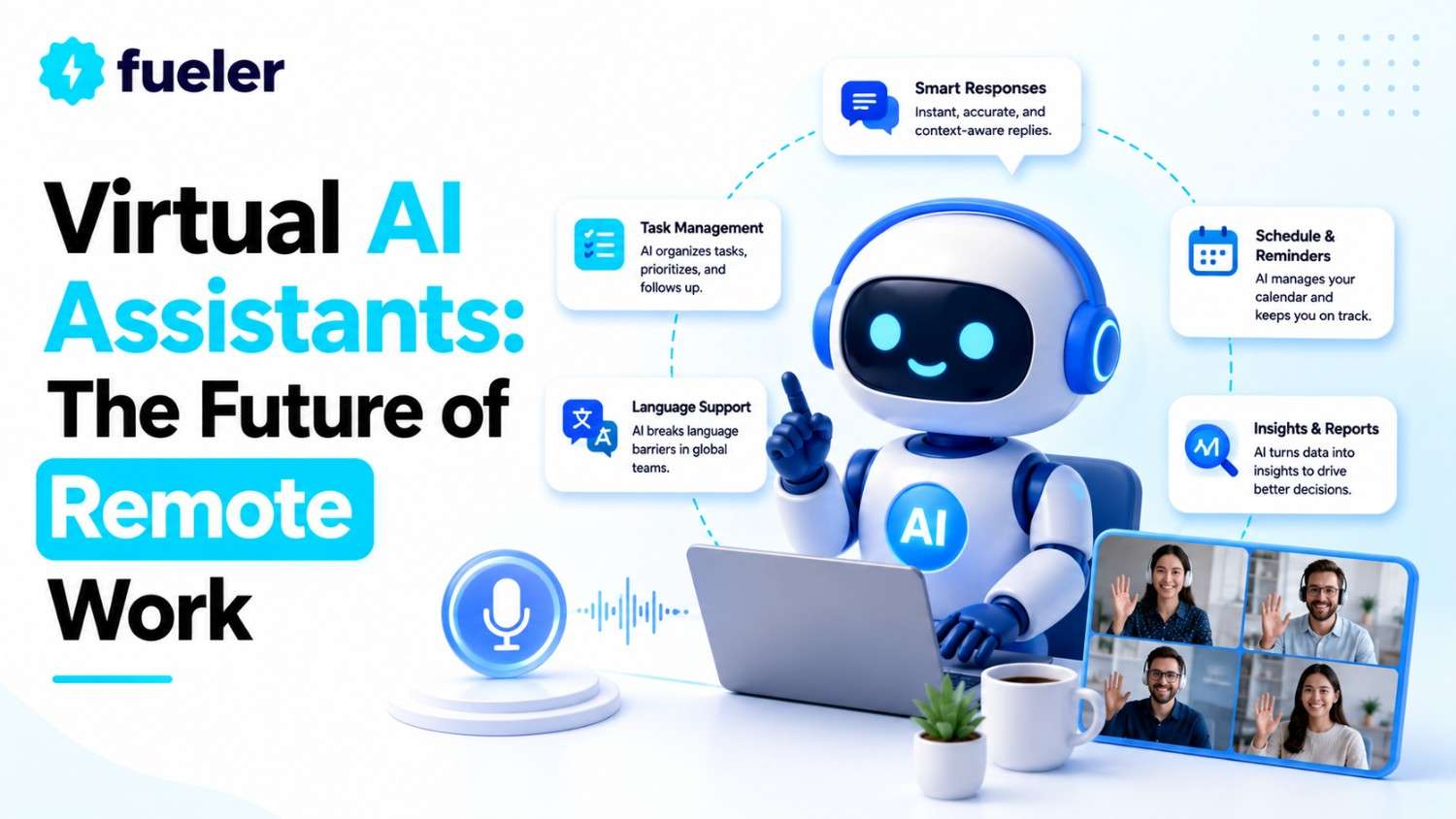
A Virtual AI Assistant is more than just a chatbot. It’s an intelligent system that can handle scheduling, emails, note-taking, research, reminders, task management, and even summarizing meetings, all without you lifting a finger. Think of it as your personal remote teammate, available 24/7.
With companies operating across time zones and juggling asynchronous communication, Virtual Assistants fill in the gaps, keeping you on track, managing chaos, and reducing burnout.
Core Functions in 2027:
Scheduling across multiple tools and time zones
Writing emails, reports, or meeting notes based on voice or short prompts
Summarizing long documents or meetings in seconds
Automatically prioritizing tasks and deadlines
Learning personal work preferences over time
In a remote setup, where context switching kills deep work, these assistants act as our mental shield.
2. AI Meeting Assistants: Your Invisible Colleague
In 2027, attending meetings doesn’t mean taking notes, remembering action items, or wasting time with repetitive summaries. AI Meeting Assistants now record, transcribe, analyze tone, and generate summaries all in real time.
They also identify important moments, tag action points, and integrate directly into task managers like Notion, ClickUp, or Trello.
Key Features:
Real-time transcription in multiple languages
Action item tagging and follow-up reminders
Integration with calendars and team platforms
Emotional tone analysis to detect tension or disengagement
For remote teams, this means no more missed information or post-meeting confusion.
3. Personal Productivity AI: A Second Brain for Remote Professionals
When you work remotely, you manage your own time, your own tasks, and your own energy. AI tools in 2027 now act like intelligent productivity partners tracking your work patterns, understanding your preferences, and recommending smarter ways to work.
For example, if you tend to write better in the morning and answer emails late afternoon, your assistant will block focus time and batch shallow tasks later.
Daily Support:
Recommends optimal work hours based on energy data
Suggests breaks, tracks distractions, and offers focus sessions
Generates weekly performance summaries
Prevents burnout by monitoring overwork signals
This is not micromanagement; it’s personal optimization.
4. AI for Communication and Content Creation
Many remote jobs in 2027 revolve around writing, explaining, or presenting, whether you’re in marketing, support, product, or sales. Virtual AI Assistants help you generate first drafts, polish communication, and reduce writing fatigue. If you're in sales, pairing these tools with the best dialer for cold calling can make your outreach smoother and more effective
They know your brand tone, target audience, and past content history. You simply prompt, and it delivers.
Use Cases:
Drafting emails, blogs, pitches, reports, presentations
Translating messages across languages and tones
Correcting grammar, clarity, and tone automatically
Speeding up brainstorming through idea prompts
For freelancers and full-time pros alike, this means spending less time on grunt work and more on strategic thinking.
5. Fueler + AI Assistants = Smarter Hiring Through Portfolios
Let’s connect the dots here. Fueler is built to help people get hired through their actual work, not just resumes. In 2027, companies now combine Virtual AI Assistants + Assignment-Based Hiring to make better decisions.
Here’s how it works:
A company assigns a short real-world task
The candidate uses AI tools (writing assistants, research bots, project planning tools) to complete it efficiently
They submit this as a portfolio piece on Fueler
This gives companies a clearer picture of real skills, speed, and problem-solving without relying on interviews alone. We’re entering an era where work speaks first, and Fueler is right at the center of that shift.
6. Security, Privacy, and Ethics Built Into AI Assistants
By 2027, AI tools are no longer “Wild West” experiments. They come with built-in privacy layers, compliance features, and enterprise-grade encryption. Virtual Assistants now work within tight boundaries, storing minimal data and asking for permissions before accessing sensitive information.
As a result, even regulated industries like finance, healthcare, and legal teams are adopting AI Assistants at scale.
Trust Features:
Zero data retention options
Local processing on company servers
Role-based access for sensitive data
Transparent logs for accountability
Remote teams can now trust their assistants like they trust their teammates.
7. Customizable AI Assistants for Team Roles
One size doesn’t fit all. In 2027, Virtual AI Assistants are custom-trained per role so your sales team gets lead summaries, your developers get code context and Jira updates, your designers get Figma notes, all through the same assistant platform.
This makes cross-functional collaboration smoother and context switching easier.
Personalization Examples:
Design assistant: reminds of design tokens, client feedback, UI reviews
Developer assistant: pulls GitHub issues, offers code snippet suggestions
Customer support assistant: summarizes chat histories, prioritizes tickets
Remote teams now get specialized assistance without hiring extra people.
Final Thought: Remote Work Isn’t Just Digital. It’s Intelligent Now.
In 2027, remote work isn’t just about flexibility; it’s about leverage.
Virtual AI Assistants are like hiring an extra brain, without hiring an extra headcount. They don’t just save time; they reduce decision fatigue, context switching, burnout, and complexity.
As founders, leaders, and professionals, our job is not to work harder; it’s to work better. AI is not the future of remote work; it’s the present, and it’s only getting smarter.
FAQs
1. What is a Virtual AI Assistant in remote work?
A Virtual AI Assistant is an intelligent software tool that automates tasks like scheduling, note-taking, content creation, and communication in remote teams.
2. How do AI Assistants improve remote team productivity?
They automate repetitive work, reduce distractions, summarize meetings, and help workers focus on high-impact tasks, saving hours every week.
3. Are AI Assistants safe for handling sensitive data?
Yes. In 2027, most assistants come with built-in privacy protocols, local data processing, and secure permission-based access.
4. Can freelancers use AI Assistants too?
Absolutely. Freelancers benefit the most from using AI to draft content, manage time, track tasks, and deliver faster while building portfolio pieces.
5. How do companies use AI Assistants in hiring?
Companies combine AI tools with assignment-based hiring. Candidates use AI to complete sample tasks, submit via platforms like Fueler, and get evaluated based on real output.
Why 150,000+ professionals use Fueler
Fueler helps professionals showcase proof of work through projects, assignments, case studies, and achievements.
Thousands of professionals use Fueler to create their digital portfolio
Thousands of projects are published on Fueler. Check here
Startups and Companies hire through proof of work on Fueler
Used by freelancers, creators, marketers, video editors, writers, designers, and product managers
Our mission is to help the next 100 million professionals build a verified professional identity through proof of work