Top 10 Video Editing Tools for Beginners in the USA (2026)

Riten Debnath
20 Jan, 2026
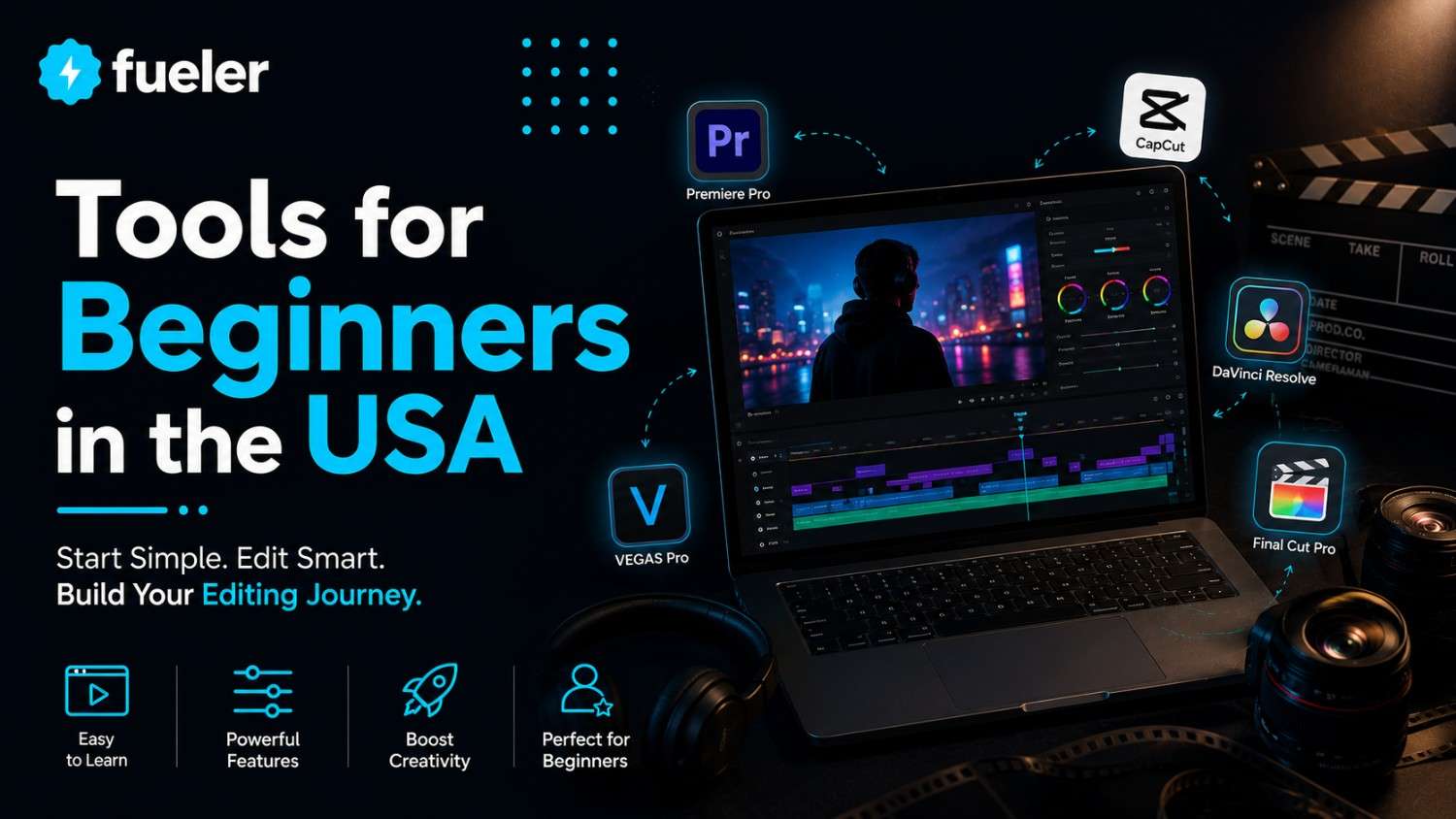
In the visual-first economy of 2026, the ability to tell a compelling story through video is the ultimate superpower. For beginners across the USAfrom aspiring YouTubers in Brooklyn to small business owners in the Midwest, the barrier to entry has never been lower, yet the choice of tools has never been more overwhelming. Entering the world of video production in 2026 isn't just about cutting clips; it's about harnessing AI-driven workflows and professional-grade effects that were once reserved for Hollywood studios. The following list represents the absolute best in breed for those starting their journey, balancing intuitive interfaces with enough "room to grow" as your creative vision expands.
I’m Riten, founder of Fueler, a skills-first portfolio platform that connects talented individuals with companies through assignments, portfolios, and projects, not just resumes/CVs. Think Dribbble/Behance for work samples + AngelList for hiring infrastructure
1. Adobe Premiere Elements (2026 Edition)
Adobe Premiere Elements remains the gold standard for beginners who want a guided path into the world of professional editing without the steep learning curve of its "Pro" sibling. The 2026 version features an "Automated Everything" philosophy, allowing you to turn raw footage into polished stories using AI-driven smart trims and auto-reframe tools. It is the perfect bridge for those who eventually want to transition into the full Adobe Creative Cloud ecosystem but need a simplified, one-time purchase entry point today.
- Guided Edit Interactive Tutorials: The software provides over 30 step-by-step tutorials built directly into the interface, walking you through complex tasks like sky replacement or creating "double exposure" effects without requiring you to leave the app for external help.
- AI-Powered Object Tracking & Motion: In 2026, the Adobe Sensei AI allows you to lock effects, stickers, or text to moving subjects with a single click, ensuring your graphics follow your subject perfectly even if the camera is shaking or the subject moves quickly through the frame.
- Smart Trim Technology: The software analyzes your footage to find the highest-quality segments based on lighting, focus, and action, automatically suggesting the best clips to keep while discarding the "dead air" and out-of-focus shots in your raw b-roll.
- Automated Audio Syncing: It features a sophisticated "Beat Sync" tool that automatically adjusts your cuts to the rhythm of your chosen background music, giving your videos a professional, high-energy feel with zero manual effort from the editor.
- One-Click Color Correction: For those who don't understand color theory, the 2026 version includes "Smart Fix" presets that analyze the lighting of your scene and automatically adjust exposure and white balance to match professional cinematic standards.
Pricing:
- Individual License: $99.99 (One-time purchase)
- Elements Bundle (Photoshop + Premiere): $149.99
2. CapCut Desktop (Pro Version)
CapCut has successfully transitioned from a mobile "TikTok app" to a powerhouse desktop editor that is dominating the US creator market in 2026. Its secret lies in its massive library of trending templates, transitions, and AI-generated voiceovers that allow beginners to replicate viral styles in minutes. For social media managers and short-form creators, it offers a "ready-made" professional aesthetic that takes the guesswork out of what looks good on a smartphone screen.
- Massive Trending Asset Library: You get instant access to thousands of royalty-free songs, sound effects, and sticker packs that are updated weekly to match the latest viral trends on platforms like Instagram Reels and TikTok, keeping your content relevant.
- Advanced Auto-Captioning AI: The 2026 AI engine supports over 30 languages with near-perfect accuracy, automatically generating stylish, animated captions that are essential for the "sound-off" viewing habits of modern mobile users across the United States.
- One-Click Background Removal: Using advanced computer vision, CapCut Pro can strip the background from a subject without the need for a green screen, allowing beginners to create complex composite shots or "talking head" videos in any virtual environment.
- AI Voice-to-Text & Cloning: The platform offers high-quality AI voiceovers that can narrate your script in hundreds of different tones, including the popular "viral" voices found on social media, saving you the cost of hiring professional voice talent.
- Multi-Track Timeline for Complex Edits: Unlike most "easy" editors, CapCut offers a robust timeline that supports multiple layers of video and audio, allowing beginners to experiment with overlays, maskings, and sophisticated sound design as their skills grow.
Pricing:
- Monthly Subscription: $7.99
- Annual Plan: $74.99 (Saves approximately 22%)
3. DaVinci Resolve 19 (Free Version)
DaVinci Resolve is often cited as the most powerful free video editor in the world, and in 2026, version 19 has made significant strides in beginner accessibility. While it is used by Hollywood colorists, the "Cut Page" is designed specifically for fast, intuitive editing. It is the best choice for beginners who are serious about learning the "craft" of editing and want a tool that they will never outgrow, regardless of how professional their projects become.
- Industry-Leading Color Grading: Even in the free version, you get access to professional-grade color correction tools that allow you to fix lighting issues or give your video a specific "mood" or cinematic look that simpler apps cannot replicate.
- The Optimized Cut Page: Designed for speed, the Cut Page allows beginners to quickly assemble clips on a dual-timeline system where you can see the whole project and your current edit simultaneously, preventing you from getting lost in long sequences.
- Neural Engine AI Tools: The 2026 updates include the "Magic Mask," which allows you to isolate people or objects for specific adjustments with just a few brush strokes, a task that used to take professional editors hours of manual frame-by-frame work.
- Professional Audio with Fairlight: DaVinci includes a full digital audio workstation (DAW) that allows you to clean up background noise, normalize volume levels, and add high-fidelity sound effects to ensure your video sounds as good as it looks.
- High-Fidelity 4K Exporting: Unlike many free tools that watermark your work or limit resolution, Resolve allows for clean, high-resolution 4K exports at up to 60 frames per second, making it ideal for high-quality YouTube and professional portfolio content.
Pricing:
- DaVinci Resolve (Standard): Free
- DaVinci Resolve Studio (Pro): $295 (One-time fee for life)
4. Wondershare Filmora 14
Filmora has built a massive following in the US by being the "friendliest" editor for those starting from zero. In 2026, Filmora 14 has leaned heavily into "AI Copilot" features that act as a virtual assistant, suggesting transitions and effects based on the content of your video. It strikes a perfect balance between a simple drag-and-drop interface and a powerful suite of creative tools that make your videos look expensive without the expensive effort.
- AI Copilot Editing Assistant: This feature allows you to "chat" with the editor, asking it to "make this scene more cinematic" or "find a transition that fits the beat," and the AI will automatically apply the most appropriate filters and effects.
- Instant Mode for Rapid Creation: If you are in a rush, you can simply upload your media and choose a theme; Filmora’s AI will then automatically select the best parts of your footage and assemble a fully edited video with music and titles in seconds.
- Advanced Screen Recording Suite: Ideal for gamers and educators, Filmora includes a robust screen recorder that can capture your screen, webcam, and system audio simultaneously, with built-in tools to highlight mouse clicks and keystrokes.
- Creative Asset Marketplace integration: Directly within the app, you can browse and download millions of professional stock photos, videos, and "Filmstock" effects, ensuring you never have to search external websites for high-quality b-roll.
- Smart Background Cutout: This tool allows you to remove or replace backgrounds in a single click, making it incredibly easy for beginners to create professional-looking presentations or creative music videos without needing a studio setup.
Pricing:
- Annual Plan: $49.99/year
- Perpetual Plan: $79.99 (One-time payment for the current version)
5. Canva Video Editor
Canva has revolutionized the way Americans approach design, and their video editor is no exception. In 2026, it is the premier choice for beginners who need to create "functional" video marketing ads, presentations, or social media announcements using a browser-based tool. Its strength lies in its ecosystem; you aren't just getting an editor, you're getting access to a world-class design library and collaborative tools that make video production feel like building a slide deck.
- Cloud-Based Collaborative Editing: Because Canva lives in the cloud, you can share a link with a teammate or client and edit the same video project in real-time, making it the most efficient choice for small business teams or student groups.
- Drag-and-Drop Template System: You can start with over 10,000 professionally designed video templates tailored for specific platforms like LinkedIn, Instagram, or YouTube, ensuring your video is perfectly sized and styled for its destination.
- Magic Media AI Generation: In 2026, you can simply type a description like "a golden retriever running through a field of lavender," and Canva's AI will generate a unique, high-definition video clip that you can use as b-roll in your project.
- Direct Social Media Scheduling: Once your video is finished, you can schedule it to be posted directly to your social media accounts from within Canva, eliminating the need to download large files and upload them manually across different platforms.
- Unified Brand Kit Management: For business owners, the Brand Kit feature ensures that your videos always use your specific company colors, logos, and fonts, maintaining a consistent professional image across every piece of video content you produce.
Pricing:
- Canva Free: $0 (Limited assets and exports)
- Canva Pro: $119.99/year (For individuals)
6. Microsoft Clipchamp
As the built-in video editor for Windows 11 and 12, Clipchamp has become the most accessible tool for millions of PC users in the USA. In 2026, it will be deeply integrated with Microsoft 365 and Copilot AI, making it a surprisingly capable editor for those who want to "just start" without installing heavy software. It is particularly strong for corporate professionals and students who need a reliable, clean, and fast way to assemble videos for internal use.
- AI Video Composition (Auto-Compose): This feature uses AI to analyze your media and automatically create a draft of your video, complete with transitions and music, which you can then fine-tune in the traditional timeline editor.
- High-Quality Text-to-Speech: Clipchamp offers some of the most realistic-sounding AI voices in the industry, allowing you to turn typed scripts into professional narration with various accents and emotions to suit your project's tone.
- Seamless OneDrive Integration: Since it is a Microsoft product, you can pull media directly from your OneDrive and save your projects back to the cloud automatically, ensuring your work is backed up and accessible from any Windows device.
- Built-in Royalty-Free Library: The "Premium" version provides access to a vast library of stock video, music, and images from the Microsoft library, allowing beginners to fill gaps in their footage without worrying about copyright strikes.
- Simplified Export Options: Clipchamp takes the confusion out of file formats by offering simple, labeled export buttons for "Social Media," "High Definition," or "GIF," ensuring your video is optimized for its intended platform every time.
Pricing:
- Standard: Free (Up to 1080p exports)
- Premium: $11.99/month (Included in some Microsoft 365 plans)
7. LumaFusion (Mobile/Tablet Powerhouse)
For beginners who prefer the tactile feel of an iPad or Android tablet, LumaFusion is the undisputed king. It is widely considered the only mobile app that truly rivals desktop editors in terms of power and flexibility. In 2026, it remains a favorite for "on-the-go" creators who want to edit high-resolution 4K footage at a coffee shop or on a flight without sacrificing professional features like keyframing or color LUTs.
- Multi-Track Magnetic Timeline: LumaFusion supports up to 6 video/audio tracks and 6 additional audio tracks, all on a magnetic timeline that automatically snaps clips together, preventing gaps and making the touch-screen experience incredibly fluid.
- Professional Keyframe Animation: You can animate almost any parameter from a clip's position and scale to its opacity and volume using a simple keyframe system that gives beginners precise control over their visual storytelling.
- External Drive Support: In 2026, LumaFusion allows you to edit directly from an external SSD connected to your tablet, meaning you can handle massive 4K projects without worrying about the internal storage limits of your mobile device.
- Advanced Color Grading Tools: The app supports professional LUTs (Look Up Tables), allowing beginners to download "presets" from their favorite filmmakers and apply a consistent, professional color grade to their entire project in seconds.
- Storyblocks Integration: For a small subscription, you can access the full Storyblocks library directly inside the app, giving you millions of high-quality clips and songs to use without ever leaving your tablet's editing interface.
Pricing:
- One-Time Purchase: $29.99 (On iOS and Android)
8. InVideo AI
InVideo AI represents the "future" of beginner video editing in 2026, where the editor acts more like a director than a technician. Instead of manually cutting clips, you provide the AI with a prompt or a script, and it builds the entire video for you, choosing the b-roll, writing the voiceover, and syncing the music. It is the ultimate tool for beginners who have great ideas but lack the time or technical patience to master a traditional timeline.
- Prompt-to-Video Transformation: You can type a simple command like "Create a 60-second video about the best hiking trails in the Pacific Northwest for a travel vlog," and the AI will research, script, and edit the entire video for you in minutes.
- Text-Based Magic Box Editing: If you want to change something, you don't need to move clips around; you can just type a command like "Change the background music to something more upbeat" or "Use a different clip for the second scene," and the AI updates the project instantly.
- Automatic Voice Cloning: The "Max" plan allows you to clone your own voice, enabling the AI to narrate your generated videos using your specific tone and personality without you ever having to record a single word.
- Access to iStock Premium Assets: InVideo is partnered with iStock, giving users on paid plans access to millions of the highest-quality professional stock clips that would normally cost hundreds of dollars each to license separately.
- Automated Translation & Dubbing: In 2026, the AI can automatically translate your video's script and voiceover into dozens of different languages, allowing you to reach a global audience with just a few clicks of a button.
Pricing:
- Free Plan: $0 (With watermarks)
- Plus Plan: $20/month (Billed annually)
- Max Plan: $48/month (Billed annually)
9. Movavi Video Editor 2026
Movavi has carved out a niche in the US market as the "low-friction" editor. It is designed specifically for people who find Adobe products intimidating but want more features than a free web-based tool provides. The 2026 version is lightning fast and works exceptionally well on older laptops, making it a great choice for students or hobbyists who aren't ready to invest in a high-end "editing rig" computer.
- AI Motion Tracking: Movavi’s AI is exceptionally good at tracking moving objects, allowing beginners to easily blur faces for privacy or attach "call-out" text boxes to specific items in a video with 100% accuracy.
- Professional Transitions & Intros: The software comes pre-loaded with a "Stock Library" of modern intro sequences, transitions, and titles that look like they were designed by a professional motion graphics artist, giving your project instant polish.
- Superior Hardware Acceleration: Movavi is optimized for the latest Intel, AMD, and Apple Silicon chips, meaning it can render and export videos much faster than many other beginner-level editors on the same hardware.
- One-Click AI Upscaling: If you have old, low-resolution footage from an older phone or camera, Movavi’s AI can upscale it to 4K resolution, cleaning up noise and sharpening details to make it look modern and professional.
- Built-in Screen Recorder & Capture: The "Video Suite" version includes a high-performance screen recorder that is perfect for creating software tutorials, recording webinars, or capturing live streams for later editing.
Pricing:
- Video Editor (1-Year): $54.95
- Video Suite (Lifetime): $155.95
10. iMovie (Apple Exclusive)
For Mac and iPhone users, iMovie remains the quintessential "first step." While it may seem basic compared to Resolve, its simplicity is its greatest strength. In 2026, Apple updated iMovie with "Magic Movie" and "Storyboards," features that help beginners understand the "rhythm" of storytelling by providing pre-built structures for common video types like trailers, cooking shows, and product reviews.
- Storyboards for Educational Editing: This feature provides a "blue-print" for your video, telling you exactly what type of shot to take next (e.g., "Close-up," "Wide Shot") to ensure your final edit has a professional and logical flow.
- Universal Apple Ecosystem Sync: You can start an edit on your iPhone while on the bus, continue it on your iPad at home, and finish the final polish on your iMac, with all files and edits synced perfectly via iCloud.
- The "Hollywood Trailer" Templates: iMovie’s famous trailer templates allow beginners to create high-octane, cinematic trailers with professional graphics and original scores by simply dropping their clips into a pre-defined timeline.
- Simple Green Screen Effects: iMovie makes chroma-keying (green screen) incredibly simple; just place your clip over a background, and the "Green/Blue Screen" setting handles the transparency automatically with surprising quality.
- Native 4K & ProRes Support: Despite being free software, iMovie supports Apple’s professional ProRes video format, ensuring that if you have high-quality footage from a professional camera, you aren't losing any detail during the edit.
Pricing:
- For Apple Users: Free (Pre-installed on all Mac and iOS devices)
Showcasing Your Skills with Fueler
The video editing journey doesn't end when you hit "Export." In a competitive creative market, your ability to get hired depends on how you present your work. Fueler is the perfect companion for your new editing career. As you master these tools whether it’s a cinematic color grade in Resolve or a viral edit in CapCutyou can upload your projects to Fueler to build a verified, professional portfolio. Instead of just saying "I can edit," you can send a Fueler link that shows your range, your style, and the "Proof of Work" that proves you are the right person for the job.
Fueler Pricing:
- Fueler Premium: $96 per year (approx. 8,000 INR per year)
Final Thoughts
Choosing your first video editing tool is about finding the right balance between your current skill level and your future ambitions. If you want to go viral on social media tomorrow, CapCut or Filmora are your best bets. If you want to build a career in professional filmmaking, start the "marathon" of learning DaVinci Resolve. No matter which tool you choose, the key is consistency. The tools of 2026 are designed to remove the technical friction, leaving you with the only thing that truly matters: your unique voice and the story you want to tell.
FAQs
Which tool is best for someone with zero experience?
Wondershare Filmora and Adobe Premiere Elements are generally considered the most beginner-friendly. They offer a "Guided" approach that explains the editing process as you go, making them less intimidating than professional suites.
Can I edit professional-quality videos on a free tool?
Absolutely. DaVinci Resolve is a professional-grade tool used by major film studios, and its free version is more powerful than many paid competitors. Similarly, iMovie can produce stunning results if you have high-quality raw footage.
Do I need a high-end computer for these tools?
It depends on the tool. Movavi and Clipchamp are optimized for basic laptops and older hardware. However, if you plan on using DaVinci Resolve or editing 4K video, you will likely need a computer with a dedicated graphics card and at least 16GB of RAM for a smooth experience.
What is the best app for editing YouTube Shorts and TikToks?
CapCut is currently the leader for short-form content due to its specialized templates and "viral-ready" effects. InVideo AI is also an excellent choice for quickly generating social media content from text prompts.
Should I pay for a subscription or a one-time license?
One-time licenses (like Premiere Elements or LumaFusion) are great for hobbyists who want to avoid monthly fees. However, subscriptions (like CapCut Pro or Canva Pro) often provide better value for active creators because they include constant updates and access to massive libraries of royalty-free music and stock video.
What is Fueler Portfolio?
Fueler is a career portfolio platform that helps companies find the best talent for their organization based on their proof of work. You can create your portfolio on Fueler. Thousands of freelancers around the world use Fueler to create their professional-looking portfolios and become financially independent. Discover inspiration for your portfolio
Sign up for free on Fueler or get in touch to learn more.

What should you do next?
You've read the article. Now turn your skills into proof of work and unlock more opportunities.
Build your proof of work portfolio
Create a clean portfolio with projects, assignments, resumes, and AI stack details that companies actually want to see.
Create your Fueler portfolio →Apply through assignments, not resumes
Stand out by solving real tasks from companies hiring on Fueler.
Explore assignments →Get discovered by companies
Make your work public and let recruiters discover your skills through actual projects instead of keywords.
Get discovered →
