Top AI Tools Digital Creators Are Using in 2026

Team Fueler
16 Apr, 2026
Digital creation has evolved dramatically over the past few years. Today, creators no longer rely only on traditional editing software or manual workflows. Artificial intelligence has introduced a new generation of creative tools that can generate music, assist with visual production, and streamline content creation.
For digital creators working on YouTube, social media platforms, podcasts, blogs, or marketing campaigns, AI tools are becoming an essential part of the creative toolkit. These platforms can reduce production time, help generate ideas, and allow creators to experiment with different types of content.
Below are several AI tools that digital creators frequently use to improve their creative workflow. Each platform offers different capabilities—from music generation to video editing and design support.
1. MakeSong
Overview
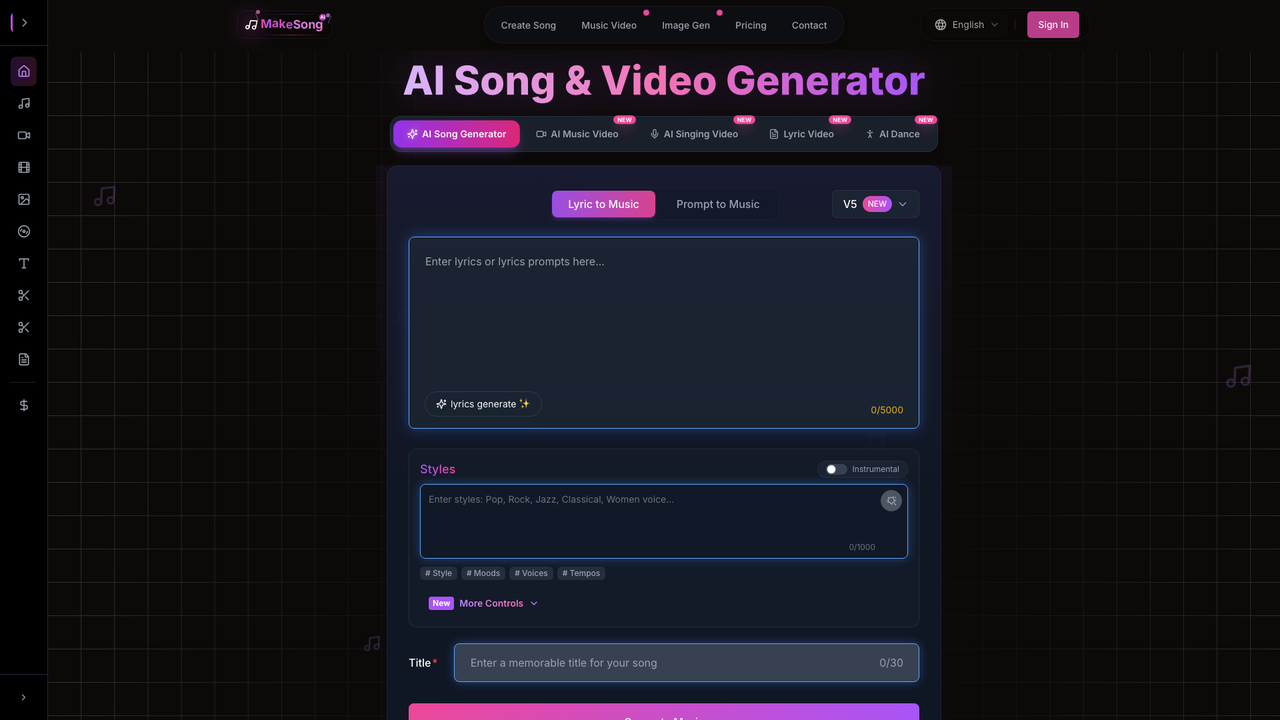
MakeSong is an AI-powered platform that helps digital creators generate music-driven content quickly. Instead of working with complicated music production software, users can generate songs through simple prompts and integrate them into creative projects.
One interesting capability that attracts creators is the ability to experiment with animated characters or avatars that follow vocal timing. For creators exploring Lip Sync Free functionality, MakeSong provides a convenient way to test how generated music works alongside visual elements. This can help creators produce engaging music videos or character-based social media content without complicated editing workflows.
Because the platform focuses on accessibility and creativity, it allows users to explore different musical styles and content ideas without needing technical music production skills.
Best For
- Digital creators producing music-based content
- Influencers creating entertaining short-form videos
- Creators experimenting with avatar or character visuals
- Beginners interested in AI-powered music tools
- Anyone wanting quick original soundtracks for videos
How to Use
- Sign up for an account on the MakeSong platform.
- Enter a prompt describing the style or theme of the music.
- Let the AI generate a song automatically.
- Add visual components or avatar elements if desired.
- Export the music or video content for your project.
2. AIsong
Overview
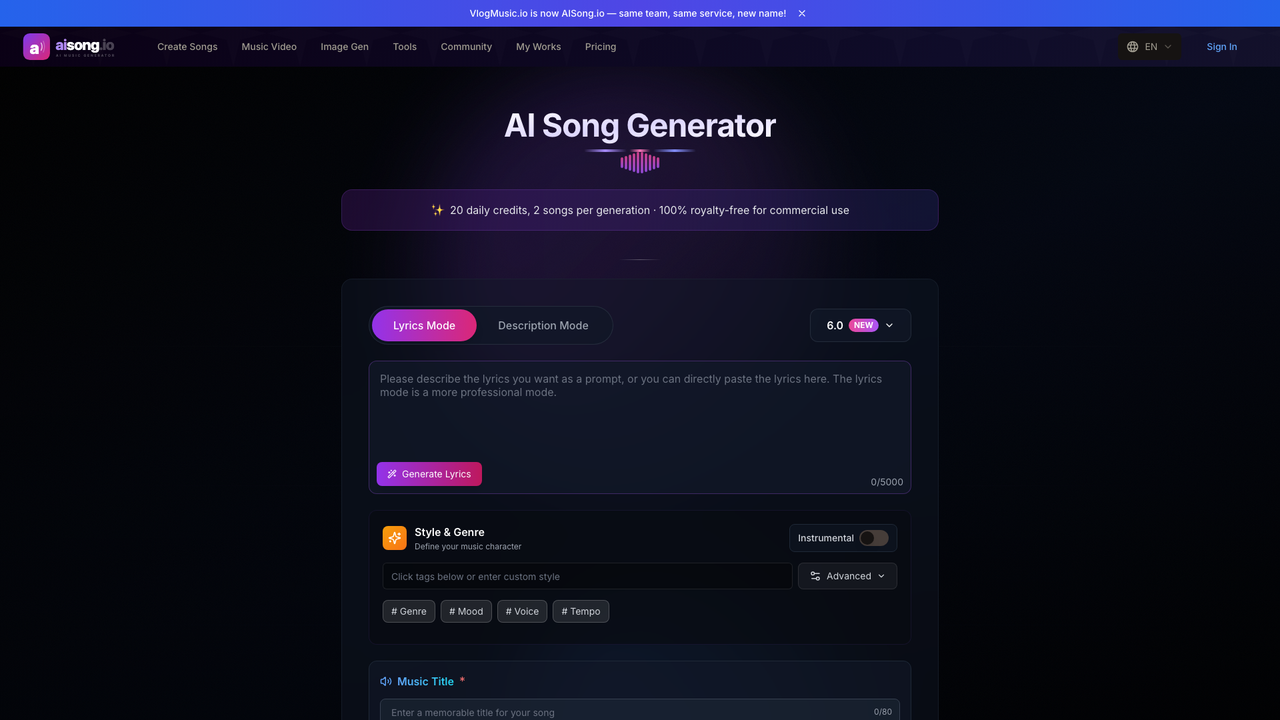
AIsong is designed to simplify music creation for modern creators. As an AI Music Creator, the platform enables users to generate original songs by describing a mood, genre, or concept.
The AI system automatically composes melodies, rhythm structures, and instrumental arrangements. This makes it possible for creators to produce music for videos, podcasts, or other digital content without needing professional production tools.
For digital creators who regularly publish videos or multimedia content, having access to customizable music can make projects feel more unique and engaging.
Best For
- YouTubers producing original video content
- Creators who need custom background music
- Podcasters designing intro or outro tracks
- Influencers experimenting with AI-generated music
- Beginners exploring music creation tools
How to Use
- Visit the AIsong platform and create an account.
- Enter lyrics or a short description of the song.
- Choose a style or mood if available.
- Generate the music track with the AI system.
- Download the finished song and add it to your project.
3. Synthesia
Overview
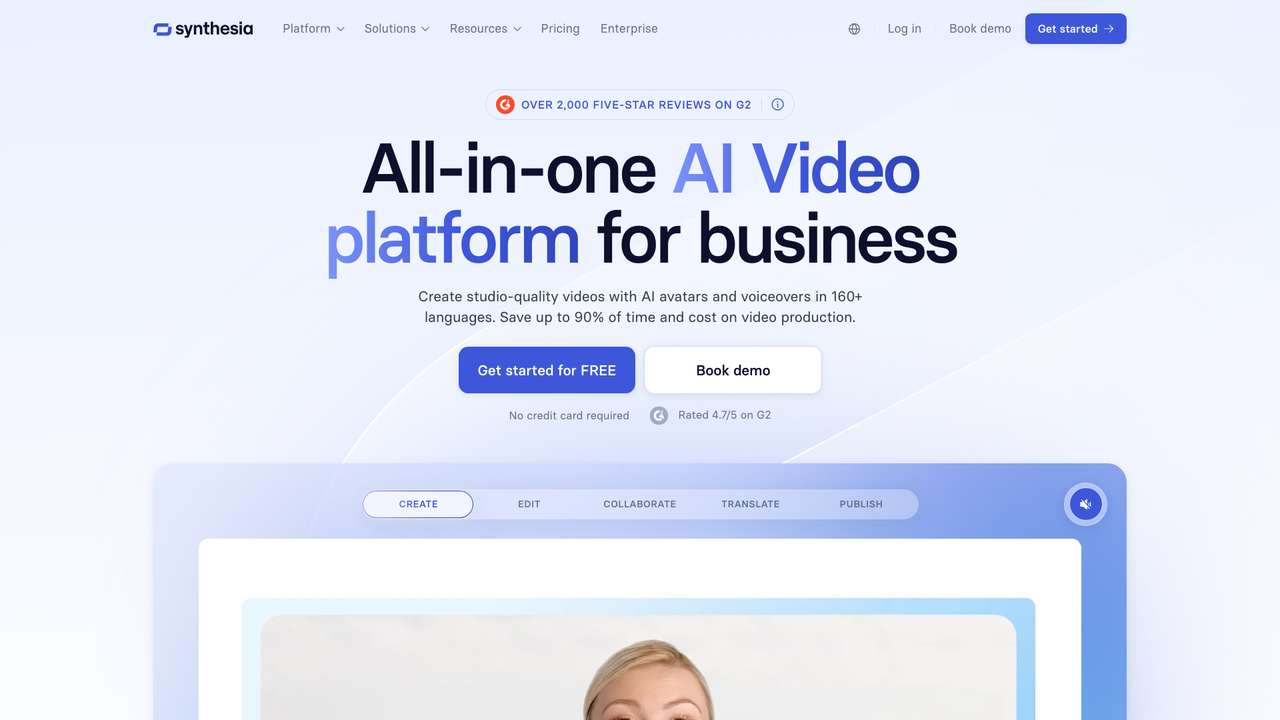
Synthesia is an AI video creation platform that allows users to generate videos with realistic virtual presenters. Instead of recording yourself on camera, you can create videos by typing a script and selecting an AI avatar to present it.
This approach makes video production much faster and easier, especially for creators who produce educational content, tutorials, or product explainers. The platform supports multiple languages and allows users to generate professional-looking videos without traditional filming equipment.
For digital creators who want to scale their content production, Synthesia offers a practical solution.
Best For
- Creators producing educational or tutorial videos
- Businesses making product explainers
- Content creators working with multilingual audiences
- Marketers producing video campaigns
- Anyone wanting camera-free video production
How to Use
- Create an account on the Synthesia platform.
- Enter the script you want the AI avatar to speak.
- Select an avatar and language.
- Generate the video automatically.
- Download the video and share it on your platform.
4. Notion AI
Overview
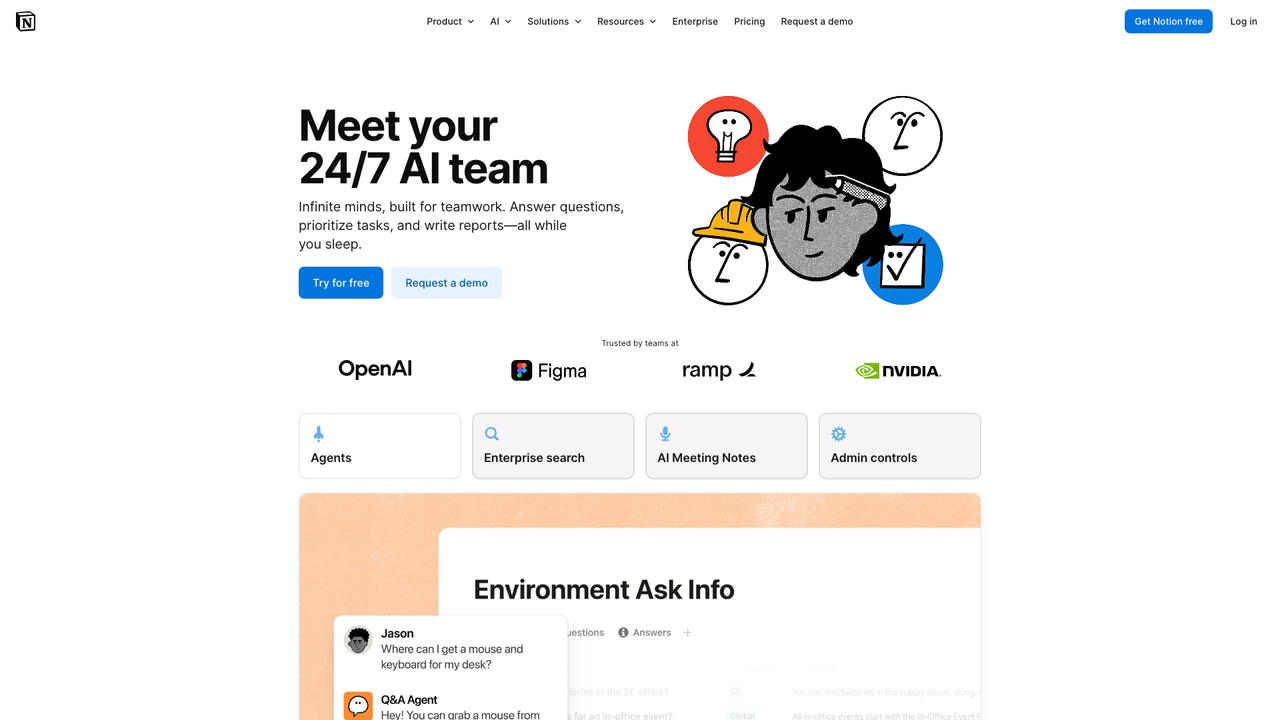
Notion AI is an intelligent writing and productivity assistant integrated into the Notion workspace. It helps creators organize ideas, draft content, summarize notes, and generate outlines quickly.
For digital creators managing multiple projects or content calendars, Notion AI can streamline planning and writing tasks. The tool is particularly useful for brainstorming ideas, writing scripts, or managing editorial workflows.
Because it works directly inside the Notion environment, it allows creators to keep research, notes, and content drafts in one organized space.
Best For
- Bloggers writing long-form content
- Creators planning content calendars
- Teams managing creative projects
- Writers drafting scripts or outlines
- Individuals organizing digital workflows
How to Use
- Open a workspace in Notion.
- Activate the AI feature within a page.
- Enter a prompt such as “generate ideas” or “write a draft.”
- Let the AI produce content suggestions.
- Edit and refine the generated text.
5. Adobe Firefly
Overview
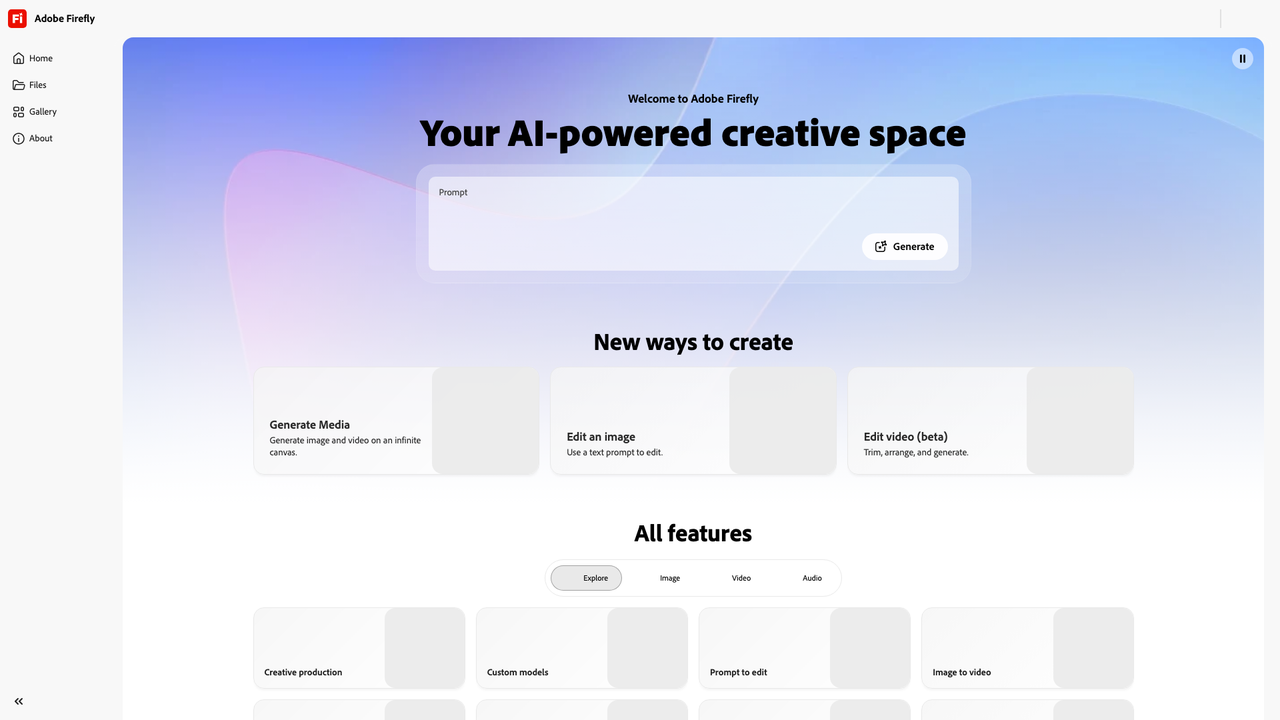
Adobe Firefly is an AI-powered creative tool developed by Adobe that focuses on generative design and image creation. It allows users to create visuals from text prompts, generate design elements, and experiment with different artistic styles.
Because Firefly integrates with Adobe’s creative ecosystem, designers can use it alongside tools like Photoshop and Illustrator. This allows creators to quickly generate visual assets that can later be refined with professional editing tools.
For digital creators working on thumbnails, marketing graphics, or visual storytelling, Firefly can significantly speed up the design process.
Best For
- Designers creating visual assets quickly
- YouTubers producing thumbnails
- Creators experimenting with generative design
- Marketers building digital campaigns
- Anyone exploring AI-assisted visual creation
How to Use
- Access Adobe Firefly through Adobe’s website or creative apps.
- Enter a text prompt describing the image you want.
- Generate multiple design variations.
- Choose the version that fits your project.
- Export or refine the design in Adobe tools.
Final Thoughts
Artificial intelligence is becoming an essential part of the digital creation process. From generating music and producing videos to organizing ideas and designing visuals, AI tools allow creators to experiment more freely and produce content more efficiently.
Among these platforms, music-focused AI tools offer particularly exciting opportunities for creators who want unique audio content for their projects. Tools like MakeSong and AIsong make it easier to experiment with original music and multimedia ideas. For digital creators exploring new creative possibilities, trying platforms like these could be a great starting point.
What is Fueler Portfolio?
Fueler is a career portfolio platform that helps companies find the best talent for their organization based on their proof of work. You can create your portfolio on Fueler. Thousands of freelancers around the world use Fueler to create their professional-looking portfolios and become financially independent. Discover inspiration for your portfolio
Sign up for free on Fueler or get in touch to learn more.

What should you do next?
You've read the article. Now turn your skills into proof of work and unlock more opportunities.
Build your proof of work portfolio
Create a clean portfolio with projects, assignments, resumes, and AI stack details that companies actually want to see.
Create your Fueler portfolio →Apply through assignments, not resumes
Stand out by solving real tasks from companies hiring on Fueler.
Explore assignments →Get discovered by companies
Make your work public and let recruiters discover your skills through actual projects instead of keywords.
Get discovered →
