
Last updated: November 2026
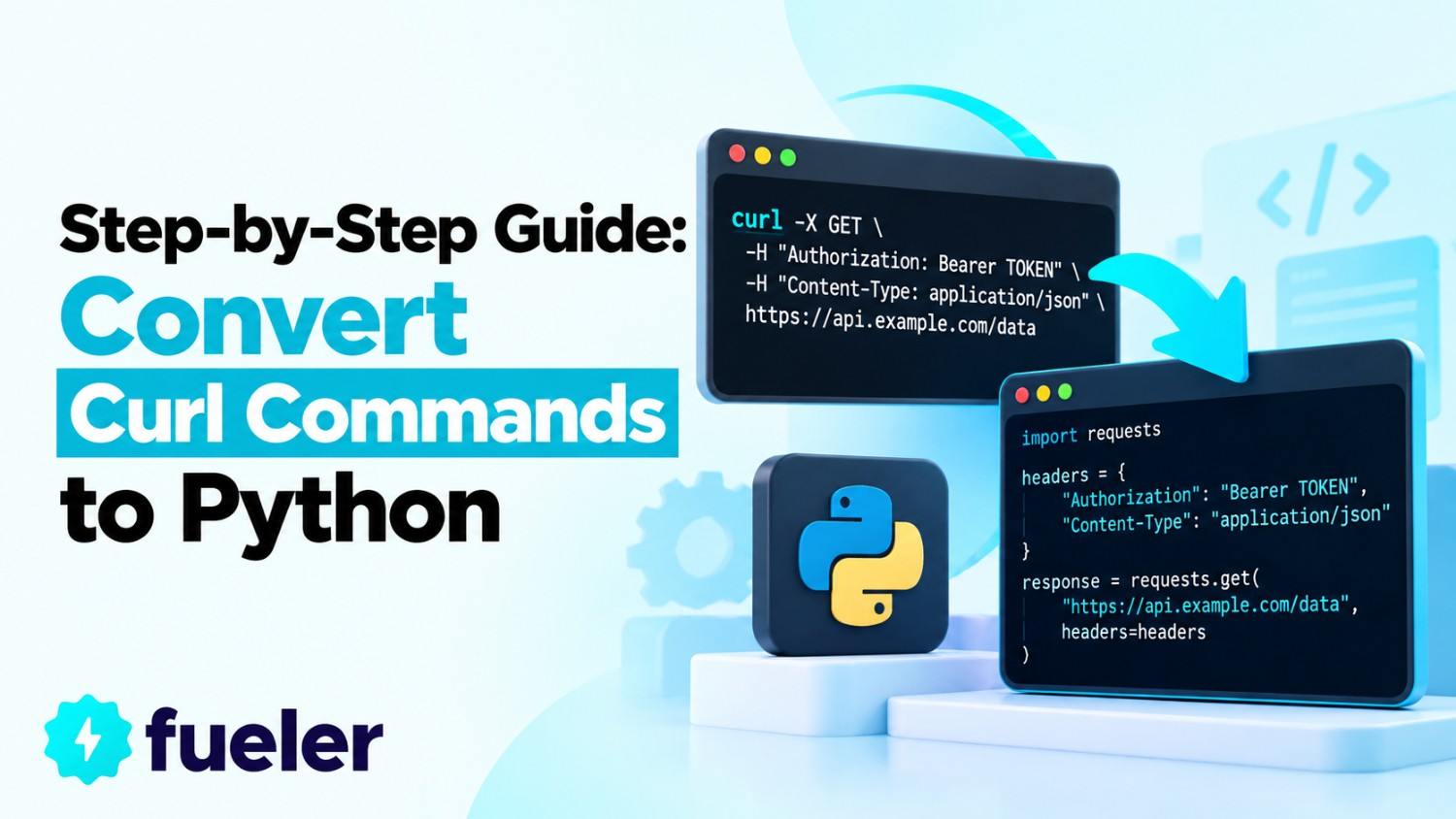
Ever found a powerful curl command online and wished you could use it directly in your Python scripts? In 2027, converting curl commands to Python is a must-have skill for developers, data analysts, and anyone working with APIs. With the right approach, you can automate tasks, integrate with web services, and supercharge your productivity with no more copy-pasting in the terminal.
I’m Riten, founder of Fueler, a skills-first portfolio platform building the career infrastructure for 100 million creative professionals. Fueler connects talented individuals with companies through assignments, portfolios, and projects, not just resumes or CVs. Think of it as Dribbble/Behance for work samples combined with AngelList for hiring infrastructure.
In this article, I’ll walk you through the exact steps to convert curl commands to Python, using the popular requests library and the latest tools. Beyond just writing scripts, how you present your API integration projects is your proof of skill, your credibility, and your shortcut to trust in the tech world.
Absolutely, let’s make the article even clearer and more professional, without any unnecessary bash code blocks or clutter. Here’s a revised, step-by-step guide with clean explanations, practical Python code, and all the context you need.
1. Understand Curl and Python Requests
Curl is a command-line tool for making HTTP requests and testing APIs. Python’s requests library lets you do the same in your code, making it easier to automate and handle responses. Both tools support GET, POST, PUT, DELETE, custom headers, and authentication.
Curl is great for quick API tests and downloading data.
Python requests are best for scripting and integrating APIs into apps.
Both support headers, tokens, and data payloads.
Requests is widely used for automation, web scraping, and data analysis.
Why it matters: Understanding both tools means you can translate commands accurately and use the right one for your workflow.
2. Prepare Your Python Environment
To convert curl commands to Python, you need Python installed on your computer, along with the requests library. You can install requests using pip, which is included with Python.
Make sure Python is installed (version 3.x is recommended).
Install the requests library with the following command in your terminal or command prompt:
pip install requests
For auto-conversion, you can use tools like uncurl (Python package) or reputable online converters. Always check reviews or GitHub stars before using any tool.
Why it matters: Having the right setup lets you convert and run API requests quickly and reliably.
3. Analyze the Curl Command
Before you convert, break down your curl command into its main parts: HTTP method, URL, headers, data payload, and authentication. Each part will map to a parameter in the Python requests call.
Example curl command:
curl -X POST "https://api.example.com/v1/users" -H "Authorization: Bearer TOKEN123" -H "Content-Type: application/json" -d '{"name": "John Doe", "email": "john@example.com"}'
Method: POST
Headers: Authorization, Content-Type
Data: JSON payload
Why it matters: Breaking down the command ensures you capture all details and your Python code works as intended.
4. Write the Python Equivalent
Start your Python script by importing requests. Define your URL, headers, and data. Use the appropriate requests method (get, post, etc.) and pass headers and data as needed.
Example Python code:
python
import requests
url = "https://api.example.com/v1/users"
headers = {
"Authorization": "Bearer TOKEN123",
"Content-Type": "application/json"
}
data = '{"name": "John Doe", "email": "john@example.com"}'
response = requests.post(url, headers=headers, data=data)
print(response.status_code)
print(response.json())
Use requests.get() for GET, requests.post() for POST, etc.
Pass headers as a dictionary.
For JSON, you can use the json parameter instead of data for easier handling:
python
response = requests.post(url, headers=headers, json={"name": "John Doe", "email": "john@example.com"})
Print the status code and response for debugging.
Why it matters: Writing clean, readable Python code makes debugging and maintenance easier and ensures your API calls work reliably.
5. Use Automatic Converters for Complex Commands
For curl commands with many headers, cookies, or authentication, use trusted tools like uncurl (Python package) or reputable online converters. Always review and test the generated code for accuracy.
Paste your curl command into the tool and review the output.
Never share sensitive data with unknown or untrusted websites.
Adjust the code for your specific needs and test thoroughly.
Why it matters: Automatic converters save time and reduce errors, especially with complex or lengthy curl commands.
6. Test and Debug Your Python Script
Run your Python code and check the output. Look for issues like authentication errors, incorrect headers, or data formatting problems. Use print statements or logging to inspect responses.
Print the response status and content for troubleshooting.
Check API documentation for required parameters.
Adjust headers or data as needed.
Why it matters: Testing ensures your converted code works as expected and helps you catch errors before they cause issues in production.
7. Document and Showcase Your API Integration with Fueler
Once you’ve converted and tested your command, document your process and results. Use platforms like Fueler to build a portfolio of API integrations, showing your ability to automate and connect with modern web services.
Create a digital portfolio with code samples and project outcomes.
Share API integration case studies and automation projects.
Attract new clients and employers with real-world proof.
Use assignment-based hiring to grow your development team.
Why it matters: Showcasing your API skills builds trust and opens doors to new opportunities in tech and data-driven industries.
Final Thought
Converting curl commands to Python is a vital skill for anyone working with APIs in 2027. With the right tools, clear steps, and a focus on accuracy, you can unlock the full potential of web automation and integration. Document your work and share your expertise to stand out in the digital world.
FAQs
1. What is the easiest way to convert a curl command to Python?
Use trusted tools like uncurl or reputable online converters, and always review the generated code for accuracy.
2. Which Python library is best for replacing curl functionality?
The requests library is the most popular and user-friendly choice for handling HTTP requests in Python.
3. How do I handle authentication when converting curl to Python?
Pass authentication tokens or credentials in the headers or use requests’ built-in auth parameter for basic authentication.
4. Can I automate the conversion of multiple curl commands to Python?
Yes, tools like uncurl allow batch processing, making it easy to convert many commands at once.
5. How can I showcase my API integration skills to employers or clients?
Build a portfolio on platforms like Fueler, including code samples, project outcomes, and documentation of your API work.
Why 150,000+ professionals use Fueler
Fueler helps professionals showcase proof of work through projects, assignments, case studies, and achievements.
Thousands of professionals use Fueler to create their digital portfolio
Thousands of projects are published on Fueler. Check here
Startups and Companies hire through proof of work on Fueler
Used by freelancers, creators, marketers, video editors, writers, designers, and product managers
Our mission is to help the next 100 million professionals build a verified professional identity through proof of work