Last updated: November 2026
European businesses are getting more distributed and digital by the day. In a market worth over €90 billion and growing fast, successful teams are those who use the smartest, most integrative SaaS tools, making everyday work faster, smoother, and more engaging for talent across borders. Picking the right software can make the difference between a team that merely works and one that wins.
I’m Riten, founder of Fueler, a skills-first portfolio platform building the career infrastructure for 100 million creative professionals. Fueler connects talented individuals with companies through assignments, portfolios, and projects, not just resumes or CVs. Think of it as Dribbble/Behance for work samples combined with AngelList for hiring infrastructure.
In this post, I’ll show you nine of the top SaaS tools making European teams more focused, efficient, and connected in 2027. Think of this as your starting stack for building a high-performing, remote or hybrid team anywhere in Europe.
At a glance: Comparing the SaaS Tools to Boost Productivity for European Teams
Tool | Best For | Core AI Strength | Top Features | Full Pricing |
|---|---|---|---|---|
Slack | Team communication | AI-powered search, summaries and workflow assistance | Channels, messaging, huddles, integrations | Free: €0; Pro: €7.50; Business: €13.50/user/month |
Notion | Documentation and knowledge management | AI writing, meeting notes and workspace search | Wikis, databases, project boards, templates | Free: €0; Team: €8; Business: €16/user/month |
Asana | Project and task management | AI task automation, workflow insights and project summaries | Timelines, task dependencies, workload management | Basic: Free; Premium: €11; Business: €25/user/month |
Miro | Visual collaboration and brainstorming | AI-generated diagrams, summaries and idea clustering | Whiteboards, mind maps, workshop templates | Free: €0; Starter: €10; Business: €19/user/month |
Google Workspace | Business productivity and collaboration | Gemini-powered writing, research and productivity assistance | Gmail, Docs, Sheets, Meet, Drive | Business Starter: €7.99; Standard: €14.99/user/month |
Trello | Visual task tracking | AI-assisted content generation and task organization | Boards, cards, checklists, automation | Free: €0; Standard: €5; Premium: €10/user/month |
Loom | Video communication and feedback | AI video summaries, documentation and editing | Screen recording, transcripts, comments, analytics | Free: €0; Business: €10/user/month |
Deel | Global payroll and HR | AI-assisted HR workflows and document processing | Global payroll, onboarding, compliance, payments | Contractors: €49/month; Employees: From €499/month |
Zoom | Video meetings and webinars | AI meeting summaries, notes and conversation insights | HD video, recordings, transcripts, breakout rooms | Basic: Free; Pro: €13.99; Business: €18.99/host/month |
1. Slack
Best For: Teams looking for real-time communication, project discussions, and seamless collaboration across different locations.
Slack organizes all your team’s conversations, files, and projects in one place. With channels for every project, instant messaging, and powerful integrations, teams switch from endless email threads to real-time action.
Topic-based channels for teams and projects
Easy file sharing and archive search
Voice, video calls, workflow automations
Secure European data residency
Pricing (2027):
Free basic plan
Pro: €7.50/user/month
Business: €13.50/user/month
2. Notion
Best For: Teams that want to manage documentation, internal knowledge, project planning, and everyday tasks in one workspace.
Notion is Europe’s favorite all-in-one workspace combining documentation, projects, wikis, and task tracking. It’s flexible for every size of team and simple to customize, making knowledge and tasks more visible and actionable.
Collaborative notes, databases, and project boards
Template library for onboarding, OKRs, HR manuals
Inline comments and real-time edits
Integrations with Google Drive, Slack, and more
Pricing (2027):
Free personal plan
Team: €8/user/month
Business: €16/user/month
3. Asana
Best For: Growing teams that need structured project management, task assignments, deadline tracking, and workflow automation.
Asana is the task and project platform that turns goals into clear work for distributed teams. Assign tasks, set due dates, track progress visually, and collaborate easily no matter where colleagues work from.
Multiple project views: boards, lists, calendars
Task dependencies, timeline, and workload features
Automation for repetitive tasks and process flows
Integration with 100+ apps and services
Pricing (2027):
Basic free plan
Premium: €11/user/month
Business: €25/user/month
4. Miro
Best For: Remote and hybrid teams that rely on brainstorming, visual planning, mind mapping, and interactive workshops.
Miro is the visual collaboration tool for brainstorming, agile sprints, and idea mapping especially for hybrid or remote-first teams.
Infinite virtual whiteboards for visual work
Pre-built templates for planning, mind-mapping, and retros
Supports live workshops and async edits
Integrates with Slack, Jira, Microsoft Teams
Pricing (2027):
Free starter plan
Starter: €10/user/month
Business: €19/user/month
5. Google Workspace
Best For: Businesses looking for an integrated set of tools for email, document creation, file sharing, video meetings, and team collaboration.
Google Workspace bundles Docs, Sheets, Slides, Meet, and Calendar for seamless cloud collaboration and file sharing in real time.
Shared team drives, real-time co-editing
High-quality video meetings (Google Meet)
Easy sharing and permissions management
Mobile and desktop sync
Pricing (2027):
Business Starter: €7.99/user/month
Business Standard: €14.99/user/month
6. Trello
Best For: Small teams and startups that prefer simple, visual task management to organize projects and track daily progress.
Trello brings simplicity to project and task management with visual boards that all team members can use even with no training.
Card-based lists for tracking tasks and ideas
Drag-and-drop workflow management
Labels, checklists, and team assignments
200+ possible integrations with tools you already use
Pricing (2027):
Free basic plan
Standard: €5/user/month
Premium: €10/user/month
7. Loom
Best For: Distributed teams that want to share feedback, explain processes, and communicate through recorded videos instead of scheduling frequent meetings.
Loom lets you record video messages for feedback, training, and walkthroughs, replacing long emails and live meetings with shareable, watch-anytime video clips.
One-click screen and camera recording
Easy sharing by link and viewer analytics
Emoji reactions and in-video comments
Company dashboard for secure management
Pricing (2027):
Free (limited)
Business: €10/user/month
8. Deel
Best For: European businesses hiring international employees and contractors who need help managing global payroll, onboarding, and compliance.
Deel handles global payroll, HR, and compliance, making it easy to hire, onboard, and pay full-time or contract talent in over 150 countries.
Automated onboarding and payments
Built-in legal compliance tools for each country
Streamlined expense and benefits management
Multi-currency payouts and document storage
Pricing (2027):
Contractors: €49/month/contractor
Employees: From €499/month
9. Zoom
Best For: Businesses that regularly conduct virtual meetings, client presentations, webinars, and company-wide discussions.
Zoom remains the best-known video conferencing solution for teams across Europe, used for all-hands, client meetings, and webinars.
HD video, breakout rooms, screen sharing
Meeting scheduling and calendar integration
Transcriptions and recordings
End-to-end encryption and data security
Pricing (2027):
Basic free plan
Pro: €13.99/month/host
Business: €18.99/month/host
Fueler: Capture Your Team’s SaaS Wins
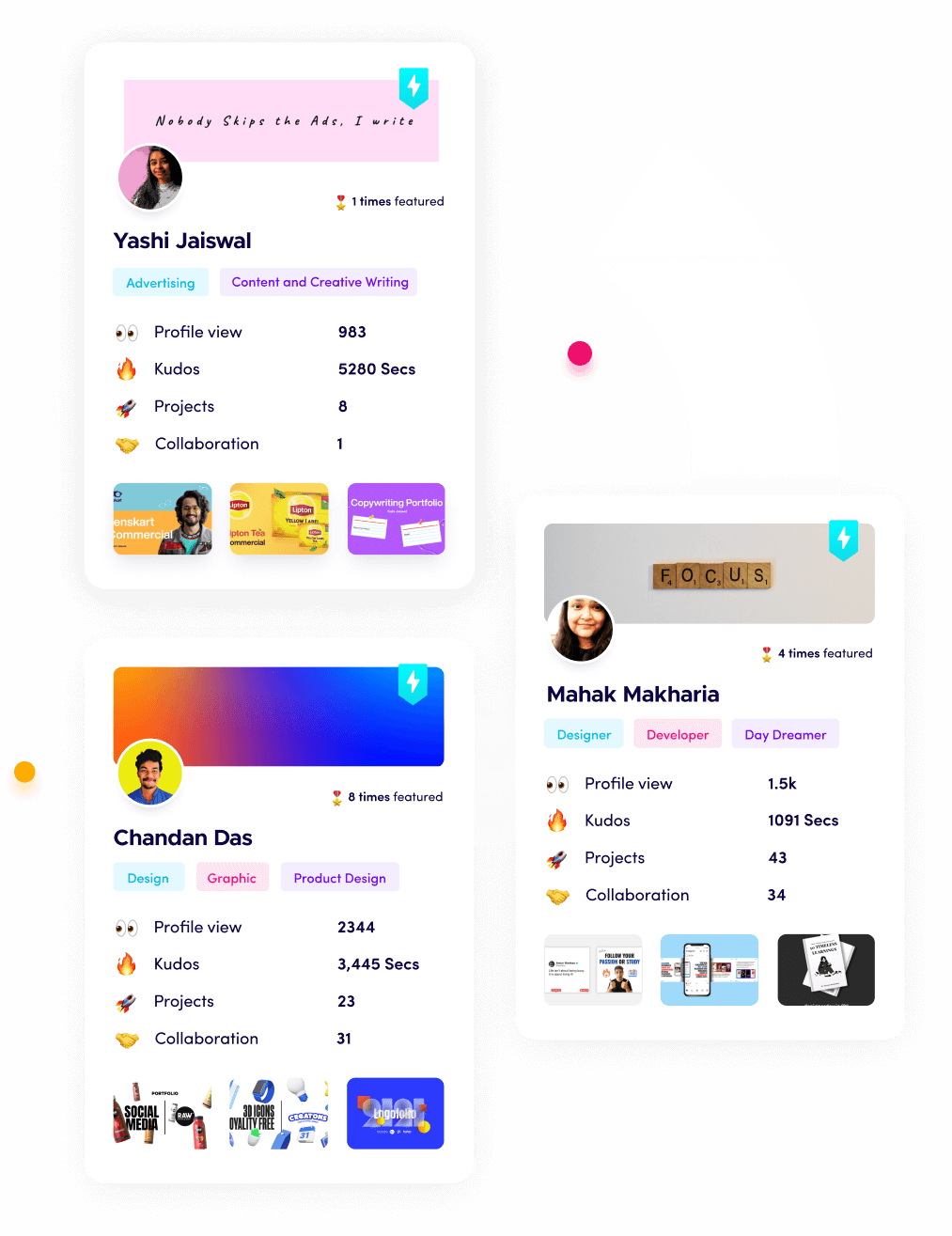
Using great SaaS tools sets teams apart, but proving impact is where the magic happens. On Fueler, you can document productivity projects, software migrations, process optimizations, or training sessions using these tools. Sharing those outcomes makes your company and career more visible to partners, investors, and the next wave of clients.
Final Thought
With remote work now mainstream across Europe, SaaS tools drive the future of business productivity. Whether you’re a five-person startup or a 500-person scaleup, using the right combination of cloud software brings better results, stronger teams, and faster growth. Stay focused on tools that deliver measurable impact.
Frequently Asked Questions
1. Which SaaS tool is best for collaboration in European teams?
Slack and Notion are leaders for real-time and async collaboration, giving teams a home for both conversation and documentation.
2. Are these SaaS tools compliant with European data privacy laws?
Yes, all tools listed here offer GDPR compliance and have options for European data residency or processing.
3. How do I pick the right SaaS tool mix for my team?
Start with your biggest pain points, ask your team what they need, and trial a few platforms with smaller groups before rolling out to everyone.
4. Can SaaS tools be integrated for workflow automation?
Absolutely! Most of the tools above offer native integrations or API access so you can automate everyday tasks across platforms.
5. How can I showcase my ability to use SaaS productively?
Show real case studies and process improvements on Fueler such as setting up a documentation system in Notion or automating hiring with Deel.
Why 150,000+ professionals use Fueler
Fueler helps professionals showcase proof of work through projects, assignments, case studies, and achievements.
Thousands of professionals use Fueler to create their digital portfolio
Thousands of projects are published on Fueler. Check here
Startups and Companies hire through proof of work on Fueler
Used by freelancers, creators, marketers, video editors, writers, designers, and product managers
Our mission is to help the next 100 million professionals build a verified professional identity through proof of work