Portfolio Ready: How Freelancers Keep Every Draft in One Spot

Team Fueler
05 Aug, 2026
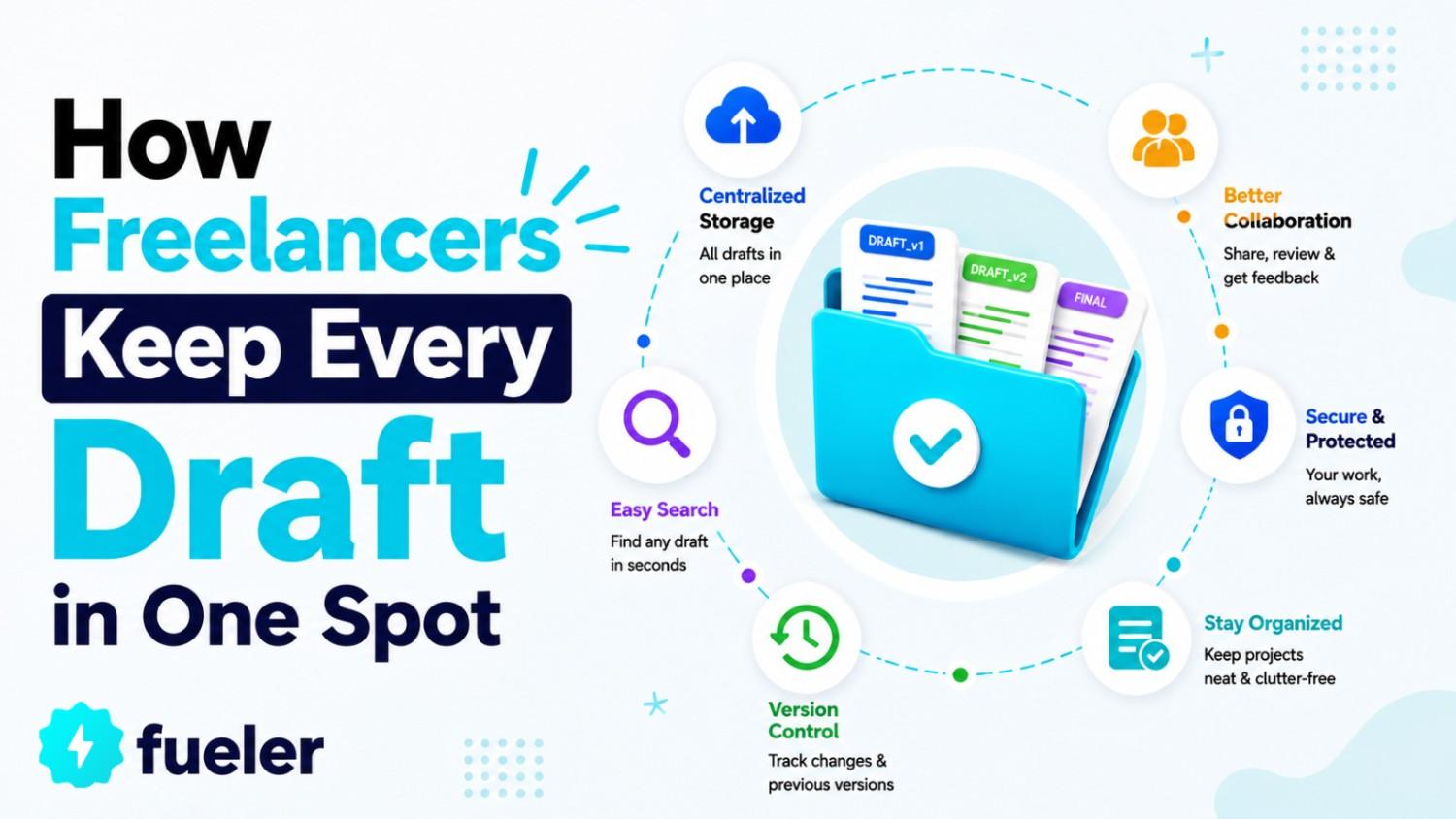
A freelance writer finishes a strong blog post for a client, then realizes the brief, the research notes, and the final draft live in three separate apps. When it's time to build a portfolio piece or show a new client "proof of work," half the context is missing.
Why Freelance Work Feels So Scattered
Most freelancers juggle a client brief in email, reference links in a browser tab, voice notes on a phone, and drafts in a separate writing app. Nothing connects. When a client asks for a revision three weeks later, you spend twenty minutes just finding the original notes.
This isn't a discipline problem. It's a tooling problem. Every new project starts from zero because nothing carries over automatically. A student building a portfolio for internship applications runs into the same issue: strong work exists, but it's spread across five apps and hard to pull together into one clean case study.
What Gets Lost When Material Lives Everywhere
Picture a freelance content strategist working with three clients at once. Client A sent a PDF brand guide. Client B left feedback in a Slack thread. Client C recorded a call with product notes. None of these sources talk to each other, so the freelancer re-explains context every single time she opens a new draft.
The real cost isn't just time. It's inconsistency. Without shared context, tone drifts between drafts, and small details from earlier feedback get forgotten. A missed instruction from week one can resurface as a client complaint in week four, even though the freelancer did nothing wrong except lose track of where that instruction lived. Kollab was built for exactly this kind of scattered workflow, giving freelancers and small teams one place to collect material, create content, and keep everything ready to showcase.
Setting Up One Workspace Per Client Project
Instead of spreading material across five tools, a freelancer can organize each client relationship as its own project space. This keeps briefs, source files, and drafts together from the first message to the final deliverable.
1. Collecting Material From Every Source
Kollab lets you bring in web pages, documents, podcasts, videos, and chat threads as project material. A freelancer working on a client case study can drop in the original brief, a recorded interview, and a competitor's landing page, and Kollab parses and transcribes each one into usable context automatically.
2. Turning One Set of Notes Into Several Formats
Once material sits in a project, it can become an outline, a script, images, audio, or a short video without retyping the background each time . A creator repurposing one client interview into a LinkedIn post and a short recap video saves the step of explaining the story twice.
3. Keeping Feedback and Versions Together
Project material, brand voice notes, and version history stay inside the same creation space, so a returning collaborator can pick up context immediately . This matters most when a client comes back six months later wanting a follow-up piece and expects you to remember the details.
From Rough Draft to Deliverable Ready for a Client
Freelancers rarely bill for a single draft. Most projects move through outline, first draft, feedback, and a polished final version, often with a designer or editor involved. This is where an AI Creation Workspace earns its name: material, drafts, and feedback stay in one project instead of bouncing across email threads and shared drives.
For a small agency handling five accounts, that structure reduces the time spent hunting for "the latest version" before a client call. Everyone on the team opens the same project and sees the same history, which cuts down on the awkward moment of presenting an outdated draft by mistake.
Turning Finished Work Into Portfolio Proof
A portfolio only works if it tells a clear story: the problem, the process, and the result. Freelancers building a case study for a platform like Fueler need more than a finished image or article. They need the context around it.
Because Kollab keeps the original brief, the research, and the drafts inside the same project, pulling together a case study becomes far less painful. A freelance video editor can open last month's client project, grab the brief and the final cut, and write a short case study without digging through old email chains to remember what the client originally asked for.
This also helps when applying for new work. A student submitting a hiring assignment can show not just the final piece but the thinking behind it, since the material and drafts are already organized by project rather than scattered across a laptop's downloads folder.
Common Mistakes When Juggling Multiple Client Projects
A few habits quietly slow freelancers down, even when they use good tools.
- Starting a new tool thread for every small client request instead of keeping one project per client
- Skipping the step of saving brand voice or style notes, then re-explaining tone from scratch each time
- Letting feedback live only in chat apps, so it disappears from the project history
- Publishing content directly from a draft tool without adapting it for each platform's format
- Waiting until a case study is due to gather proof of work, instead of saving key drafts as you go
Avoiding these patterns takes less effort than it sounds. Setting up a project space at the start of a client relationship, rather than midway through, saves the most time later.
Choosing Your First Use Case
Freelancers new to a workspace tool like this shouldn't try to move every client at once. Pick the messiest current project, the one with the most scattered notes and versions, and rebuild just that one inside a single space first.
A freelance podcast producer, for example, might start with one show: import the raw audio, let it transcribe, draft show notes from the transcript, and publish a short clip to social media, all from the same project . Once that workflow feels comfortable, adding a second client project takes far less setup time.
Where a Workspace Like This Has Limits
No single tool replaces judgment, and that's worth saying plainly. Kollab organizes material and speeds up drafting, but a freelancer still needs to catch factual errors, adjust tone for a specific client, and decide what actually belongs in a final piece.
Teams with strict compliance needs, like handling sensitive client data, should also check how private deployment and data isolation work before committing a full workflow to any platform. Kollab supports enterprise permissions and private deployment for teams that need the environment kept under their own control, but setup still takes a conversation with your own IT or compliance contact first.
There's also a learning curve in the first week. Moving five scattered client folders into one structured project space takes an afternoon of setup, not five minutes. That upfront time pays off later when a client returns for a revision and everything is still where you left it, but it's honest to expect a short adjustment period rather than an instant fix.
Conclusion
Freelance work rarely fails because the writing or design is weak. It fails when context gets lost between five different tools and nobody can find the original brief. Bringing client material, drafts, and feedback into one project space makes finished work easier to deliver and easier to showcase later. If your current projects feel scattered across too many apps, picking one messy client folder to reorganize first is a reasonable place to begin.
Why 100,000+ professionals use Fueler
Fueler helps professionals showcase proof of work through projects, assignments, case studies, and achievements.
- Thousands of professionals use Fueler to create their digital portfolio
- Thousands of projects are published on Fueler. Check here
- Startups and Companies hire through proof of work on Fueler
- Used by freelancers, creators, marketers, video editors, writers, designers, and product managers
Our mission is to help the next 100 million professionals build a verified professional identity through proof of work

What should you do next?
You've read the article. Now turn your skills into proof of work and unlock more opportunities.
Build your proof of work portfolio
Create a clean portfolio with projects, assignments, resumes, and AI stack details that companies actually want to see.
Create your Fueler portfolio →Apply through assignments, not resumes
Stand out by solving real tasks from companies hiring on Fueler.
Explore assignments →Get discovered by companies
Make your work public and let recruiters discover your skills through actual projects instead of keywords.
Get discovered →
