How to use GitHub Codespace?

Anshu
26 Oct, 2021
In the previous story, We discussed GitHub Codespace. If you haven’t checked that, here it is.
Why open-source contribution has become easier in 2020?
Now, we will explore, how to use GitHub Codespace to contribute to any kind of GitHub repositories.
For this story, I will take reference of a project that is hosted on GitHub. By following the same, you will be able to contribute to any repositories that are hosted on GitHub.
Before we dive into that, let’s see if there are any prerequisites or not.
Required things to access GitHub Codespace,
- GitHub Account. (Obviously)
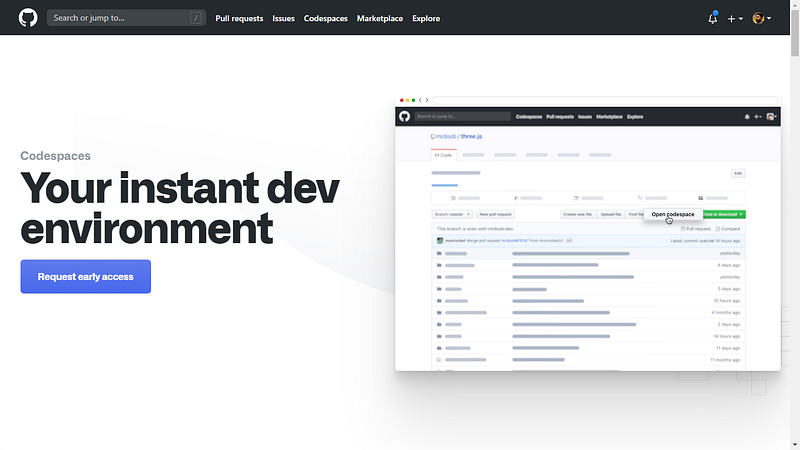
- After creating GitHub Account, you have to submit a request for “Early Access” to access GitHub Codespace.
- Browser(Google Chrome, Safari, Microsoft Edge, Mozilla Firefox). These are the browser that supports GitHub Codespace. You can use any browser from these.
- Lastly, Internet Connection.
After having these things, you will be able to access GitHub Codespace.
Now let’s explore, how to use Codespace to access any repository and make a contribution.
- Select Repository. In the first step, you have to select a repository in which you want to make a contribution or want to explore using Codespace.
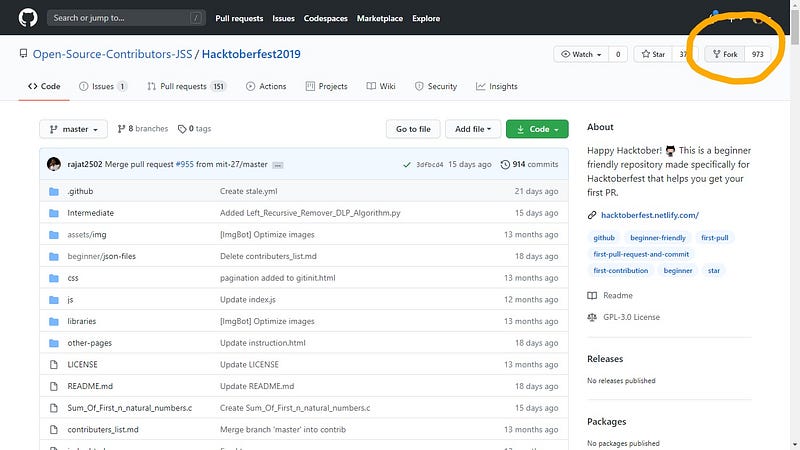
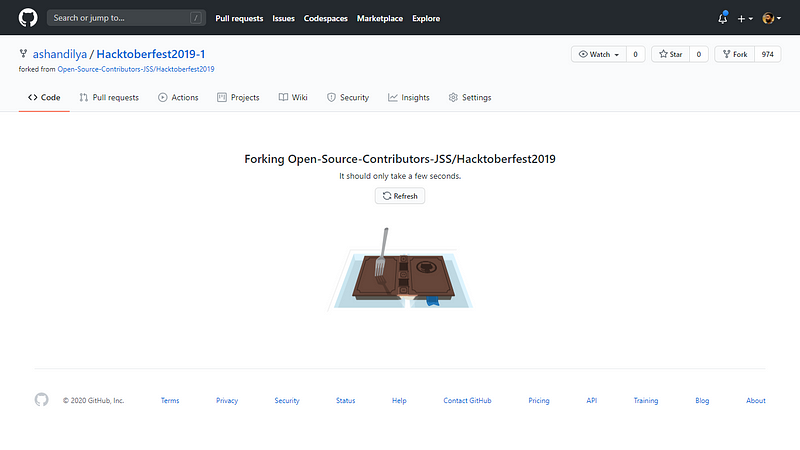
- Fork Selected Repository.
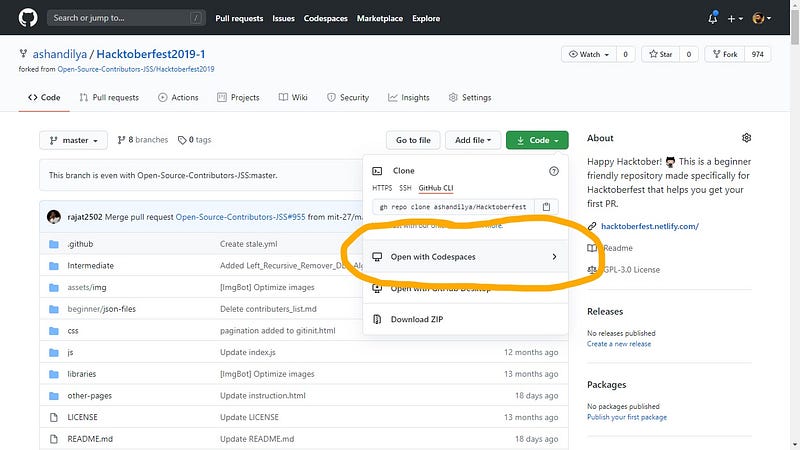
- Open Codespace.
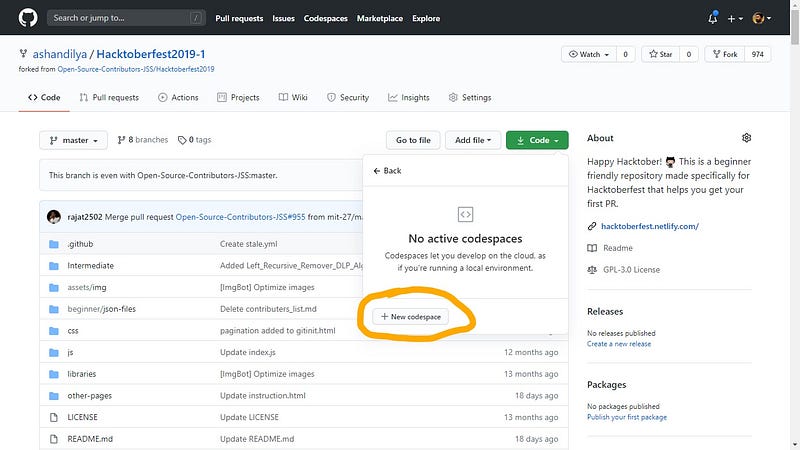
- Create New Codespace.
 \
\
- Congratulation. Your Codespace is ready.
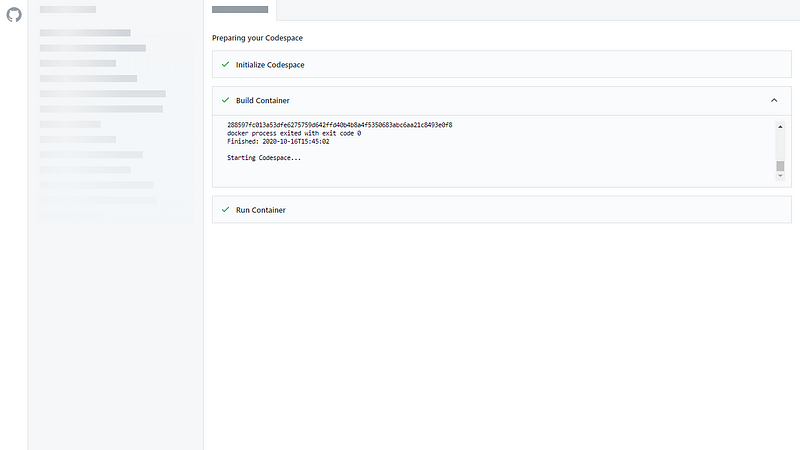
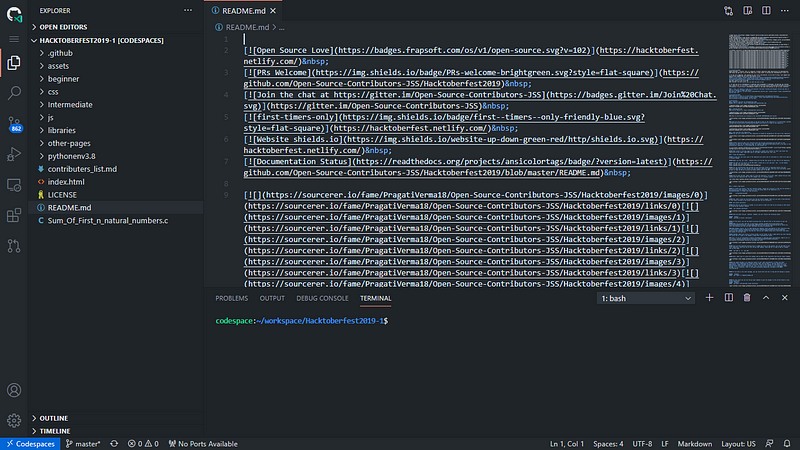
Your Codespace is ready. Now you can access virtually hosted Visual Studio Code.
Start your open-source contribution.
Happy contribution.
Let me know if you face any problem or need any help.
Thanks for being with me.
What should you do next?
You've read the article. Now turn your skills into proof of work and unlock more opportunities.
Build your proof of work portfolio
Create a clean portfolio with projects, assignments, resumes, and AI stack details that companies actually want to see.
Create your Fueler portfolio →Apply through assignments, not resumes
Stand out by solving real tasks from companies hiring on Fueler.
Explore assignments →Get discovered by companies
Make your work public and let recruiters discover your skills through actual projects instead of keywords.
Get discovered →
