Last updated: November 2026
Are you frustrated when your YouTube videos get lost in the crowd, even though your content is amazing? In 2027, the right video title can be the difference between a viral sensation and a video that never gets noticed. With millions of uploads every day, using a free AI YouTube title generator is the smartest way to create catchy, SEO-friendly titles that attract more clicks and boost your channel’s growth.
I’m Riten, founder of Fueler, a skills-first portfolio platform building the career infrastructure for 100 million creative professionals. Fueler connects talented individuals with companies through assignments, portfolios, and projects, not just resumes or CVs. Think of it as Dribbble/Behance for work samples combined with AngelList for hiring infrastructure.
In this article, I’ll walk you through using a free YouTube title generator to craft headlines that get more views and shares. Just like a strong portfolio is your shortcut to trust, a powerful YouTube title is your shortcut to more traffic, higher rankings, and viral success.
What is a Free YouTube Title Generator?
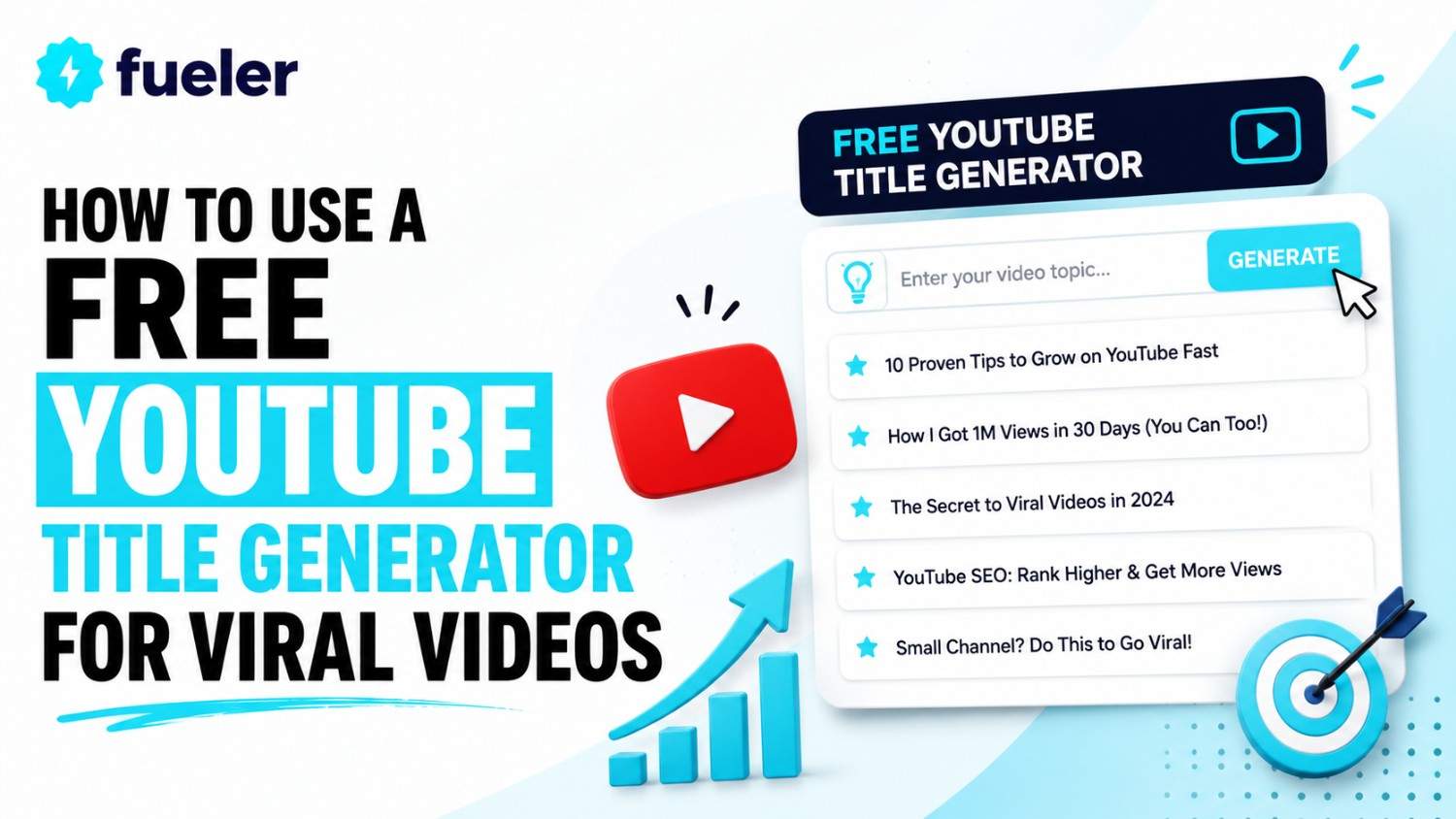
A free YouTube title generator is an AI-powered tool that creates engaging, SEO-optimized video titles in seconds. You enter your video topic or main keyword, and the tool suggests several headline options designed to attract viewers and improve your ranking on YouTube search.
Instantly generates multiple attention-grabbing titles for any video topic
Uses AI to analyze trending keywords, formats, and engagement triggers
Helps optimize for both YouTube search and viewer curiosity
Why it matters: Using a title generator removes the guesswork, helping you consistently create titles that stand out, drive more clicks, and increase your chances of going viral.
How Do YouTube Title Generators Work?
These tools use artificial intelligence to scan millions of successful YouTube titles, analyze keyword trends, and predict which headlines are most likely to get clicks. Many platforms let you choose your video format, tone, or audience for more personalized suggestions.
Analyze your keywords and video topic for relevance and trend potential
Suggest titles based on SEO, engagement, and click appeal
Offer customization for tone, style, and video type
Why it matters: AI-powered suggestions save you hours and help you consistently create titles that are creative, optimized, and tailored to your channel’s audience.
Top Free YouTube Title Generators in 2027
Several free tools stand out for their effectiveness and user-friendliness this year. Each offers unique features, from SEO scoring to instant headline analysis and customization.
CoSchedule YouTube Title Generator: SEO-focused, engagement analysis, and optimization tips
Hootsuite AI YouTube Title Generator: Fast, easy, and suitable for all video types
TunePocket YouTube Title Generator: Advanced tool with SEO scoring and click appeal checks
vidIQ AI Title Generator: Uses AI and view prediction for high-impact titles
Scalenut YouTube Title Generator: Multiple options and built-in SEO analysis
Pricing: All these tools are free, with unlimited or daily title generations.
Why it matters: Having access to multiple free generators lets you compare results, find the best fit for your channel, and never run out of headline ideas—no matter how often you post.
Step-by-Step Guide: How to Use a Free YouTube Title Generator
Crafting a viral YouTube title is easy if you follow this clear, step-by-step process. These steps ensure your titles are optimized for both search engines and real viewers.
Step 1: Define Your Video Topic and Main Keyword
Start by deciding what your video is about and what keyword you want to target. This keyword should match your content and what viewers are searching for.
Review your video content and identify the main theme
Choose a primary keyword that fits your video’s focus
Consider what your target audience would type into YouTube
Why it matters: Choosing the right keyword ensures your title is relevant and more likely to appear in searches that matter.
Step 2: Select a Free YouTube Title Generator
Pick a trusted tool from the list above that fits your needs. Some are better for SEO, others for creativity or specific video types.
Visit the generator’s website (e.g., CoSchedule, vidIQ, Hootsuite)
Look for options to enter your keyword, video format, or audience
Check for extra features like engagement scoring or preview
Why it matters: Using the right tool gives you the best chance of generating a title that matches your goals and audience preferences.
Step 3: Enter Your Keyword and Video Details
Input your chosen keyword or a short summary of your video into the generator. Some tools let you select the video type (tutorial, vlog, review) or tone (funny, serious, urgent).
Type in your main keyword or video topic
Select video format or tone if available
Submit your input to generate headline suggestions
Why it matters: This step helps the AI tailor its suggestions to your specific video and audience, increasing your title’s relevance and appeal.
Step 4: Review, Edit, and Personalize the Suggested Titles
Go through the AI-generated titles. Pick the ones that are clear, exciting, and include your keyword naturally. Edit or combine suggestions to fit your brand’s voice and the actual content of your video.
Check for keyword inclusion and natural language
Make sure the title matches your video’s promise
Edit for clarity, energy, and uniqueness
Why it matters: Personalizing your title ensures it stands out, feels authentic, and delivers on what viewers expect.
Step 5: Test and Optimize Your Title
Before publishing, preview your title to see how it looks in YouTube search. Try A/B testing different titles if you have a large audience, or monitor which types of headlines get the most clicks and engagement over time.
Preview your title for length (aim for under 70 characters)
Avoid clickbait, make sure your title is honest and accurate
Track performance and refine your strategy for future videos
Why it matters: Testing and optimizing your titles over time helps you learn what works best for your channel, leading to more consistent growth and viral potential.
Tips for Creating Viral YouTube Titles with AI Tools
Even with AI, your creativity can make a big difference. Always review the suggestions, add your own twist, and make sure the title matches your video content and audience.
Use power words and emotional triggers for higher engagement
Include numbers or “how to” for clarity and search appeal
Create curiosity without misleading viewers
Keep titles concise and easy to read
Why it matters: Combining AI-generated ideas with your personal style leads to titles that not only rank well but also connect with viewers and encourage sharing.
Fueler: Showcasing Your YouTube Content Strategy
If you’re a video creator or marketer, showcase your best YouTube titles and video results on Fueler. Building a portfolio of successful content strategies is the best way to prove your skills and attract new opportunities.
Final Thought
Mastering free YouTube title generators in 2027 is a game-changer for anyone serious about video content. By following a clear step-by-step process and combining AI-generated suggestions with your own creativity, you can consistently create titles that attract clicks, boost SEO, and help your videos go viral. Investing time in your titles is investing in your channel’s growth, reach, and long-term success.
FAQs
1. What is a free YouTube title generator and how does it help creators?
A free YouTube title generator uses AI to create catchy, SEO-friendly video titles, making it easier for creators to attract viewers and improve rankings.
2. Which is the best free YouTube title generator in 2027?
Top options include CoSchedule, Hootsuite, TunePocket, vidIQ, and Scalenut for fast, optimized title ideas.
3. Do I need technical skills to use a YouTube title generator?
No, most tools are user-friendly; just enter your topic and get instant title suggestions.
4. Can I use AI-generated titles for any type of YouTube video?
Yes, these tools work for tutorials, vlogs, reviews, interviews, and more.
5. How can I showcase my YouTube headline skills to get hired?
Use Fueler to build a portfolio of your best YouTube titles and video results to demonstrate your expertise.
Why 150,000+ professionals use Fueler
Fueler helps professionals showcase proof of work through projects, assignments, case studies, and achievements.
Thousands of professionals use Fueler to create their digital portfolio
Thousands of projects are published on Fueler. Check here
Startups and Companies hire through proof of work on Fueler
Used by freelancers, creators, marketers, video editors, writers, designers, and product managers
Our mission is to help the next 100 million professionals build a verified professional identity through proof of work