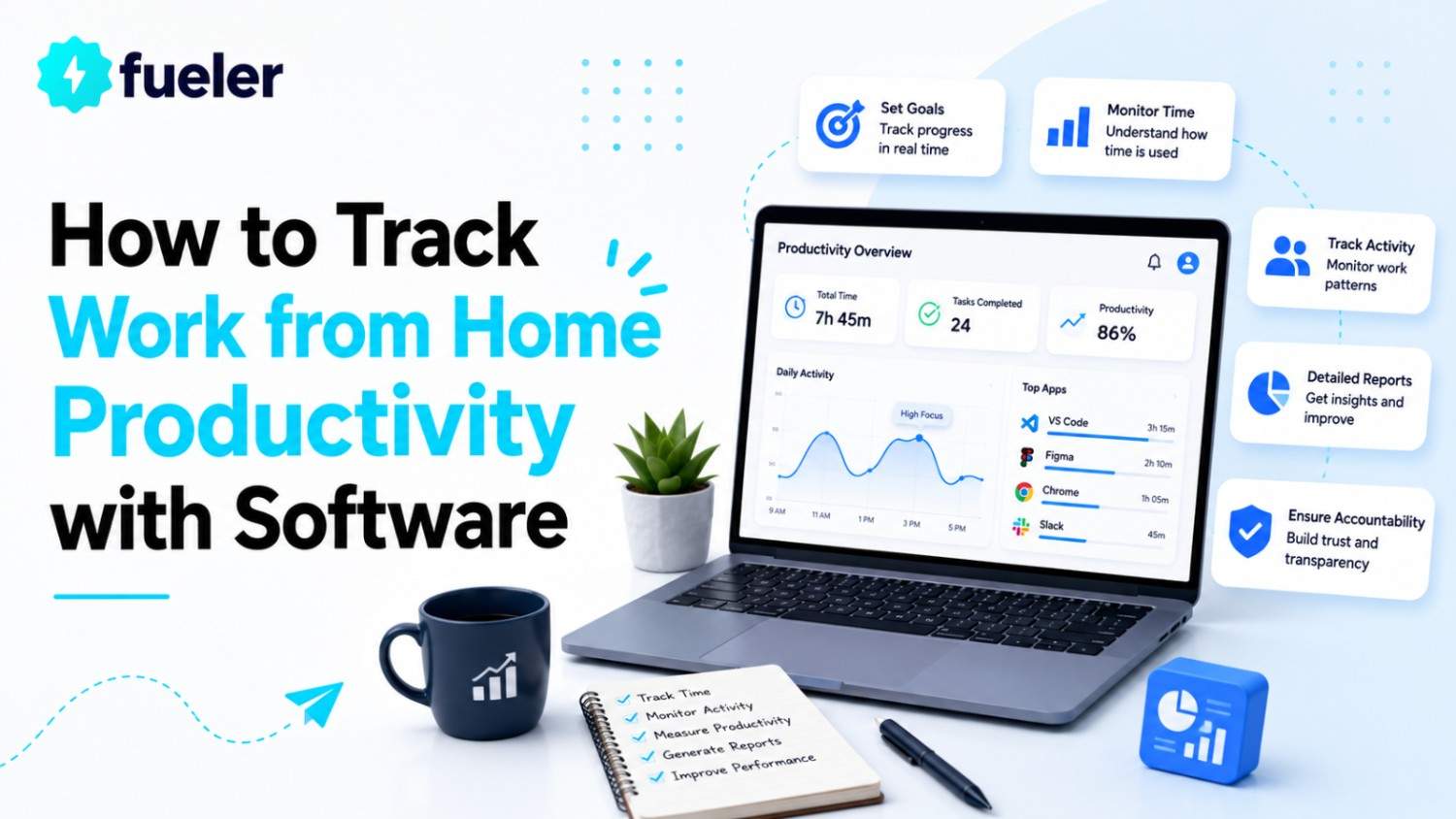
Is your remote team truly productive, or are you just guessing how much work is getting done? In 2026, with remote work firmly established, tracking productivity isn’t about spying or micromanaging, it’s about gaining clear insights, supporting your team, and making smarter decisions. The right software can provide real-time data on how work is progressing, where time is spent, and how to boost efficiency without sacrificing trust.
I’m Riten, founder of Fueler, a platform that helps companies hire skilled professionals through assignment-based portfolios. In this article, I’ll walk you through how to track work from home productivity effectively using the latest software. But remember, it’s not just about tracking hours it’s about how you present and showcase your productivity results. Your ability to organize, analyze, and share real data is your proof of skill, your credibility, and your shortcut to trust in today’s digital workplace.
Why Productivity Tracking Software is Essential for Remote Work
Remote work brings flexibility but also challenges like distractions, communication gaps, and difficulty measuring output. Productivity tracking software bridges these gaps by giving managers and employees clear visibility into work patterns, helping teams stay focused and aligned.
Provides transparency on how time and effort are spent
Identifies bottlenecks and workflow inefficiencies
Supports fair and data-driven performance evaluations
Helps prevent burnout by balancing workloads
Why it matters: Using productivity tracking software is key to managing remote teams effectively, ensuring accountability while fostering trust and motivation.
Let’s be honest tracking productivity for remote teams doesn’t have to be complicated or invasive. It’s about using smart software that gives you real insights without turning your team into a surveillance target. In 2026, the right productivity tools help you cut through the noise, focus on what matters, and boost results. Below, I’ve handpicked the top productivity tracking tools that actually work in today’s remote world—no fluff, just facts.
Desklog
Desklog offers automated time tracking and detailed activity monitoring to help remote teams understand how work hours are spent. It tracks keystrokes, mouse activity, and app usage, providing managers with real-time insights while supporting employee productivity.
Automated clock in/out and time tracking
Real-time project and task monitoring
Activity tracking including apps, websites, and documents
Attendance and leave management
Pricing:
Free plan available for basic tracking
Pro plan starts at $3.50/user/month
Enterprise pricing available on request
Why it matters: Desklog’s comprehensive features help reduce distractions and improve time management, making it easier to maintain productivity in remote settings.
Time Doctor
Time Doctor tracks work hours, app and website usage, and provides distraction alerts to help employees stay focused. It also offers screenshot capture (optional) and integrates with payroll systems, making it a complete productivity and management solution.
Detailed time tracking with manual and automatic modes
Distraction alerts and productivity ratings
Optional screenshots for accountability
Payroll and client billing integration
Pricing:
Basic plan starts at $7/user/month
Standard plan at $10/user/month
Premium plan at $20/user/month
Why it matters: Time Doctor’s detailed analytics help both managers and employees understand work habits, improving focus and accountability.
Hubstaff
Hubstaff combines time tracking with GPS and geolocation features, ideal for remote and mobile teams. It offers privacy controls allowing employees to pause monitoring, balancing productivity tracking with respect for autonomy.
Comprehensive time and activity tracking
GPS tracking for field teams
Payroll and invoicing automation
Employee privacy controls
Pricing:
Time Free plan for 1 user
Starter plan at $7/user/month
Grow plan at $9/user/month
Team plan at $12/user/month
Enterprise plan with custom pricing
Why it matters: Hubstaff’s balance of monitoring and privacy makes it a trusted tool for managing distributed teams in 2026.
Choosing the right productivity tools is equally important, as the best platforms combine time tracking, transparency, and employee-friendly features that improve performance without creating a culture of constant surveillance.
Toggl Track
Toggl Track is known for its simplicity and ease of use, perfect for teams and freelancers who want quick, one-click time tracking. It offers visual reports and integrates with popular project management tools.
One-click time tracking
Visual productivity dashboards
Project and client tracking
Integrations with tools like Asana and Trello
Pricing:
Free plan for up to 5 users
Starter plan at $10/user/month
Premium plan at $20/user/month
Enterprise plan with custom pricing
Why it matters: Toggl Track encourages consistent tracking without overwhelming users, helping teams stay organized and productive.
Desktrack
Desktrack monitors apps, websites, and tasks in real time, providing detailed reports on employee activity and idle time. It supports project management with kanban views and automates timesheets.
Real-time app and website monitoring
Idle time and distraction tracking
Automated timesheets and attendance reports
Project and subtask management
Pricing:
Free plan for basic features
Premium plan at $2.99/user/month
Enterprise plan with custom pricing
Why it matters: Desktrack’s real-time insights help managers identify productivity issues early and keep teams focused.
Memtime
Memtime automatically records all computer activity and allows users to categorize tasks at day’s end. This gives managers a clearer view of employee productivity by showing how work time is distributed across projects and tasks. It’s ideal for those who prefer minimal manual input and want accurate time tracking without timers.
Automatic activity tracking
Simple interface for task categorization
Project and client management
Calendar event integration
Pricing:
Starter plan at $8/user/month
Pro plan at $15/user/month
Business plan at $25/user/month
Why it matters: Memtime’s automation ensures accurate productivity data without adding extra work for employees.
Final Thought
Tracking work from home productivity in 2026 is about more than just counting hours. It’s about empowering your team with transparency, tools, and trust. By choosing the right software and focusing on clear, supportive management, you can boost efficiency, reduce burnout, and build a stronger remote workforce.
Frequently Asked Questions
1. What is the best software to track work from home productivity in 2026?
Top tools include Desklog, Time Doctor, Hubstaff, Toggl Track, and Desktrack, each offering unique features for remote teams.
2. How can I track productivity without invading privacy?
Choose software with privacy controls, clear policies, and options for employees to pause monitoring or use privacy modes.
3. What features should I look for in productivity tracking software?
Look for automated time tracking, activity monitoring, project management, privacy settings, and detailed reporting.
4. Can productivity tracking software help prevent burnout?
Yes, modern tools use analytics to identify burnout risks early, allowing managers to support employee well-being.
5. How can I showcase my productivity management skills to employers?
Build a portfolio on Fueler with real project data, reports, and case studies to prove your expertise in remote team management.
What is Fueler Portfolio?
Fueler is a career portfolio platform that helps companies find the best talents for their organization based on their proof of work.
You can create your portfolio on Fueler, thousands of freelancers around the world use Fueler to create their professional-looking portfolios and become financially independent. Discover inspiration for your portfolio
Sign up for free on Fueler or get in touch to learn more.