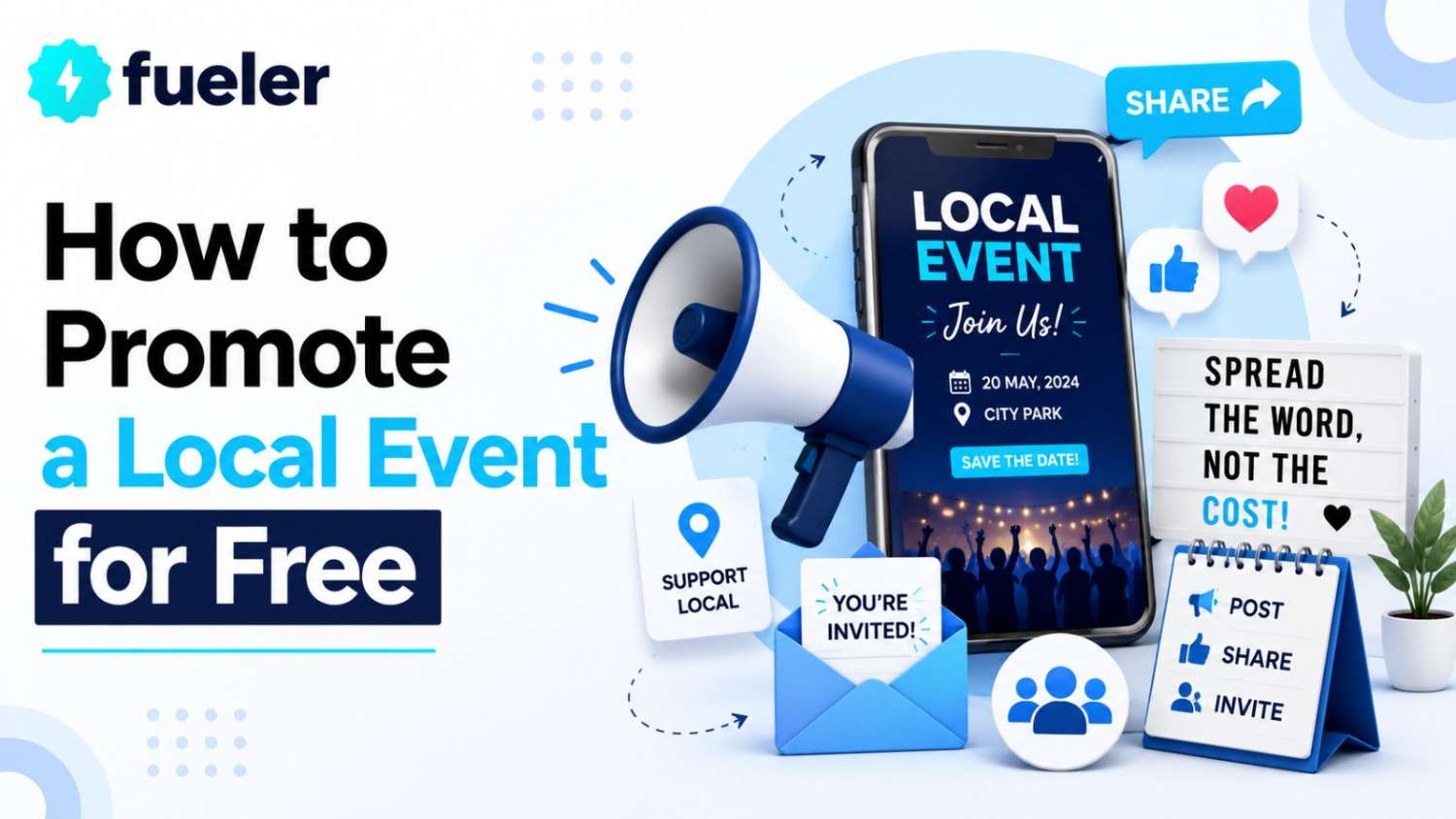
How to Promote a Local Event for Free
Team Fueler
27 Jul, 2026
Ask any small business owner why their event flopped, and "we didn't have the budget to promote it" comes up almost every time.
TL;DR
You already own three free promotion channels: your customer list, your physical location, and your social/email presence. Use them on a schedule, not randomly.
Local partnerships (cross-promotion, community boards, micro-influencers) usually outperform paid ads for a neighborhood-level event.
A free event promotion tool can replace hours of manual design and posting. Pick one that also lets you create event landing pages with built-in RSVP collections.
Start promoting at least two weeks out and turn attendees into your promotion team with a simple "bring a friend" ask.
It's a fair excuse. Most small businesses aren't sitting on a media budget; many are stretched just covering payroll and rent.
Budget isn't actually the biggest barrier. According to Taradel's 2025 Small Business Marketing Survey (reported via MarketingProfs), 30% of small business professionals name lead generation as their top marketing challenge and 27% name budget constraints, yet the same research shows that owners who plan their promotion, even with $0 to spend, tend to outperform those who wing it with a bigger wallet. Planning, not spend, is the real lever.
This guide breaks down exactly how to promote a local event: a store opening, a live show, a fundraiser, a seasonal sale, using time and free tools instead of ad dollars.
1. Start with what you already own
Your customer list is your cheapest ad
If you have even 200 email addresses or phone numbers from past customers, you have a promotion channel that outperforms most paid ads on cost-per-attendee. Send:
A "save the date" 2–3 weeks out
A reminder with details 3–4 days out
A "starts tomorrow" nudge with a clear call-to-action
If your list is smaller (say, under 50 contacts), don't skip this step. A personal, direct message often converts better per-contact than a broad social post, even at low volume.
Your physical space is a billboard
A countertop flyer, a chalkboard sign, or a QR code taped to the register reaches every person who already trusts you enough to walk through your door. That's a warmer audience than any cold ad impression. If you print anything for the event (a flyer, a table tent), add a QR code linking straight to your event landing page so people can register or share it on the spot.
Your team is your sales force
Ask staff to mention the event at checkout, on the phone, and in casual conversation. A one-line script ("We've got a free tasting event this Saturday; want the details?") turns every transaction into a mini-promotion. Write the script down and pin it near the register so it's consistent even when you're not the one at the counter.
2. Borrow reach through local partnerships
This is the step most small businesses skip, and it's the highest-leverage one.
Your business type | Good cross-promotion partner | What to swap |
|---|---|---|
Coffee shop or café | Bookstore, coworking space | Flyers at the register, newsletter mention |
Yoga studio or gym | Smoothie or juice bar | Social shoutout, joint discount for attendees |
Boutique or retail store | Salon, florist | Shared event, cross-posted on both Instagram accounts |
Restaurant or bar | Local band or performer | They promote to their fan base, you host the show |
Nonprofit or community group | Library, church, community center | Free listing on their events calendar or bulletin board |
The common thread across every pairing: look for a business that shares your audience but isn't your competitor, and make sure the swap is equally valuable for both sides, not just a favor you're asking for.
Beyond direct partnerships:
List your event everywhere it's free to do so — your city's tourism board, local Facebook community group, Nextdoor, your Chamber of Commerce calendar, and library or community center bulletin boards.
Invite one local micro-influencer or reporter. A small local food blogger or community Facebook group admin with 2,000 engaged followers often drives more foot traffic than a paid ad to 20,000 strangers, because the recommendation carries personal trust.
3. Let social media do the heavy lifting
You don't need a social media manager; you need a rhythm. Here's a simple no-budget plan:
Timing | What to post | Example |
|---|---|---|
3 weeks out | Announcement with core details | "Save the date: Free tasting event, Sat June 14, 6–8pm". Push it to social with PosterMyWall's social media scheduler. |
1 week out | Behind-the-scenes teaser | Photo of setup, product prep, or rehearsal |
2 days out | Reminder with countdown sticker | Instagram Story countdown |
Day of | Live updates | Story of the crowd, product, or performer |
Day after | Recap | Photo or short video, tag attendees who posted |
4. Choose the right event promotion tool
An event promotion tool helps you announce, promote, and manage RSVPs for an event, usually combining a shareable event page, social and email distribution, and basic guest-list tracking in one place. For a local business with no ad budget, the right tool replaces hours of manual design work, a spreadsheet for RSVPs, and separate logins for social scheduling. When attendance grows beyond what a free flyer can fill, an event marketing platform bundles registration pages, automated reminders, and post-event follow-ups into a single workspace, so the admin side stops growing faster than the guest list.
Tool | Free tier includes | Best for |
|---|---|---|
PosterMyWall Events | Design free event pages with RSVP collection, one-click social/email sharing and shareable event calendars. | All-in-one user-friendly setup for a single local event, minimal design experience needed |
Eventbrite | Free registration for free events, basic event listing | Ticketed or larger public events, built-in discovery |
Canva | Free flyer/social graphic templates | Design only - pair with a separate RSVP method |
Buffer | Free scheduling for 3 social channels | Teams that already have a designed event page and just need posting scheduled |
Create event landing pages that convert, without a designer
If you don't have a dedicated event page yet, you can create event landing pages in under an hour using a template-based tool rather than a custom website builder. Whatever tool you use, cover the same basics reporters and event marketers rely on: often shortened to the "5 W's and an H":
Who is hosting, and who's involved (performers, speakers, staff)
What the event actually is
Why it's happening (sale, fundraiser, celebration, launch)
When it starts and ends
Where it's held (address or platform link)
How to register or RSVP - this should be the most obvious button on the page
A local business doesn't need a custom-built website for this. PosterMyWall's event marketing tool lets you build a shareable event page with RSVP collection covering all six of these, then push it to socials and email from the same place, which matters when you're a one-person marketing team.
5. Turn attendees into your promotion team
Add a simple ask to your RSVP confirmation: "Bring a friend" or "Share this with someone who'd love it."
Create one photo-worthy moment at the event. It could be a backdrop, a display or a signature item, so attendees post about it organically.
Follow up after the event with a thank-you message and a soft plug for the next one. Repeat attendees are far cheaper to win back than new ones are to acquire.
A simple two-week no-budget promotion checklist
Here's how all of the above fits into a single two-week runway, so nothing falls through the cracks between now and event day.
Day | Task | Channel |
|---|---|---|
1 | Create event page/flyer | Event tool |
2 | Email your existing customer list | Email/SMS |
3 | Put flyer/QR code in-store, brief your team | In-store |
4–5 | Reach out to 2–3 neighboring businesses for cross-promotion | Partnerships |
6 | Post event announcement on all social channels | Social |
7 | Submit event to local community boards and groups | Community listings |
10 | Post a teaser or behind-the-scenes update | Social |
12 | Send reminder email | Email/SMS |
13 | Countdown post on Stories | Social |
Day of | Live posts + in-person "bring a friend" ask | Social + in-store |
Day after | Recap post + thank-you follow-up | Social + email |
Key takeaway
You don't need a marketing budget to fill seats at a local event, you need a plan for the channels you already own: your customers, your neighbors, and your own social presence. Start early, lean on relationships, keep a simple plan, and let your attendees help spread the word. The businesses that do this consistently, not the ones that spend the most, are usually the ones with the fuller room.
Frequently Asked Questions
1. What is an event promotion tool?
An event promotion tool helps you create a shareable event page, manage RSVPs, and distribute the event across social media and email, usually from one dashboard instead of juggling separate design, scheduling, and spreadsheet tools.
2. Do I need to create event landing pages if I already have a website?
Yes, ideally. A dedicated event landing page keeps visitors focused on one action, registering or RSVPing, instead of navigating away into your full website. It's also easier to update, share, and track than a buried page on your main site.
3. What's the cheapest way to get people to my event?
Your existing customer list, typically by email or text. It reaches people who've already bought from you, costs nothing to send, and usually converts better per-contact than a cold social post.
4. How far in advance should I start promoting a local event?
Two to three weeks out is usually enough for a local event. Start with your announcement and customer email, then build momentum with reminders, teasers, and a final countdown push in the last few days.
Why 100,000+ professionals use Fueler
Fueler helps professionals showcase proof of work through projects, assignments, case studies, and achievements.
Thousands of professionals use Fueler to create their digital portfolio
Thousands of projects are published on Fueler. Check here
Startups and Companies hire through proof of work on Fueler
Used by freelancers, creators, marketers, video editors, writers, designers, and product managers
Our mission is to help the next 100 million professionals build a verified professional identity through proof of work

What should you do next?
You've read the article. Now turn your skills into proof of work and unlock more opportunities.
Build your proof of work portfolio
Create a clean portfolio with projects, assignments, resumes, and AI stack details that companies actually want to see.
Create your Fueler portfolio →Apply through assignments, not resumes
Stand out by solving real tasks from companies hiring on Fueler.
Explore assignments →Get discovered by companies
Make your work public and let recruiters discover your skills through actual projects instead of keywords.
Get discovered →
