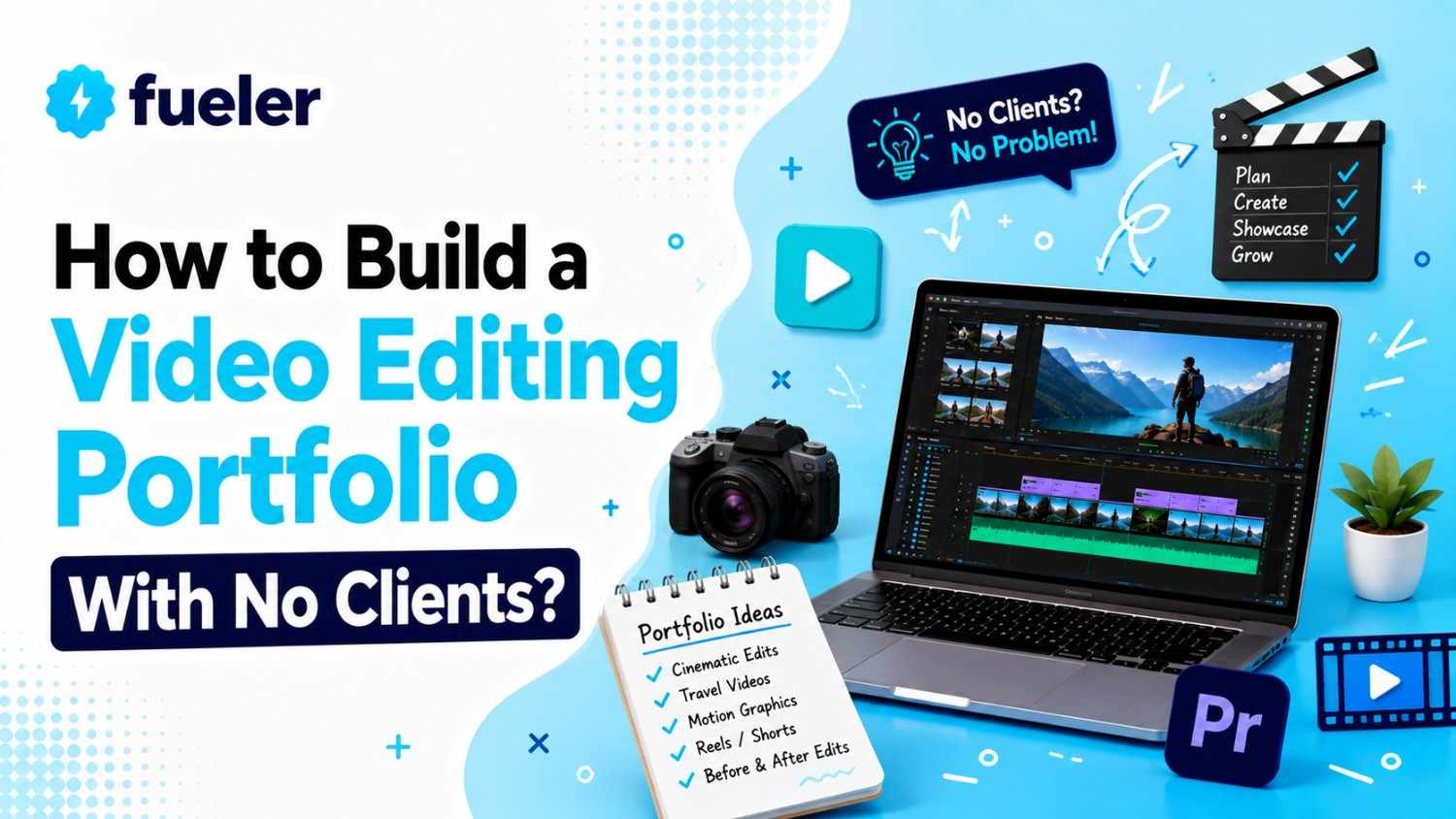
How to Build a Video Editing Portfolio With No Clients?

Riten Debnath
09 Aug, 2026
Last updated: August 2026
Staring at an empty editing timeline with zero client footage feels a bit like trying to open a restaurant when you do not own any food. The classic creative catch is brutal: companies refuse to hire you without a portfolio, but you cannot build a portfolio without getting hired first.
In 2026, media teams and creators hire based on execution, speed, and storytelling rather than paper resumes. Waiting around for someone to grant you permission to edit is the fastest way to stay unemployed.
I’m Riten, founder of Fueler, a skills-first portfolio platform building the career infrastructure for 100 million creative professionals. Fueler connects talented individuals with companies through assignments, portfolios, and projects, not just resumes or CVs. Think of it as Dribbble/Behance for work samples combined with AngelList for hiring infrastructure.
You can build a solid video editing portfolio even before you land your first client by creating projects that show the kind of work you want to get hired for.
In this guide, you will learn eight practical strategies to build a high-converting video editing portfolio from scratch. By taking control of your own projects, you will create verifiable proof of work that attracts real paying clients.
Re-Cutting Existing Brand Videos for Spec Commercials
Taking existing raw footage or public brand commercials and re-editing them into fresh marketing cuts is one of the fastest ways to showcase commercial awareness. You do not need a contract with Nike or Apple to show that you know how to edit a high-converting commercial.
Spec edits allow you to demonstrate how you analyze brand aesthetics, trim narrative bloat, and restructure visual messaging for maximum impact. By picking an existing brand ad and creating a tighter 15-second or 30-second version, you demonstrate marketing intent rather than just basic software mechanics.
- Re-Framing Narrative Hooks for Better Conversions: Restructuring the opening three seconds of an existing commercial captures immediate viewer interest. Re-ordering visual assets allows you to test stronger value propositions, proving to prospective clients that you understand how visual pacing directly impacts audience retention and campaign performance.
- Applying Custom Color Grading for Brand Consistency: Matching brand color palettes across mismatched stock shots or brand clips shows high technical precision. Adjusting contrast curves and balancing vectorscope values proves you can maintain strict brand guidelines across complex, multi-camera corporate or commercial video productions.
- Designing High-Impact Kinetic Typography Callouts: Adding custom lower thirds, kinetic text overlays, and graphic callouts highlights key product features effectively. Animating text elements in sync with audio beats helps muted mobile viewers absorb the primary marketing message without missing critical details.
- Re-Engineering Audio Tracks with Dynamic Sound Design: Layering riser effects, impact swooshes, and custom background music elevates static video footage. Replacing original audio stems with precise sound design proves you can build cinematic tension and emotional resonance for commercial video projects.
- Creating Multiple Aspect Ratio Exports for Social Media: Re-framing horizontal landscape video ads into 9:16 vertical social clips demonstrates cross-platform editing versatility. Positioning core visual subjects within safe zones ensures crucial branding elements never get covered by native platform user interfaces.
Why It Matters: Spec edits prove to hiring managers that you understand commercial goals, brand messaging, and platform-specific formats. Showing that you can transform existing footage into higher-converting visual assets demonstrates immediate ROI, making clients comfortable investing in your editing services.
Repurposing Long-Form Podcasts into Short-Form Social Clips
Long-form podcast episodes and interview streams are goldmines for short-form video editors looking to build a social media editing portfolio. Content creators produce hours of conversational video weekly but rarely have time to chop those episodes into viral clips.
Taking public podcast episodes and turning them into punchy 60-second clips showcases your ability to extract core insights. You demonstrate that you can listen through long audio tracks, spot the emotional highlight, and edit it into a mobile-friendly short.
- Identifying Core Hook Moments in Long Conversations: Isolating compelling 45-second stories from hour-long audio tracks proves your strong narrative instincts. Trimming conversational filler words, long pauses, and off-topic tangents creates a tight, engaging clip that keeps social media scrollers watching until the end.
- Adding Dynamic Auto-Captions with Custom Styling: Designing stylized captions with animated word highlights ensures mobile viewers remain engaged. Customizing subtitle fonts, text stroke colors, and screen positions helps short-form clips match current visual trends across social media channels.
- Inserting Contextual B-Roll to Reinforce Key Points: Overlaying relevant B-roll footage, historical images, or screen recordings keeps conversational edits visually dynamic. Adding supportive visuals every few seconds prevents viewer boredom during long talking-head segments, improving overall watch-time retention.
- Implementing Zooms and Re-Framing Cuts: Utilizing subtle scale jumps and camera reframes creates visual rhythm during single-camera interviews. Switching focal lengths on key punchlines or emotional statements mimics a multi-camera setup, giving flat footage a dynamic production feel.
- Optimizing Audio Clarity with Equalization and Compression: Cleaning up dialogue noise, removing room echo, and balancing vocal levels delivers pristine sound quality. Applying gentle audio compression ensures vocal tracks remain crisp and intelligible across smartphone speakers and cheap earbuds.
Why It Matters: Short-form video is the primary growth driver for modern brands, creators, and media companies. Showing that you can extract and polish viral podcast clips positions you as a high-value growth partner for busy creators.
Editing Public Domain and Creative Commons Footage
Sourcing footage from public domain archives, NASA media libraries, or Creative Commons repositories lets you edit cinematic stories without owning a camera. You do not need high-end filming gear to demonstrate top-tier editing talent.
Using open-source media allows you to focus purely on montage editing, pacing, color treatment, and narrative structure. You can build mini-documentaries, travel trailers, or historical retrospectives using high-quality raw footage that is entirely legal to use and publish.
- Assembling Narrative Mini-Documentaries from Archival Clips: Weaving historical archive footage into a compelling three-minute documentary demonstrates narrative sequencing skills. Crafting a clear thematic arc with voiceover storytelling proves you can organize complex visual media into coherent, educational video assets.
- Matching Pacing to Complex Soundtracks: Cutting visual transitions precisely to musical beats and tempo shifts creates a mesmerizing viewer experience. Syncing visual movement with orchestral or electronic soundtracks proves you possess a strong rhythmic sense for high-end video edits.
- Restoring and Grading Vintage Archival Media: Correcting color casts, removing film grain, and sharpening legacy video footage showcases deep technical post-production capability. Up-scaling archival clips gives vintage media a crisp, modern aesthetic suitable for historical documentaries.
- Building Atmospheric Mood Reels with Stock Visuals: Blending cinematic stock footage into aesthetic mood pieces demonstrates creative atmosphere building. Selecting harmonious visual textures, lighting styles, and camera movements creates a unified visual identity without shooting a single frame yourself.
- Writing and Syncing Professional Voiceover Tracks: Matching AI or human voiceover narration with precise visual cues creates a professional broadcast feel. Pacing speech pauses alongside visual reveals ensures the audience absorbs complex narrative information naturally.
Why It Matters: Archival and stock editing proves you can craft compelling visual narratives out of existing assets. Documenting your ability to organize, color-grade, and pace raw media highlights your creative resourcefulness to prospective employers.
Executing Side-by-Side Before and After Breakdowns
Clients rarely understand how much technical work goes into a professional video edit until they see the raw starting point. Creating before-and-after breakdown videos is one of the most persuasive ways to display your editing expertise.
By splitting the screen or using wipe transitions to show raw camera footage next to your fully edited, color-graded, and audio-engineered final cut, you make your labor visible. This transparent presentation highlights your technical proficiency instantly.
- Demonstrating Raw LOG to Rec.709 Color Transformations: Showing flat, washed-out camera footage transforming into a vibrant, properly balanced image highlights your color correction skills. Displaying vectorscope adjustments proves you can fix poor lighting and white balance issues effortlessly.
- Highlighting Audio Restoration on Noisy Field Tracks: Comparing muffled, echoing background audio with a cleaned, punchy voice track proves audio engineering value. Demonstrating noise suppression and EQ fixes highlights your ability to save bad production sound during post-production.
- Displaying Pacing Trims on Raw Unedited Takes: Showing a rambling, two-minute raw interview take alongside a tight, 20-second edited clip highlights narrative judgment. Demonstrating how you eliminate dead air and stuttering builds trust in your structural editing abilities.
- Visualizing Layered Sound Effects and Foley Work: Muting background sound effects to show how flat a scene feels without audio layering demonstrates sound design impact. Revealing individual audio tracks proves how subtle atmospheric noises add realism to video edits.
- Exposing Motion Graphics and Compositing Layers: Breaking down complex visual effects into individual graphic layers shows how you build polished visuals. Dissecting green screen removals or tracking callouts demystifies your technical editing workflow for potential clients.
Why It Matters: Before-and-after breakdowns eliminate guesswork for prospective clients by making your hidden technical skills obvious. Showing the exact value you add to raw media justifies higher editing rates and builds professional credibility.
Re-Scoring and Re-Pacing Famous Movie Trailers
Re-cutting famous film trailers into completely different genres is a classic editor exercise that instantly catches attention. Changing a horror movie trailer into a heartwarming romantic comedy or converting a drama into a high-octane thriller requires deep story manipulation.
This project format showcases your ability to manipulate emotion, tone, and pacing through editing choices alone. It proves to creative directors that you understand narrative structure, audio tone, and emotional subversion.
- Subverting Narrative Expectations Through Selective Cutting: Re-arranging character dialogue and scene sequences alters the viewer's emotional perception entirely. Selecting specific facial expressions out of context allows you to build a completely new storyline from existing movie clips.
- Replacing Music Tracks to Shift Scene Moods: Swapping intense thriller scores with upbeat pop music instantly transforms the dramatic tone of a scene. Matching cut points to new musical accents proves you can control audience emotion purely through audio selection.
- Re-Timing Dialogue Cuts for Comic or Dramatic Effect: Adjusting the timing between character lines creates new conversational rhythms. Pausing speech beats creates comedy or suspense, demonstrating precise control over comedic timing and dramatic tension.
- Designing Genre-Specific Sound Design and Stings: Inserting comedy record scratches or horror braams anchors the new genre direction visually and audibly. Layering sound effects reinforces the altered tone, making the re-imagined trailer feel authentic and intentional.
- Crafting Custom Title Cards and End Slates: Building genre-appropriate typography and title graphics finishes the trailer re-cut professionally. Matching font choices, textures, and animation styles completes the aesthetic transformation seamlessly.
Why It Matters: Genre-bending trailer edits serve as memorable portfolio pieces that showcase high creative intelligence. Demonstrating that you can manipulate story tone through pacing and audio choices proves you are a strategic editor, not just a software operator.
Creating Original Product Videos with Smartphone Footage
You do not need an expensive camera package to create polished product commercials for your portfolio. Grabbing an item off your desk like a coffee bag, headphones, or skincare bottle and shooting cinematic B-roll on your smartphone gives you real footage to edit.
Editing product commercials allows you to showcase fast-paced cuts, speed ramps, macro focus pulls, and sound design. It proves to e-commerce brands and marketing agencies that you can make physical products look high-end and desirable.
- Applying Speed Ramps and Motion Blur Transitions: Combining fast-forward camera pushes with slow-motion reveals creates energetic product sequences. Smoothing speed curves between clips gives handheld smartphone footage a glossy, commercial camera feel.
- Syncing Micro-Sound Effects to Physical Product Actions: Adding crisp clicks, liquid pours, and fabric rustles aligns audio closely with physical movements. Layering realistic Foley sounds enhances tactile engagement, making product videos feel immersive.
- Designing Minimalist Product Feature Callouts: Animating floating text tracking alongside a physical product highlights key specifications cleanly. Using clean typography and subtle drop shadows ensures specifications remain readable over busy video backgrounds.
- Lighting and Color Grading Desktop Product Shots: Adjusting exposure highlights and deep shadows creates a premium studio look from basic household lighting. Enhancing product colors ensures brand packaging appears vibrant and visually appealing to shoppers.
- Structuring High-Conversion Commercial Pacing: Ordering product problem-and-solution shots effectively drives viewer action. Ending with a clear call-to-action slate demonstrates that you understand the mechanics of performance marketing and video sales.
Why It Matters: E-commerce brands constantly need short, visually captivating product ads for social media campaigns. Showing that you can shoot and edit high-value product commercials with minimal gear proves you are a resourceful, results-driven video editor.
Redesigning Educational and Explainer Content
Educational YouTube channels and corporate explainer creators rely heavily on clear visual hierarchy to keep audiences engaged. Taking complex educational audio or public speeches and building animated explainer videos demonstrates your ability to simplify difficult concepts.
Explainer edits combine talking-head footage, kinetic typography, screen recordings, custom diagrams, and sound effects. Creating a tight educational piece proves you can hold viewer attention through dense information delivery.
- Translating Abstract Concepts into Visual Graphics: Designing simple visual metaphors for complex technical topics helps viewers retain information easily. Using custom motion graphics and illustrations prevents educational content from feeling dry or boring.
- Integrating Animated Lower Thirds and Section Headers: Organizing long-form educational videos into clear chapter topics guides the viewer's learning journey. Animating clean section titles keeps complex presentations structured and easy to digest.
- Pacing Screen Recordings and Software Demos: Trimming slow cursor movements and zooming in on important software buttons enhances tutorial clarity. Speeding up routine computer tasks keeps software explainer videos lively and focused.
- Highlighting Key Phrases with Kinetic Text Animations: Emphasizing important vocabulary words with animated kinetic text reinforces learning points. Matching text pop-ups with subtle pop or click sound effects keeps mobile viewers visually focused.
- Balancing Background Music with Educational Speech: Ducking background audio smoothly behind dense instructional dialogue maintains clear vocal focus. Selecting low-tempo background tracks creates a focused learning atmosphere without distracting the audience.
Why It Matters: Corporate brands, ed-tech startups, and online course creators invest heavily in explainer video production. Demonstrating that you can edit clear, engaging educational content positions you for stable corporate and educational editing projects.
Editing Pro Bono Projects for Local Non-Profits
Offering your editing skills to local non-profits, animal shelters, or community organizations provides you with real-world footage while helping a good cause. Local organizations frequently have raw event footage or interview clips sitting unused due to a lack of editing resources.
Editing a promotional video or event recap for a non-profit gives you authentic client footage, a real creative brief, and a potential client testimonial. It bridges the gap between practice spec work and paid commercial work.
- Editing Emotional Fundraising and Awareness Stories: Structuring community member interviews into moving story arcs drives viewer empathy and donations. Selecting poignant soundtracks and visual cuts amplifies the organization's core mission effectively.
- Creating Fast-Paced Event Recap Montages: Distilling hours of community event footage into a punchy two-minute recap video showcases event editing skills. Blending crowd reactions, speaker highlights, and venue B-roll captures event energy naturally.
- Collaborating with Non-Profit Teams on Revision Notes: Navigating feedback cycles with organizational directors demonstrates professional communication skills. Updating video cuts based on brand requirements proves you can handle real client relationships maturely.
- Delivering Multi-Platform Video Assets for Events: Providing horizontal website headers alongside vertical social promo clips maximizes video utility for non-profits. Delivering structured video packages shows clients you understand modern digital distribution needs.
- Securing Real Client Testimonials and Endorsements: Requesting written reviews from non-profit directors provides authentic social proof for your portfolio. Displaying verified client praise alongside your finished video edit builds instant trust with future paying employers.
Why It Matters: Working with real non-profits provides genuine project constraints, client feedback loops, and authentic testimonials. Showing real-world impact in your portfolio proves you can collaborate professionally and deliver finished assets under actual client conditions.
How Does This Connect to Building a Strong Career or Portfolio?
Hiring managers no longer care about bulleted software lists or PDF resumes. They want clear proof of work showing how your edits solve real narrative problems, hold audience attention, and deliver high production value. Documenting your creative process from raw footage breakdowns to finished edits proves your strategic thinking. Displaying actual project assignments, timeline breakdowns, and retention results builds instant trust with prospective clients. When you present concrete evidence of your editing capabilities on Fueler, employers can evaluate your real-world skills instantly. Showing your complete work process opens doors to high-paying creative roles.
Final Thoughts
Building a video editing portfolio without existing clients requires shifting from a passive job seeker to an active producer of proof of work. Spec edits, short-form clips, and before-and-after breakdowns allow you to control your creative trajectory entirely. Focus on displaying problem-solving ability, technical precision, and storytelling flow rather than waiting for formal permissions. As you build and publish your project breakdowns continuously, your work becomes an undeniable career asset that attracts high-paying clients organically.
Frequently Asked Questions
How many projects should I include in a video editing portfolio?
Showcase three to five highly polished, diverse projects rather than dozens of average edits. Focus on quality, clear project breakdowns, and specialized editing styles that match the exact types of clients you want to hire you.
Can I use copyrighted footage for my editing portfolio?
Yes, using copyrighted footage for non-commercial spec edits falls under fair use for educational and portfolio purposes. Always label these projects clearly as "Spec Edits" or "Unofficial Re-cuts" to maintain complete transparency with prospective employers.
Where should I host my video editing portfolio?
Host your portfolio on a clean proof-of-work platform like Fueler, where you can display video embeds alongside project context, technical software stacks, and workflow breakdowns. This approach gives hiring managers complete visibility into your creative execution.
Do I need a fancy camera to build an editing portfolio?
No, video editors are hired for their post-production skills, not their camera packages. You can build a world-class portfolio using stock media, open-source archives, podcast clips, spec brand footage, or simple smartphone video recordings.
How long should a video editor showreel be?
A video editor showreel should be between 60 and 90 seconds long. Put your single most visually impressive cut in the first three seconds to catch immediate attention, and keep the pacing tight throughout.
Why 100,000+ professionals use Fueler
Fueler helps professionals showcase proof of work through projects, assignments, case studies, and achievements.
- Thousands of professionals use Fueler to create their digital portfolio
- Thousands of projects are published on Fueler. Check here
- Startups and Companies hire through proof of work on Fueler
- Used by freelancers, creators, marketers, video editors, writers, designers, and product managers
Our mission is to help the next 100 million professionals build a verified professional identity through proof of work

What should you do next?
You've read the article. Now turn your skills into proof of work and unlock more opportunities.
Build your proof of work portfolio
Create a clean portfolio with projects, assignments, resumes, and AI stack details that companies actually want to see.
Create your Fueler portfolio →Apply through assignments, not resumes
Stand out by solving real tasks from companies hiring on Fueler.
Explore assignments →Get discovered by companies
Make your work public and let recruiters discover your skills through actual projects instead of keywords.
Get discovered →
