Last updated: November 2026
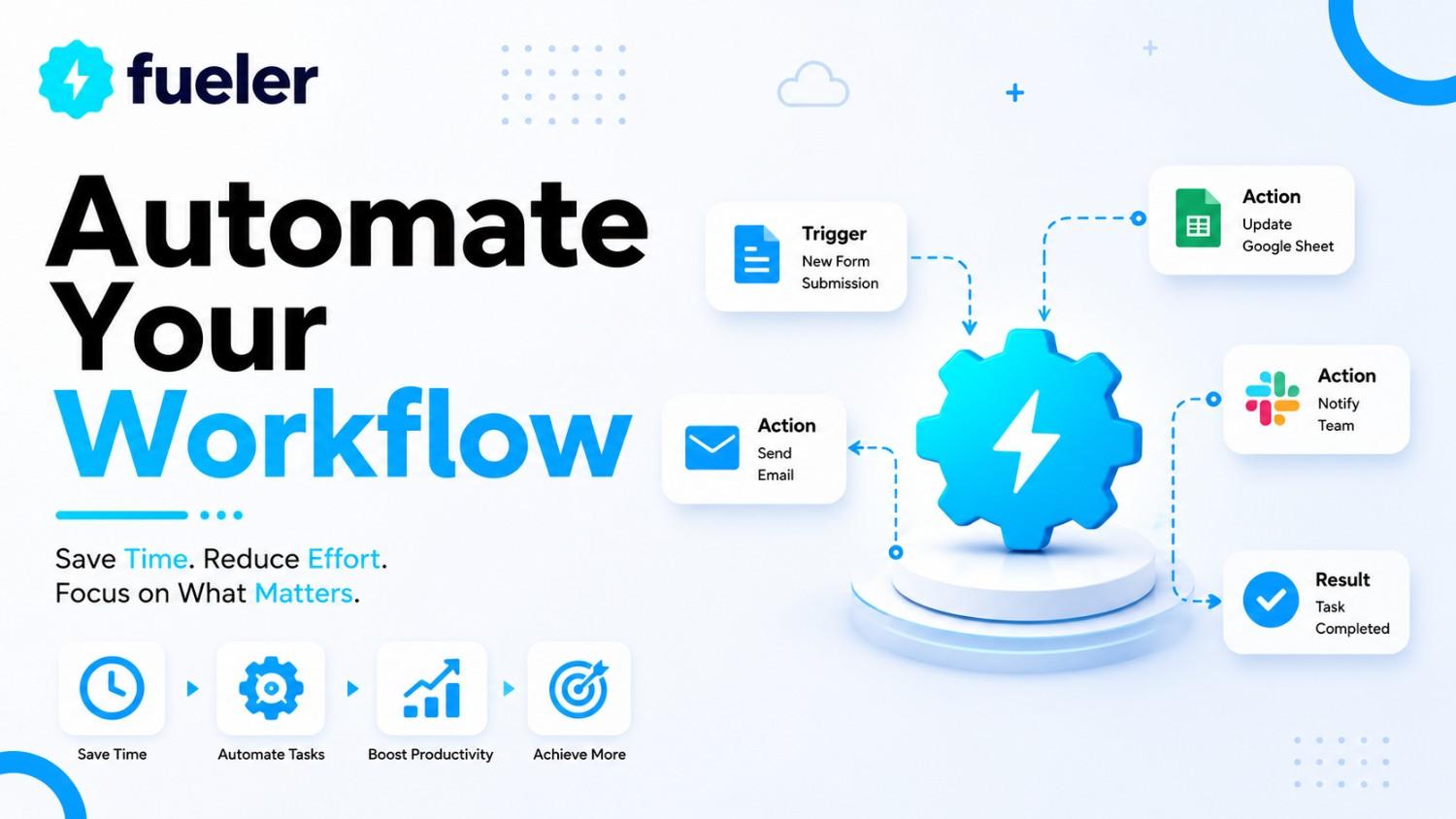
Why work harder when you can work smarter? Imagine cutting your weekly workload in half without losing a single client. That's not a dream; that's automation in 2027.
Freelancers today are not just creators; they’re operators. And the most successful ones are those who use automation to focus on what truly matters: delivering great work, building relationships, and growing their business.
I’m Riten, founder of Fueler, a skills-first portfolio platform building the career infrastructure for 100 million creative professionals. Fueler connects talented individuals with companies through assignments, portfolios, and projects, not just resumes or CVs. Think of it as Dribbble/Behance for work samples combined with AngelList for hiring infrastructure.
In this article, I’ll show you how automation isn't just about saving time; it's about multiplying your impact. A portfolio might show what you can do, but how you get things done matters just as much. This is your guide to working less and earning more.
1. Automate Task Management: ClickUp
ClickUp is perfect for freelancers juggling multiple clients. Set up tasks, track deadlines, and use built-in automation to save time. For example, when you mark a task "complete," ClickUp can automatically move it to a "done" folder and send a status update email to your client. You can also use templates for similar projects, so you don’t have to start from scratch every time. It keeps your projects organized and your mind clear.
Features:
Task creation with due dates and priorities
Automation to move tasks when a status changes
Integration with Gmail, Slack, and Zoom
Time tracking and productivity goals
Pricing:
Free for personal use
Unlimited Plan: $10/month
Pros:
User-friendly dashboard
Highly customizable workflows
Great for solo freelancers or teams
Cons:
Can feel overwhelming at first
2. Automate Email & Client Follow-up: Mailmodo
Mailmodo is ideal for client onboarding, updates, or follow-up emails. As a freelancer, you can automate a welcome email when someone fills out your contact form. You can also schedule regular check-ins or feedback requests without manually typing each message. Mailmodo saves you time while keeping communication professional and timely.
Features:
Drag-and-drop email builder
Automated email sequences
Integration with CRMs and forms
Pricing:
Free up to 2,000 emails/month
Starter Plan: $39/month
Pros:
Easy to use
Great email deliverability
Interactive email features (forms, surveys)
Cons:
Lacks advanced design features compared to competitors
3. Automate Social Media Posting: Buffer
Posting content every day eats up your time. With Buffer, you can schedule an entire week of posts in one sitting. It supports image, text, and link posts. You also get data on what’s performing well, so you can adjust your strategy. This means more time for client work and less time worrying about what to post. It’s a must-have for personal brand growth.
Features:
Schedule posts for Instagram, LinkedIn, Twitter, Facebook
Analytics and performance reports
AI content suggestions
Pricing:
Free for 3 social channels
Essentials Plan: $12/month
Pros:
Clean interface
Easy drag-and-drop calendar
Quick rescheduling
Cons:
Limited analytics on free plan
4. Automate File Sharing and Proposals: Notion
Notion helps you create professional proposals, welcome kits, or service pages that you can reuse with different clients. For example, instead of rewriting a proposal every time, create a template. Then tweak it in minutes and send a live, shareable link. It also keeps all your info in one place from notes to client briefs so you’re never digging through email threads again.
Features:
Templates for contracts and proposals
Real-time collaboration
Shareable public pages
Integration with tools like Slack, Trello
Pricing:
Free for individuals
Plus Plan: $10/month
Pros:
Flexible and customizable
Great UI
Works across devices
Cons:
Limited offline access
5. Automate Invoicing & Payments: Zoho Invoice
Zoho Invoice is perfect for automating your billing cycle. Create recurring invoices, send reminders, and accept payments online. You can even send thank-you messages once payment is received. For freelancers working with international clients, it supports currency conversion and tax calculations. Everything happens automatically, so you focus more on work and less on chasing payments.
Features:
Automatic invoice generation
Payment reminders
Online payment integrations (UPI, PayPal, Stripe)
Pricing:
Free forever plan for freelancers
Pros:
Free with full features
Easy to use
Supports multiple currencies
Cons:
Lacks detailed reporting compared to premium tools
Fueler Pro Tip: Automate Your Hiring Funnel
While you’re automating your workflow, make sure your portfolio also works for you. On Fueler, you can turn your completed projects into work samples that speak for your skills. Instead of manually pitching for every job, let companies find your work, assess your capabilities, and hire you through assignments. Automating your discovery process is just as important as automating your daily tasks.
Final Thoughts
Automation is no longer a luxury for freelancers; it's a necessity. From managing tasks to getting paid faster, smart tools help you do more in less time. As you scale your freelance career in 2027, these automation tools will give you the edge to stay competitive.
You don’t have to automate everything at once. Start small. Pick one tool, set it up, and feel the difference.
And remember: freelancing is not just about working independently; it’s about working intelligently.
FAQs
1. What are the best free automation tools for freelancers in 2027?
Some of the best free tools include ClickUp (task management), Zoho Invoice (invoicing), and Notion (docs and proposals).
2. How do I automate my client onboarding process?
Use tools like Mailmodo to send automated welcome emails, and Notion to share onboarding documents and forms.
3. What tool is best for automating content posting?
Buffer is ideal for scheduling and automating content posting across multiple platforms.
4. Can I automate client follow-ups?
Yes, with email automation tools like Mailmodo, you can set follow-up sequences after sending proposals or invoices.
5. How can Fueler help freelancers automate hiring?
Fueler turns your past work into proof of skills. Clients can view your portfolio, assign paid tasks, and hire you without you pitching every time.
Why 150,000+ professionals use Fueler
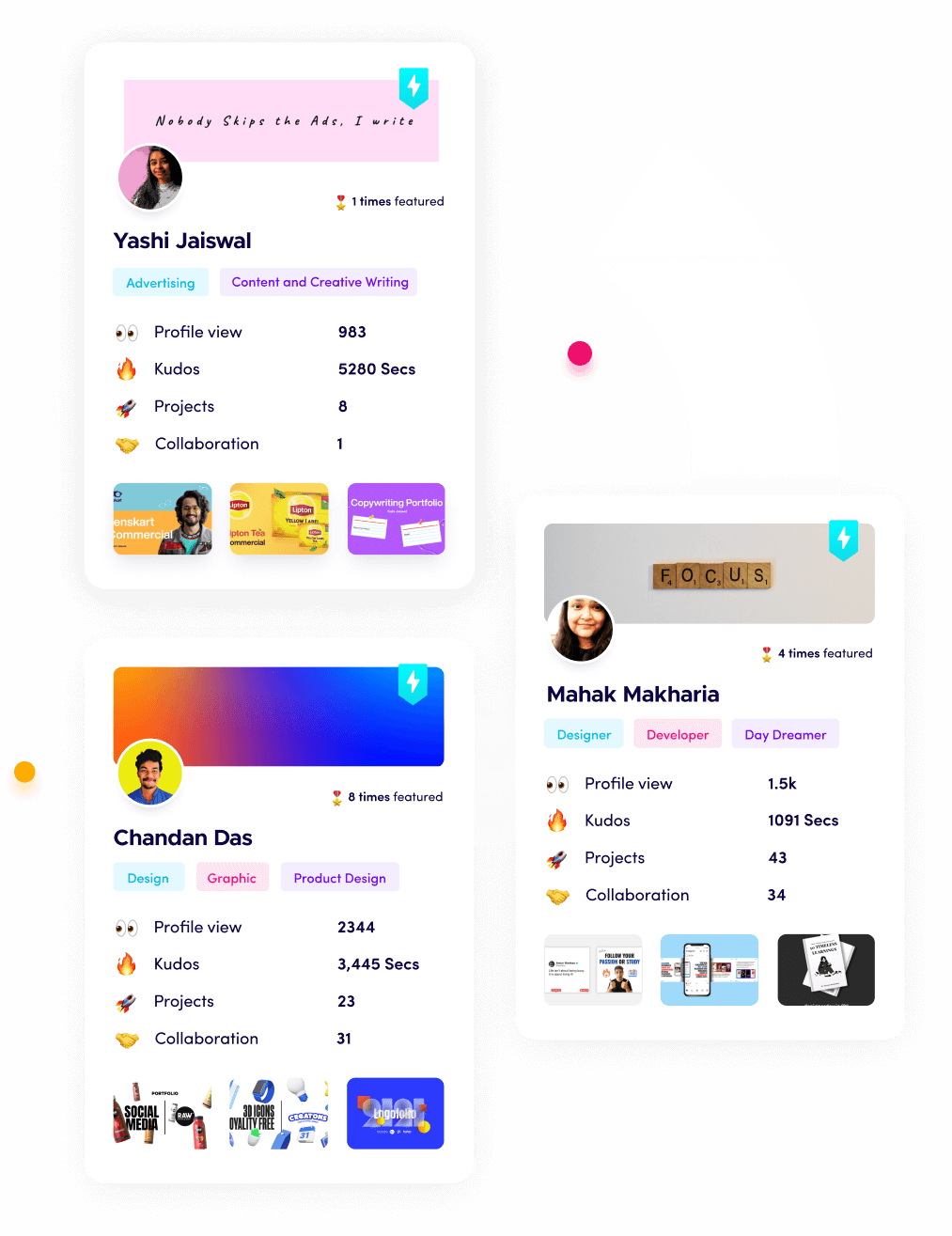
Fueler helps professionals showcase proof of work through projects, assignments, case studies, and achievements.
Thousands of professionals use Fueler to create their digital portfolio
Thousands of projects are published on Fueler. Check here
Startups and Companies hire through proof of work on Fueler
Used by freelancers, creators, marketers, video editors, writers, designers, and product managers
Our mission is to help the next 100 million professionals build a verified professional identity through proof of work