How Streaming Platforms are Monitoring Network Traffic

Team Fueler
27 Feb, 2026
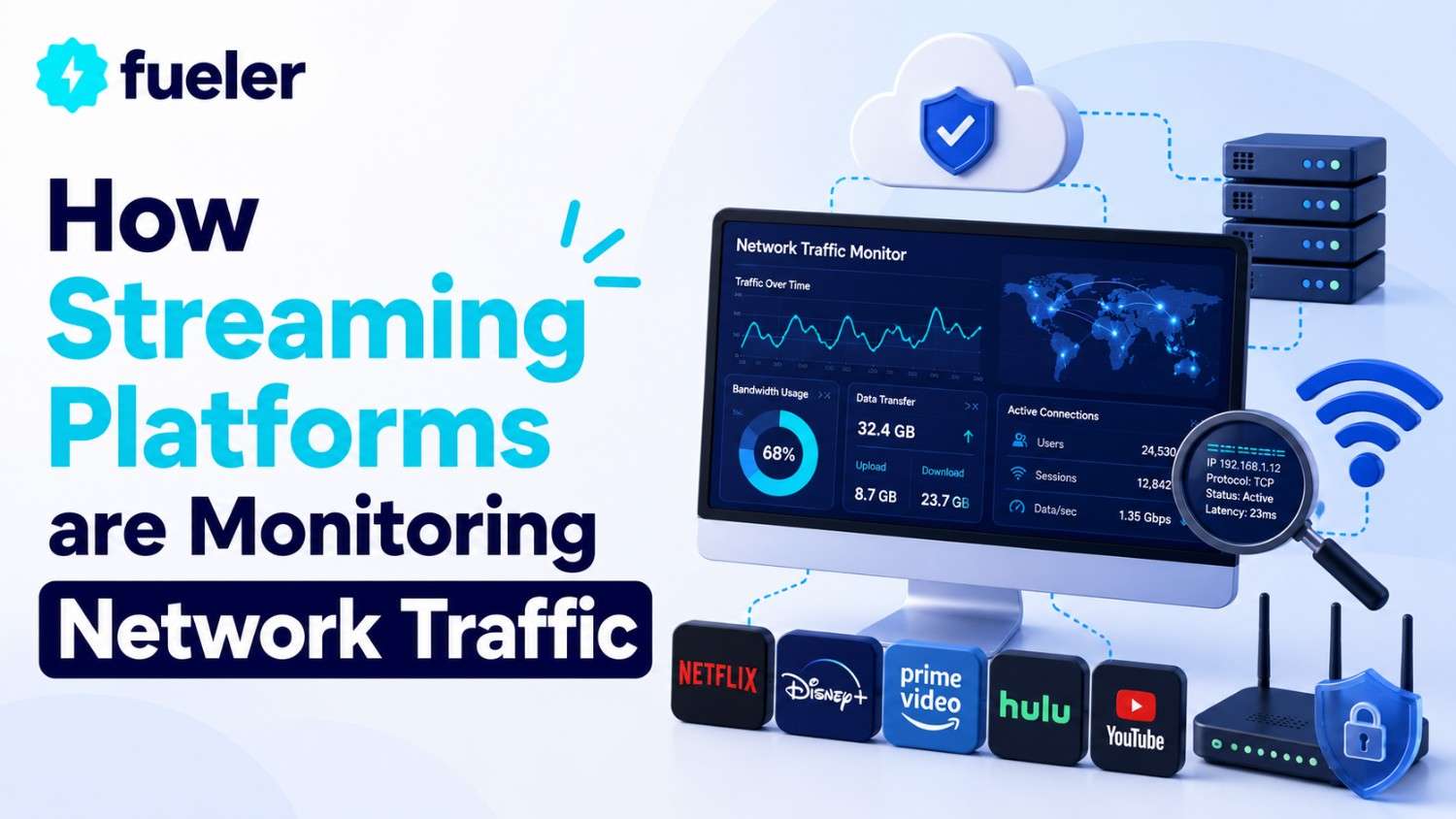
Every live stream you watch has to travel through a network of servers, routers, and content delivery nodes before it reaches your screen. Streaming platforms are more than just video streaming. They are also monitoring the traffic flowing through their networks, analyzing connection patterns, and making split-second decisions about which connections look normal and which look suspicious. For anyone who streams on Twitch, YouTube Live, or Kick, this traffic monitoring helps to explain why connections are dropped and why some network configurations are more hassle than they're worth.
Why Streaming Platforms are Analyzing Network Traffic
Streaming platforms are operating massive-scale real-time systems. Twitch alone is handling millions of concurrent viewers during peak times, each of whom establishes a persistent connection to pull a constant stream of video data. This type of traffic load requires constant traffic analysis just to keep the system up and running. But it's not just about keeping the system up and running. The platforms are analyzing traffic patterns to detect abuse: viewbotting, chat spam, follow-botting, and viewer count manipulation. Each of these has one thing in common. They all generate traffic patterns that are not like those generated by human behavior. A human viewer opens one stream, watches it for a bit, maybe types in the chat. A bot opens hundreds of connections from a small IP range, keeps them open for a fixed amount of time, and never types a thing. The algorithms analyze session data to tell one from the other. Without it, engagement metrics would be completely useless, and advertisers would abandon ship in droves.
IP Reputation and Traffic Analysis
When you connect to a streaming service, the very first thing that gets verified is your IP address. Every IP address has a reputation score based on past behavior. Datacenter IP addresses have a lower reputation score by default because people don't normally stream from AWS or DigitalOcean. Residential IP addresses from large ISPs such as Comcast or BT have a higher reputation score. Reputation scores aren't fixed, though. An IP address with normal traffic patterns for months can become problematic if it suddenly starts spawning 500 simultaneous connections for streaming. They mine threat intelligence feeds and have their own reputation systems. They look at connection rates, geo-location, TLS profiles, and HTTP header patterns. When multiple connections have the same JA3 hash but are supposed to be different users from different geolocations, that's a problem. Traffic analysis also catches more subtle abuse. Users who log in at the same second every day, stay for the same amount of time, and never change their behavior will be labeled as abusers even if each individual session is legitimate.
How Twitch Detects Unusual Connection Behavior
Twitch has its own detection stack layered on top of the Amazon infrastructure. When a user connects, Twitch records the entire connection fingerprint: IP address, ASN, TCP properties, TLS version, client headers, and session duration. Anomalous behavior does not mean malicious, but it triggers further investigation. Connecting from an IP that geolocates to Germany and having your own account set to a US timezone is not consistent. It will not punish you, but it adds to your risk score. Connecting from multiple accounts on the same IP in a short time span is a different flag. Twitch also monitors chat interactions, as well as connection interactions. When an account connects, never sends a chat message, and disconnects after exactly 30 minutes dozens of times, this behavior pattern itself is very suspicious. The detection tools employ rule-based filtering and machine learning models trained on abuse data. These models are updated periodically, so any patterns that were valid for bots six months ago are no longer valid without notice.
The Function of a Proxy Server in Traffic Routing on Twitch
Proxy servers are middlemen between the client and the service, forwarding requests through an IP proxy. In the Twitch case, they are employed for various purposes. Viewers in regions with poor peering to the Twitch CDN nodes employ proxies to find better paths to the service. Multi-channel streamers employ proxies to ensure that sessions are distinct on different IPs. Some viewers also employ proxies to gain access to region-locked content. A Twitch proxy server is basically a server that accepts your connection, gives it an exit IP, and then forwards your traffic to the Twitch ingest or playback servers. The service will then receive traffic from the proxy's IP, not yours. This is simple to understand, but the difference between a good proxy server and a bad one is enormous. Residential proxies that change IPs too frequently will trigger the Twitch session integrity checks. Datacenter proxies from banned IP ranges are simply banned. The best proxies are sticky residential IPs that have a stable identity and do not share their subnet with hundreds of other users.
Common Network Problems Affecting Stream Reliability
Reliability of stream quality needs a stable, low-latency connection between the encoder and the ingest server. The largest issue is packet loss. Even a 1-2% loss on a UDP connection will result in visible artifacts, dropped frames, and audio stuttering. OBS will indicate dropped frames, but it won't always point to where the loss is happening. It could be your local network, your ISP's backbone network, a congested peering point, or the ingest server itself. A traceroute to the Twitch ingest points may help you determine where the issue is. Another issue is MTU discrepancies, especially when using VPNs or proxies that add encapsulation overhead, increasing packets beyond the path MTU, resulting in fragmentation and retransmits. DNS resolution errors are also intermittent issues. If your DNS server caches old values for Twitch's CDN points, your encoder may connect to the wrong server. Using Cloudflare's 1.1.1.1 DNS servers sometimes fixes odd buffering issues that aren't bandwidth-related.
Long-Term Connection Stability
Stability of your connection over a long period of time is more than just bandwidth. It is about consistency. The platforms understand when your connection pattern changes frequently. When you stream from the same residential IP address for an extended period of time and then suddenly switch to a proxy located in a different country, the platform may inspect your stream for any fishy behavior. Thus, when you make any changes to your network settings, you should do it gradually. Make sure your streaming client is updated, as new versions of the streaming client come with new patches for connection-level problems with certain ingest servers. Employ TwitchTest or other connection tools that track jitter, latency, and packet loss over time. If you are using a proxy, make sure it supports sticky sessions. If you change IPs in the middle of your stream, you will definitely get disconnected. Select a proxy service provider who supports sticky sessions that last for hours, not minutes.
What is Fueler Portfolio?
Fueler is a career portfolio platform that helps companies find the best talent for their organization based on their proof of work. You can create your portfolio on Fueler. Thousands of freelancers around the world use Fueler to create their professional-looking portfolios and become financially independent. Discover inspiration for your portfolio
Sign up for free on Fueler or get in touch to learn more.

What should you do next?
You've read the article. Now turn your skills into proof of work and unlock more opportunities.
Build your proof of work portfolio
Create a clean portfolio with projects, assignments, resumes, and AI stack details that companies actually want to see.
Create your Fueler portfolio →Apply through assignments, not resumes
Stand out by solving real tasks from companies hiring on Fueler.
Explore assignments →Get discovered by companies
Make your work public and let recruiters discover your skills through actual projects instead of keywords.
Get discovered →
