Best Tools for YouTube Creators in 2026

Riten Debnath
28 Dec, 2025
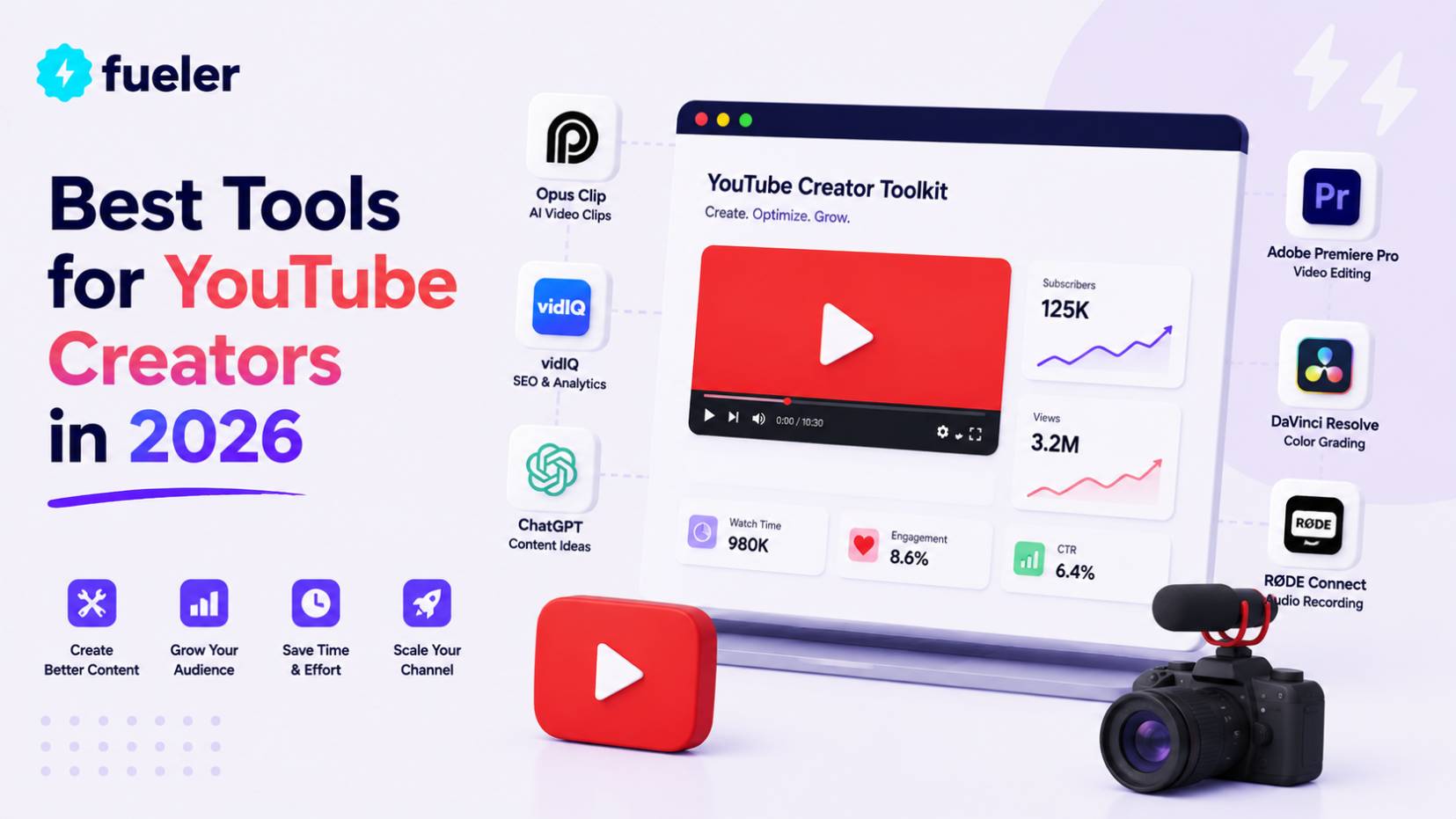
The barrier to entry for starting a successful YouTube channel has officially crumbled. We are no longer in an era where you need a $5,000 camera and a dedicated editing team to compete with the giants. In 2026, the most successful creators are those who leverage "AI-First" workflows to produce high-quality content at a speed that was once impossible. Whether you are building a faceless educational channel or a high-energy vlog, the right software stack is what will determine if you burn out or blow up.
I’m Riten, founder of Fueler - a skills-first portfolio platform that connects talented individuals with companies through assignments, portfolios, and projects, not just resumes/CVs. Think Dribbble/Behance for work samples + AngelList for hiring infrastructure.
1. Adobe Premiere Pro: The Generative Editing Standard
Adobe Premiere Pro has solidified its place as the industry standard by deeply integrating generative AI directly into the editing timeline. In 2026, it is no longer just about cutting clips; it is about using "Generative Extend" to add frames to a shot that was too short or "Text-to-Edit" to cut your video just by deleting lines from a transcript. This tool bridges the gap between professional-grade precision and the rapid-fire speed required for modern YouTube growth.
- Firefly Video Integration and Generative Extend: You can now generate high-quality B-roll, expand static backgrounds into moving environments, or even add a few seconds of footage to a clip where the actor stopped speaking too early using simple text prompts right inside your project panel.
- AI-Powered Text-Based Editing Workflows: The software transcribes your footage in real-time as you import it, allowing you to edit the video by simply cutting, pasting, or deleting text in the transcription window, which automatically reflects those changes on the video timeline.
- Intelligent Auto-Reframe for Multi-Platform Success: One-click optimization that uses subject tracking to convert your horizontal 16:9 videos into perfectly centered vertical 9:16 clips for YouTube Shorts, ensuring your main subject stays in frame without manual keyframing.
- Enhance Speech and AI Audio Remixing: Automatically removes complex background noise to create studio-quality audio from a smartphone recording and intelligently retimes music tracks to fit your video length without awkward cuts or tempo shifts.
- Seamless Frame.io Cloud Collaboration: Built-in tools for real-time feedback from editors, managers, or sponsors, allowing you to share secure review links and see time-stamped comments directly on your editing timeline for instant revisions.
Pricing:
- Individual Plan: Approximately $22.99 per month for the standalone application.
- Creative Cloud All Apps: Roughly $59.99 per month, giving you access to Photoshop for thumbnails and After Effects for advanced motion graphics.
Why it matters:
Premiere Pro provides the most robust environment for creators who want total control over their creative vision. By automating the tedious parts of editing like masking and audio cleanup, it allows you to focus on the high-level storytelling that keeps viewers engaged and improves your retention metrics.
2. vidIQ: The Data-Driven Growth Engine
In 2026, relying on "luck" to go viral is a failing strategy; you need a tool that acts as a strategic consultant for your channel. vidIQ has evolved from a simple keyword tool into a full-scale AI growth coach that predicts which video ideas have the highest "outlier" potential. It analyzes millions of data points across your specific niche to tell you exactly what your audience is searching for and which thumbnails are currently winning the click-through rate war.
- Daily AI Video Ideas with Performance Prediction: Receive personalized content suggestions every morning that are ranked by a "View Prediction" score, helping you choose topics that are statistically more likely to trend based on current audience demand.
- AI Thumbnail Generator & A/B Testing Suite: Design multiple thumbnail variants using generative AI and test them against each other in real-time on your live videos to see which version actually drives more clicks from potential viewers.
- Advanced Keyword Research and Gap Analysis: Identify specific search terms that have high volume but low competition, allowing you to create content for "content gaps" where viewers are looking for answers that other creators haven't provided yet.
- Competitor Tracking and Trend Alerts: Monitor exactly what is working for other creators in your niche and receive instant notifications when a specific topic starts to trend, giving you the first-mover advantage to capitalize on viral waves.
- AI Description and Tag Optimizer: Automatically generate keyword-rich descriptions and relevant tags that help the YouTube algorithm understand exactly who your video is for, increasing your chances of appearing in the "Suggested" section.
Pricing:
- Basic: Free version with limited daily ideas and basic keyword tracking.
- Pro/Boost: Starts at approximately $16.58 per month (billed annually) for full AI features and competitor tracking.
Why it matters:
VidIQ takes the guesswork out of content creation. By providing data-backed insights into what viewers want to see, it ensures that the hours you spend filming and editing are actually rewarded with views and new subscribers.
3. OpusClip: The Short-Form Viral Machine
Short-form content is the fastest way to grow a brand, but editing long videos into 60-second clips is incredibly time-consuming. OpusClip solves this by using AI to analyze your long-form videos, identifying the most "viral-worthy" moments, and automatically formatting them for YouTube Shorts. It doesn't just cut the video; it adds captions, highlights key phrases, and ensures the face of the speaker is always centered.
- AI Virality Score Analysis: The system scans your entire video and assigns a score to different segments based on their potential to go viral on social media, allowing you to pick the strongest hooks for your Shorts.
- Automatic Active Speaker Detection: The AI identifies who is speaking and automatically crops the video to keep them in the center of the vertical frame, eliminating the need for manual cropping or keyframing.
- Dynamic AI Captioning and Highlighting: Generates highly engaging, animated captions that follow the speaker's voice, with the ability to automatically highlight "power words" in different colors to grab the viewer's attention.
- AI B-Roll and Visual Enhancement: Automatically inserts relevant B-roll footage or emojis based on the context of what is being said, making the short-form clips feel more professional and visually stimulating.
- Multi-Platform Exporting and Scheduling: Easily export your clips in various aspect ratios and schedule them directly to YouTube, TikTok, and Instagram from a single dashboard, saving hours of manual uploading.
Pricing:
- Starter: Roughly $15 per month for individual creators needing basic clipping features.
- Pro: Approximately $29 per month for advanced AI B-roll and team collaboration tools.
Why it matters:
OpusClip allows you to turn one piece of long-form content into dozens of Shorts with minimal effort. This "repurposing" strategy is the key to staying visible on the platform and driving traffic back to your main channel without doubling your workload.
4. Midjourney: The Visual Mastermind for Thumbnails
Your thumbnail is the most important part of your video because if nobody clicks, nobody watches. Midjourney has become the preferred tool for YouTube creators to generate hyper-realistic and eye-catching imagery that is impossible to capture with a standard camera. Whether you need a futuristic city, a stylized character, or a dramatic background for your "reaction" face, Midjourney delivers studio-quality art in seconds.
- Hyper-Realistic Image Generation: Create stunning, high-resolution visuals from simple text descriptions, allowing you to create thumbnail backgrounds that look like high-budget movie posters or professional photography.
- Consistent Character Referencing: Use the "Character Reference" feature to ensure that a specific person or object looks identical across multiple different generated images, which is perfect for maintaining a consistent brand look.
- Custom Aspect Ratio Control: Specify exactly how you want your image shaped (like 16:9 for YouTube thumbnails) to ensure that the AI composes the scene perfectly for your specific needs without awkward cropping.
- Inpainting and Region Editing: Select specific parts of a generated image and tell the AI to change just that area, such as changing a character's clothing or adding a specific object to the background of an existing scene.
- Style Tuning for Unique Branding: Create a custom "Style Code" that the AI uses to ensure every image it generates for you has the same artistic "vibe," helping your thumbnails become instantly recognizable to your loyal subscribers.
Pricing:
- Basic Plan: Approximately $10 per month for a limited number of generations.
- Standard Plan: Roughly $30 per month for "Relaxed" unlimited generations and faster processing times.
Why it matters:
In a sea of generic stock photos, a Midjourney-generated thumbnail stands out. It allows you to create high-concept visuals that spark curiosity and drive higher click-through rates, which is the single most important factor for YouTube's recommendation algorithm.
5. Descript: The World's First Document-Based Editor
Descript has completely flipped the script on how we think about editing audio and video. Instead of looking at complex waveforms, you look at a text transcript of your video. If you want to delete a "mistake," you just delete the text. This makes it the perfect tool for creators who find traditional video editing software intimidating or for those who want to produce polished "talking head" content in record time.
- Full Text-Based Video Editing: Edit your video clips by simply highlighting and deleting words in the transcript, which automatically removes the corresponding footage from the video timeline for a perfect cut.
- Automatic Filler Word Removal: With a single click, the AI identifies and removes every "um," "ah," and "like" from your recording, instantly making you sound more professional and articulate without hours of manual cutting.
- Overdub Voice Cloning: Create a digital clone of your own voice so you can type in new words to fix a mistake in your recording without having to set up your microphone and re-record the entire scene.
- Studio Sound Enhancement: Uses advanced AI to remove background noise, echo, and hum from your recordings, making a video recorded in a noisy room sound like it was captured in a professional soundproof studio.
- Green Screen and Background Removal: Effortlessly remove your background and replace it with any image or video without needing an actual physical green screen, allowing you to "film" anywhere and look like you're in a studio.
Pricing:
- Free: Basic editing with limited transcription hours.
- Creator: Approximately $12 per month (billed annually) for 10 hours of transcription and full 4K exporting.
Why it matters:
Descript is designed for speed and simplicity. It allows you to go from a raw recording to a polished, professional video in a fraction of the time it takes in traditional editors, making it the ultimate tool for educational and documentary-style creators.
6. ElevenLabs: The King of AI Voiceovers
Audio quality can make or break a YouTube channel. ElevenLabs provides the most realistic AI voices in the world, which many creators now use for narrating "faceless" channels or providing voiceovers for complex animations. The voices include emotion, pacing, and natural breathing, making it almost impossible for viewers to tell they are listening to a machine rather than a human narrator.
- Emotional Speech Synthesis: Unlike older, robotic AI voices, these models can convey excitement, sadness, or authority, allowing you to match the tone of your voiceover to the specific mood of your video content.
- Instant Voice Cloning: Upload a one-minute clip of your own voice, and the AI creates a near-perfect digital replica that you can use to narrate scripts in over 30 different languages with perfect pronunciation.
- Speech-to-Speech Transformation: Record yourself speaking with the correct emotion and pacing, and then have the AI "skin" your voice with a different persona while keeping your original delivery and cadence intact.
- Long-Form Projects Tool: A dedicated workspace for managing the narration of entire video series or audiobooks, allowing you to maintain consistent voice quality and volume across multiple different files.
- Multilingual Dubbing Capabilities: Automatically translate and dub your existing YouTube videos into multiple different languages while keeping the original speaker's voice characteristics, helping you reach a global audience.
Pricing:
- Free: 10,000 characters per month for basic experimentation.
- Starter: Approximately $5 per month for voice cloning and increased character limits.
Why it matters:
Using a high-quality AI voiceover allows you to produce content consistently even if you don't have a professional recording setup or the time to record yourself. It opens up the world of "faceless" YouTube channels, which can be highly profitable and easier to scale.
7. TubeBuddy: The Productivity and SEO Specialist
TubeBuddy is a browser extension that integrates directly into your YouTube dashboard, providing a massive suite of tools to help you manage your channel more efficiently. While vidIQ focuses on growth and strategy, TubeBuddy shines in "Productivity" and "Bulk Processing." It helps you update all your video descriptions at once, find the best tags for SEO, and run detailed audits of your channel's health.
- Bulk Processing and Metadata Updates: Change links in every single one of your video descriptions or update your end screens across a hundred videos with just a few clicks, saving days of manual work.
- Keyword Explorer and SEO Rankings: Provides a detailed breakdown of how difficult it will be to rank for a specific keyword and suggests related tags that can help your video show up in the YouTube search results.
- A/B Testing for Titles and Thumbnails: Similar to vidIQ, this allows you to test different versions of your metadata to see what gets the best results, but with a focus on deep statistical analysis of your historical performance.
- Health Report and Channel Audit: Automatically scans your channel to find broken links, missing tags, or videos that are underperforming compared to your channel's average, giving you a clear roadmap for improvement.
- Comment Moderation and Canned Responses: Helps you manage your community by allowing you to filter for specific types of comments and use pre-written "canned responses" to answer common questions from your viewers.
Pricing:
- Pro: Approximately $4.80 per month for basic SEO and productivity tools.
- Legend: Roughly $24.50 per month for the full suite of A/B testing and bulk processing features.
Why it matters:
TubeBuddy is the ultimate "time-saver" for serious creators. As your channel grows, managing hundreds of videos and enhancing videos becomes a full-time job; TubeBuddy automates the busy work so you can stay focused on the creative process.
8. Epidemic Sound: Professional Audio Without Copyright Stress
Music is the heartbeat of a great YouTube video, but "Copyright Strikes" are a creator's worst nightmare. Epidemic Sound provides a massive library of world-class music and sound effects (SFX) that are completely cleared for use on YouTube. Their "Personal Plan" ensures that as long as you are a subscriber, you will never have to worry about your videos being demonetized or taken down due to music claims.
- Personalized Music Recommendations: The platform uses AI to learn the "vibe" of your channel and suggests tracks that match the style of your previous videos, helping you find the perfect song in seconds.
- Downloadable Stems for Total Control: You can download a song and remove the vocals, the drums, or the melody, allowing you to customize the track to fit perfectly behind your talking-head segments without distracting the viewer.
- Direct Integration with Video Editors: Easily search and import music directly into your editing software, with clear labels for mood, genre, and tempo to help you stay in the creative flow.
- Vast Sound Effects (SFX) Library: Access thousands of professional sound effects, from simple "whooshes" for transitions to complex environmental sounds that bring your B-roll footage to life and make it feel more immersive.
- "Soundmatch" Technology: A feature that allows you to upload a clip of your video, and the AI automatically finds music that matches the rhythm and visual energy of your footage for a perfect cinematic fit.
Pricing:
- Personal: Approximately $15 per month for unlimited downloads for one channel.
- Commercial: Roughly $49 per month for freelancers and small agencies working with multiple clients.
Why it matters:
Professional music separates amateur videos from high-quality productions. Epidemic Sound gives you access to a library that sounds like the radio, but with the legal peace of mind that your channel's revenue is safe from copyright disputes.
Showcase Your YouTube Skills with Fueler
Once you have used these tools to build a portfolio of high-quality videos, you need a way to prove your expertise to potential sponsors or production houses. This is where Fueler comes in. Instead of a boring, text-based resume that fails to capture your creative range, Fueler allows you to build a "proof of work" portfolio. You can showcase your best YouTube projects, link your top-performing videos, and even highlight specific metrics where you used SEO tools to drive growth. It is the most effective way to show companies that you don't just "know" about YouTube, but you have the actual work samples to prove your value as a creator.
Final Thoughts
The creators who win in the current landscape are not those who work the hardest, but those who work the smartest by utilizing the best technology available. These tools are designed to take the friction out of the production process, but they cannot replace your unique personality and your ability to tell a great story. Use these platforms to handle the formatting, the editing, and the SEO, but always ensure your human voice remains the star of the show. By combining these production powerhouses with a strong proof-of-work portfolio, you will be well-positioned to turn your creative passion into a sustainable career.
Frequently Asked Questions (FAQs)
What are the best free tools for YouTube creators starting from scratch?
The most powerful free tools include YouTube Studio for analytics, OBS Studio for screen recording and streaming, and the free version of CapCut or DaVinci Resolve for video editing. Additionally, the free tier of Canva is excellent for creating your first few thumbnails without any financial investment.
How do I use AI to grow my YouTube channel faster?
You should use AI to solve your biggest bottlenecks. For example, use vidIQ for topic research to ensure people are actually searching for your ideas, use Midjourney to create high-click thumbnails, and use OpusClip to repurpose your long videos into Shorts to reach a wider audience quickly.
Are AI voiceovers allowed on YouTube for monetization?
Yes, YouTube allows AI-narrated content as long as it doesn't violate their community guidelines. However, you should use high-quality tools like ElevenLabs that sound human and natural, as the algorithm and viewers generally prefer engaging, high-quality voices over old-fashioned robotic ones.
How can I avoid copyright claims on my YouTube videos?
The safest way to avoid copyright claims is to use a licensed music service like Epidemic Sound or Artlist. These platforms provide music that is specifically cleared for creators, ensuring that you can monetize your videos without worrying about legal disputes or revenue being diverted to music labels.
How do I prove my video editing or YouTube growth skills to clients?
The best way is to create a dedicated portfolio on a platform like Fueler. Instead of just telling someone you are good at YouTube, show them the actual videos you have produced, the thumbnails you have designed, and the growth results you have achieved for your own or your clients' channels.
What is Fueler Portfolio?
Fueler is a career portfolio platform that helps companies find the best talent for their organization based on their proof of work. You can create your portfolio on Fueler. Thousands of freelancers around the world use Fueler to create their professional-looking portfolios and become financially independent. Discover inspiration for your portfolio
Sign up for free on Fueler or get in touch to learn more.

What should you do next?
You've read the article. Now turn your skills into proof of work and unlock more opportunities.
Build your proof of work portfolio
Create a clean portfolio with projects, assignments, resumes, and AI stack details that companies actually want to see.
Create your Fueler portfolio →Apply through assignments, not resumes
Stand out by solving real tasks from companies hiring on Fueler.
Explore assignments →Get discovered by companies
Make your work public and let recruiters discover your skills through actual projects instead of keywords.
Get discovered →
