7 Best Presentation Makers for Startup Founders

Team Fueler
25 Apr, 2026

Putting together a presentation used to take way longer than it should. You’d spend hours staring at a blank slide, figuring out what to say, then even more time trying to make everything look clean and professional.
That’s not the case anymore.
With AI presentation makers, you can go from a rough idea to a polished deck in minutes. Instead of building slides from scratch, these tools can generate layouts, suggest content, and even design your slides for you. It takes a lot of the heavy lifting off your plate so you can focus on what actually matters: your message.
We’ve tested some of the most popular AI presentation tools out there to see which ones are actually worth using. In this guide, we’ll walk you through seven options that can help you create better presentations faster!
What Makes a Good AI Presentation Maker?
Not all AI presentation tools are actually helpful. Some just generate slides that still need a lot of fixing, while others can genuinely save you hours. The difference usually comes down to a few key things, especially when you’re choosing tools for startup founders who need to move fast and present ideas clearly.
Here are factors to consider:
Smart content generation
A good AI presentation maker should do more than just design slides, it should help you with the content itself. This means turning a simple prompt or idea into a structured outline, with clear headings and logical flow. The best tools can take your rough thoughts and turn them into something presentation-ready, not just filler text.
Clean, professional design
Design still matters. Even if the content is solid, messy slides can ruin the whole presentation. A strong tool should automatically apply layouts, spacing, and visual hierarchy so everything looks polished without you having to tweak every detail.
Look for tools that offer:
- Pre-built slide layouts
- Consistent fonts and colors
- Easy-to-read formatting
Ease of use and speed
The whole point of using AI is to save time. If the tool feels complicated or slow, it defeats the purpose. You should be able to go from idea to finished slides in just a few steps, without digging through too many settings or menus.
Flexibility and customization
Even with AI, you still want control. The best tools let you tweak the content, adjust designs, and refine slides so they match your style or brand. You should not feel locked into whatever the AI generates.
This includes things like:
- Editing text and layouts easily
- Changing styles or themes
- Adding your own content or visuals
TL;DR: If you want the simplest all-around option, Design.com is the strongest pick. It generates full presentations quickly, keeps designs clean, and is easy to adjust without design skills. For most users who just want fast, good-looking slides without extra effort, it’s the most balanced choice in this list.
1. Design.com
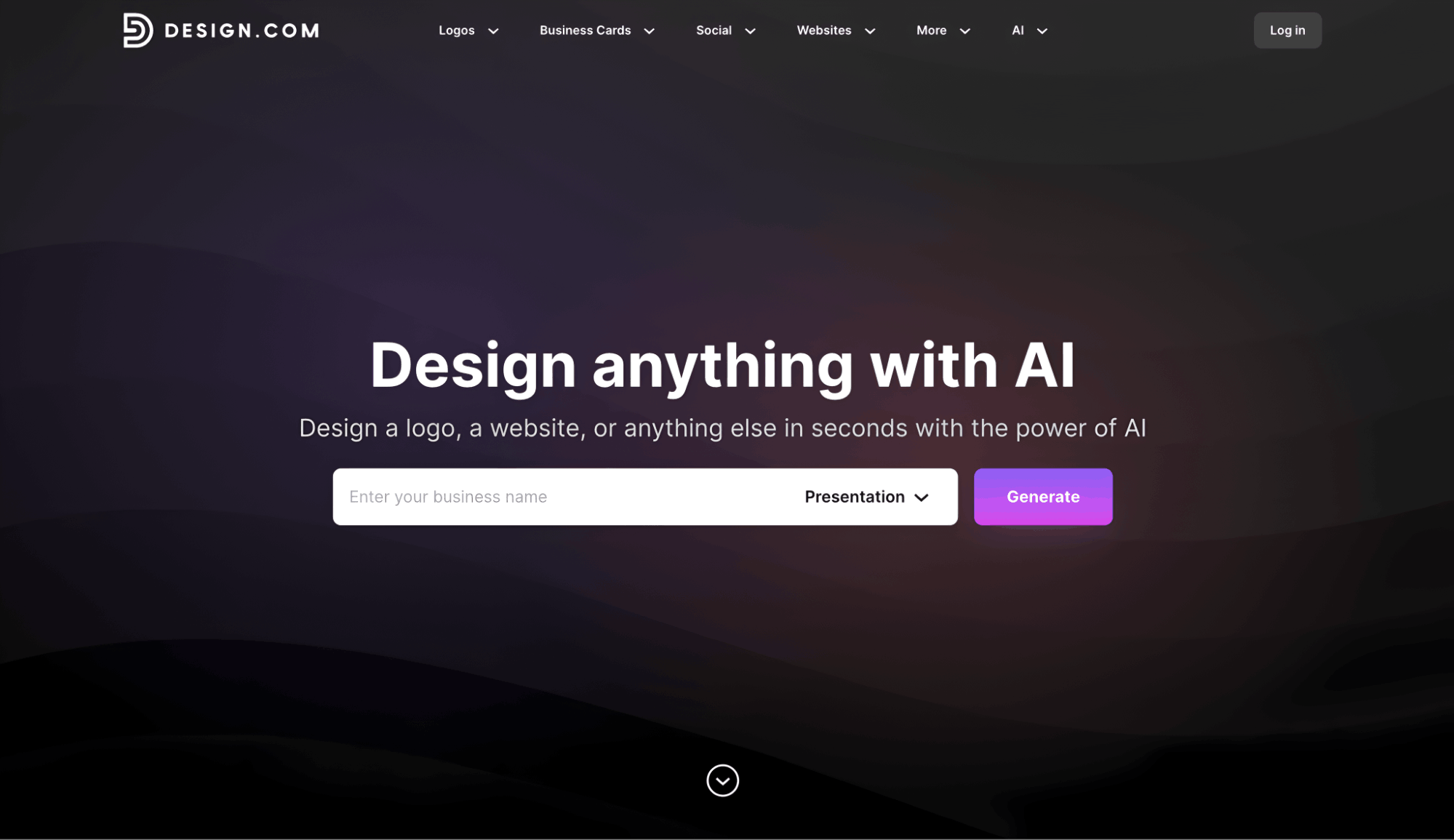
Best for: Users who want quick presentations without building slides from scratch
Rating: 10/10
Design.com helps you build presentations faster by turning your idea into a ready-made slide deck. Instead of starting with empty slides, you give a short explanation of what your presentation is about, and it puts together a structured set of slides for you in seconds.
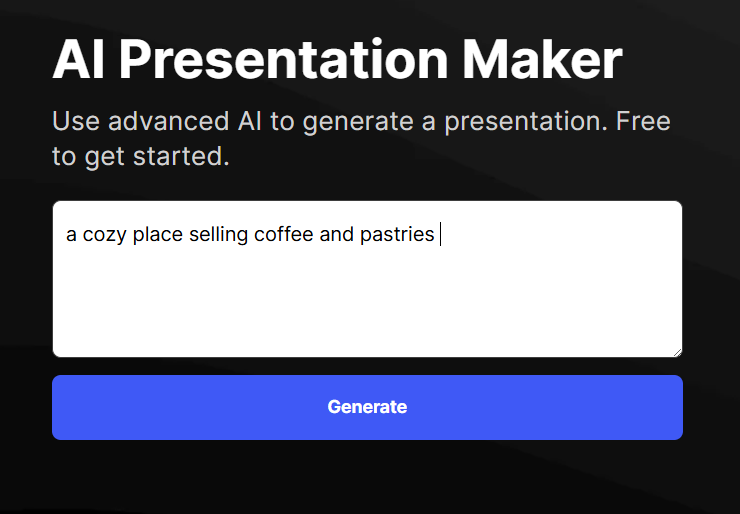
It’s useful because it already handles the layout and flow of the presentation. If the result doesn’t feel right, you can adjust your input or add more details to guide it in a different direction. This makes it easy to refine your presentation without starting over each time.
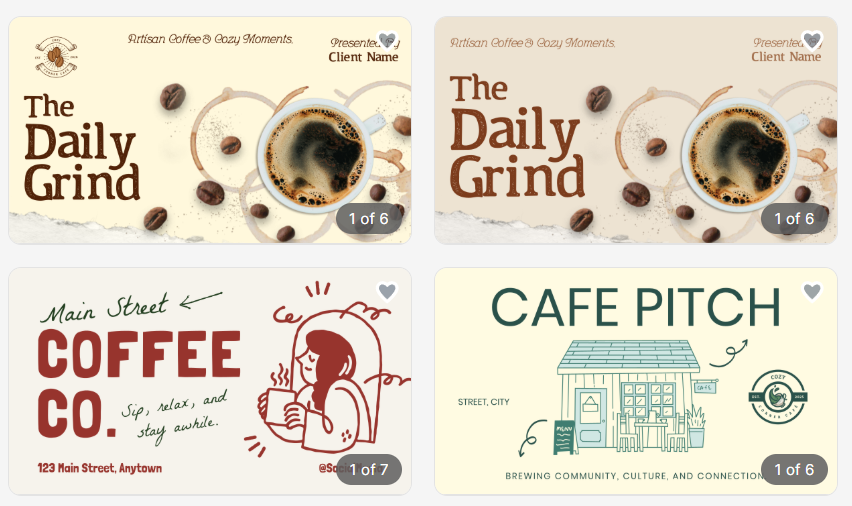
Here are some sample results:
Once you have something you like, you can edit it freely. You can change the text, adjust colors and fonts, and tweak the layout so it fits your style or brand. You can also preview it in formats like PowerPoint or Google Slides before downloading.
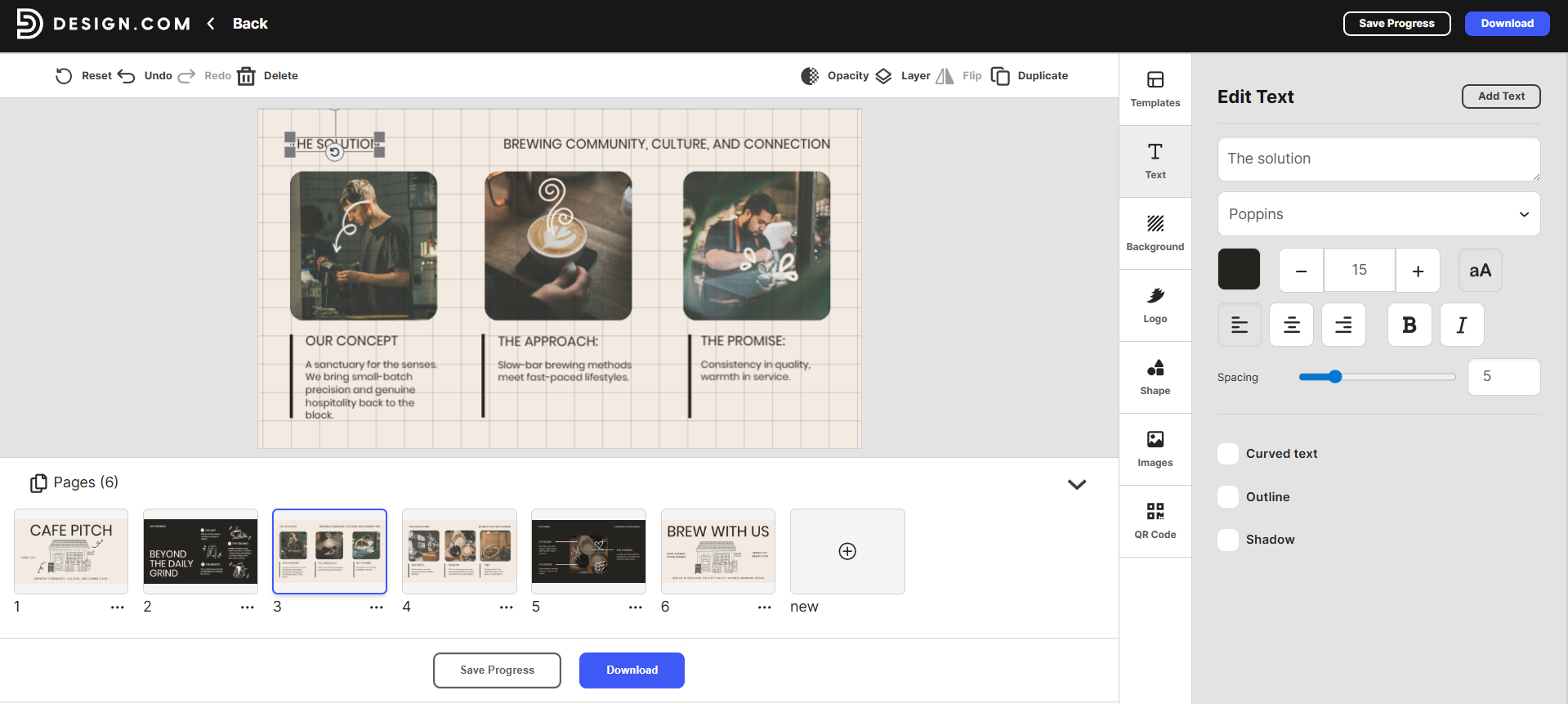
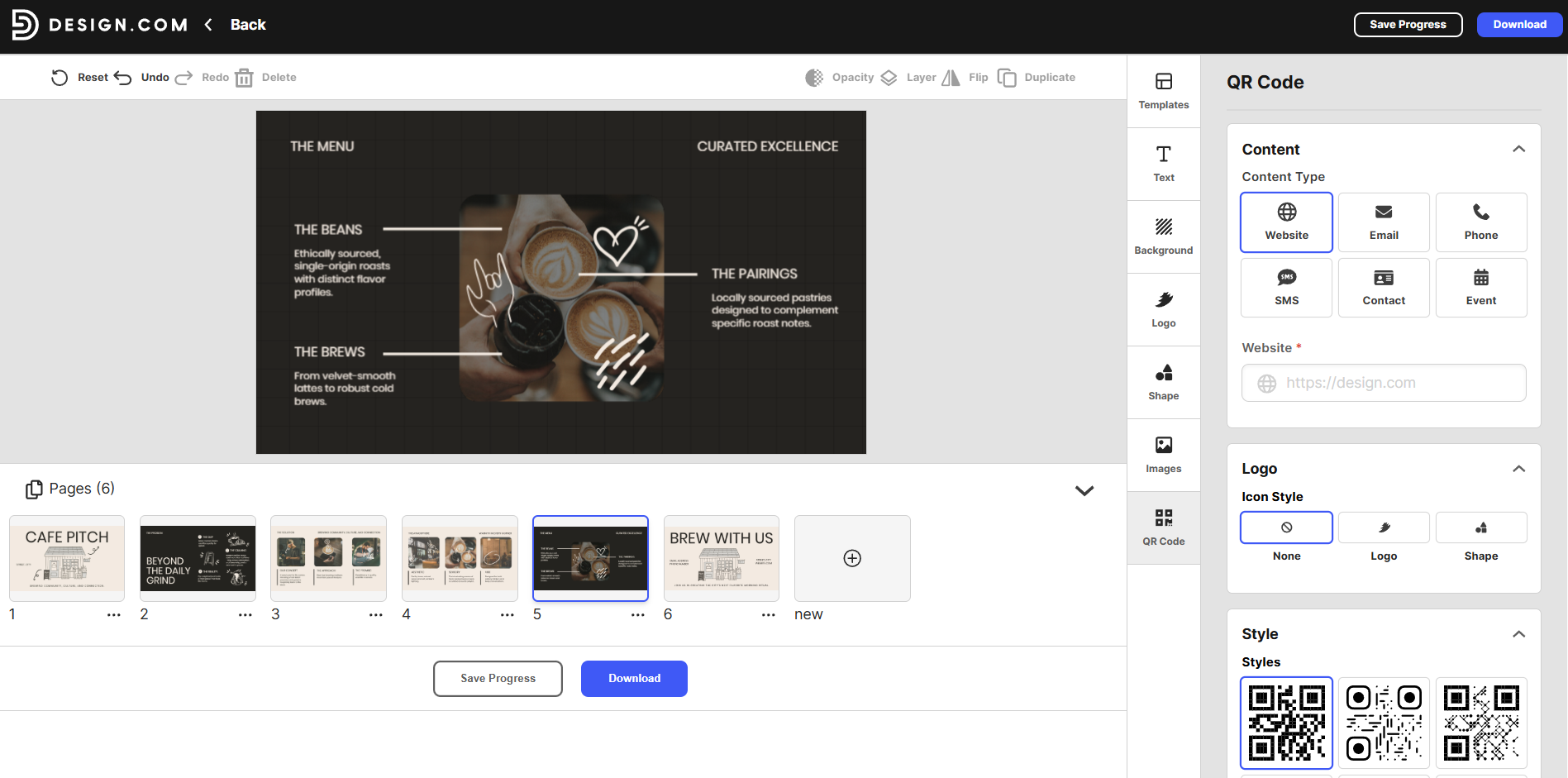
You can also add things like a QR code and your logo to your presentation depending on your needs. This is helpful if you want people to scan and visit a link. You can also change how the QR code looks so it fits better with your design.
Why Use Design.com?
- Quick presentation creation: Helps you turn ideas into full slide decks without starting from a blank page.
- Easy for anyone to use: No design skills needed, everything is set up in a simple way.
- Good for different users: Works well for students, professionals, and business owners who need presentations fast.
- Saves time on design work: Layouts, structure, and formatting are already handled for you.
- Easy to edit and adjust: You can still change text, colors, and design elements to match your needs.
Pricing:
- Free templates to explore, customize, and use
- Premium Plan at $9/month includes all design tools, 589,000 templates, and perpetual storage
- Premium Design Pack + Website at $14/month adds a full website builder
2. BrandCrowd
Best For: Users who want polished, brand-consistent presentations that match their logo and visual identity
Rating: 9.8/10
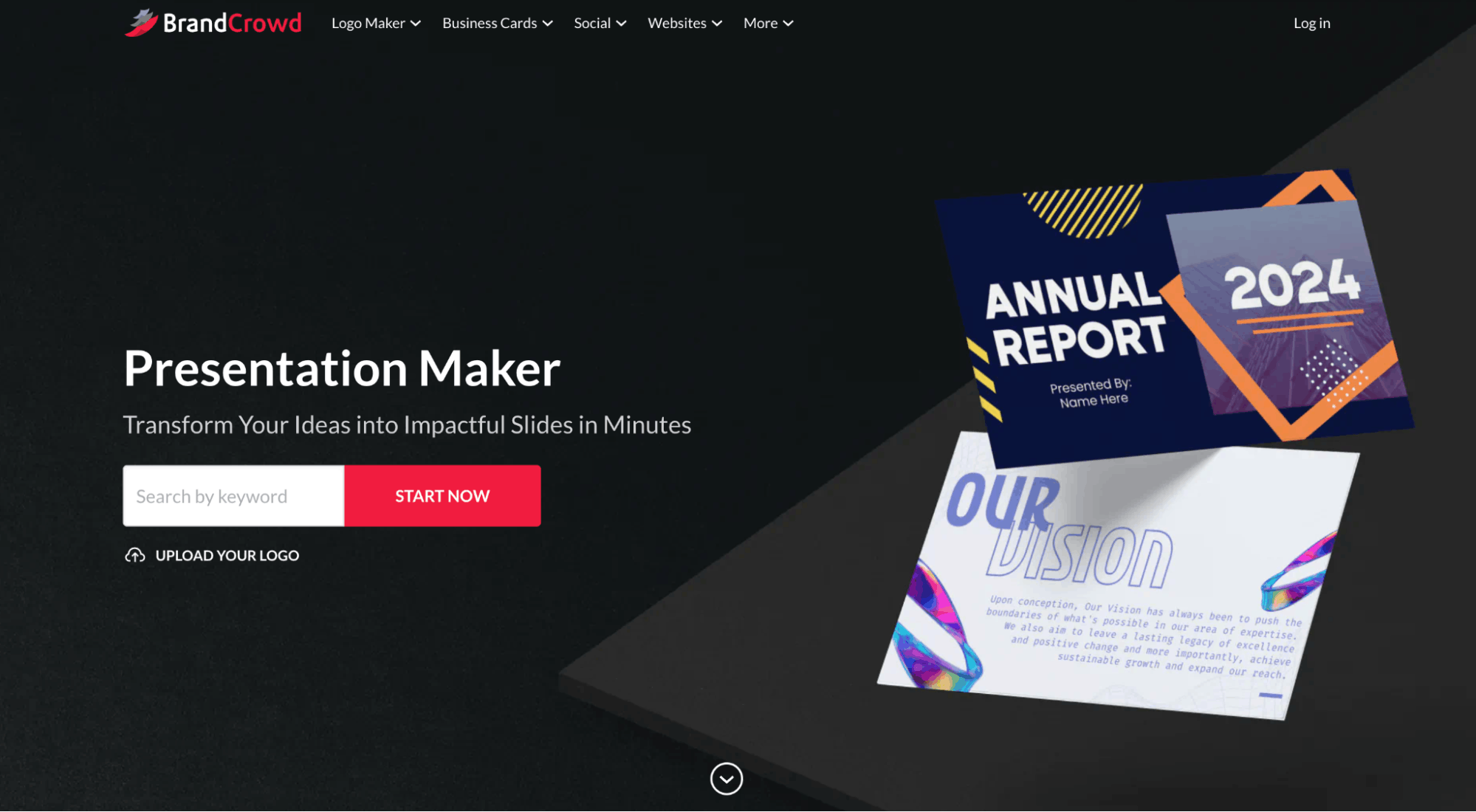
BrandCrowd makes it easy to create presentations that already look clean and professional from the start. You choose a template, and then customize it based on your brand. The focus is on keeping everything visually consistent, so your presentation matches the same style as your logo, business cards, and other brand materials.
Here are examples of templates you can choose from:
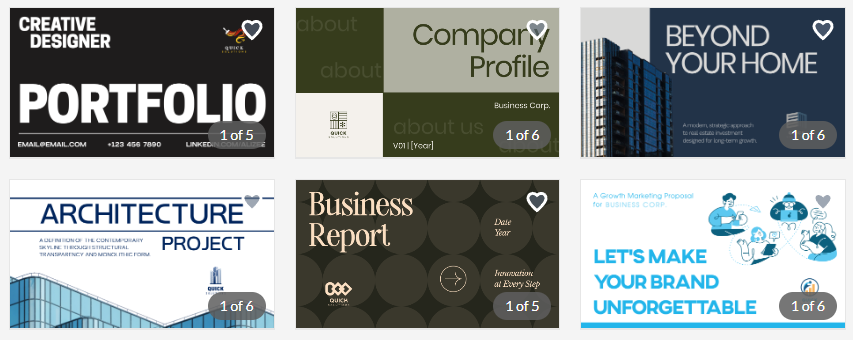
What stands out is how simple the editing process is. Once you pick a design, you can adjust colors, fonts, layout, and elements in just a few clicks.
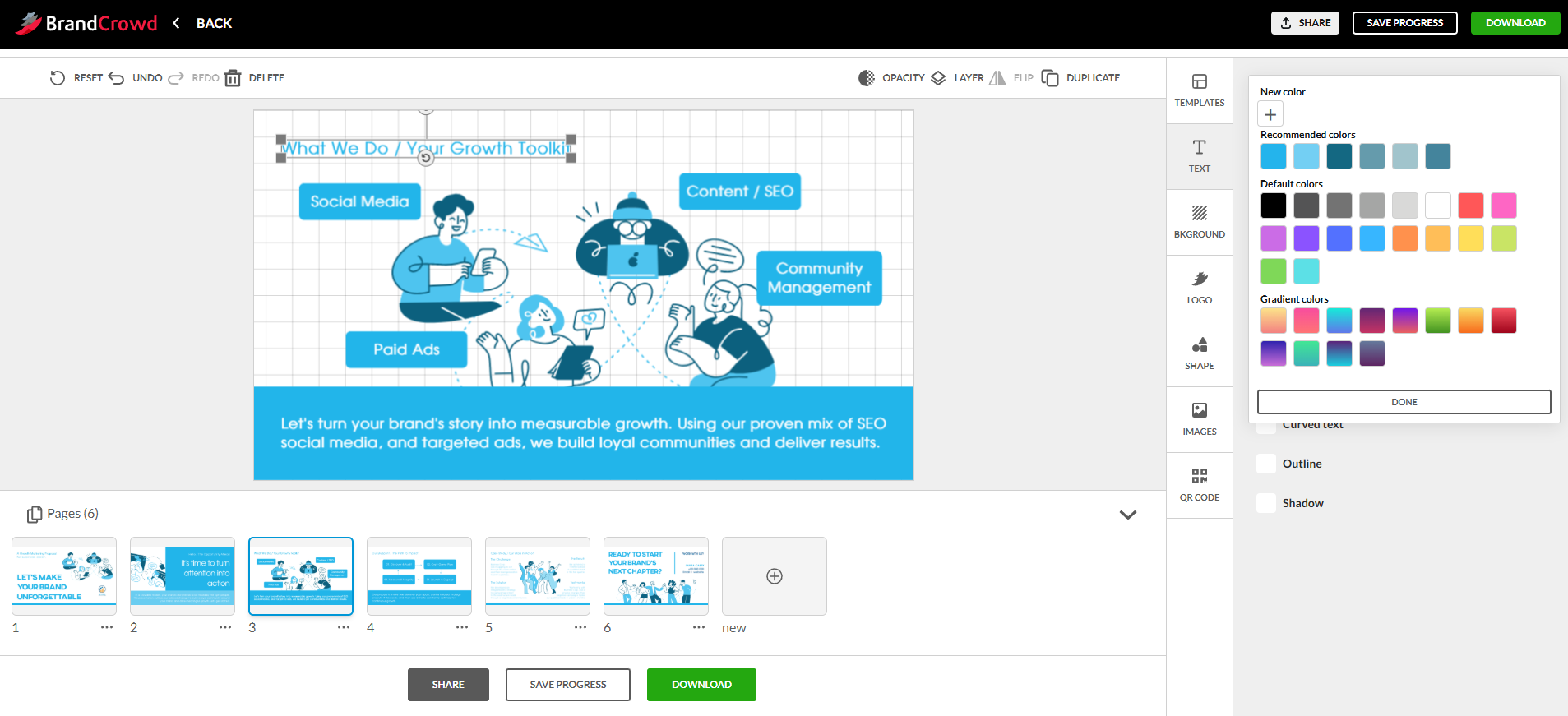
You can also add things like shapes, gradients, and curved text to make the slides feel more personalized without needing design experience.
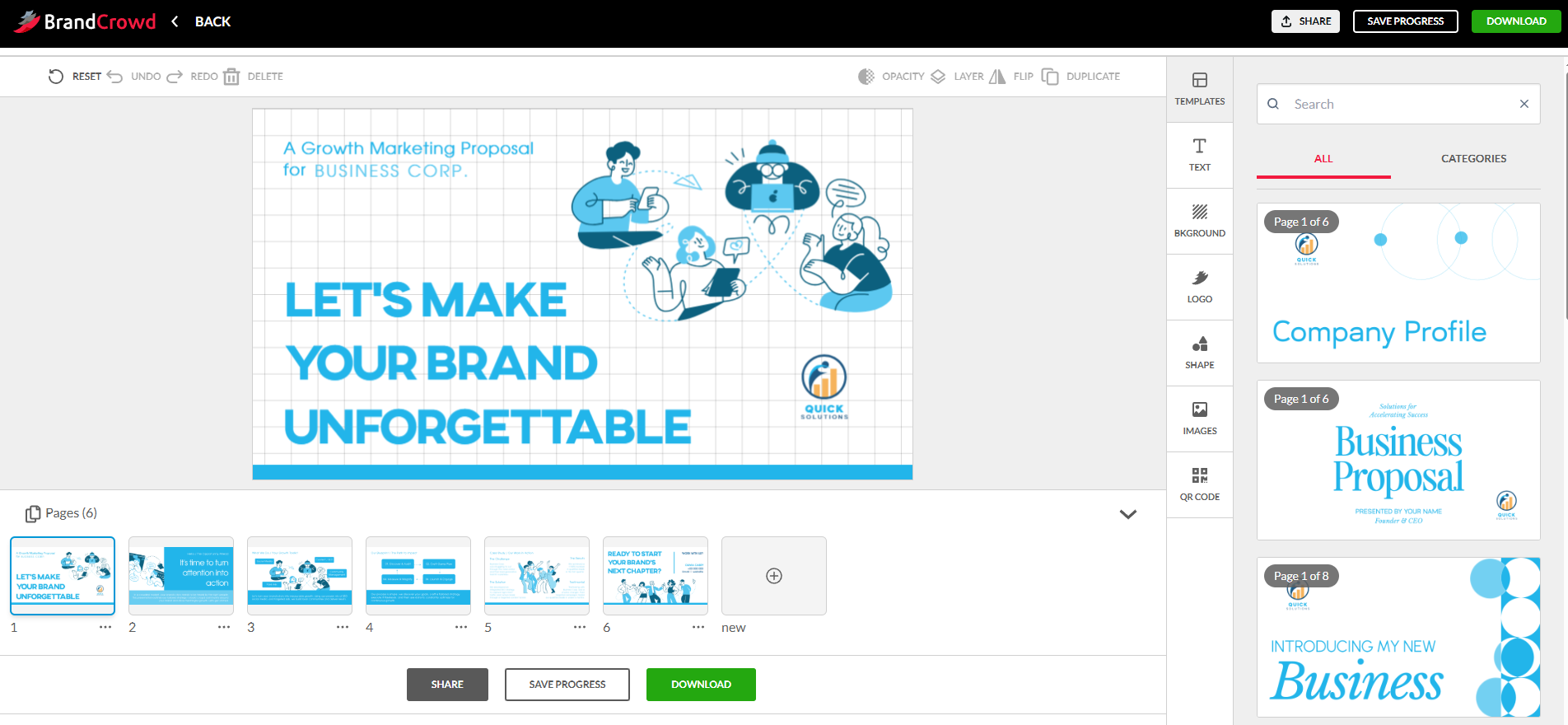
It’s also built to work as part of a bigger branding system. So your presentation doesn’t just stand alone, it can also match your other brand assets inside BrandCrowd, which helps keep everything consistent across your business.
Why Use BrandCrowd
- Strong brand consistency: Keeps your presentation aligned with your logo and overall brand style.
- Easy customization: You can quickly edit colors, fonts, and layouts without design skills.
- Professional templates: Designed by professionals, so slides already look polished.
- Part of a full branding system: Works with logos, business cards, and other marketing assets in one place.
- Good for client-facing decks: Helps you create presentations that look clean and credible.
Pricing
- You can browse and customize presentations for free.
- The Premium Plan starts at $9/month, which includes full access to templates, editing tools, and branding features.
- A higher plan at $14/month adds website builder access and additional design tools.
3. Canva
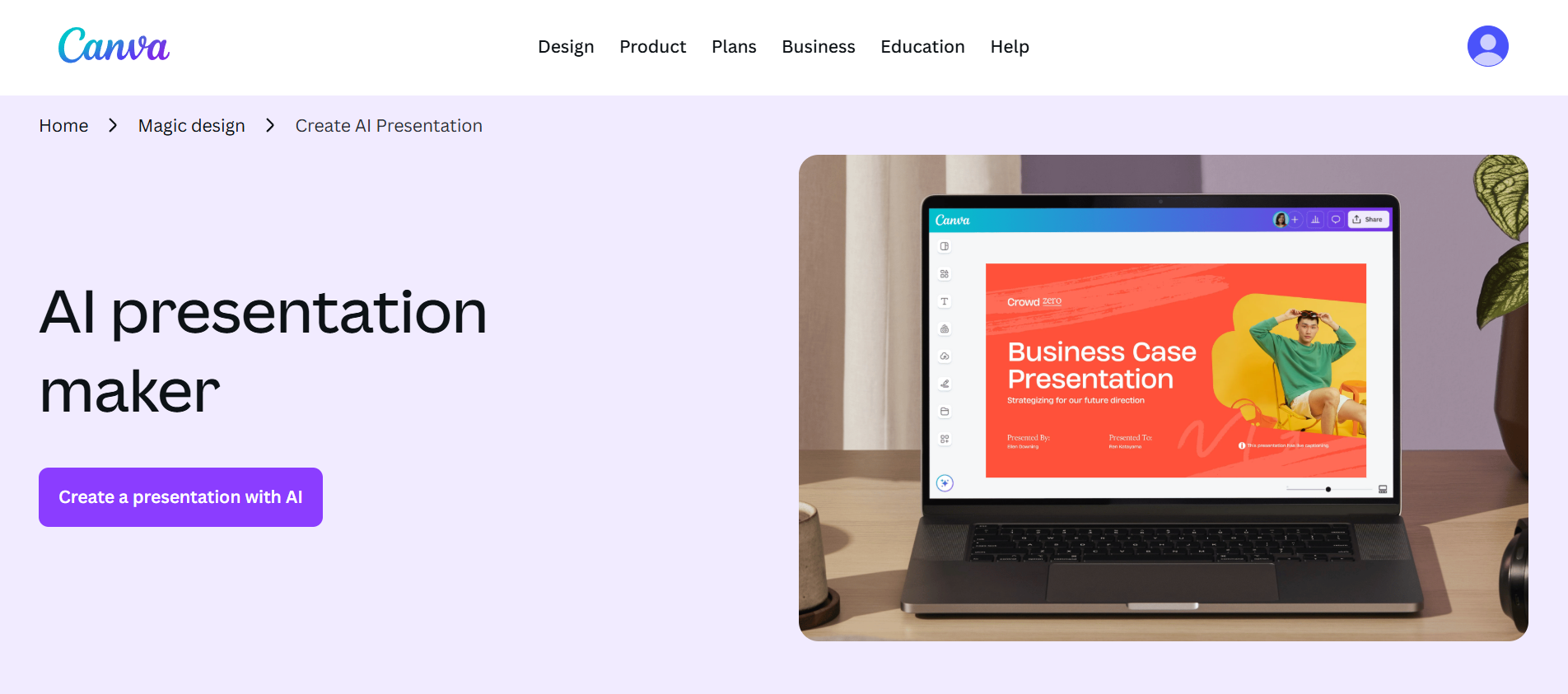
Best for: Users who want an easy all-in-one design tool with AI presentations, media, and collaboration features
Rating: 9.5/10
Canva is one of the most popular tools for creating presentations because it keeps everything simple and accessible. You can drag and drop elements, use ready-made templates, and quickly build slides without needing any design experience.
One of its strongest features is its AI presentation tool, Magic Design for Presentations. You can type a short idea, and it generates a full set of slides with structure and content already in place.
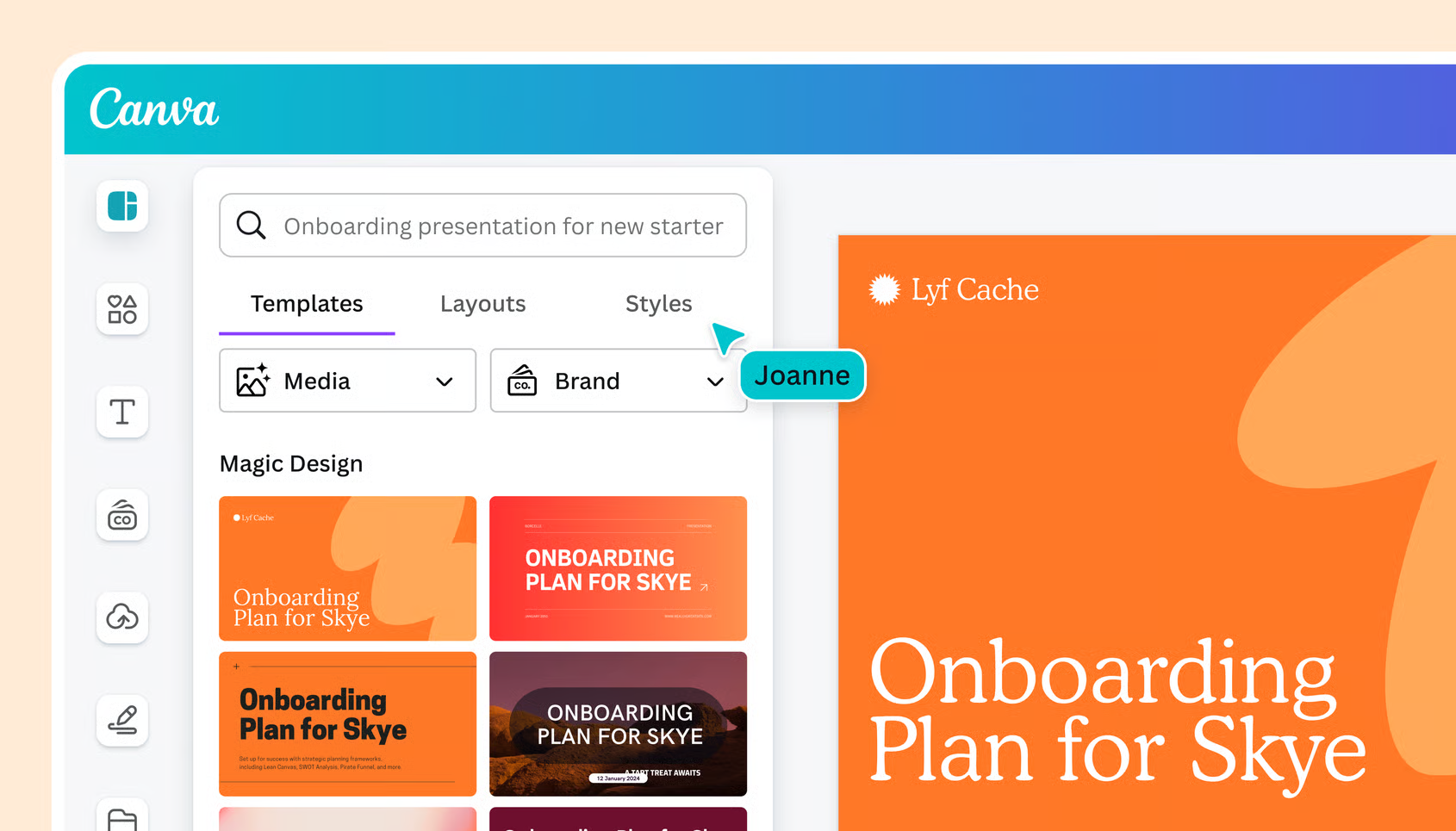
From there, you can refine the design, adjust layouts, and apply your brand style using Canva’s built-in tools. It’s designed to speed up the early stage of presentation building so you can focus more on editing and polishing.
Why Use Canva
- All-in-one design platform: You can create presentations, graphics, videos, and more in one place.
- Very easy to use: Simple drag-and-drop interface makes it beginner-friendly.
- Fast AI presentation creation: Quickly turns ideas into structured slide decks.
Pricing
- Free plan available
- Pro plan costs $15/month
4. Quillbot
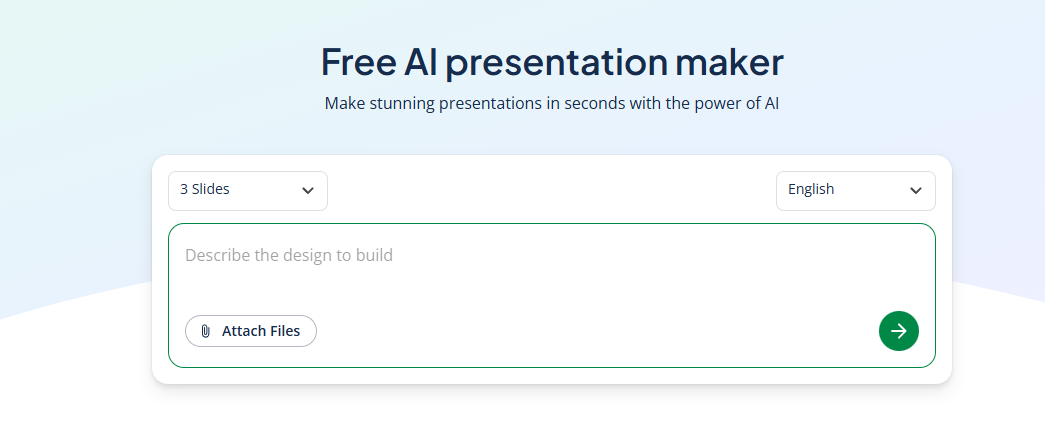
Best for: Users who want help turning ideas into structured presentation content quickly
Rating: 8.8/10
Quillbot helps you get started with presentations by turning your topic into a clear outline and draft content. Instead of starting from a blank slide, you type in what your presentation is about, and it gives you structured points you can build on. This makes it easier to organize your ideas before you even start designing your slides.
Once you have the outline, you can adjust and expand the content to match what you need. It’s more focused on helping you write and shape your presentation rather than fully designing it, which makes it useful if you already have a theme or template in mind.
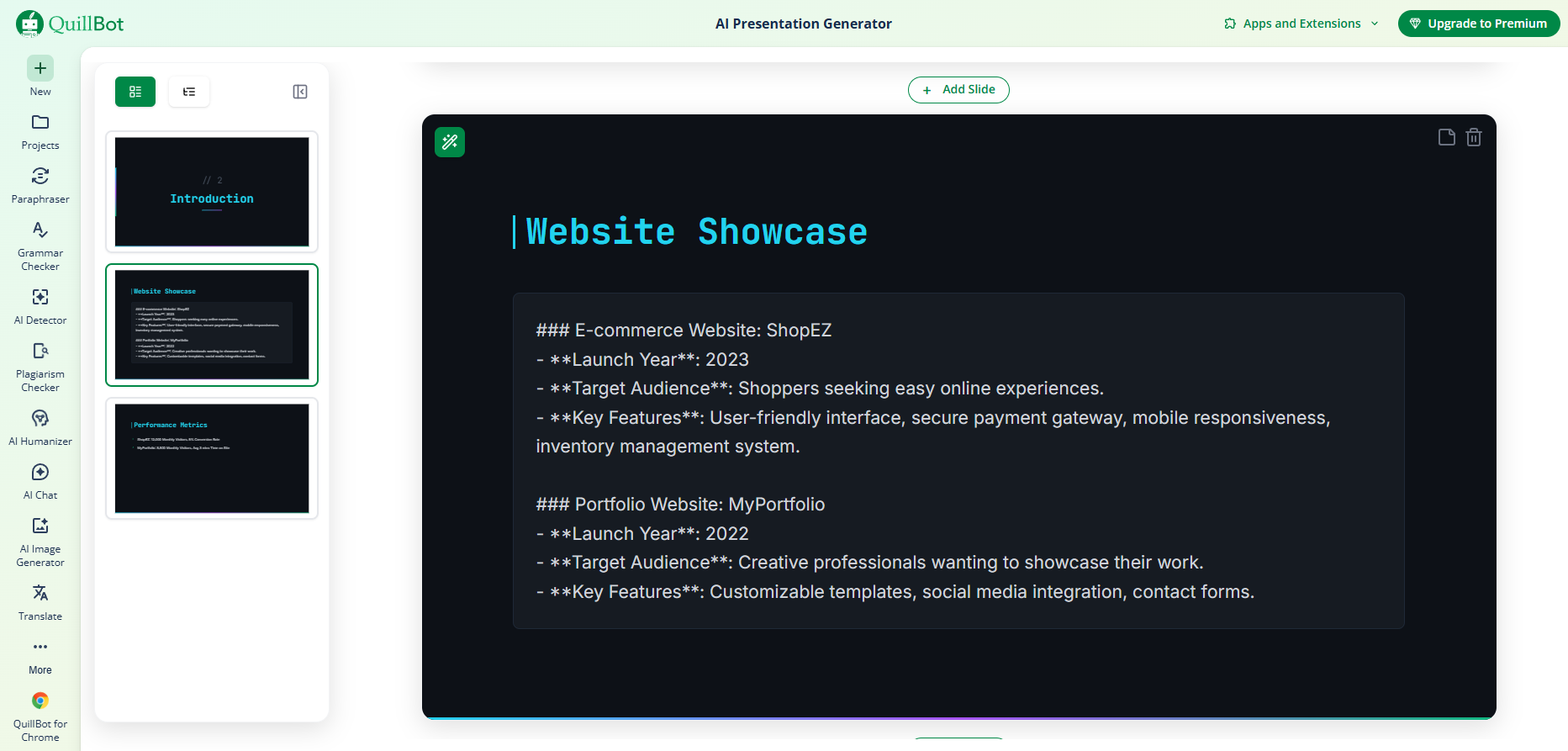
After refining the content, you can move it into a presentation format, apply a template or theme, and continue editing until everything looks right. It’s a simple way to go from idea to structured content without getting stuck on what to say.
Why Use Quillbot
- Helps organize ideas quickly: Turns rough topics into structured outlines.
- Good for content creation: Makes it easier to write slide content without overthinking.
- Simple workflow: Focuses on writing first, then design.
Pricing
- Free to use
- Paid plans available depending on your choice
- The annual plan costs $8.33 monthly ($99.95 billed every twelve months).
- The semi-annual plan costs $13.31 per month ($39.95 billed every 3 months).
- The monthly plan costs $19.95.
5. Adobe
Best For: Users who want clean, professional presentations with strong design tools and flexibility
Rating: 9.1/10
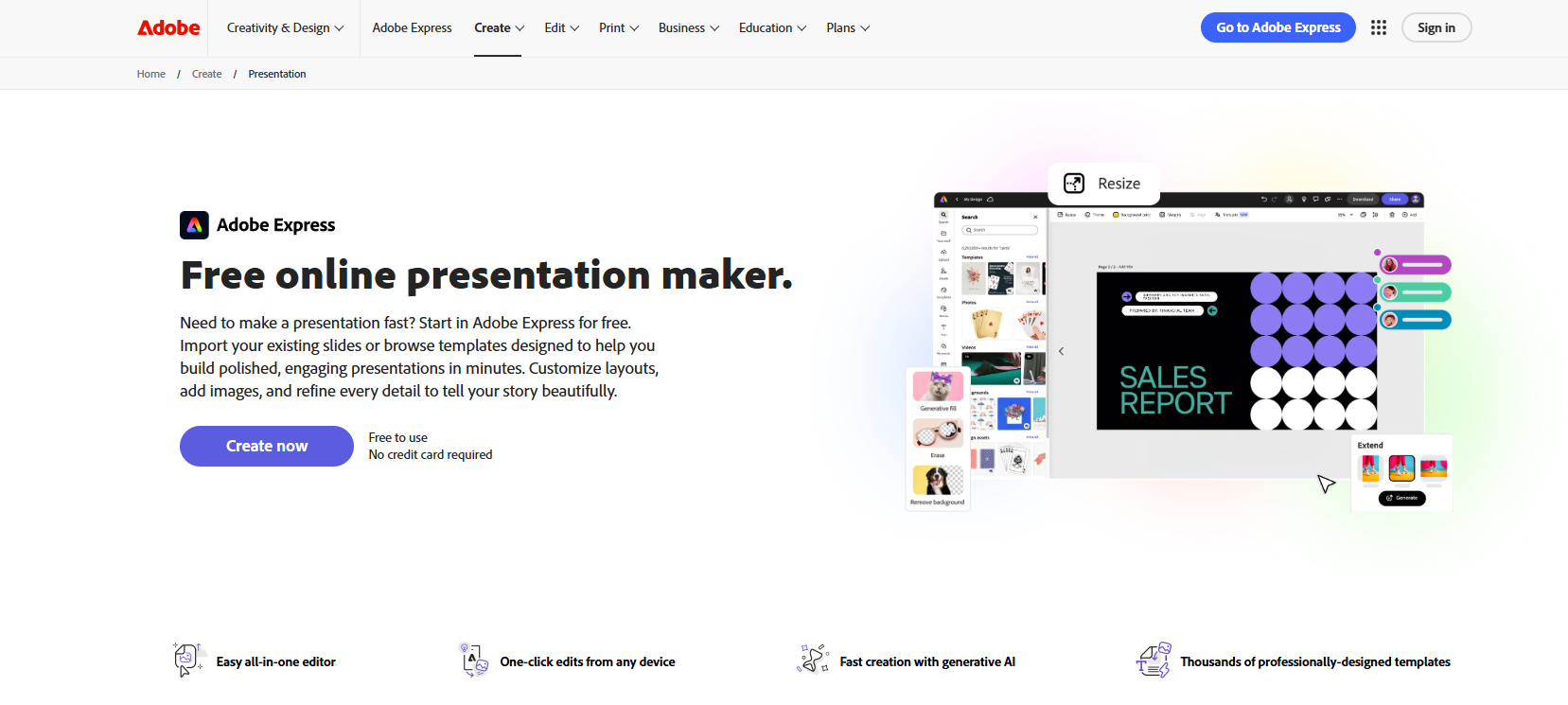
Adobe Express helps you create presentations quickly without starting from scratch. You can upload an existing file or begin with ready-made templates, then build your slides from there. It’s designed to help you create clean, well-designed presentations even when you’re short on time.
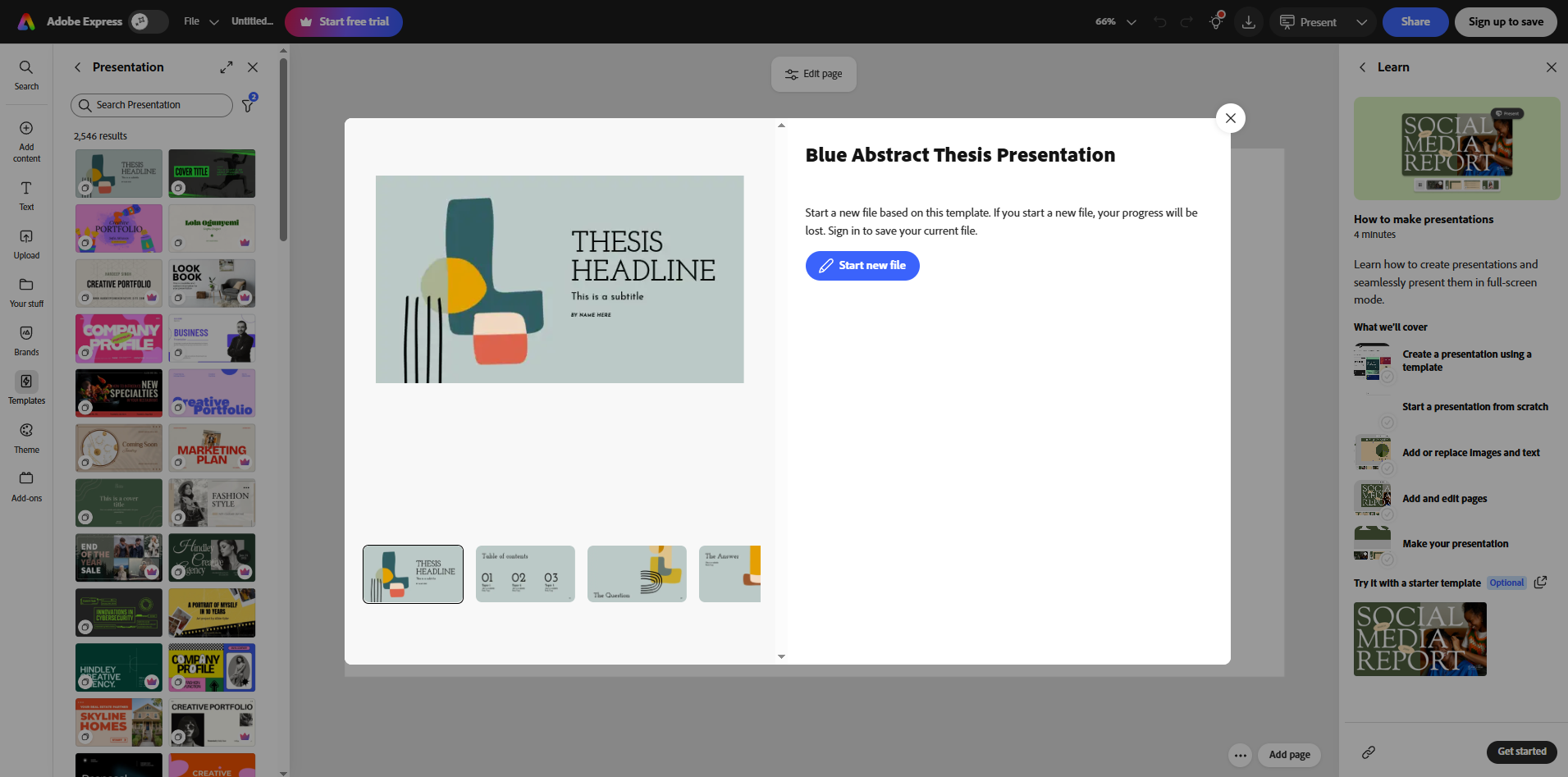
You can easily change layouts, add images, icons, and graphics, and adjust every detail so the presentation matches your style or brand. It also includes AI-powered tools that help speed up design work, especially when you need something that looks professional fast.
Why Use Adobe Express
- Professional-looking designs: Helps you create polished slides even with minimal effort.
- Fast presentation building: Templates make it easy to start quickly.
- Flexible customization: You can adjust every element to match your style.
Pricing
- Free plan available
- Premium plan costs $9.99/month
6. Gamma
Best for: Users who want fast, AI-built presentations that are easy to design and share
Rating: 9.4/10
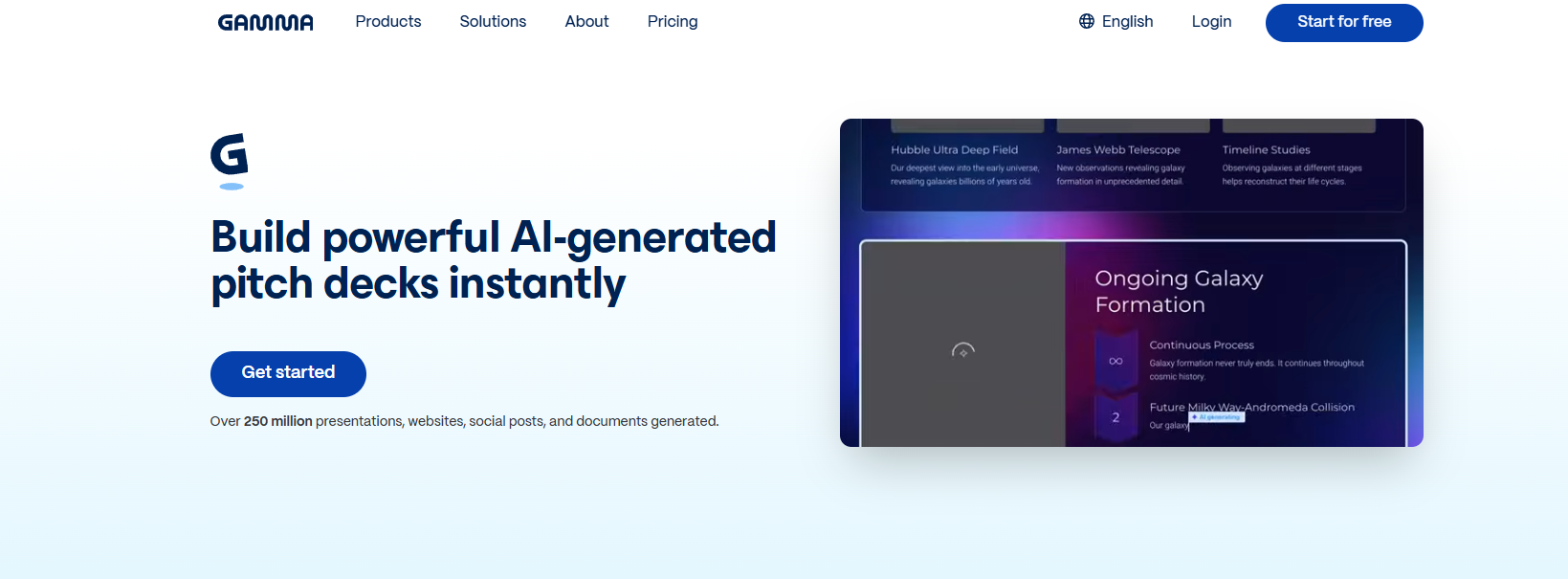
Gamma is built for people who want to turn ideas into presentations quickly without spending time on manual design. Instead of building slides one by one, you can choose from the existing template, and transform it into a structured presentation with layouts, visuals, and content already in place.
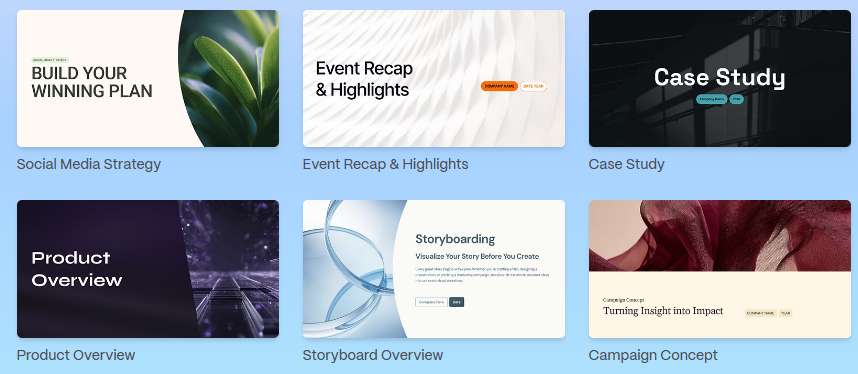
What makes it useful is how much work it removes from the process. It handles structure, design, and formatting at the same time, so you’re not stuck adjusting every slide.
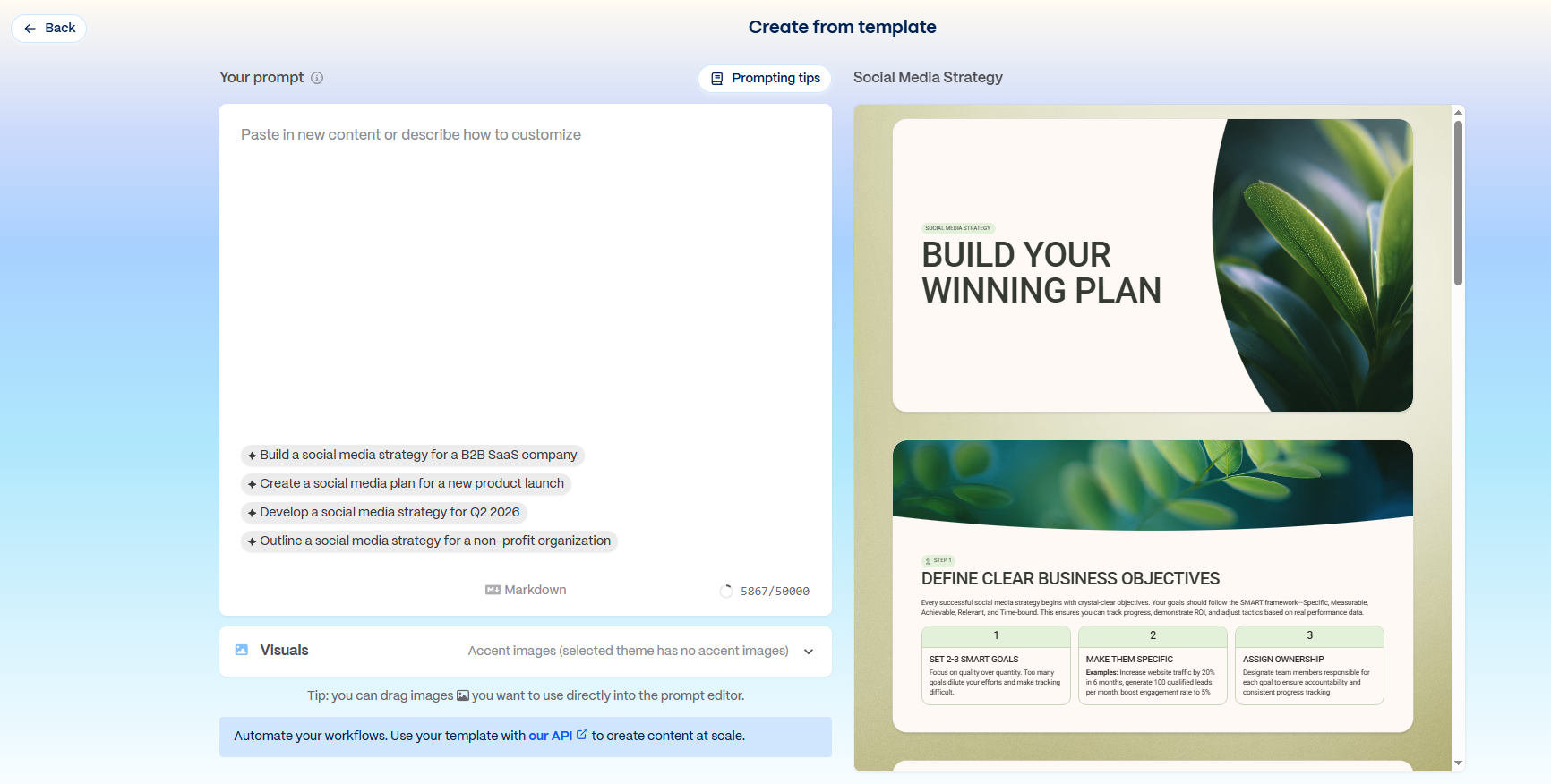
You can still refine everything using simple edits or prompts, which makes it flexible if you want to tweak the final result.
Why Use Gamma
- Very fast creation process: Turns ideas into full presentations in minutes.
- No design skills needed: Layouts and visuals are handled automatically.
- Flexible editing: You can refine slides using simple edits or prompts.
Pricing
- Free plan available
- Plus plan costs around $10/month
- Pro Plan costs around $20/month
7. Beautiful.ai
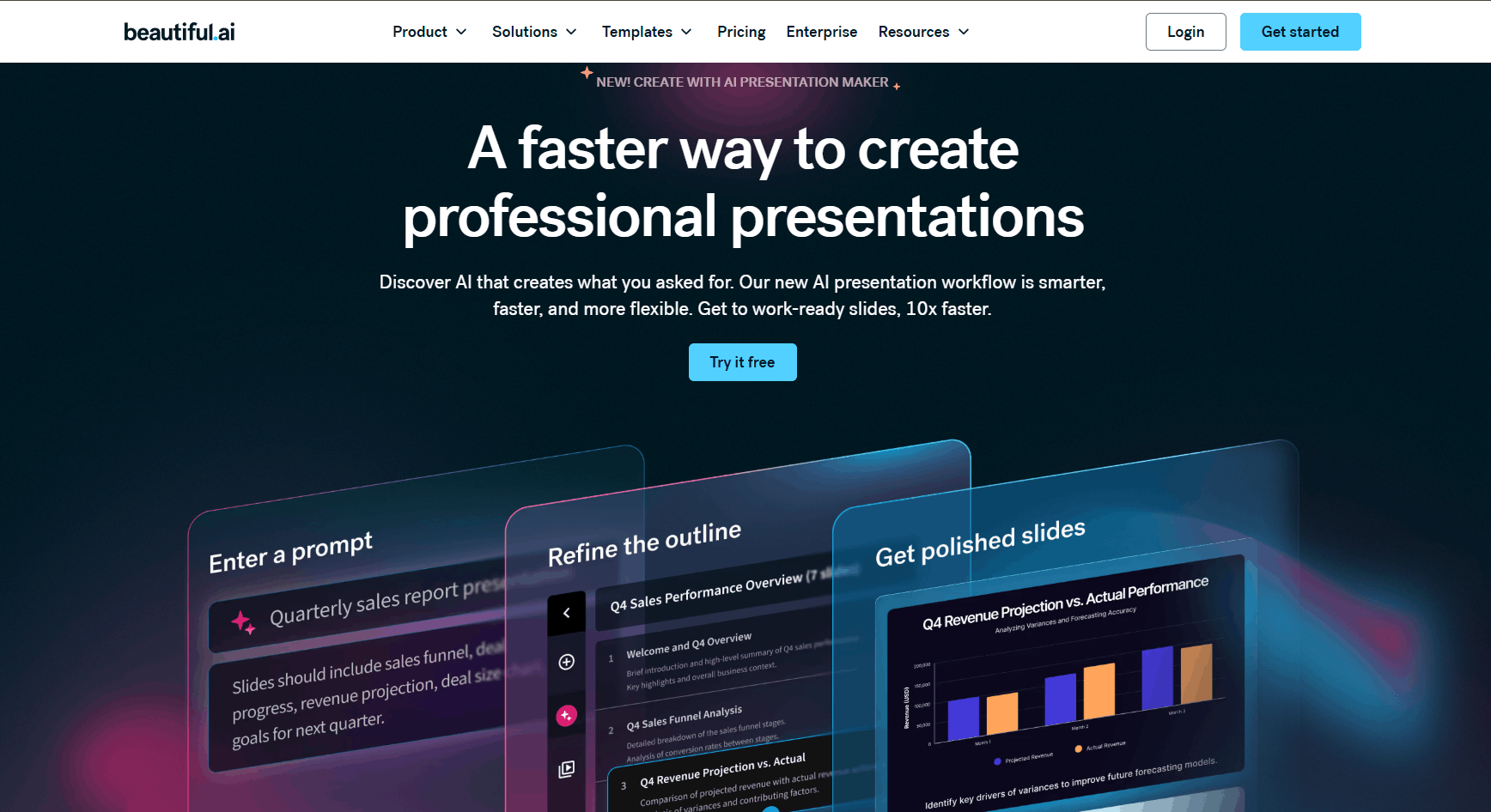
Best for: Users who want clean, professional presentations without worrying about design or formatting
Rating: 9.5/10
Beautiful.ai focuses on making presentation design faster and more structured. Instead of manually adjusting every slide, it automatically formats your content as you build, so everything stays aligned, spaced properly, and visually consistent. This makes it easier to focus on your message instead of layout work.
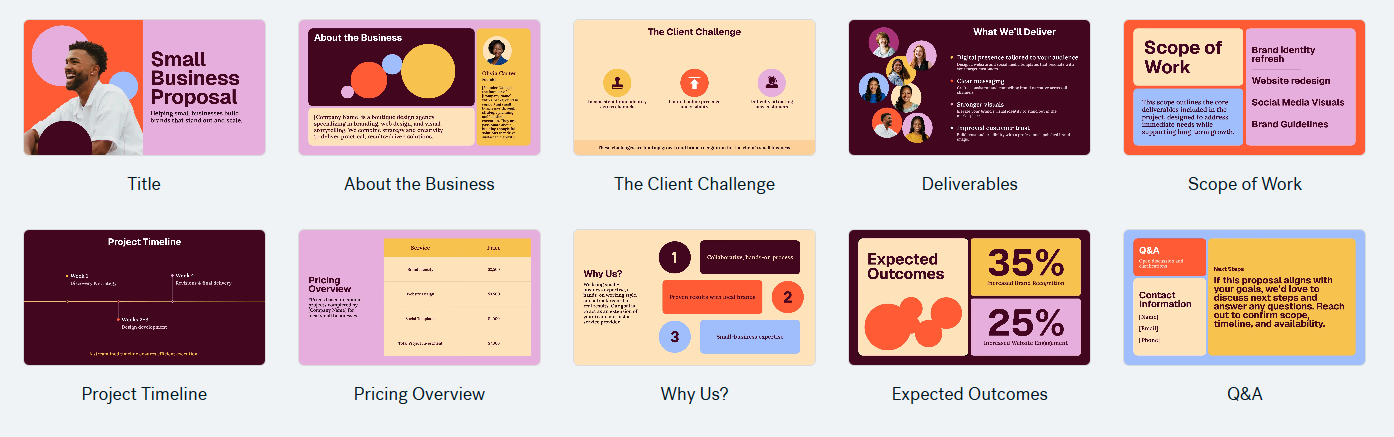
One of its main features is Smart Slides. As you add or edit content, the design adjusts automatically to keep everything looking clean and professional. It also helps maintain a consistent flow throughout your presentation, so your slides feel more like a complete story rather than separate pages.
Why Use Beautiful.ai
- Saves time on design work: Slides automatically format as you build them.
- Very clean, professional output: Great for business and formal presentations.
- Easy to use: No need to manually adjust layouts or spacing.
Pricing
- No free tier
- Paid plans available
- Pro plan: $12/mo
- Team plan: $40/mo/user
- Enterprise: custom pricing for larger organizations
Conclusion
There are a lot of AI presentation tools out there, and each one solves the problem in a slightly different way. Some focus on speed, others on design quality, and a few try to balance both so you can move from idea to finished slides with less effort.
If you’re looking for an all-around option that keeps things simple while still giving you strong design output, Design.com stands out. It’s built to help you generate and refine presentations quickly without losing the polished, professional look.
Get started today
What is Fueler Portfolio?
Fueler is a career portfolio platform that helps companies find the best talent for their organization based on their proof of work. You can create your portfolio on Fueler. Thousands of freelancers around the world use Fueler to create their professional-looking portfolios and become financially independent. Discover inspiration for your portfolio
Sign up for free on Fueler or get in touch to learn more.

What should you do next?
You've read the article. Now turn your skills into proof of work and unlock more opportunities.
Build your proof of work portfolio
Create a clean portfolio with projects, assignments, resumes, and AI stack details that companies actually want to see.
Create your Fueler portfolio →Apply through assignments, not resumes
Stand out by solving real tasks from companies hiring on Fueler.
Explore assignments →Get discovered by companies
Make your work public and let recruiters discover your skills through actual projects instead of keywords.
Get discovered →
