7 Best Logo Design Tools to Build a Professional Brand in Minutes

Team Fueler
28 Apr, 2026
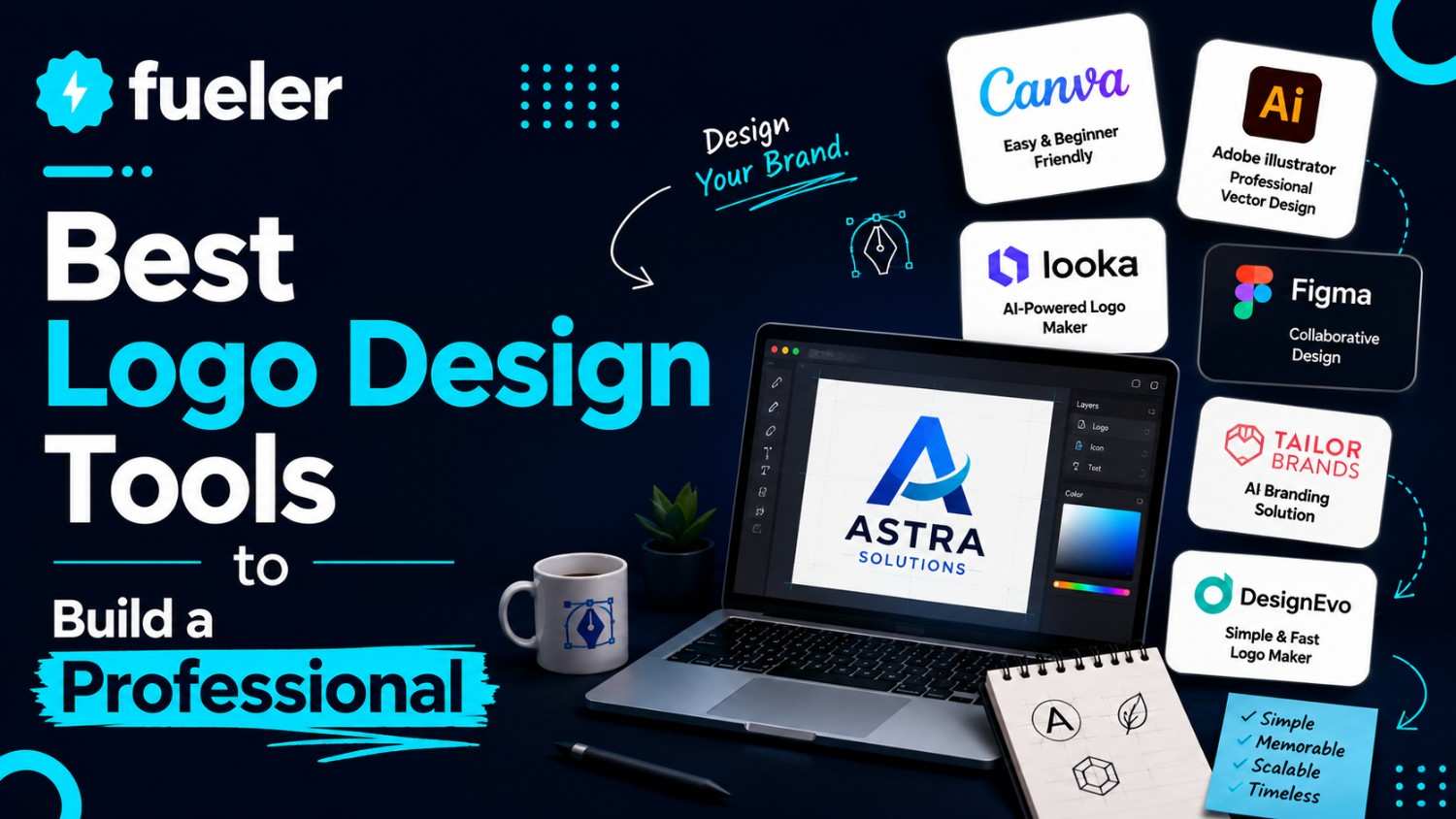
If you think making a logo is hard, think again. While there are now AI-powered logo design tools that can help you skip the traditional path of hiring professional designers, choosing the right platform isn’t exactly that simple.
These tools are everywhere on the Internet, and they aren’t built the same. Some focus on brand building, while others are general design tools with logo-making features. You may think there’s not much difference until you have wasted an hour going around in circles, still with no finished logo in hand.
So, we tested seven of the most popular and reliable logo design tools to help you decide which platform is right for you. If you’re a small business owner, startup founder, or freelancer looking to build your brand but don’t have any professional design skills, this guide is for you.
Testing Process
We tested each platform against five categories:
We used the same fictional business name, Dynamic Design Agency. The goal is to create a logo for a freelance design studio with a modern, minimalistic design. Using a desktop and the Chrome browser, we gave ourselves 10 minutes per platform and approached each one as a non-designer seeing everything for the first time.
In addition, all seven tools were tested using their free versions. Design.com, BrandCrowd, Wixel, Vistaprint, and Squarespace let you create a complete logo and other brand assets with no upfront cost. Meanwhile, Canva and Adobe Express’ free plans don’t include their branding features, so we noted this wherever it was relevant to the experience.
Quick Comparison
Honest Breakdown
1. Design.com

What happened when we tested it:
Design.com has been recognized as the best logo design tool by several publications, including TechRadar, so it’s not surprising that in just four minutes, we already had a logo we’d actually use. We just typed the business name and keywords, and the logo maker immediately generated thousands of logos with clean, minimalist concepts that already meet the brief’s requirements.

Since we’re using the free version for Design.com, we selected one of the free templates. Even without a subscription, all the customization features are accessible, including the AI chat editor. We tested it by asking it to change the gradients to solid colors, and the result was instantaneous.

Standout moment:
We’re surprised that even with a free plan, all file options are available — high-resolution files (PNG, JPG), vector files (SVG, EPS, PDF), animated files (GIF, MP4), transparent background files, and even icon- and text-only options.
But what’s really impressive is that Design.com has already automatically applied the logo, its colors, and typography to other templates. We didn’t even move another finger and already see branded business cards, social media posts, presentations, websites, etc., ready for use.
Our scores:
Strengths:
- 400K+ professionally-made logo designs exclusive to the platform.
- Easy-to-use drag-and-drop editor and the AI chat editing feature
- Every file format you’ll ever need: PNG, JPG, SVG, EPS, PDF, GIF, MP4, etc.
- 50+ branding tools for business cards, social media graphics, print ads, letterheads, email signatures, presentations, websites, and more.
- Advanced AI tools like the AI logo generator, AI website builder, AI background remover, AI business name generator, and more.
- Full customization features and complete file format access in the free version using select templates.
Limitations:
- Since Design.com is built for beginners and non-technical users, it may not suit you if you’re an experienced designer requiring more in-depth customization features.
Pricing:
- Free: Select logo templates, full customization features, all file formats, no watermark.
- Starter: $3/month (billed annually) or $9/month - Full access to premium design templates and 50+ design and advanced AI tools (except Website Builder, Link-in-Bios, and Digital Business Cards).
- Value: $4/month (billed annually) or $14/month - Everything in Started plus full access to Website Builder.
- Premium: $5/month (billed annually) or $19/month - Everything in Value plus full access to Link-in-Bio and Digital Business Card tools.
2. BrandCrowd

What happened when we tested it:
BrandCrowd is a complete branding ecosystem. Still, when we went to its homepage, the logo maker was right in our faces. We quickly put the business name and clicked “Create Logos.” Its AI generated a range of logo designs relevant to the brand’s industry. In just five minutes, we have selected, customized, and downloaded our logo.

Standout moment:
Like Design.com, BrandCrowd also offers a wide range of file formats, including high-resolution, vector files, and transparent background options. It has a reliable automatic template branding that seamlessly applies logos to different brand templates, ensuring brand consistency.
Our scores:
Strengths:
- 380,000+ exclusive logo templates across hundreds of industries.
- AI chat editing for real-time customization.
- 50+ branding tools with automatic brand inheritance.
- Full file format range: SVG, EPS, PDF, PNG, JPG, GIF, MP4.
Limitations:
- Like Design.com, BrandCrowd caters to non-designers. It won’t have customization features found in advanced design software.
Pricing:
- Free: Free templates, full customization features, all file formats, no watermark.
- Paid plans: Starts at $3/month (billed annually) or $9/month — Access to premium templates and 50+ branding tools.
3. Canva

What happened when we tested it:
While Canva is known for its simplicity and accessibility, finding the logo maker took a bit of time. We tried the AI function first, and it gave us only four options, which is significantly fewer compared to Design.com and BrandCrowd. So, we ended up choosing from the template instead. We finished our logo in nine minutes.

Standout moment:
Canva is known for its beginner-friendly editor, and it’s indeed the most flexible one we experienced in this test. Once we decided to use the templates, we gained better control over every element — fonts, colors, icons, and layouts. Beginners will have no issue tweaking their design until they get their desired logo.
Our scores:
Strengths:
- Huge template library with a strong variety.
- Flexible drag-and-drop editor suitable for non-designers.
- Team collaboration features.
- Works on web browsers and mobile devices via a dedicated app.
Limitations:
- The logo maker is just a feature inside Canva’s design ecosystem.
- BrandKit and SVG exports require a Canva Pro subscription.
Pricing:
- Free: Free templates, PNG/JPG downloads, limited AI credits.
- Pro: $15/month ($120/year) — Access to premium assets, SVG exports, Brand Kit, Magic Resize.
4. Adobe Express Logo Maker

What happened when we tested it:
There are two ways to create a logo with Adobe Express. One is to choose a template. The other is to click “Create Now,” which guides you to choose icons and templates. We tried both. Looking for a suitable template wasn’t easy with the limited choices, so we clicked “Create Now.” It gave us only one logo, which required heavy editing. We finished our logo in 11 minutes.

Standout moments:
Adobe Express’ editor is probably the most thorough among all seven platforms. While not the most beginner-friendly, it gives users high level of control that lets you achieve the vision you have for your logo. It only requires a bit of a learning curve, but once you get the hang of it, things get easier.
Our scores:
Strengths
- Adobe-signature template aesthetic.
- Brand Kit with auto-apply across designs (Premium).
- 30,000+ Adobe Fonts on Premium
- Integrates natively with Photoshop, Illustrator, and Creative Cloud.
- Works on web, iOS, and Android devices.
Limitations
- SVG export and Brand Kit require a Premium subscription.
- Annual plans carry a 50% early termination fee — worth reading before you sign up.
- Less flexible than the dedicated logo platforms for hands-on tweaking.
Pricing
- Free: PNG/JPG downloads, thousands of templates, 25 generative AI credits/month.
- Premium: $9.99/month — SVG exports, 250 AI credits/month, full font library, premium templates.
5. Wixel (Wix Logo Maker)

What happened when we tested it:
Before generating a logo, Aria (Wixel’s AI) asked us some questions about the brand. So, we provided the brief, and it started creating some logo suggestions. It only provided four options, like Canva. Still, we found the designs workable, so we selected one and customized it. Since Wixel’s editing interface differs from the earlier tools, it took us 8 minutes to finish our logo.

Once the logo’s done, we were able to generate a full brand theme from it. Wixel pulled the colors and fonts into a visual identity system that we easily apply to other templates. It’s great to have that brand consistency accessible in a free version.
Our scores:
Strengths
- Conversational AI walks you through the brief before designing
- AI icon generator for unique, brand-specific icons
- Brand theme generation from your logo's colors and fonts
- SVG and PNG on the free plan (limited credits)
- Live mockup previews across web, print, and social formats
- Direct integration with Wix websites and e-commerce
Limitations
- Fewer initial concept directions than dedicated logo platforms
- Customization depth is more limited than Design.com or BrandCrowd
- The ecosystem advantage mostly applies if you're already building on Wix
Pricing:
- Free: Design and customize; 120 AI credits included; SVG and PNG downloads available
- Paid plans: Start at $90/year — Additional AI credits and advanced features.
6. VistaPrint AI Logomaker

What happened when we tested it:
Launched in March 2026, VistaPrint’s AI Logomaker is the newest tool in our list. We just provided the business name, descriptions, and logo style, and its AI generated four logos right away. Compared to Canva and Wixel’s, VistaPrint’s logos are tight, clean, and unique. The platform doesn’t have a manual editing feature. We had to use the AI function to make changes.

Standout moments:
We downloaded the finished file to our desktop and got a ZIP folder with PNG, SVG, and PDF versions of the logo. In addition, we saw that the logo has been applied to a variety of physical promotional products. While we can’t customize them like with Design.com and BrandCrowd, it’s great to see how the logo will look on real-world products instantly.
Our scores:
Strengths
- Generative AI builds logos from scratch — not modified templates.
- Free SVG, PDF, and PNG files.
- 64 free logo generations with a free account.
- Direct connection to VistaPrint's full print catalog.
Limitations
- No brand kit or template library for ongoing design work.
- AI editing function only.
- Less useful if your brand is purely digital.
Pricing
- Free: 64 logo generations (after signup), SVG/PDF/PNG downloads at no cost.
- VistaCreate add-on: $10/month for 100 additional AI credits and design templates.
7. Squarespace Logo Maker

What happened when we tested it:
Squarespace Logo Maker is the most basic design tool on this list. It has no template library or guided flow. We just input the business name, and we’re led to the editor. The editor is very basic, too. You can only change the font and colors. Also, the icon choices are very limited, so there’s really nothing much to work with.

Squarespace’s stripped-down interface is actually its standout feature. When you’re going through page after page of logo suggestions and templates, decision fatigue can get you. Squarespace removes all that and just provides the basics. If you only need a clean and functional logo, this platform will do.
Our scores:
Strengths
- Clean, minimal results that work for most basic branding needs.
- Unlimited logo creation and downloads.
- Transparent background PNG included.
- No design experience required.
Limitations
- No AI generation, no templates — you're building from scratch with limited tools.
- PNG file downloads only.
- No brand kit, no additional tools, no ecosystem beyond the logo itself
- Text sizing and positioning are eyeballed rather than precise.
Pricing:
- Free: No paid tier, no hidden cost.
Final Verdict
While every design tool on this list delivered when it comes to logo creation, Design.com stood out the most.
It didn’t just give us a high-quality, unique logo, but also a complete brand. It’s the fastest and most generous platform on this list. It didn’t hide its customization functions, file formats, and branding features behind expensive paid plans.
The platform’s AI understood the brief right away without much prompting. We only had to provide the business name and keywords. The AI chat editor is also another time-saving element. And even if an upgrade is unavoidable, Design.com’s paid plans are the most affordable options among all the featured design tools.
For a business owner or freelancer building a brand from scratch, Design.com is the easiest and best place to start.
What is Fueler Portfolio?
Fueler is a career portfolio platform that helps companies find the best talent for their organization based on their proof of work. You can create your portfolio on Fueler. Thousands of freelancers around the world use Fueler to create their professional-looking portfolios and become financially independent. Discover inspiration for your portfolio
Sign up for free on Fueler or get in touch to learn more.

What should you do next?
You've read the article. Now turn your skills into proof of work and unlock more opportunities.
Build your proof of work portfolio
Create a clean portfolio with projects, assignments, resumes, and AI stack details that companies actually want to see.
Create your Fueler portfolio →Apply through assignments, not resumes
Stand out by solving real tasks from companies hiring on Fueler.
Explore assignments →Get discovered by companies
Make your work public and let recruiters discover your skills through actual projects instead of keywords.
Get discovered →
