Best Grammar Checkers for US Professionals in 2026

Riten Debnath
02 Dec, 2025
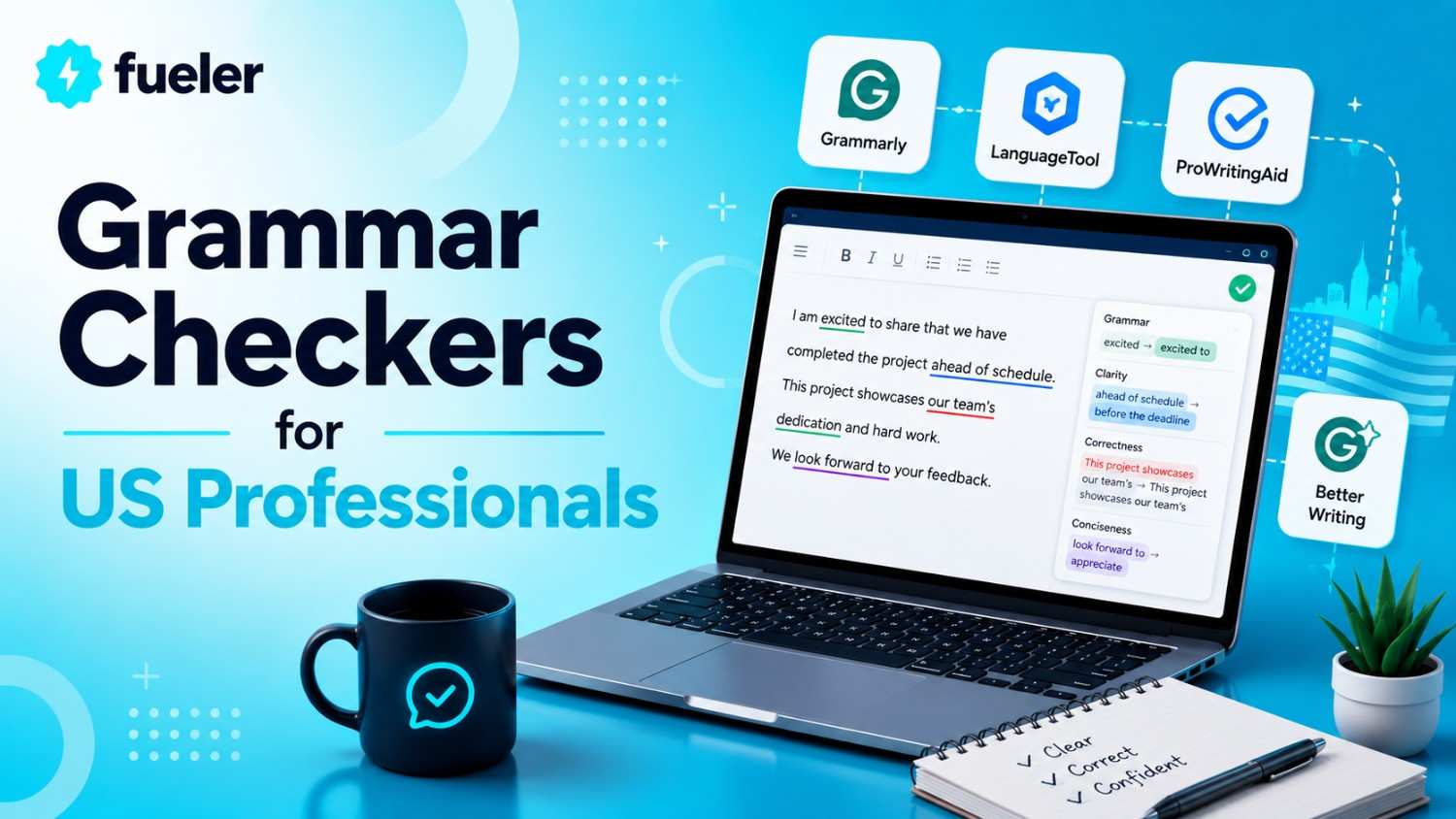
In the fast-paced world of professional communication, accuracy and clarity are no longer optional; they are essentials. In 2026, US professionals need more than a simple spell check; they require intelligent grammar checkers that understand context, tone, and style. These advanced tools help craft polished, error-free writing that enhances credibility, boosts confidence, and saves valuable time. Finding the right grammar checker can elevate your professionalism and ensure your message always hits the mark.
I’m Riten, founder of Fueler - a skills-first portfolio platform that connects talented individuals with companies through assignments, portfolios, and projects, not just resumes/CVs. Think Dribbble/Behance for work samples + AngelList for hiring infrastructure
Why Top Grammar Checkers are Critical in 2026
Effective communication underpins success in every field from marketing and sales to legal and technical writing. Erroneous or unclear content damages reputation and hampers engagement. AI-driven grammar checkers today go beyond basic spelling and punctuation corrections, offering tone detection, style suggestions, and contextual understanding that align with your professional voice. These tools help US professionals deliver impactful, error-free content quickly and confidently.
Top Grammar Checkers for US Professionals in 2026
1. WhiteSmoke
WhiteSmoke offers a comprehensive grammar correction and translation service suitable for professional documents.
- Uses AI-based grammar and style checking with a focus on business communication, making it suitable for contracts, reports, and presentations.
- Includes translation features supporting over 50 languages, facilitating multilingual documentation for global US companies.
- Offers plagiarism checking and document templates, helping professionals create original, professional content effortlessly.
- Provides grammar explanations and writing tips to enhance your understanding, useful for ongoing skill development.
- Supports integrations with MS Word, Outlook, and browsers for flexible editing.
Pricing: Starts around $15/month with discounts for annual plans.
Why it matters: WhiteSmoke helps US professionals produce professional, error-free content in multiple languages, crucial for international markets.
2. Hemingway Editor
Hemingway Editor is the go-to tool for writers who want clarity and simplicity in their communication.
- Analyzes your text and highlights complex sentences, passive voice, and instances where readability can be improved, helping you craft straightforward, impactful content.
- Provides a readability grade score to help tailor the writing style for your audience, ensuring clarity and engagement.
- Enhances style by suggesting simpler alternatives for over-complicated phrases or jargon, making your professional writing more accessible.
- Offers an intuitive interface that works both online and as a desktop app, letting busy professionals quickly review drafts without disrupting workflow.
- Emphasizes brevity and clarity, making it ideal for executive summaries, technical documentation, or marketing copy.
Pricing: Free online version; desktop app costs $19.99 as a one-time purchase.
Why it matters: Hemingway makes your writing more readable and persuasive, critical qualities for impactful presentations, executive communications, and client-facing documents.
3. ProWritingAid
ProWritingAid is a comprehensive editing tool combining grammar, style, and readability enhancements in one platform.
- Offers an extensive set of reports covering grammar, style, voice, cliché, overused words, and consistency issues giving you complete control over your writing quality.
- Features integrations with MS Word, Google Docs, Scrivener, and many CMS platforms, saving time across different writing environments.
- Uses AI to identify repetitive phrases and suggest more vibrant, varied language to elevate your professional tone.
- Provides detailed suggestions for improving sentence structure, pacing, and clarity, especially useful for lengthy reports or proposals.
- Supports team collaboration with cloud-based review folders, making it easy to maintain consistent quality standards across documents.
Pricing: Plans start at $70/year with discounts for semi-annual or quarterly subscriptions.
Why it matters: ProWritingAid’s deep analysis helps US professionals craft clear, compelling content that stands out in highly competitive businesses.
4. Ginger Software
Ginger combines grammar checking with language enhancement features tailored to non-native English speakers and global teams.
- Detects grammatical issues while suggesting style improvements and natural phrasing to help non-native speakers sound more fluent and professional.
- Features a sentence rephrasing tool, enabling quick alternatives to improve tone, clarity, or formality in business communication.
- Supports over 60 languages for translation and contextual grammar correction, ideal for multicultural US teams working across borders.
- Embedded browser extension and Microsoft Office add-on make editing seamless wherever you work.
- Focuses on quick corrections and productivity with a built-in translator and dictionary.
Pricing: Free basic version; premium plans cost around $30/month.
Why it matters: Ginger helps US professionals, especially in multinational corporations, communicate flawlessly across language barriers and cultural differences.
5. Grammarly Premium
Grammarly remains the most popular and trusted grammar checker for professionals, thanks to its sophisticated AI and user-friendly interface.
- Provides real-time grammar, punctuation, and style corrections while also suggesting improvements in tone, clarity, and conciseness, tailored to professional contexts such as emails, reports, or proposals.
- Uses advanced AI to detect contextual errors, including misplaced modifiers, sentence fragments, and overused words that degrade the quality of your writing.
- Offers tone detection to ensure your message sounds confident, friendly, or formal depending on your target audience helping to maintain brand consistency.
- Integrates seamlessly with email clients, MS Word, Google Docs, and most web browsers, allowing you to perfect your writing wherever you work.
- Includes plagiarism detection, making it invaluable for legal, academic, and marketing professionals who depend on originality.
Pricing: Starts at $30/month with premium features for individual professionals, and higher tiers for teams needing collaboration tools.
Why it matters: Grammarly empowers US professionals to produce precise, tone-appropriate, and polished content, reinforcing their credibility and saving hours on manual editing.
Fueler: Showcase Your Precision and Skill
While these tools help you produce perfect content, showcasing your ability to do so builds trust and credibility. Fueler allows you to create a portfolio highlighting your best writing, editing, and proofreading projects, demonstrating tangible results to clients and employers looking for top-tier skills.
Final Thoughts
In 2026, the demand for flawless, impactful communication is higher than ever. The top grammar checkers like Grammarly, Hemingway, and ProWritingAid empower US professionals to write with confidence, clarity, and precision. Pairing these tools with a portfolio on Fueler ensures your skills are showcased effectively, opening doors to new opportunities and elevating your professional reputation.
FAQs
Which grammar checker is best for detailed style analysis?
ProWritingAid offers extensive reports on style, tone, and clarity, suitable for professionals needing deep editing insights.
How does Hemingway improve readability?
It highlights complex sentences and passive voice, guiding you to craft clearer, more direct content.
Can these tools help non-native English speakers?
Yes, Ginger and WhiteSmoke excel at supporting multilingual and non-native speakers to communicate flawlessly.
Are these tools suitable for team collaboration?
Yes, ProWritingAid and Grammarly Teams support collaborative editing and review workflows.
How do I showcase my editing skills professionally?
Create a portfolio on Fueler with before-and-after examples, completed projects, and measurable results to attract clients or employers.
What is Fueler Portfolio?
Fueler is a career portfolio platform that helps companies find the best talent for their organization based on their proof of work. You can create your portfolio on Fueler, thousands of freelancers around the world use Fueler to create their professional-looking portfolios and become financially independent. Discover inspiration for your portfolio
Sign up for free on Fueler or get in touch to learn more.

What should you do next?
You've read the article. Now turn your skills into proof of work and unlock more opportunities.
Build your proof of work portfolio
Create a clean portfolio with projects, assignments, resumes, and AI stack details that companies actually want to see.
Create your Fueler portfolio →Apply through assignments, not resumes
Stand out by solving real tasks from companies hiring on Fueler.
Explore assignments →Get discovered by companies
Make your work public and let recruiters discover your skills through actual projects instead of keywords.
Get discovered →
