Best Form Builders of 2026

Riten Debnath
06 Feb, 2026

In 2026, you don’t have to be a developer to build powerful automated systems. You just need a good form. At their core, online form builders are tools that help you collect information from people and instantly send it exactly where it needs to go. While most of us start by using them for simple contact pages, they have evolved into powerful automation tools for modern businesses. Instead of manually copying data from emails into spreadsheets, most forms can handle everything from processing secure credit card payments for a side hustle to automatically routing a customer support ticket to the right department.
The beauty of form builders lies in their versatility. You can use them to build interactive quizzes that recommend products to shoppers, registration pages for a local workshop that sync directly with your calendar, or internal request forms that let employees ask for time off or report expenses without the back-and-forth of an email chain. A form is often the first step in getting work done faster, whether you're a teacher grading a quiz, a bride-to-be managing RSVPs, or a business owner onboarding new clients. Let’s dive into the best form builders of 2026 and their features, pros, cons and pricing information.
1. Jotform
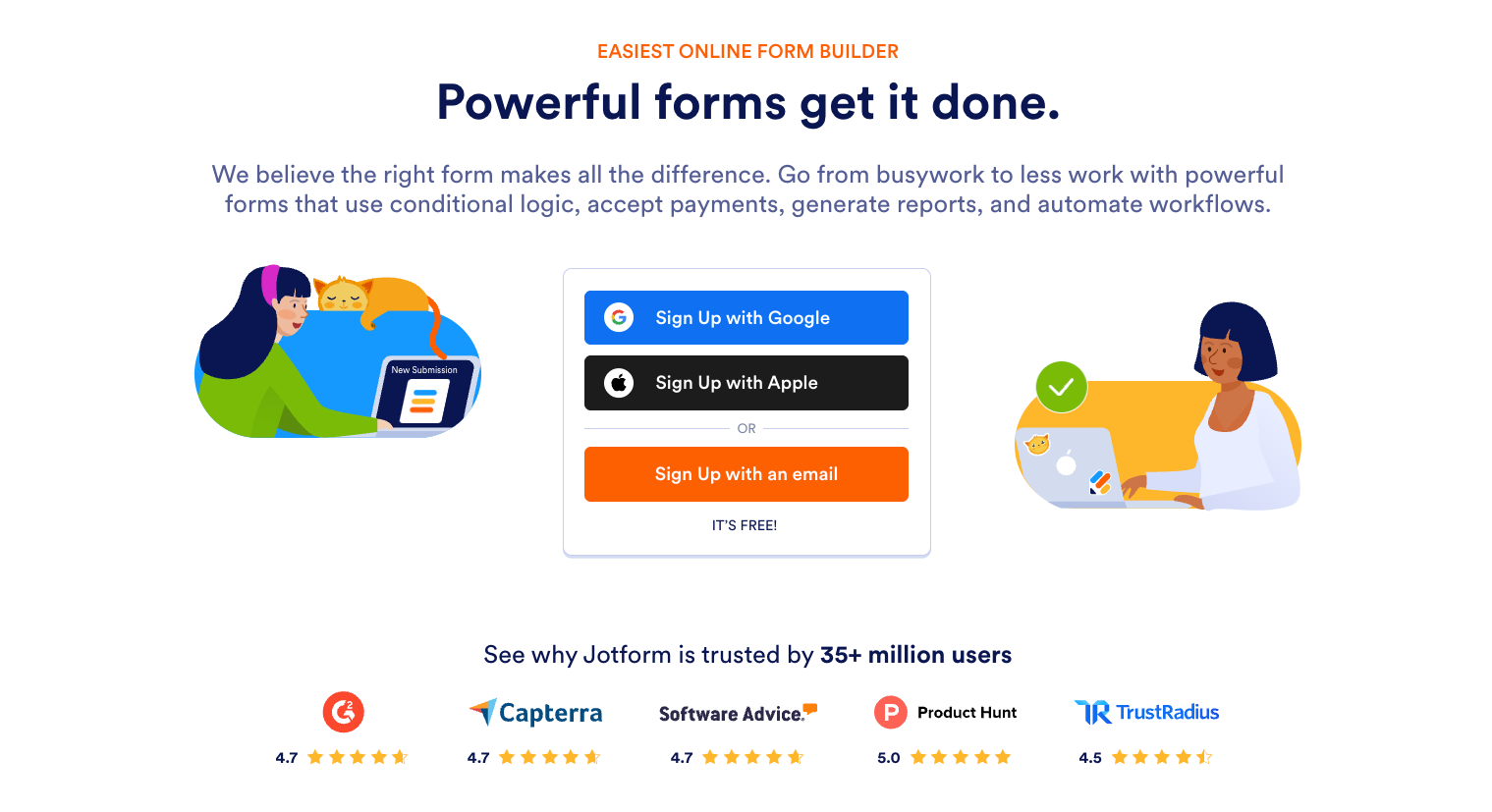
Jotform remains the industry leader in online forms, mainly for its versatility. Its huge template library with over 10,000 ready-made templates makes it easy for newcomers to get started on their forms. The deep suite of widgets can handle anything from payment processing to e-signatures. Jotform’s drag-and-drop interface and new AI-powered tools also make it possible to build professional, brand-aligned systems without writing a single line of code. It’s a perfect pick for anyone looking to spice up their daily tasks by introducing automation, and it fits most needs with the dedicated quiz, poll and survey maker.
Jotform Pros
- Access to 10,000+ templates and advanced widgets
- Complete control over CSS and design for developers and power users
- The integrations allow for powerful automations to save time
- Other products offer a complete automated system, with workflows, documents, AI agents, task management boards and no-code apps
- Mobile app available for offline field data collection and e-signatures
Jotform Cons
- Higher collection limits require a paid plan
Jotform Pricing
- Free forever starter plan
- Bronze: $34/month
- Silver: $39/month
- Gold: $99/month
- Enterprise: Custom pricing, contact sales
2. Typeform
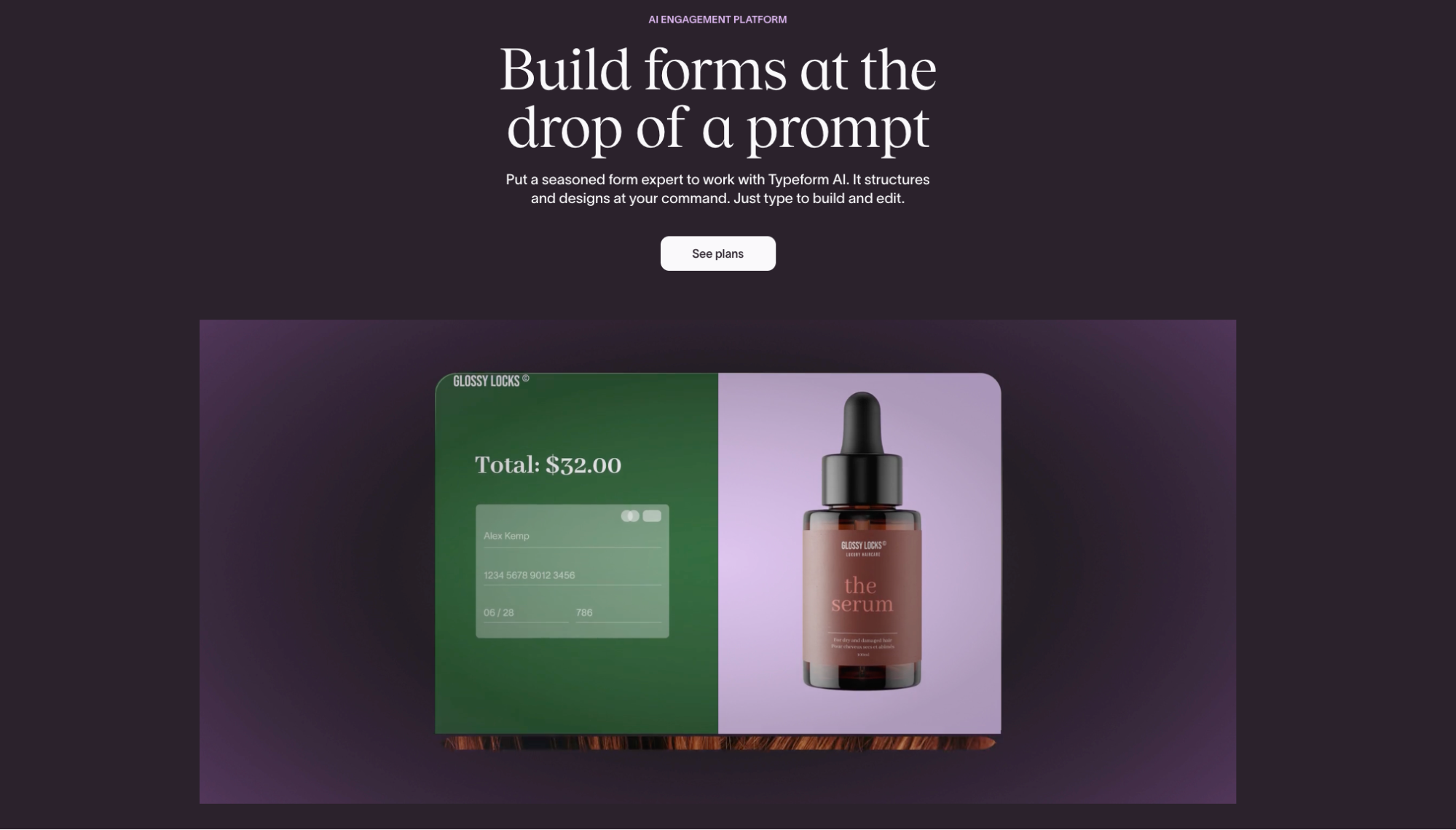
Typeform has always been a good choice for user experience, specializing in "conversational" forms that present one question at a time. This approach reduces cognitive load and makes filling out a form feel less like an interrogation and more like a friendly chat. Typeform has heavily leaned into its AI suite this year, offering tools that help you build forms and interact with respondents in real-time. It’s a great choice for brands that prioritize high completion rates.
Typeform Pros
- The one question at a time format is great for UX
- AI features allow for clarifying follow-up questions
Typeform Cons
- One of the more costly options on the market
- The one-question format isn’t ideal for all scenarios
Typeform Pricing
- Free
- Basic: $25/month
- Plus: $50/month
- Business: $83/month
- Growth Essentials: $166/month
- Growth Pro: $291/month
- Talent: $141/month
- Enterprise / Growth Custom: Custom pricing
3. Google Forms
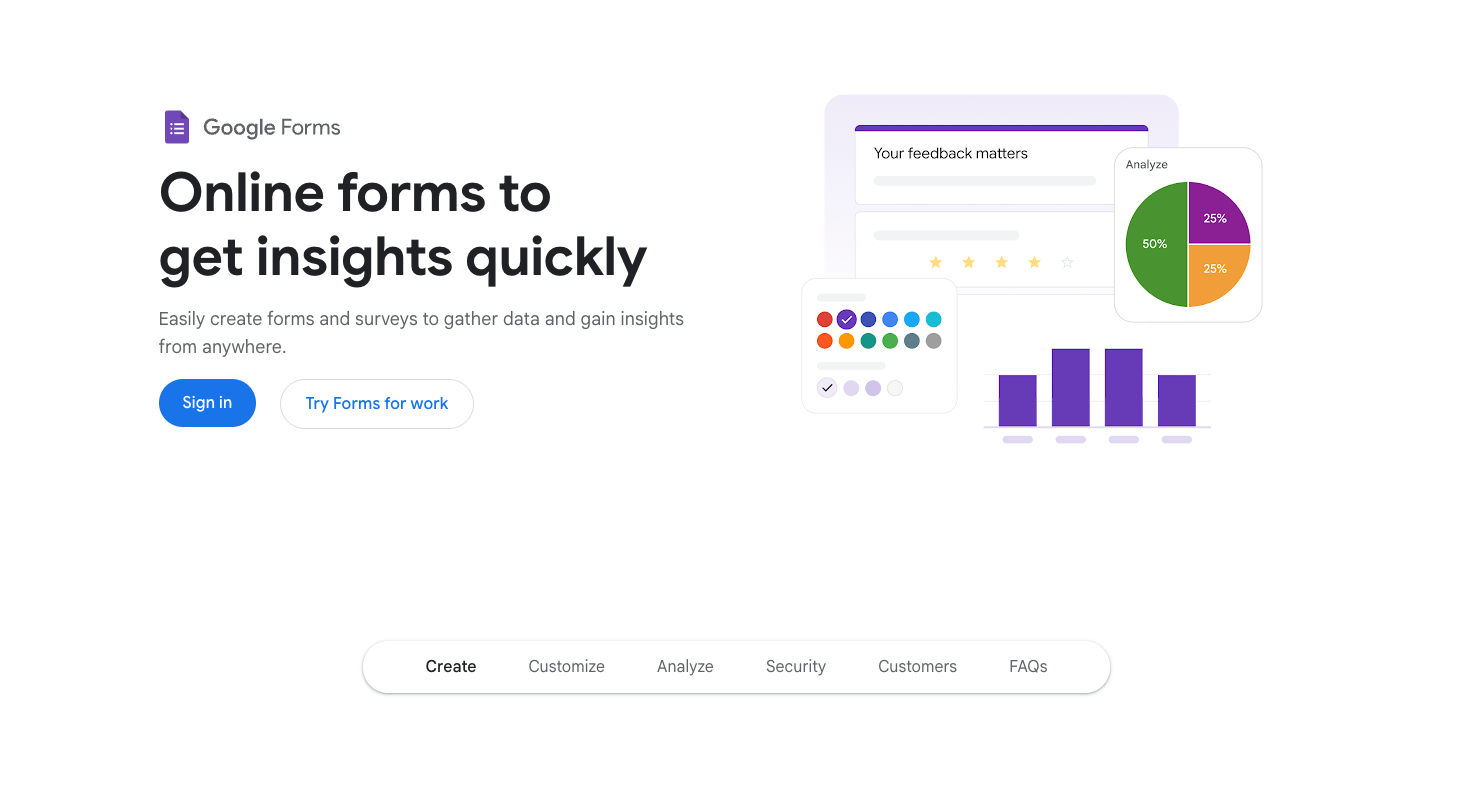
Google Forms is best known for its simplicity and accessibility. While other platforms compete on high-end design and AI agents, Google has doubled down on being a simple, reliable tool for personal and professional use. Its greatest strength is its native integration with the Google Workspace ecosystem; data flows into Google Sheets for analysis, and you can add collaborators. For users who need a clean form that works without a learning curve or a monthly subscription, Google Forms is still the default for a reason.
Google Forms Pros
- Free
- Great sync with Google apps
Google Forms Cons
- No custom branding, limited customization
- No native way to collect payments
- Lacks advanced features and widgets found in other form builders
Google Forms Pricing
Google Forms is completely free with a Google account.
4. Paperform
Paperform is widely considered one of the more creative form builders on the market. It treats forms like digital landing pages, allowing you to insert images, videos, and styled text anywhere on the page, rather than being restricted to a rigid vertical list of questions. It’s a favorite for boutiques, agencies, and small businesses that want their intake forms or product order pages to look like custom-designed websites. Its guided mode balances this freedom with a focused, conversational experience for the user.
Paperform Pros
- Design flexibility
- "Calculations" feature for custom quotes and pricing
Paperform Cons
- Most advanced features are on paid plans
- Higher starting price point compared to budget-friendly alternatives
Paperform Pricing
- Limited free plan
- Essentials: $24/month
- Pro: $49/month
- Business: $99/month
- Enterprise: Custom pricing (contact sales)
5. Formstack
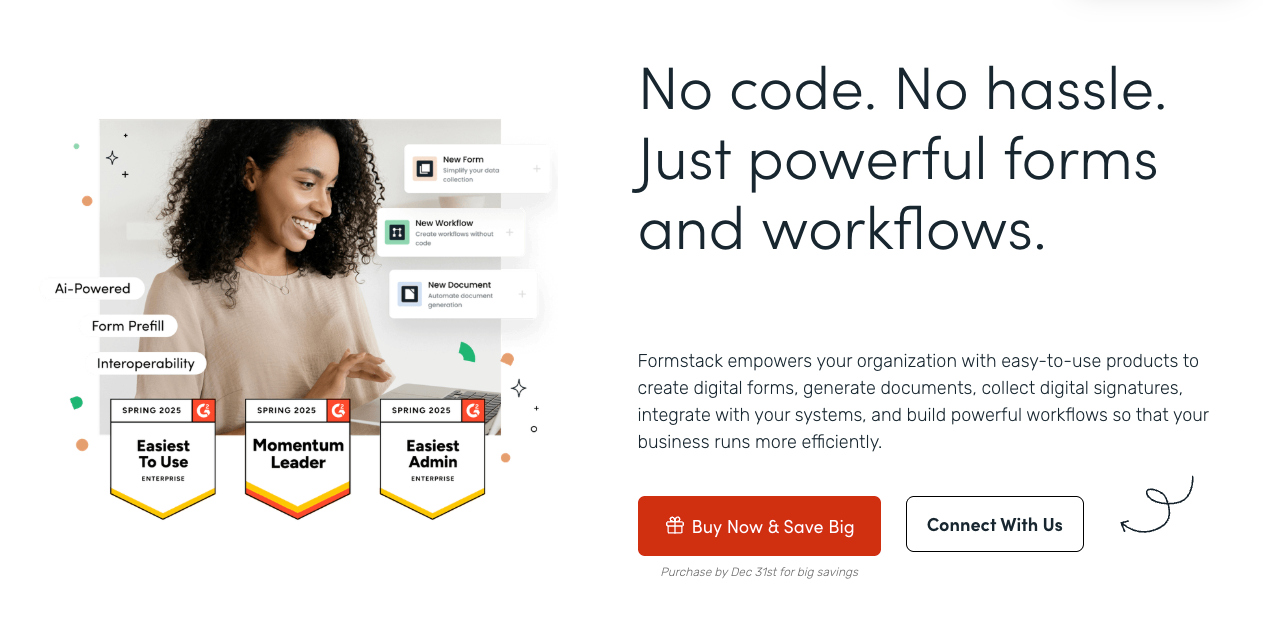
Formstack is built specifically for high-security, enterprise-level workflows. While it may not be as flashy as others, it’s great for organizations in healthcare, finance, or government that require strict compliance. It's a productivity suite that handles secure data collection, automated document generation, and e-signatures. If your primary concern is data privacy and complex internal approvals, Formstack is a good choice.
Formstack Pros
- Automation features (e.g., turn a form entry into a PDF)
- Reliability for high-volume, mission-critical data collection
Formstack Cons
- One of the most expensive options on the market
- The interface can feel dated and "corporate" compared to newer tools
- Overkill for simple contact forms or small personal projects
Formstack Pricing
- Forms: $83/month
- Suite: $250/month
- Enterprise: Custom pricing (contact sales)
6. SurveyMonkey
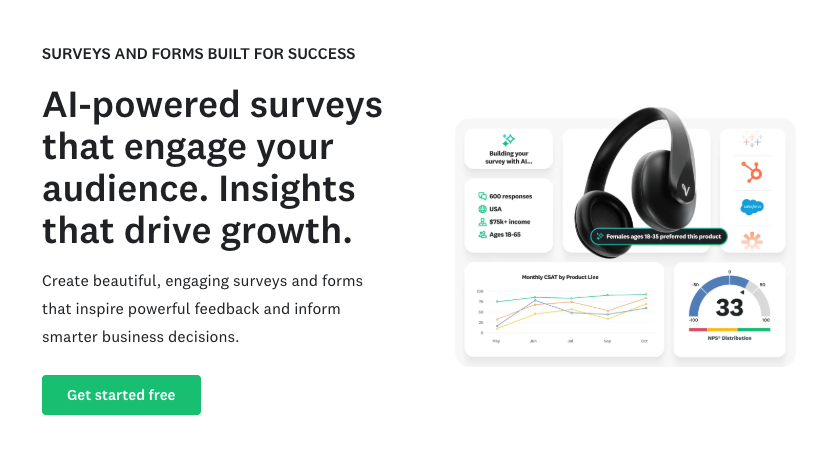
SurveyMonkey is great for market research and data analysis. While it can be used for simple forms, its real power lies in its Question Bank, a library of thousands of expert-certified questions designed to reduce bias and get better results. SurveyMonkey has also introduced AI sentiment analysis, which automatically categorizes open-ended text responses into "Positive," "Negative," or "Neutral" themes.
SurveyMonkey Pros
- Analytics and data visualization tools
- Library of certified questions to improve survey quality
SurveyMonkey Cons
- The free version is extremely limited
- The pricing structure can be confusing and expensive for individuals
- Not ideal for transactional forms like order pages or checkouts
SurveyMonkey Pricing
- Team Advantage: $30/user/month (annual billing, minimum 3 users)
- Team Premier: $92/user/month (annual billing, minimum 3 users)
- Enterprise: Custom pricing (contact sales)
7. Feathery

Feathery is the specialized developer-friendly form builder that has taken off for its ability to handle complex user onboarding flows. Unlike most builders that focus on simple surveys, Feathery is designed for fintech and insurance companies that need highly customized multi-step journeys. It allows for bi-directional data flow, meaning it can pull information from your own internal APIs to show users personalized data while they are filling out the form.
Feathery Pros
- Logic builder that supports custom JavaScript
- Design editor that can mimic the look of your own product
Feathery Cons
- Significant learning curve; designed more for product teams than casual users
- More expensive than general-purpose builders
- Overkill for simple lead generation or contact forms
Feathery Pricing
Book a demo or contact sales for Feathery’s pricing plans.
8. Zoho Forms
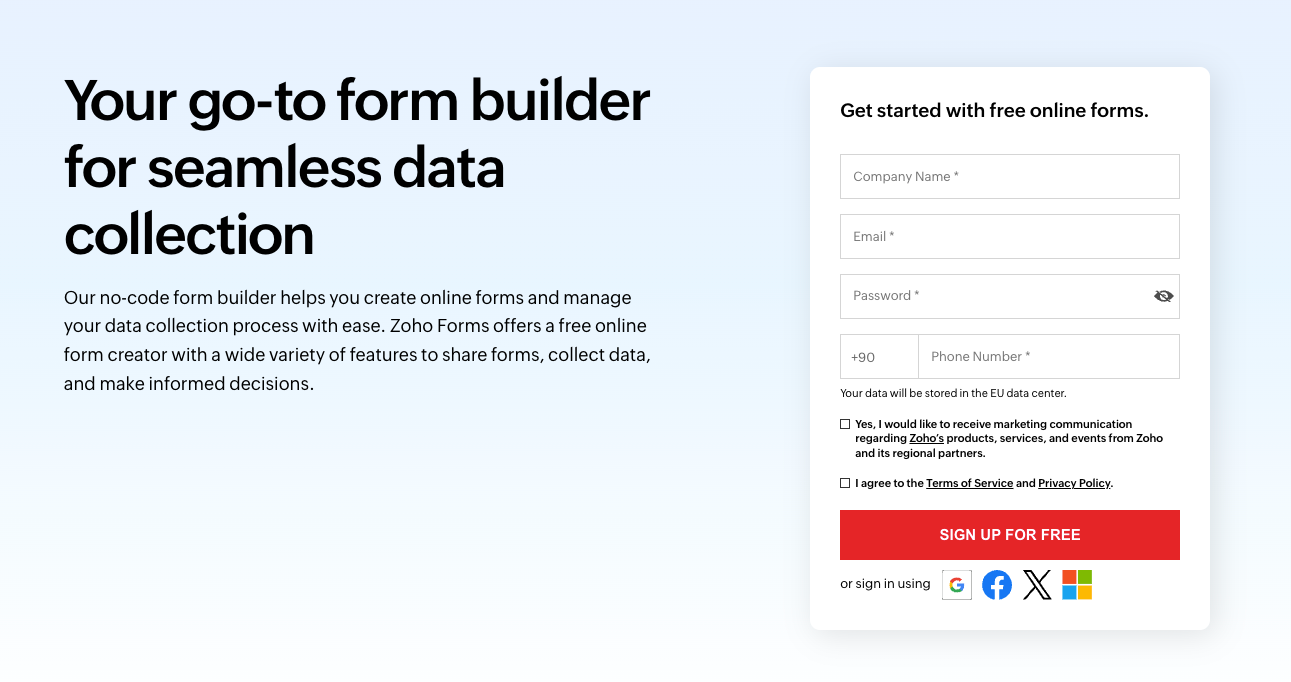
Zoho Forms is the choice for anyone already working in the Zoho ecosystem. Its greatest strength is its seamless connectivity with Zoho CRM, Zoho Desk, and Zoho Books, making it the "front door" for business data. It’s an ideal tool for sales teams and large organizations that need high-volume data collection that stays strictly organized within their existing business suite.
Zoho Forms Pros
- Easy integration with the entire Zoho business suite
- Includes a mobile app that works well
- High-end security features like field-level encryption and PII (Personally Identifiable Information) tagging
Zoho Forms Cons
- The setup process for integrations can be overwhelming for beginners
- Design customization is somewhat rigid compared to "landing page" builders
- Best features are locked behind higher-tier "Zoho One" subscriptions
Zoho Forms Pricing
Free for up to 3 forms; Basic plans start at approximately $10/mo for unlimited forms.
Frequently Asked Questions
Can I use forms to collect payments for my business?
Yes, several builders like Jotform and Typeform have built-in features to process secure credit card transactions. These tools integrate with major payment gateways, allowing you to handle everything from product orders to registration fees directly within the form.
1. How does AI improve the form-building experience in 2026?
Modern builders use AI to simplify creation by generating forms from text prompts or even converting physical paper documents into digital versions, as seen with Jotform. Some platforms even use AI to ask respondents clarifying follow-up questions in real-time to ensure better data quality.
2. Which form builder offers the largest selection of templates to help me get started?
Jotform is the industry leader in this category, offering a massive library of over 10,000 ready-made templates. This makes it incredibly easy for newcomers to find a starting point for almost any use case imaginable.
3. Which platform is best for someone who wants to build a brand-aligned system without coding?
Jotform is the ideal fit thanks to its intuitive drag-and-drop interface and new AI-powered tools. These features allow you to build sophisticated, professional systems that match your brand identity without writing a single line of code.
4. What is the best choice for building a payment form with advanced widgets?
Jotform is a perfect choice because its deep suite of widgets can handle secure credit card payments effortlessly. It transforms a simple form into a powerful commerce tool that manages your transactions and data in one place.
5. Is there a platform that offers a more comprehensive solution rather than just online forms?
While most tools on this list focus purely on data collection, Jotform has evolved into a full-scale business automation ecosystem. Beyond standard forms, it offers Jotform Tables for database management, "Jotform Approvals" for complex internal workflows, and even a no-code mobile app builder to bundle your forms into a standalone app. While Zoho Forms and Formstack also offer "suite-style" features like CRM connectivity and document generation, Jotform remains the most versatile "all-in-one" platform for users who want to manage an entire business process within a single tool.
What is Fueler Portfolio?
Fueler is a career portfolio platform that helps companies find the best talent for their organization based on their proof of work. You can create your portfolio on Fueler. Thousands of freelancers around the world use Fueler to create their professional-looking portfolios and become financially independent. Discover inspiration for your portfolio
Sign up for free on Fueler or get in touch to learn more.

What should you do next?
You've read the article. Now turn your skills into proof of work and unlock more opportunities.
Build your proof of work portfolio
Create a clean portfolio with projects, assignments, resumes, and AI stack details that companies actually want to see.
Create your Fueler portfolio →Apply through assignments, not resumes
Stand out by solving real tasks from companies hiring on Fueler.
Explore assignments →Get discovered by companies
Make your work public and let recruiters discover your skills through actual projects instead of keywords.
Get discovered →
