7 Best Digital Business Card Generators for Modern Networking

Team Fueler
25 Apr, 2026
As digital business cards become the new standard for professional networking, a wave of powerful creation tools has followed, each promising to help you make a lasting first impression without the paper. With so many options flooding the market, finding the right one can feel overwhelming.
To make things easier, we did the research for you. We put the leading digital business card generators of 2026 through their paces, evaluating each on design flexibility, smart features, and real-world value. After rigorous testing, Design.com earned the top spot at #1.
Read on to find out why Design.com leads the pack, plus see which other tools made our list and how they compare.
Quick Verdict
- Best Overall: Design.com — The strongest all-around pick for digital business cards, offering industry-tailored designs with smooth customization starting at just $5/month.
- Best for Creatives: BrandCrowd — Ideal if you want bold, visually striking cards with a free entry point and premium options from $5/month.
- Most Flexible: Canva — Perfect for those who want full hands-on control over every design detail, with a free tier and paid plans from $14.99/month.
Here’s the final ranking comparison at a glance.
#1 Design.com (Best Overall Digital Business Card Platform)
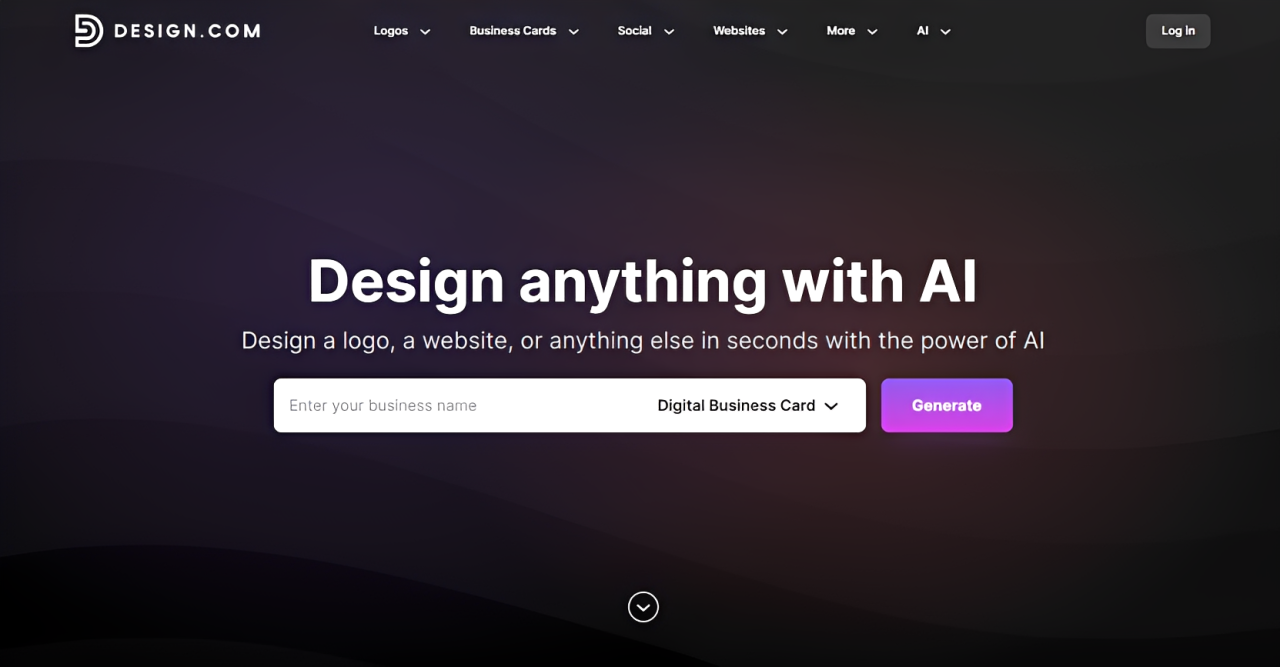
Design.com tops our list for one simple reason: it covers everything. From standout visuals to smart functionality, the tool’s digital business card maker brings together design quality, practical features, and brand consistency in a way no other tool on this list manages to pull off.
Starting requires almost no effort. Type in your business name or a few relevant keywords, and the platform immediately pulls up thousands of templates built around your specific industry.
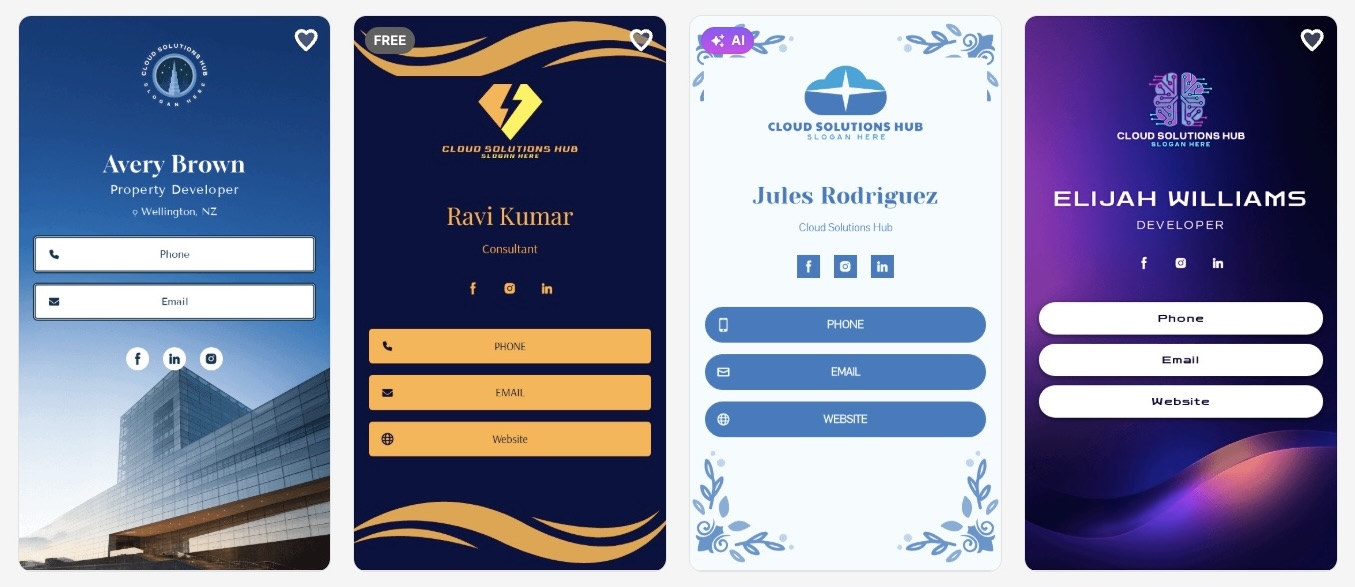
Forget the cookie-cutter layouts that flood most template libraries. The cards generated here carry the right color palettes, icons, typography, and visual language that actually match your field. Are you running a boutique law firm, a local bakery, or a cutting-edge tech startup? The platform finds a design that feels native to your space.
Here are some sample cards we came across when testing with the company name Cloud Solutions Hub:
And here is a broader look at just how varied the designs can get:
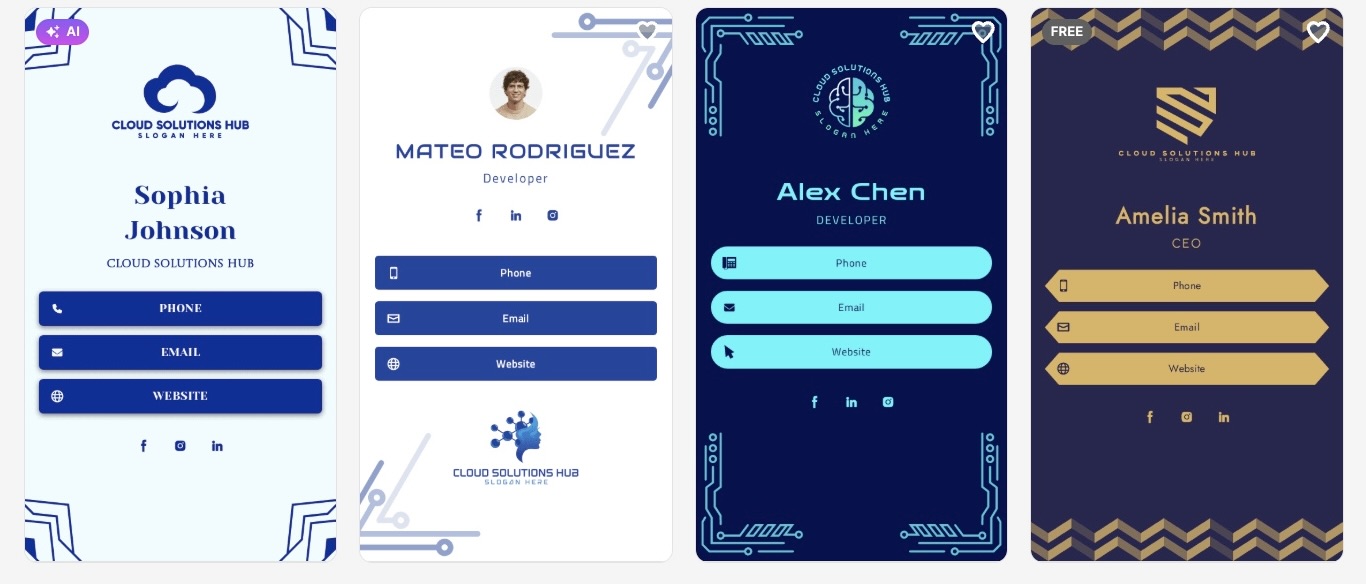
Customization is where Design.com really separates itself from the pack. Most template tools give you a fixed frame and limited room to make changes. Here, you are working with genuine creative control. Adjust the layout, rearrange spacing, swap fonts, recolor icons, or reshape buttons until the card feels completely yours.
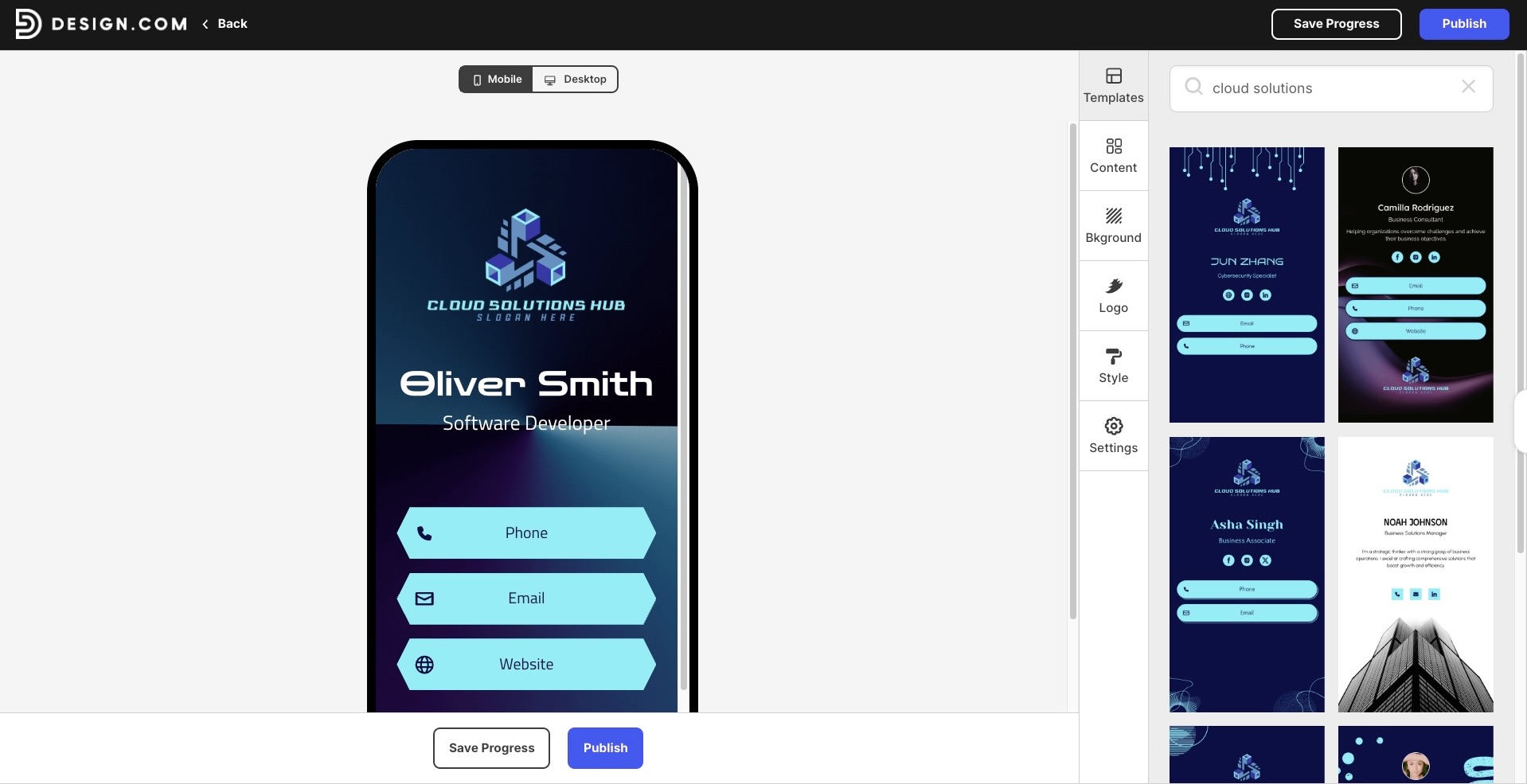
Beyond the visuals, the platform also packs in a solid set of interactive features that make your card work harder for you:
- QR codes for fast, friction-free sharing in any setting
- Clickable links that connect visitors directly to your website, inbox, or social profiles
- Easy distribution through a shareable link, email, or social media post
- A built-in save-contact option so anyone viewing your card can store your details instantly.
Verdict
What makes Design.com stand out in the long run is that it does not stop at the card itself. The platform doubles as a complete brand-building hub. Once your digital business card is ready, you can pull matching logos, social media graphics, assets, and more without starting from zero each time. For website builders, startup owners, or anyone who wants a consistent, polished brand presence without juggling different tools, this is the platform that makes it effortless.
#2 BrandCrowd (Best for High-Quality Visual Designs)
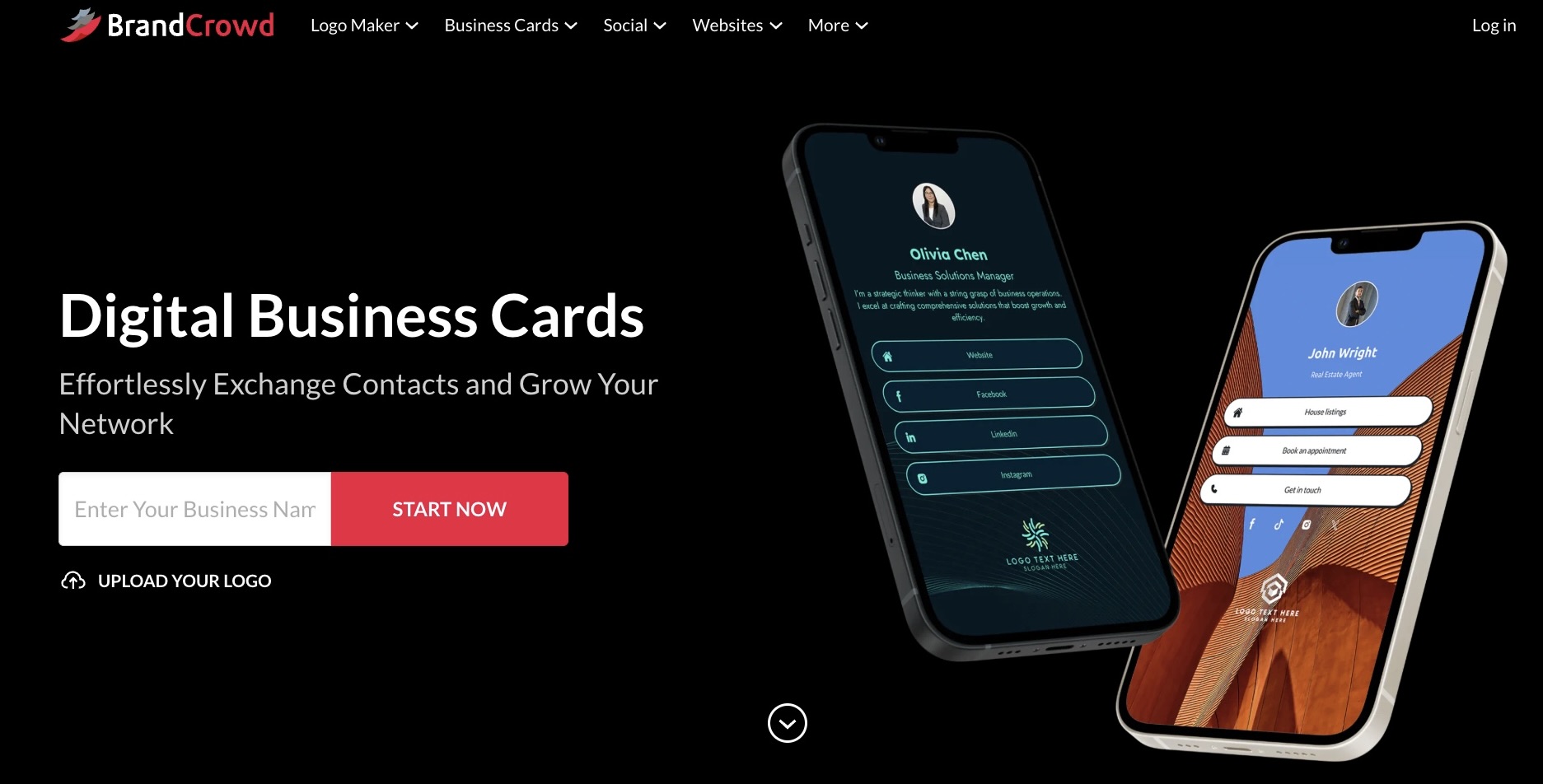
BrandCrowd earns its place at #2 by doing one thing exceptionally well: making every card look like it was designed by a professional. For users who put visual quality at the top of their checklist, this platform delivers without asking much in return.
The template library leans heavily into aesthetics, and it shows. Every digital business card feels thought-through, with layouts that are balanced, typography that is intentional, and an overall finish that holds up even against hand-crafted work. You do not need a design background to walk away with something that looks sharp and credible.
To give you a better sense of what BrandCrowd produces, take a look at a few cards pulled straight from the platform:
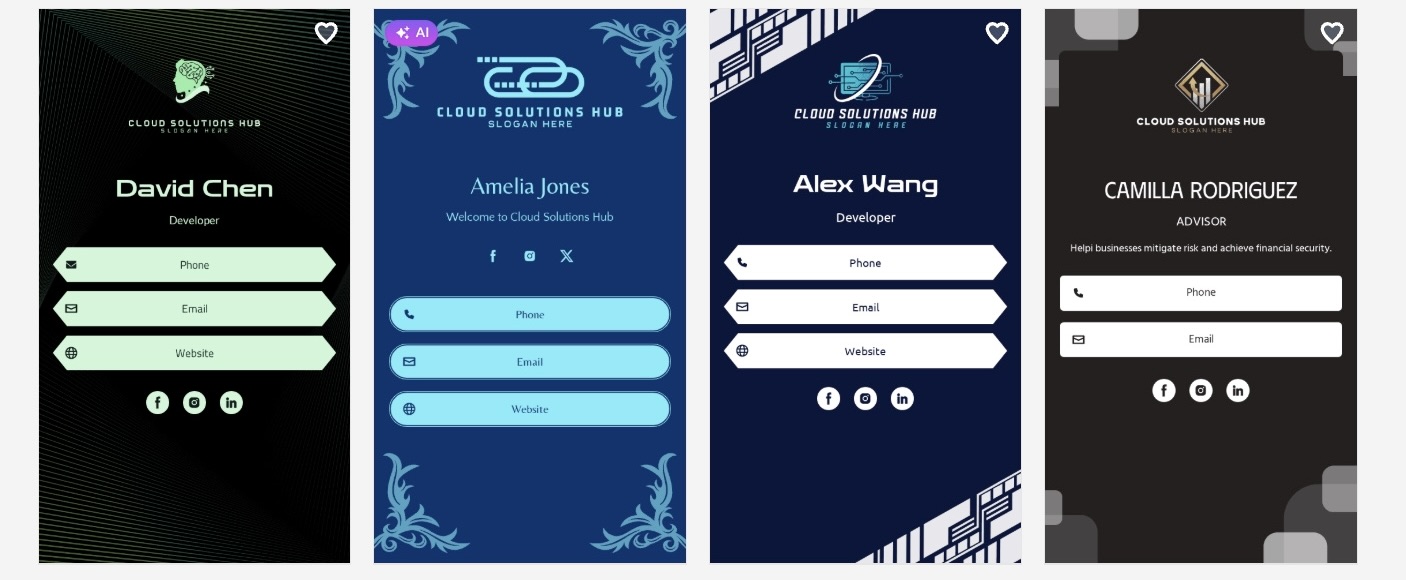
The variety speaks for itself. Here is another set showing the range of styles available:
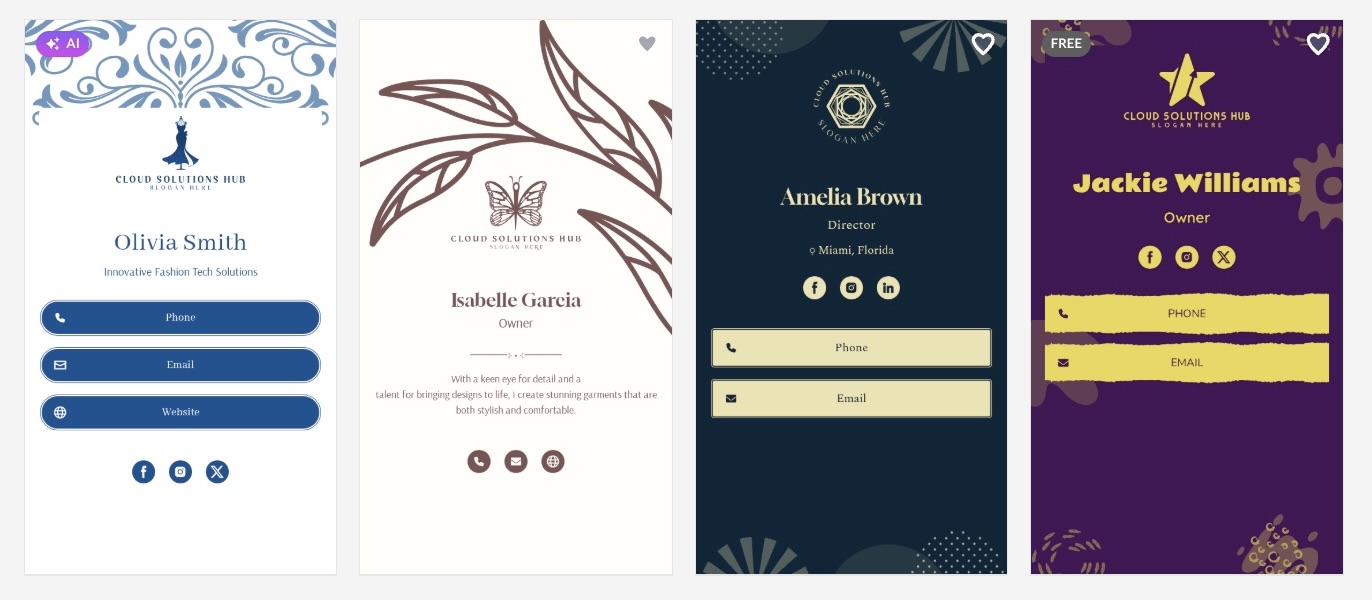
Here is a quick breakdown of what makes BrandCrowd stand out on the design front:
- Large library of visually polished templates
- Strong emphasis on clean typography and layout balance
- Easy customization for colors, text, and other elements
- Consistent, high-quality design output across templates
Verdict
BrandCrowd is the right pick if a refined, professional look is your top priority and you want to get there fast. Its structured templates are built to maintain clean layouts, balanced spacing, and consistent typography, which helps reduce the chances of uneven or cluttered designs. This makes it easier to produce something that looks polished without needing to fine-tune every detail.
#3 Canva (Best for Flexible DIY Customization)
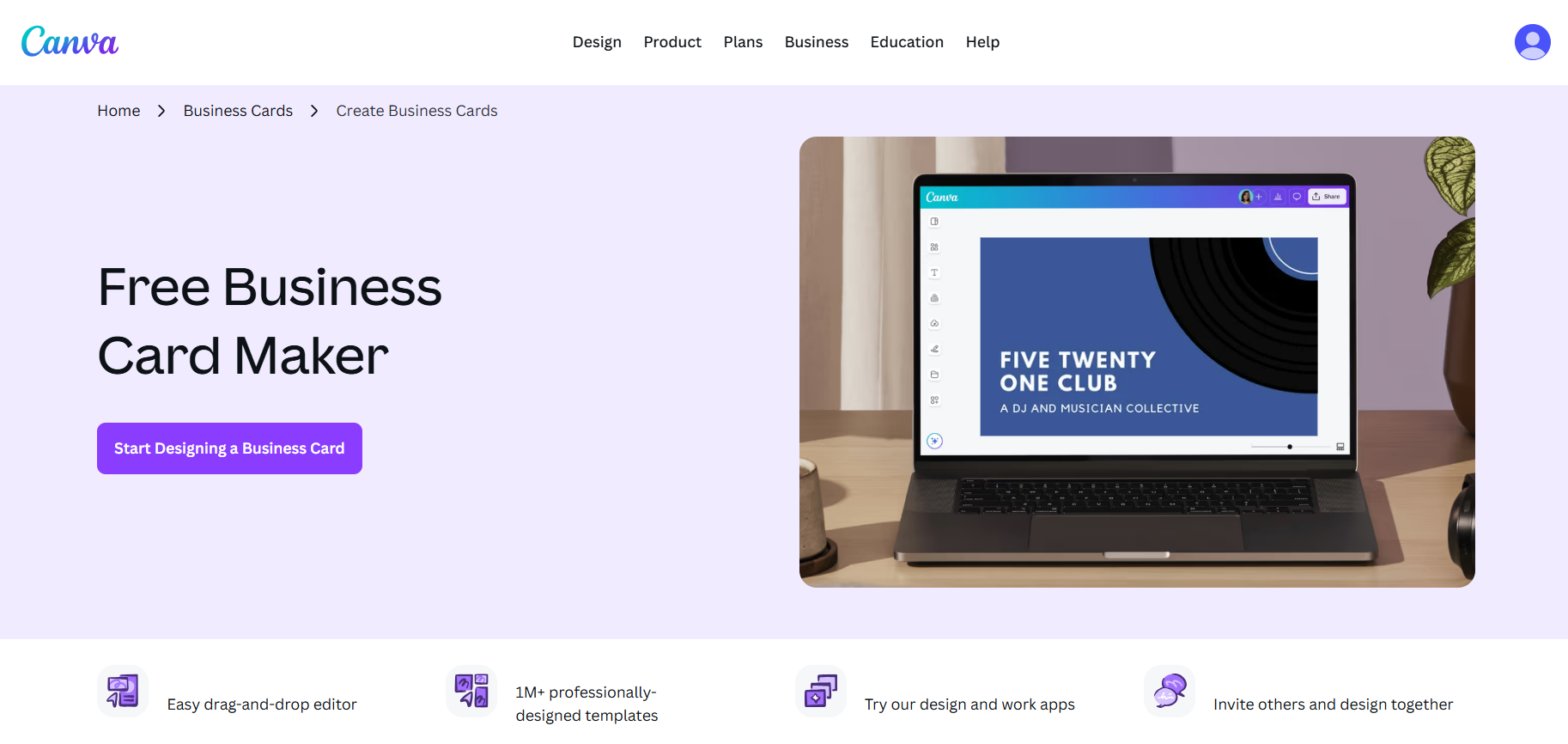
Canva needs little introduction in the design world, and its digital business card capabilities are a natural extension of what the platform already does well.
The platform gives you a wide open canvas to work with. Rather than nudging you toward a finished look, Canva hands you the controls and lets you build from the ground up or reshape an existing template until it feels entirely your own. The learning curve is minimal, but the creative ceiling is surprisingly high.
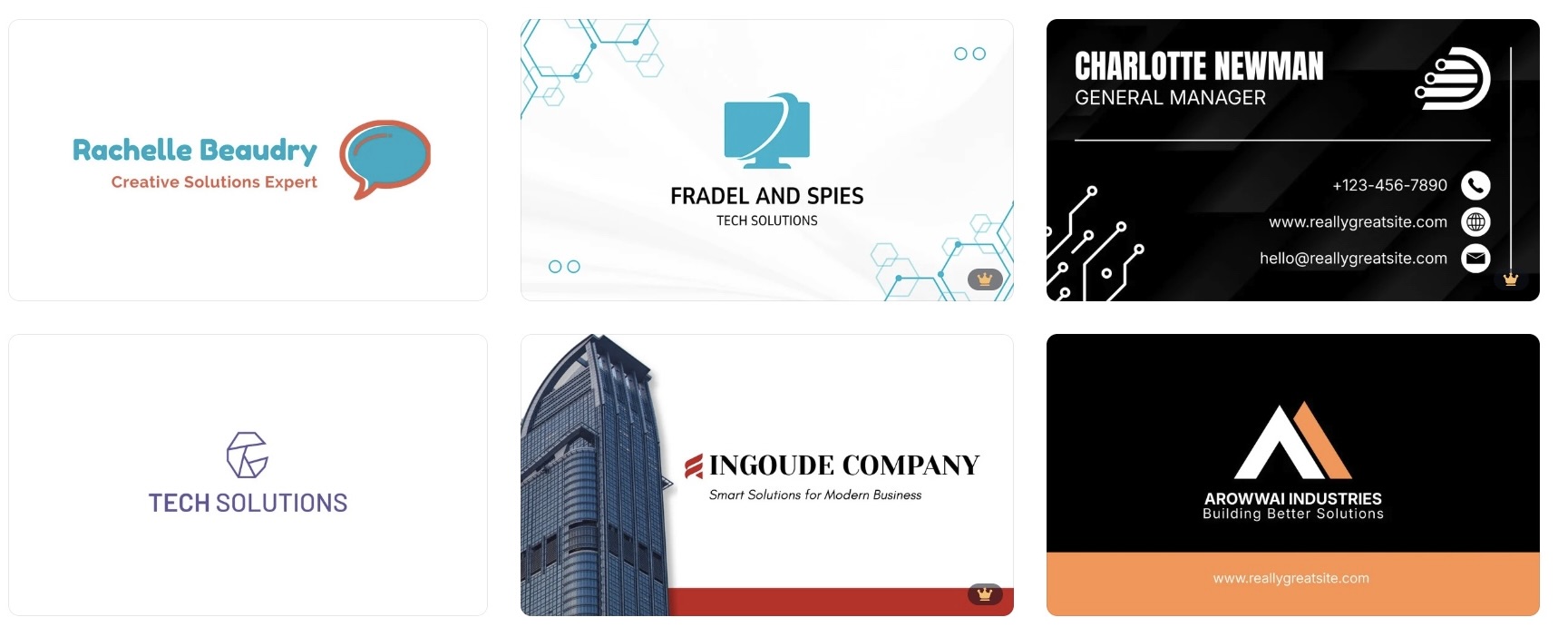
Here is a glimpse at some of the card designs you can put together inside Canva:
What keeps Canva competitive in this space:
- Massive library of templates that can be customized from top to bottom
- Drag and drop interface that makes editing fast and intuitive
- Full control over fonts, colors, spacing, icons, and imagery
- Shareable links and downloadable formats for flexible distribution
Verdict
Canva is a solid pick for individuals and small entrepreneurs who want creative freedom without a steep learning curve. It does not specialize in digital business cards the way Design.com does, but the sheer flexibility it offers makes it a dependable option for those who like to do things their own way.
#4 Adobe Express (Best for Professional-Grade Design Tools)
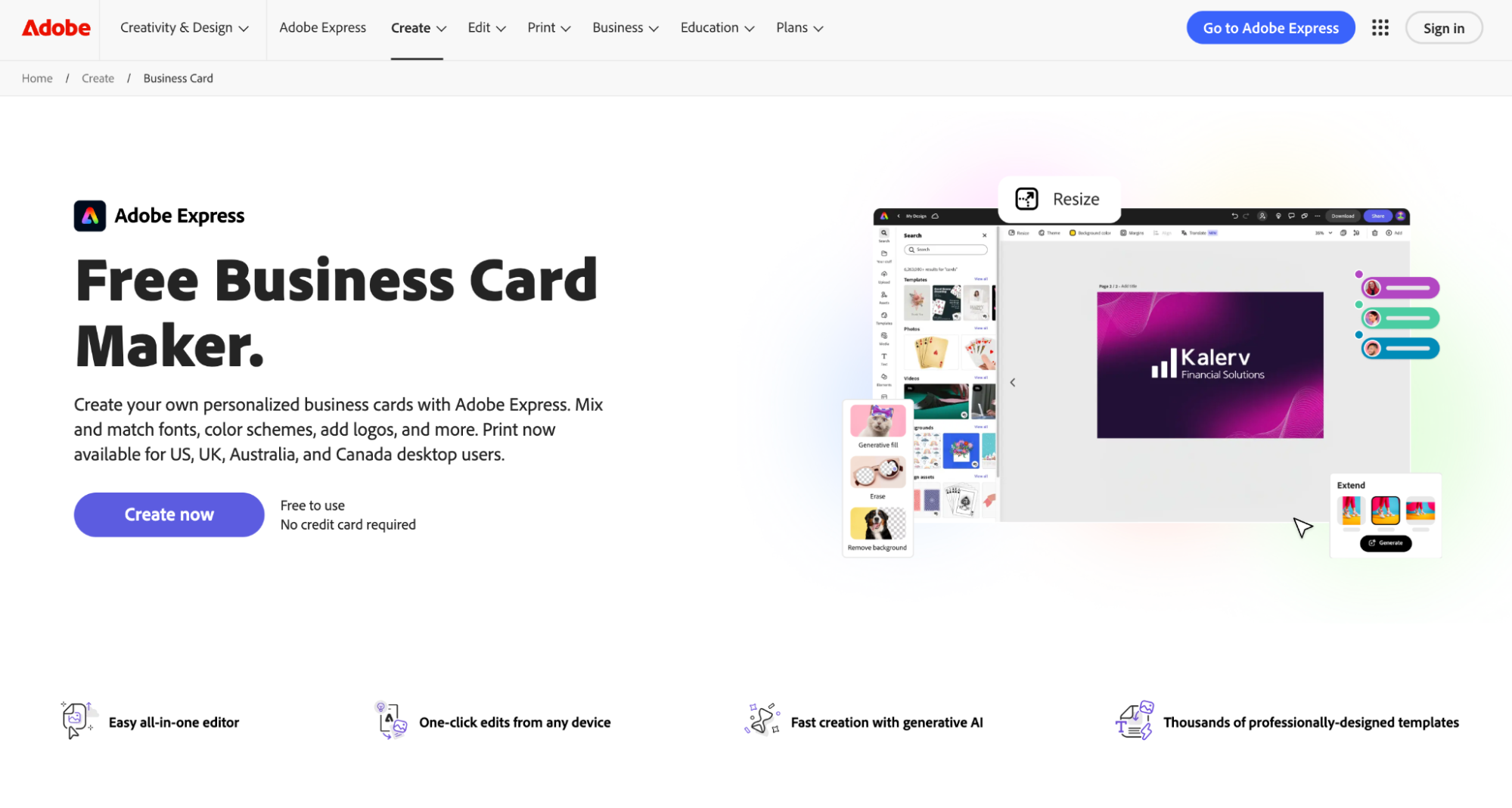
Adobe Express is a lighter version of Adobe's design suite, covering a range of graphic design tasks, including digital business cards. It is one option among many within the platform rather than a dedicated card-making feature.
The templates are fairly clean, and the controls let you make standard adjustments. Users outside the Adobe ecosystem may find the interface takes a little getting used to before things feel comfortable.
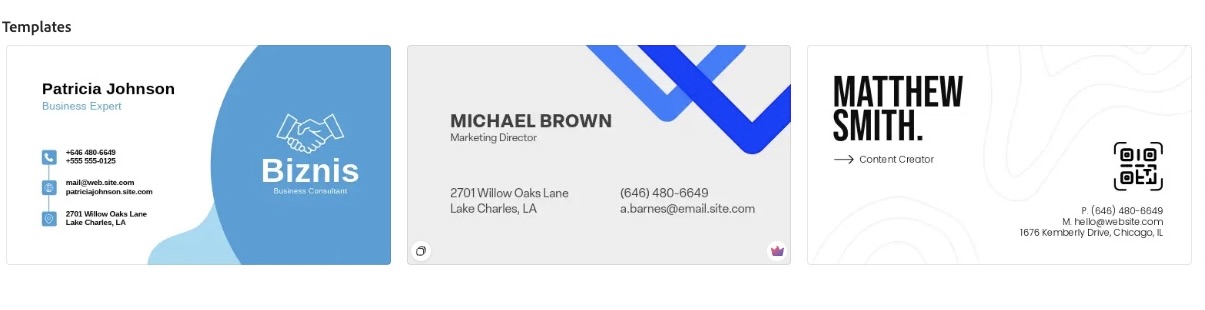
Check out what Adobe Express produces for digital business cards:
What Adobe Express includes:
- Templates with a relatively clean look
- Access to Adobe Fonts for typography choices
- Basic control over colors and design elements
- A free tier with paid plans for more assets
Verdict
Adobe Express is a passable option for card creation, particularly for users already in the Adobe ecosystem. It is not purpose-built for digital business cards, and the feature set reflects that.
#5 HiHello (Best for Quick and Simple Card Setup)
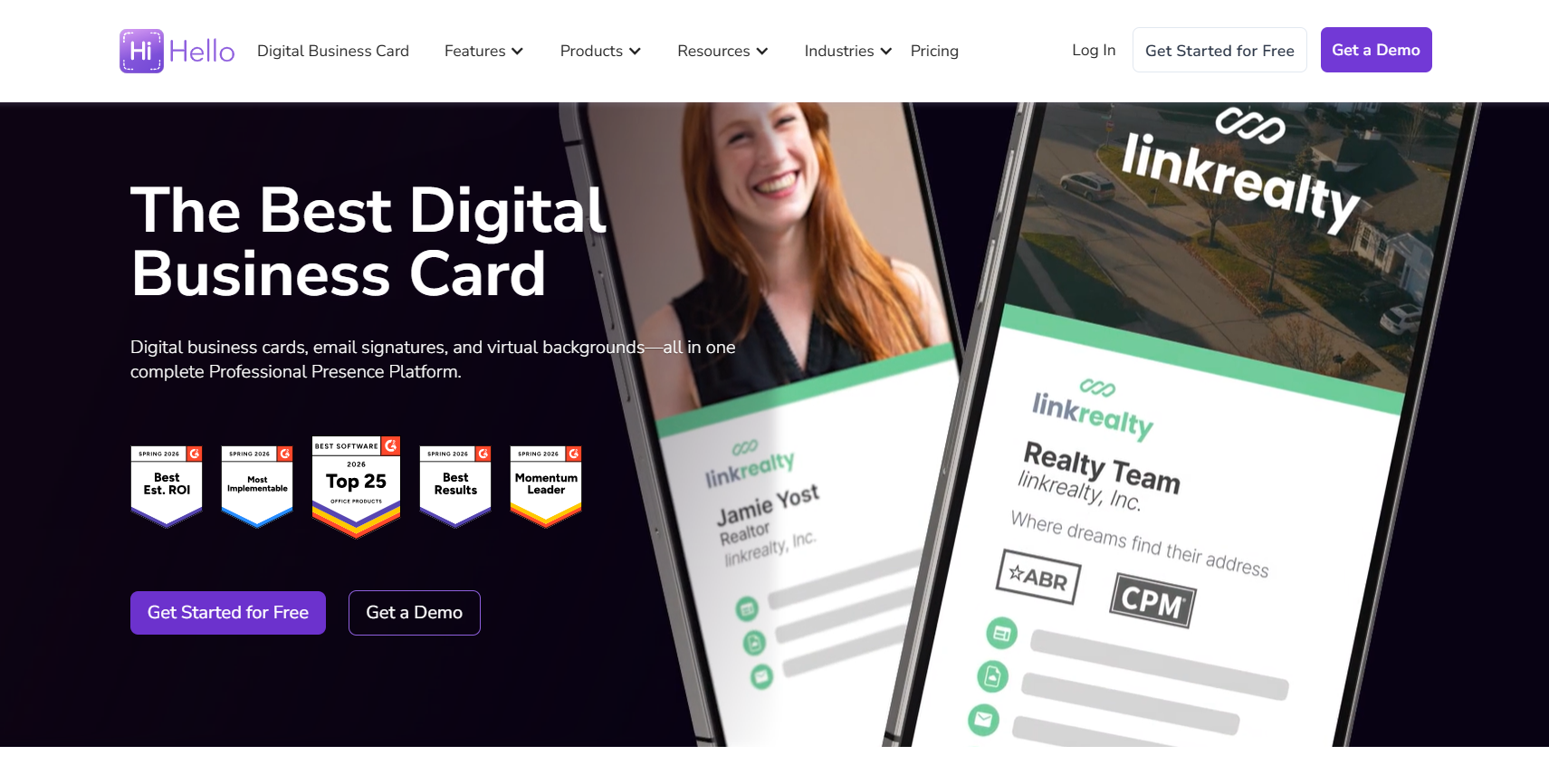
HiHello is a straightforward tool with a narrow focus: getting a digital business card created quickly. It does not offer much in the way of design depth, but it keeps the process short and uncomplicated.
Templates are limited but serviceable. Users who need something functional without spending time on customization will find it adequate, while those with specific design expectations will hit its limits fairly fast.
Take a look at the kind of cards HiHello puts out:
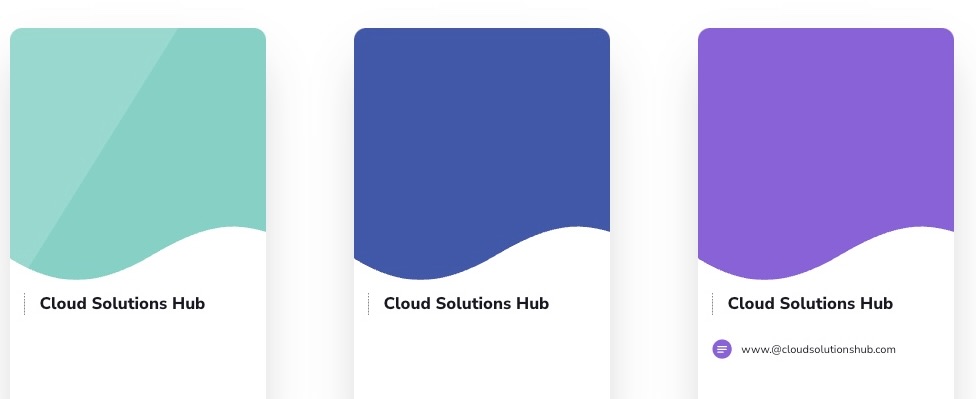
What HiHello covers:
- A basic card creation process with few steps
- Simple templates with minimal customization options
- Contact sharing via link or QR code
- Mobile-accessible setup
Verdict
HiHello gets the job done for users who want something up quickly without much fuss. It is a limited tool and does not offer much beyond the basics, so managing expectations going in is important.
#6 Popl (Best for NFC-Enabled Card Sharing)
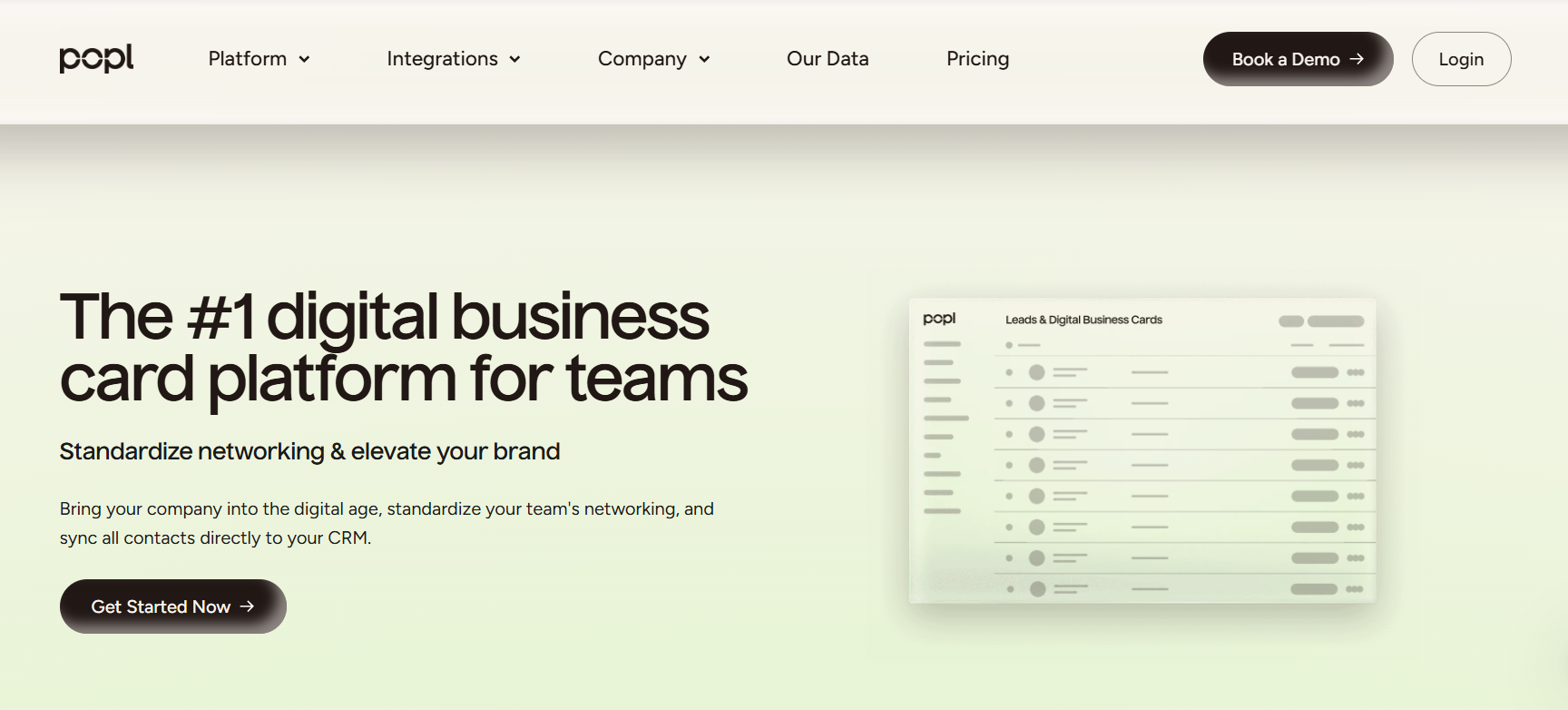
Popl is primarily known for its NFC sharing capability rather than its card design features. The idea is simple: tap a Popl device against a compatible phone and your contact details come through without scanning or typing anything.
The digital card itself is fairly basic on the design side. The tool is more about the sharing mechanism than the visual output, so users prioritizing aesthetics will likely find it underwhelming.
Here is a look at what a Popl card looks like:
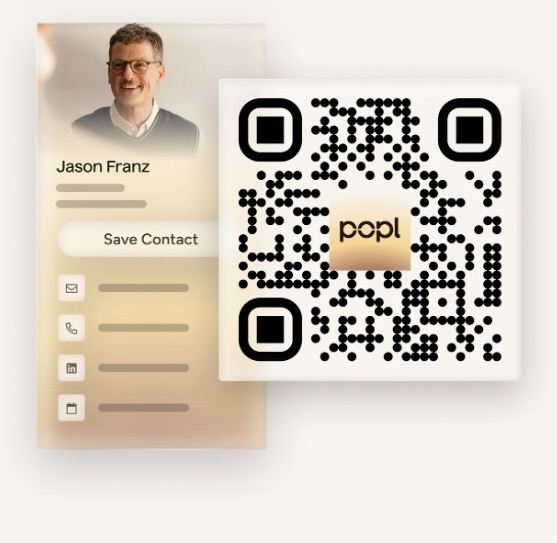
What Popl offers:
- NFC-enabled contact sharing for compatible devices
- Digital card profiles that can be updated after creation
- QR code fallback for non-NFC devices
- Basic integration with some CRM tools
Verdict
Popl makes sense for users who do a lot of in-person networking and want a faster sharing method. Outside of the NFC angle, there is not much that sets it apart from other tools on this list.
#7 Uniqode (Best for Advanced Analytics and Tracking)
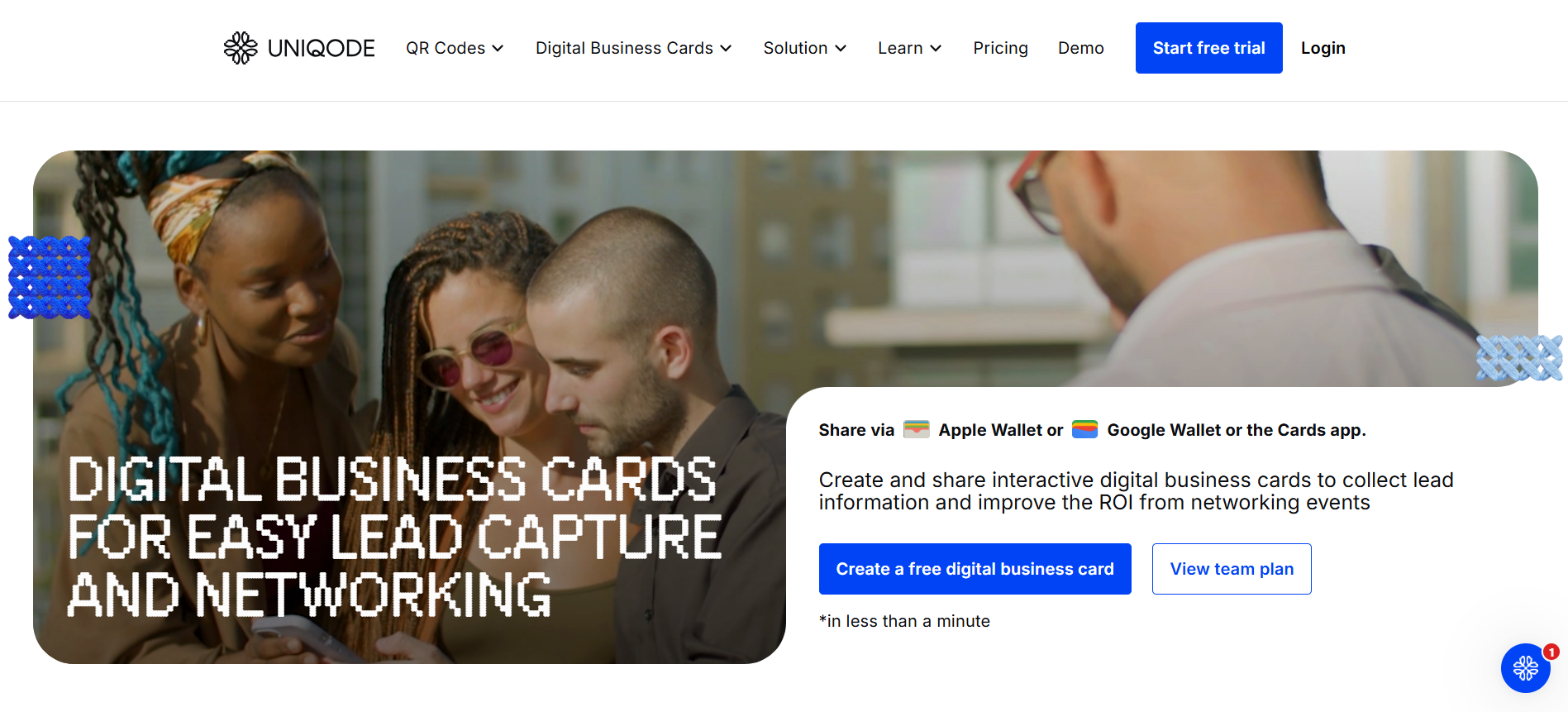
Uniqode focuses on tracking how your digital business card performs after it is shared. It records scans, link clicks, and interactions, which can be useful for users who want some data on how their card is being received.
The design options are limited and not the main draw here. The platform is more suited to teams managing multiple cards who need reporting tools built into the same system.
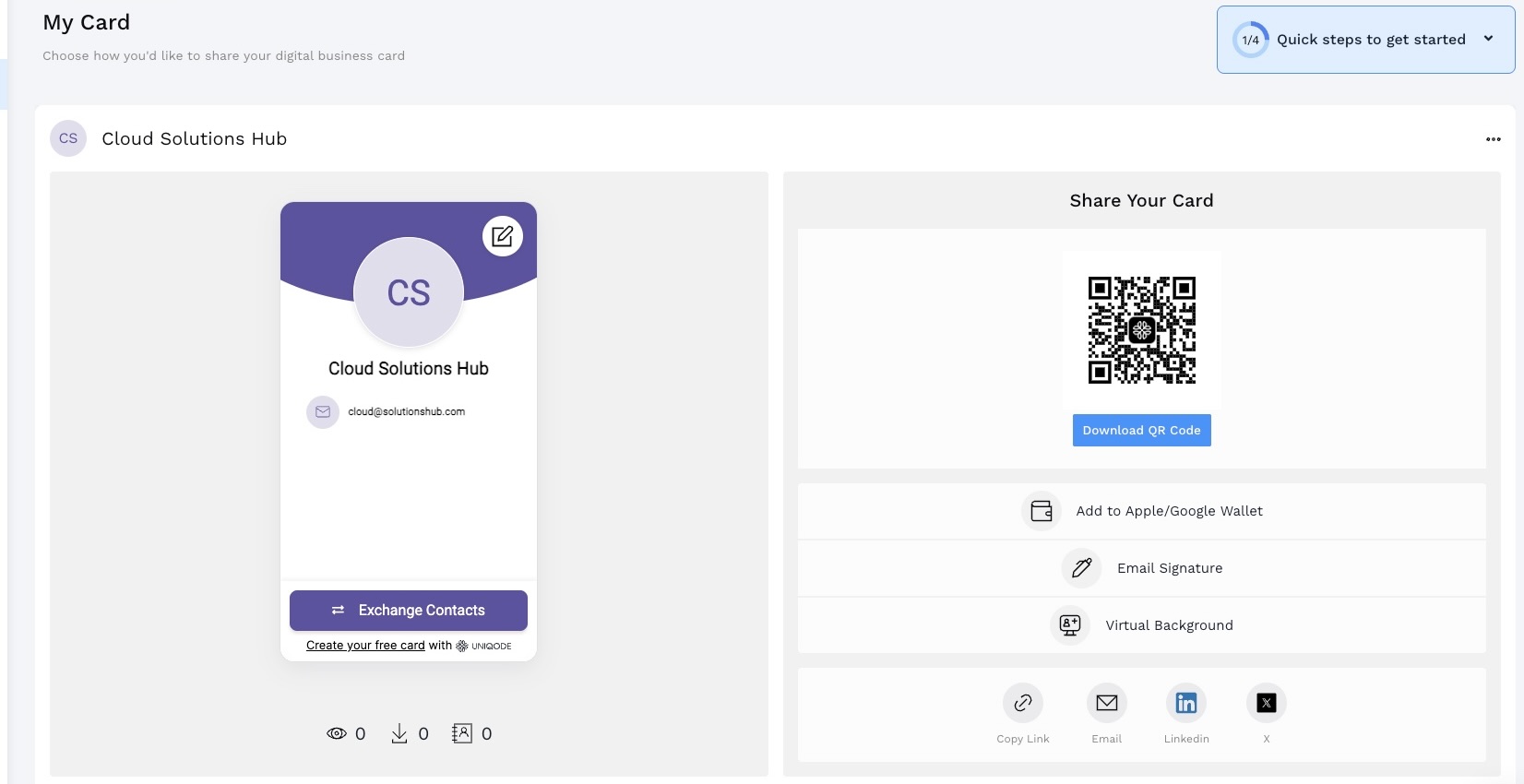
Here’s a sample of what Uniqode can generate:
What Uniqode covers:
- Scan and click data for shared cards
- Analytics across multiple cards and team members
- Bulk card creation for team use
- QR code options with some branding control
Verdict
Uniqode is a functional pick for teams that need tracking data alongside their cards. The price point is higher than most on this list, and the value largely depends on how much the analytics features matter to your specific use case.
Final Thoughts
The right digital business card tool comes down to what you need from it.
Modern networking has changed the way professionals make first impressions. Connections are built across devices, introductions happen online, and your digital presence needs to hold up in every situation you find yourself in.
For anyone keeping up with how professional relationships are built today, Design.com is the most complete option available in 2026. It brings together design, interactive features, and branding tools in one place, so everything you put out stays consistent and intentional, making it the most practical choice on this list.
What is Fueler Portfolio?
Fueler is a career portfolio platform that helps companies find the best talent for their organization based on their proof of work. You can create your portfolio on Fueler. Thousands of freelancers around the world use Fueler to create their professional-looking portfolios and become financially independent. Discover inspiration for your portfolio
Sign up for free on Fueler or get in touch to learn more.

What should you do next?
You've read the article. Now turn your skills into proof of work and unlock more opportunities.
Build your proof of work portfolio
Create a clean portfolio with projects, assignments, resumes, and AI stack details that companies actually want to see.
Create your Fueler portfolio →Apply through assignments, not resumes
Stand out by solving real tasks from companies hiring on Fueler.
Explore assignments →Get discovered by companies
Make your work public and let recruiters discover your skills through actual projects instead of keywords.
Get discovered →
