Best AI Image Enhancer for Creators

Team Fueler
29 May, 2026
Creators rarely get a second chance to make a visual first impression. Whether someone finds your portfolio, thumbnail, case study, pitch deck, marketplace listing, or social post, the quality of the image often decides whether they keep scrolling or stop to learn more.
The challenge is that creator work is not always produced in perfect conditions. You may be working with compressed screenshots, old project photos, rushed phone shots, downloaded thumbnails, webinar stills, low-resolution assets from clients, or images cropped several times for different platforms. Even strong work can look weaker when the image is blurry, soft, pixelated, or poorly prepared for publishing.
That is where AI image enhancers can help. The best tools do not replace creative judgment, photography skills, or design taste. Instead, they help creators rescue imperfect visuals, sharpen details, upscale images, and prepare assets so the final presentation looks more professional.
This guide explains what AI image enhancers do, when creators should use them, what to look for in a good tool, and how to build a practical image-enhancement workflow without making visuals look artificial.
What is an AI image enhancer?
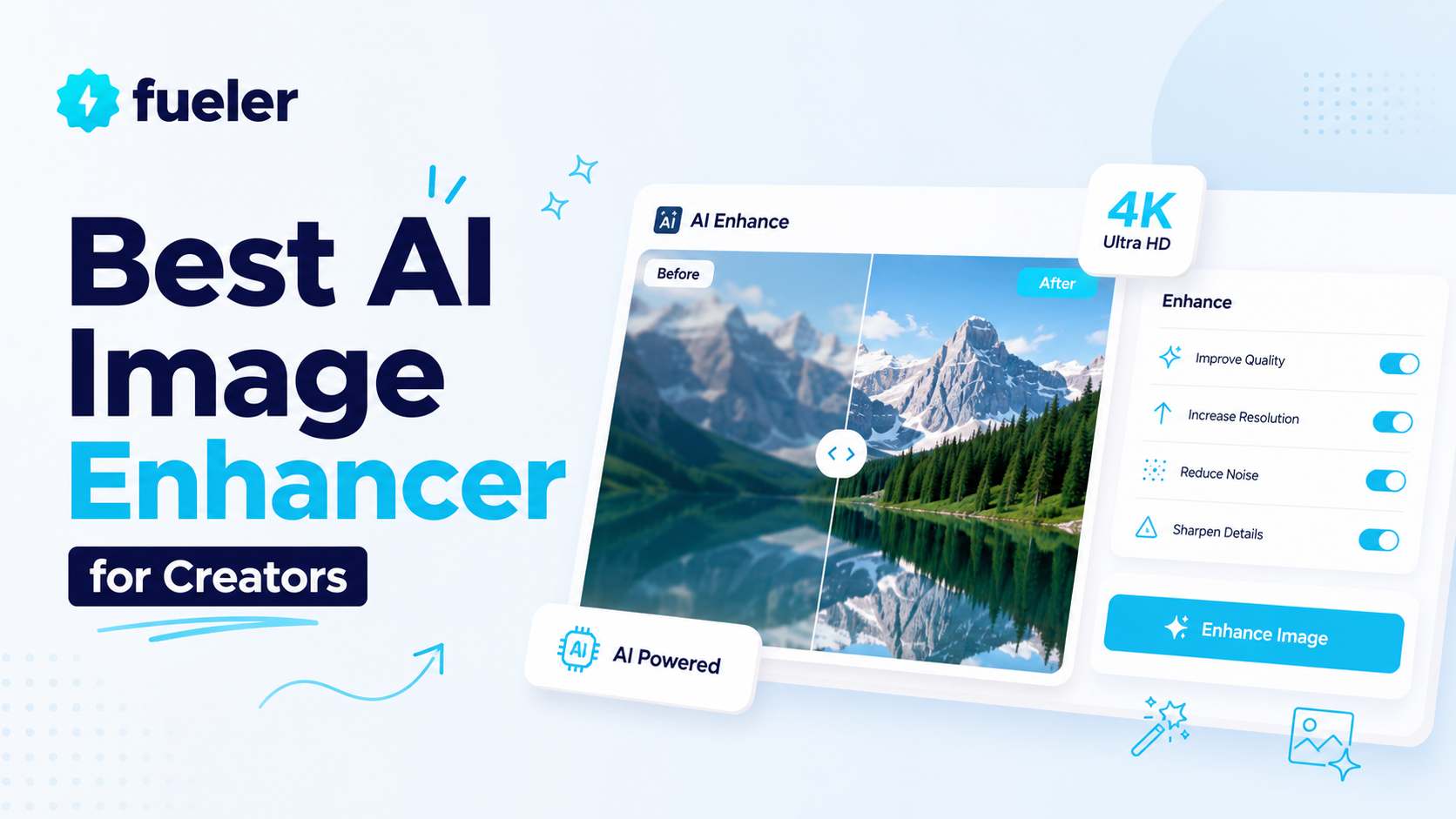
An AI image enhancer is a tool that uses machine learning to improve the perceived quality of an image. Depending on the tool, it may help with tasks such as:
- sharpening blurry or soft images
- increasing image resolution
- restoring detail in old or compressed visuals
- reducing noise or grain
- improving clarity in screenshots or thumbnails
- making product, portfolio, or social media visuals look cleaner
Traditional editing tools rely heavily on manual sliders and filters. AI enhancers try to identify image patterns automatically and rebuild missing detail in a more targeted way. That makes them useful for creators who need fast improvements but do not want to spend every day inside professional editing software.
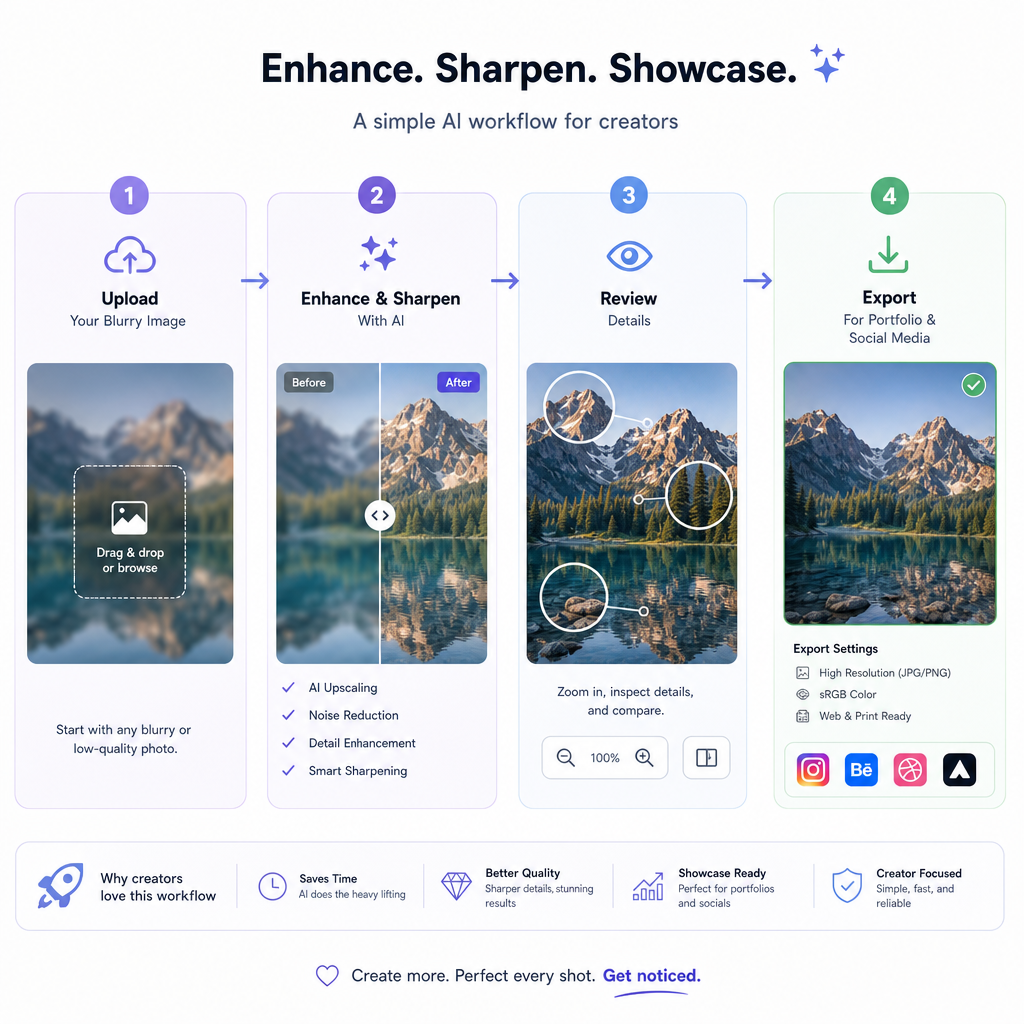
For example, a designer might sharpen a portfolio screenshot before uploading it to a case study. A YouTuber might improve a low-quality thumbnail draft. A freelance creator might clean up visuals from a client project before adding them to a portfolio. A marketer might upgrade old campaign images before repurposing them into new social posts.
The best use case is not “fix every image automatically.” It is “make important visuals clearer when the original is almost good enough but needs polish.”
Why creators need better image quality
For creators, image quality is not just an aesthetic detail. It affects trust.
A blurry thumbnail can make a strong video look amateur. A pixelated portfolio image can make a good project feel unfinished. A soft product photo can reduce confidence. A low-resolution screenshot can make a case study harder to understand.
Better image quality can help creators:
- make portfolios look more polished
- improve the clarity of project case studies
- reuse older work without it looking outdated
- prepare visuals for social platforms
- create sharper thumbnails and banners
- make client-facing presentations feel more professional
- keep a consistent standard across different content formats
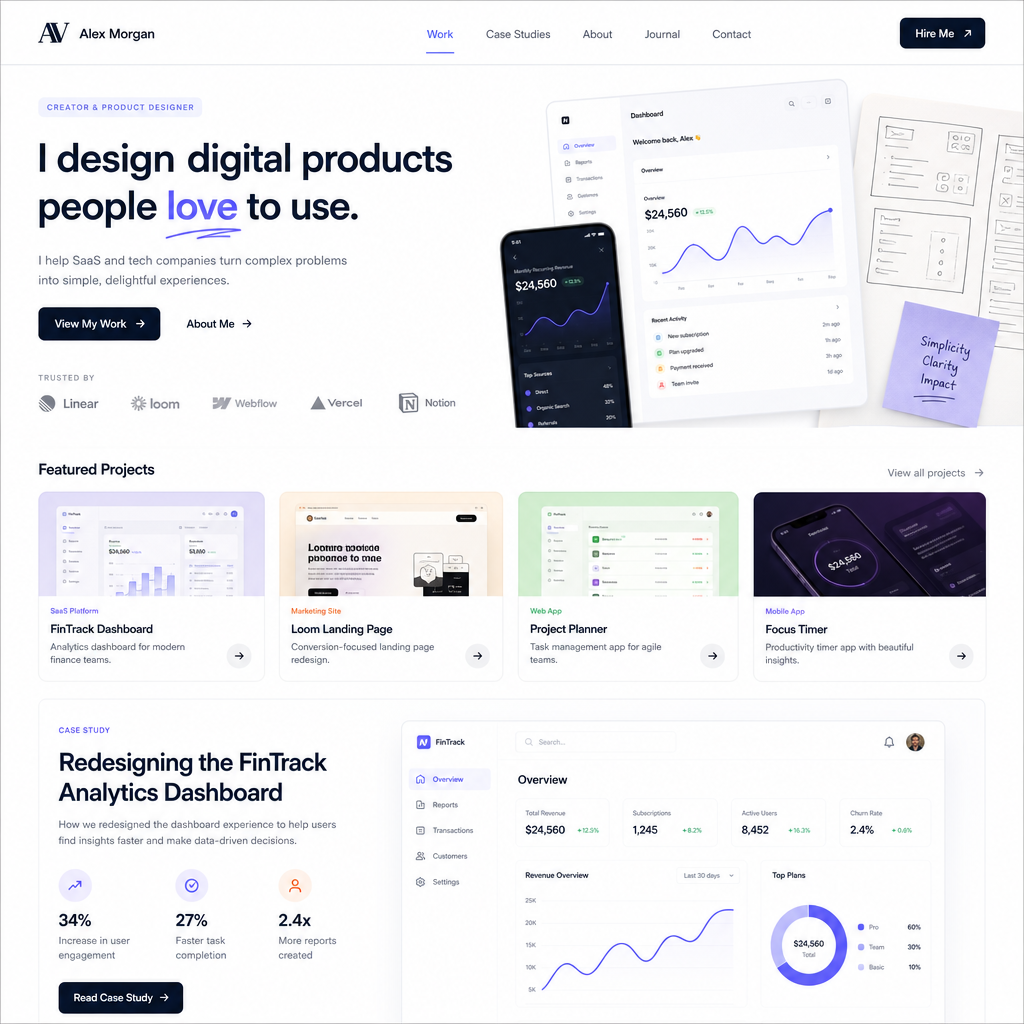
This matters especially on portfolio platforms and creator marketplaces, where people compare many profiles quickly. Your visuals do not need to look overproduced, but they should look clear enough for someone to understand the quality of your work immediately.
When should creators use an AI image enhancer?
AI enhancement is most useful when the original image already has value but is limited by quality issues.
Good use cases include:
1. Portfolio screenshots
If you are showing websites, apps, dashboards, designs, thumbnails, or campaign results, screenshots can lose quality after compression or resizing. Enhancing them can make small interface details easier to read.
2. Thumbnails and cover images
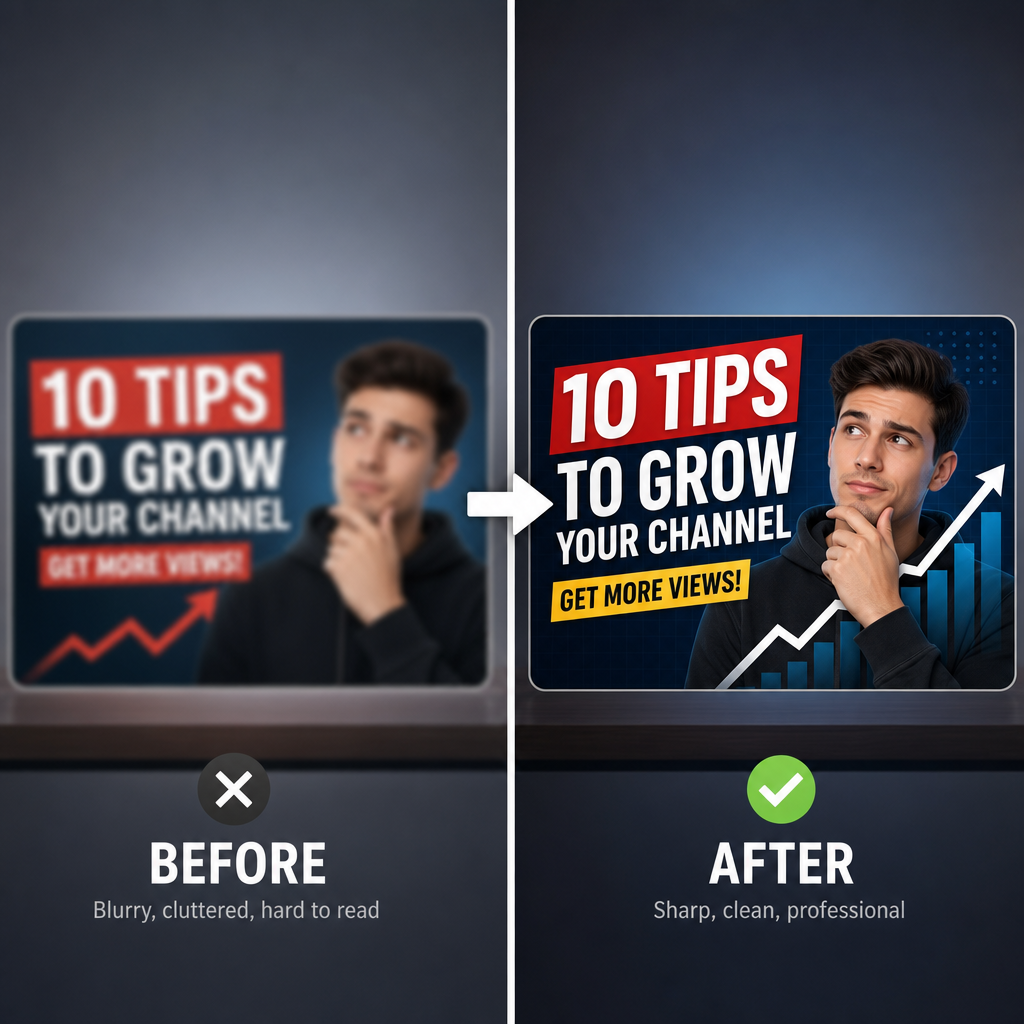
Thumbnails are often viewed at small sizes, but they still need strong clarity. AI sharpening can help text, faces, objects, and visual contrast stand out more.
3. Old project visuals
Creators often have older work that is still relevant, but the assets were saved at a lower resolution. Upscaling and sharpening can make those visuals usable again in a modern portfolio.
4. Social media assets
Images get cropped and compressed across platforms. Enhancing important images before posting can help them survive compression better.
5. Client-supplied images
Freelancers and agencies often receive assets that are not ideal. AI tools can help improve those assets before using them in mockups, presentations, or content.
6. Product or ecommerce photos
Even if you are not a professional ecommerce seller, many creators sell templates, products, digital downloads, or services. Clearer product visuals can make the offer easier to evaluate.
What to look for in the best AI image enhancer
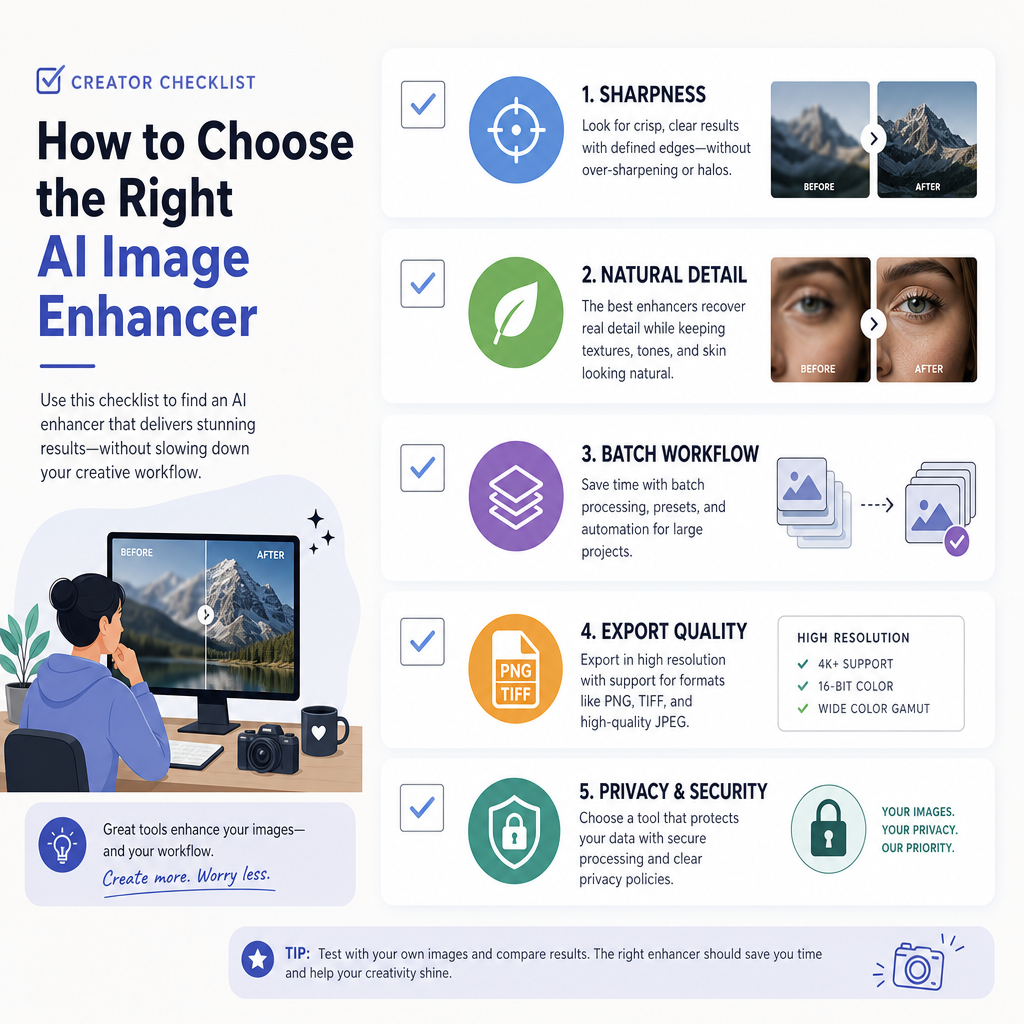
Not every enhancer is useful for creator work. Some tools over-sharpen images, add strange artifacts, or make visuals look synthetic. A good tool should improve clarity while preserving the image’s natural style.
Here are the most important criteria.
Natural-looking sharpening
The image should look clearer, not crunchy. Over-sharpening can create halos around text, edges, and faces. For portfolio and client work, subtle enhancement is usually better than dramatic transformation.
Good handling of low-resolution images
Creators often work with images that have been resized, compressed, or exported from multiple tools. A useful enhancer should improve these files without making them look fake.
Support for different content types
A creator may need to enhance screenshots, portraits, product images, thumbnails, mockups, and social graphics. The best tool should be flexible enough for several visual formats.
Simple workflow
Most creators do not want a complex editing process for every image. A good enhancer should make the upload, preview, enhance, and download process fast.
Export quality
The final image should be suitable for publishing, portfolio uploads, social posts, case studies, or presentations. If the export is too compressed, the enhancement loses value.
Privacy and control
If you are uploading client work, unpublished designs, or personal images, check the tool’s privacy policy and avoid uploading anything confidential unless you are comfortable with the platform.
A practical AI image enhancement workflow for creators
The best results come from using AI enhancement as one step in a larger publishing workflow.
Here is a simple process.
Step 1: Start with the best available source file
AI can help, but it cannot fully replace a good source image. Whenever possible, use the original export, full-size screenshot, RAW photo, or highest-resolution file available.
Step 2: Crop and compose first
Before enhancing, decide the final framing. Crop out unnecessary space, choose the right aspect ratio, and make sure the important subject is visible.
Step 3: Enhance clarity and resolution
Use an AI enhancer to sharpen the image, improve detail, or upscale it for the target platform. If the image is for a portfolio or case study, keep the result realistic.
A simple tool like PhotoSharpener.com can be useful when creators need to sharpen blurry photos, improve low-resolution visuals, or make portfolio and content images look clearer without a complicated editing workflow.
Step 4: Compare before and after
Always review the result at the size where people will actually see it. A thumbnail should be checked small. A portfolio image should be checked on desktop and mobile. A presentation image should be checked full screen.
Step 5: Apply light manual edits if needed
After enhancement, you may still want to adjust brightness, contrast, crop, or color balance. AI enhancement is not a substitute for final creative review.
Step 6: Export for the platform
Different platforms compress images differently. Export in a suitable size and format, and avoid uploading unnecessarily huge files if the platform will compress them aggressively.
Common mistakes to avoid
AI image enhancement is helpful, but it can also hurt quality when used carelessly.
Avoid these mistakes:
- Enhancing already-sharp images until they look unnatural
- Using AI to hide poor design choices instead of improving the design itself
- Uploading confidential client work to tools without checking privacy terms
- Ignoring mobile preview before publishing
- Overusing sharpening on faces, text, or UI elements
- Assuming one enhanced export will work for every platform
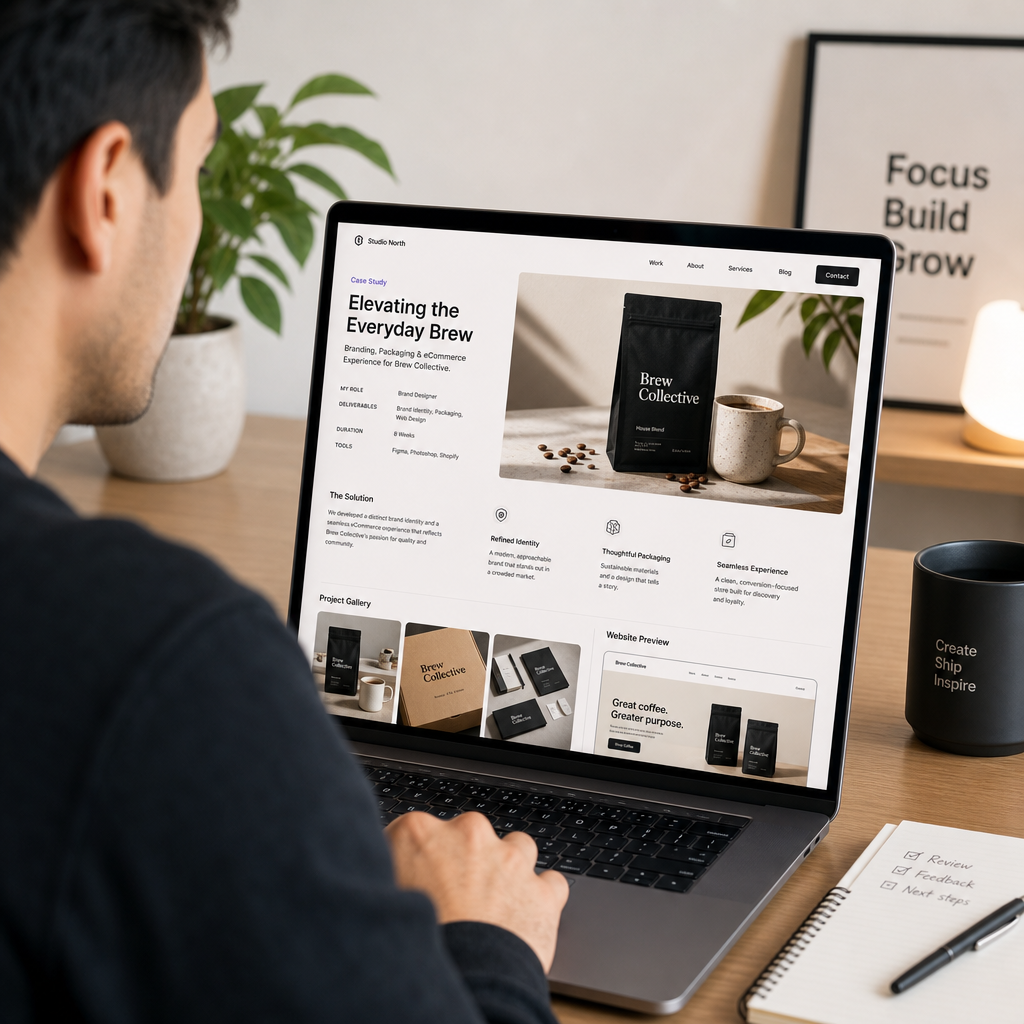
For creators, the goal is not to make every image look artificially perfect. The goal is to remove distractions so the work itself is easier to appreciate.
Which creators benefit most from AI image enhancers?
AI image enhancers are useful for many types of creators, including:
- designers building portfolio case studies
- video creators preparing thumbnails
- social media creators repurposing old assets
- freelancers polishing client presentations
- course creators improving screenshots and lesson visuals
- photographers restoring soft or old images
- marketers refreshing campaign assets
- ecommerce creators improving product visuals
- startup founders preparing pitch decks or product pages
The common thread is simple: if your work depends on visual trust, clearer images can improve how your work is perceived.
Final thoughts
The best AI image enhancer for creators is not necessarily the most complicated one. It is the one that helps you improve important visuals quickly, naturally, and consistently.
Use AI enhancement when an image has strong content but weak clarity. Start with the best source file, enhance carefully, compare the result, and publish only when the improved version still feels authentic.
For creators building portfolios, case studies, thumbnails, and social content, small improvements in image quality can make the entire body of work feel more professional. In a crowded creator economy, that extra clarity can help people understand your work faster — and trust it sooner.
What is Fueler Portfolio?
Fueler is a career portfolio platform that helps companies find the best talent for their organization based on their proof of work. You can create your portfolio on Fueler. Thousands of freelancers around the world use Fueler to create their professional-looking portfolios and become financially independent. Discover inspiration for your portfolio
Sign up for free on Fueler or get in touch to learn more.

What should you do next?
You've read the article. Now turn your skills into proof of work and unlock more opportunities.
Build your proof of work portfolio
Create a clean portfolio with projects, assignments, resumes, and AI stack details that companies actually want to see.
Create your Fueler portfolio →Apply through assignments, not resumes
Stand out by solving real tasks from companies hiring on Fueler.
Explore assignments →Get discovered by companies
Make your work public and let recruiters discover your skills through actual projects instead of keywords.
Get discovered →
