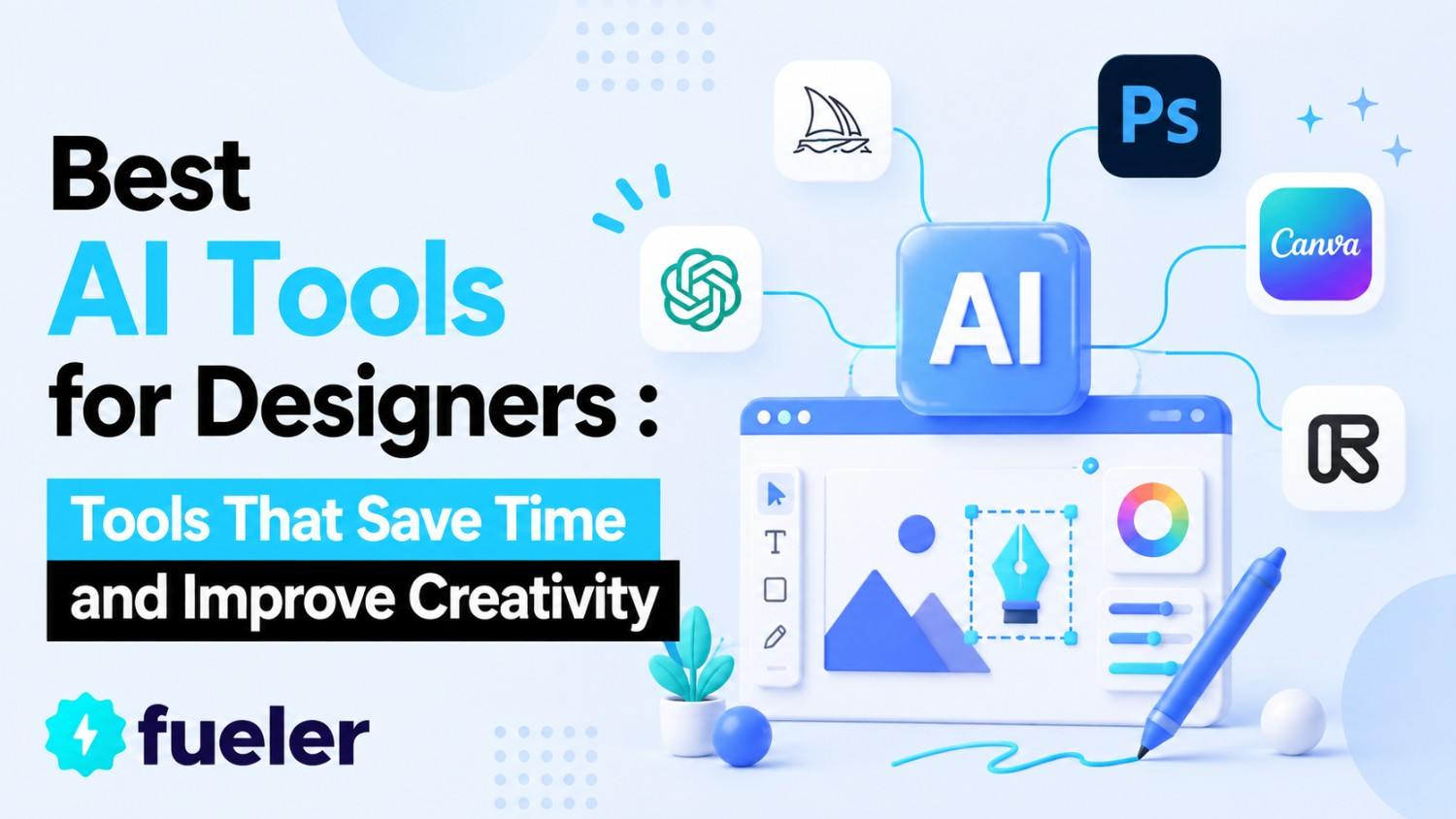
10 Best AI Tools for Designers in 2026: Tools That Save Time and Improve Creativity

Riten Debnath
27 Apr, 2025
Last Updated: May 2026
Hey, myself Riten this side. As founder of Fueler, a portfolio platform helping companies hire through assignments and proof of work, I closely watch how technology changes creative careers. Over the last few years, I have seen one major shift clearly. AI is becoming a powerful assistant for designers.
From graphic design and UI/UX to branding, website creation, and content design, AI tools are helping designers work faster, think bigger, and create better outputs. These tools are not replacing creativity. They are removing repetitive work so designers can focus more on ideas and storytelling.
Today, companies care more about what you can build than just what degree you have. That is why learning modern AI design tools can give designers a huge career advantage.
In this article, I’ll share 10 must-try AI tools for designers in 2026 based on public research, product features, and practical use cases.
Why AI Tools Matter for Designers in 2026
The design industry is moving very fast. Brands now need:
- Faster content production
- Better visual consistency
- Mobile-first experiences
- Personalized user experiences
- Quick prototyping
- High-quality social media visuals
Earlier, many of these tasks took hours or days. Today, AI tools can dramatically reduce the time.
For example:
- AI can remove image backgrounds instantly
- AI can generate logo ideas in seconds
- AI can create wireframes from text prompts
- AI can generate website layouts automatically
- AI can suggest color palettes based on brand identity
This allows designers to spend more time on creativity instead of repetitive manual tasks.
Another important trend is portfolio-based hiring. Companies increasingly want to see real projects and proof of work. Designers who learn AI tools can build stronger portfolios faster and stand out in the hiring market.
What Makes a Good AI Design Tool?
Before choosing any AI tool, designers should check:
- Ease of use
- Output quality
- Team collaboration features
- Pricing
- Export flexibility
- Integration with existing tools
- Commercial usage rights
- Learning curve
A beginner designer may need a simple tool like Canva, while a professional product designer may prefer Figma AI or UXPin Merge.
Below are the best AI tools for designers in 2026.
At a Glance: Best AI Design Tools Comparison Table
1. UXPin Merge with AI Component Creator
UXPin Merge integrates AI to streamline UI design by automating component creation. Its AI Component Creator generates functional, code-ready UI elements (buttons, forms, etc.) that align with your design system, reducing handoff friction between designers and developers.
The tool supports real-time collaboration and updates, ensuring consistency across teams. Ideal for UX/UI designers, it cuts prototyping time significantly while maintaining high fidelity. Pros include seamless developer handoffs and accelerated iteration cycles. However, it requires familiarity with design systems and may have a steeper learning curve for beginners
- Pros: Speeds up design work, ensures consistency, and reduces back-and-forth with developers
- Best for: UX/UI designers who need functional prototypes.
2. Adobe Firefly (Inside Adobe Creative Cloud)
Adobe Firefly is a generative AI tool embedded in Adobe’s ecosystem, enabling designers to create images, vectors, and textures from text prompts. Features like Generative Fill and Text-to-Vector allow non-destructive edits and style transfers, making it perfect for graphic designers and illustrators. Firefly’s outputs are commercially safe, addressing copyright concerns.
While powerful, it requires a Creative Cloud subscription and performs best with high-end hardware. Its integration with Photoshop and Illustrator makes it a versatile asset for branding and digital art
- Pros: Integrates seamlessly with Photoshop and Illustrator, great for quick mockups
- Best for: Graphic designers and illustrators.
3. Canva Magic Studio
Canva’s Magic Studio leverages AI for effortless design, offering tools like Magic Resize, Background Remover, and Text-to-Image. Its user-friendly interface and vast template library cater to marketers and small businesses, enabling quick social media graphics or presentations.
The AI suggests layouts and color palettes, though advanced designers may find customization limiting. Free and paid tiers (Pro unlocks full AI features) make it accessible, but heavy reliance on templates can curb originality.
- Pros: Easy to use, thousands of templates, great for non-designers
- Best for: Marketers, small businesses, and content creators.
4. Khroma (AI Color Palette Generator)
Khroma uses AI to generate personalized color schemes based on user preferences. Designers select 50 colors they like, and Khroma produces harmonious palettes, gradients, and mockups. Free and intuitive, it’s ideal for branding projects. However, its standalone nature means manual transfer to design tools, and initial color selection can feel tedious
- Pros: Free to use, helps with branding consistency
- Best for: Brand designers and UI/UX professionals.
5. UIzard (UI design for apps)
Uizard transforms sketches or text prompts into clickable prototypes, ideal for startups and non-designers. Features like AI-generated UI components and real-time collaboration simplify early-stage design. However, advanced functionality requires a subscription, and outputs often need refinement
- Pros: Fast, accurate, no design skills needed
- Best for: E-commerce designers and photographers.
6. Fashion Diffusion (AI Fashion Design Suite)
Fashion Diffusion, an AI Fashion Design Suite, is a must-try for designers working in the apparel and e-commerce space. Instead of waiting on photographers or physical samples, designers can visualize garments directly on AI-generated models, apply different fabrics and colors in seconds, and turn hand-drawn sketches into photorealistic renders all within one platform.
For fashion designers juggling tight deadlines and multiple collections, it dramatically shortens the gap between concept and client-ready visuals.
- Pros: Speeds up design iteration, eliminates sampling costs, covers sketch-to-visual workflow
- Best for: Fashion designers, apparel creatives, and e-commerce visual teams.
7. Figma AI (Beta Features)
Figma’s AI enhances workflows with auto-layout adjustments, content generation, and plugin integrations. Best for collaborative UI/UX teams, it reduces repetitive tasks but may lag with complex files. Its ecosystem thrives on community plugins, though AI features are still evolving
- Pros: Integrates with team workflows, real-time collaboration
- Best for: UI/UX teams and remote designers.
8. Looka (AI Logo Maker)
Looka generates logos and brand kits from simple prompts, ideal for entrepreneurs. Users input style preferences, and AI delivers editable logo variants. Affordable but generic, it’s better for quick drafts than custom branding
- Pros: Affordable, easy customization
- Best for: Entrepreneurs and small businesses.
9. DALL·E 3 (AI Image Generator)
OpenAI’s DALL·E 3 creates high-quality images from text, perfect for concept art and ads. It offers creative freedom but may require multiple prompts for desired results. Free credits are limited; commercial use needs careful licensing
- Pros: Highly creative, great for unique visuals
- Best for: Concept artists and ad designers.
10. Wix AI Website Builder
Wix’s AI Website Builder helps build full websites from text descriptions, optimizing for SEO and mobile. No coding is needed, but customization is restricted compared to manual design. Great for small businesses prioritizing speed over uniqueness
- Pros: No coding needed, SEO-friendly
- Best for: Small business owners and freelancers.
How Designers Can Use AI Without Losing Creativity
One fear many designers have is that AI will replace human creativity. I personally don’t believe that.
AI is a tool. Creativity still comes from humans.
The best designers use AI to:
- Speed up repetitive work
- Explore more ideas
- Test concepts faster
- Improve productivity
- Focus on storytelling and user experience
A designer who understands both creativity and AI workflows will become extremely valuable in the future job market.
The Future of Design Careers
As someone building Fueler, I can clearly see how hiring is changing.
Companies are now looking for:
- Real projects
- Proof of work
- Strong portfolios
- Problem-solving ability
- Speed of execution
Knowing AI tools alone is not enough. What matters is how you use them to create real outcomes.
For example:
- Build a complete branding project using Firefly and Canva
- Create a product prototype using Figma AI and Uizard
- Design a personal portfolio website using Wix AI
- Showcase before-and-after workflows using Remove.bg
These practical projects help designers stand out in the hiring market.
At Fueler, we constantly see portfolios perform better when creators show:
- Their design thinking process
- How they used modern tools
- Real client or mock projects
- Measurable outcomes
- Fast execution abilities
AI tools can help designers create more work, experiment more often, and build stronger portfolios faster.
How Beginners Should Start Learning AI Design Tools
If you are new to AI design tools, don’t try learning everything at once.
Start small.
Here’s a simple learning path I recommend:
Step 1. Learn Canva or Remove.bg
These tools are beginner-friendly and easy to understand.
You can quickly create:
- Social media posts
- Thumbnails
- Product images
- Presentation slides
Step 2. Learn Figma AI or Uizard
Once you understand basic design, move into UI/UX and product design tools.
Try building:
- App wireframes
- Website mockups
- Landing pages
- Mobile interfaces
Step 3. Explore Adobe Firefly or DALL·E 3
These tools help improve creative thinking and concept generation.
Experiment with:
- AI-generated visuals
- Branding concepts
- Marketing campaigns
- Creative illustrations
Step 4. Build Public Projects
This is the most important step.
Do not just learn tools privately. Publish your work online.
Create:
- Case studies
- Portfolio projects
- Design experiments
- Redesign challenges
The internet rewards people who show their work consistently.
Common Mistakes Designers Make With AI
Many people start using AI tools incorrectly. Here are a few mistakes to avoid.
1. Depending Fully on AI
AI should support your creativity, not replace your thinking.
Good design still needs:
- Strategy
- User understanding
- Emotion
- Storytelling
- Visual hierarchy
2. Ignoring Fundamentals
Some beginners skip learning design basics because AI tools feel easy.
That is dangerous.
You still need to understand:
- Typography
- Color theory
- Layout
- UX principles
- Branding basics
AI works best when the designer already understands strong fundamentals.
3. Creating Generic Work
If everyone uses the same templates and prompts, the output becomes repetitive.
Add your own style and personality to your work.
4. Not Building a Portfolio
Learning tools alone does not create opportunities.
Your portfolio matters more than certificates.
That’s exactly why we built Fueler. Companies want to see proof of work, not just claims.
Why Proof of Work Matters More in the AI Era
AI is making execution faster for everyone. That means competition is increasing.
Earlier, knowing Photoshop alone was a skill advantage. Today, thousands of people can generate designs instantly.
So what becomes valuable now?
Your:
- Taste
- Creativity
- Problem-solving
- Consistency
- Portfolio
- Real-world projects
The designers who document their process and publish quality work online will win in the long run.
This is why portfolio platforms are becoming more important in hiring.
Final Thoughts
AI tools are changing the future of design in a massive way.
But this shift is exciting, not scary.
Designers now have access to tools that can:
- Speed up workflows
- Reduce repetitive tasks
- Improve productivity
- Unlock creativity
- Help build better portfolios
Whether you are a beginner, freelancer, student, or experienced designer, learning AI tools in 2026 is becoming a career advantage.
Start with one tool. Practice consistently. Build projects publicly. Share your work online.
Most importantly, focus on creating proof of work.
At Fueler, we believe the future belongs to people who can show what they can build, not just talk about it.
The best designers of the future will combine:
- Creativity
- Technology
- Communication
- Execution
- Proof of work
If you start learning these AI tools today, you’ll already be ahead of many people in the industry.
FAQs About AI Tools for Designers
1. What are the best AI tools for graphic designers in 2026?
Some of the best AI tools for graphic designers in 2026 include Adobe Firefly, Canva Magic Studio, DALL·E 3, Looka, and Remove.bg. These tools help with image generation, branding, editing, and visual content creation.
2. Which AI tool is best for UI/UX designers?
Figma AI, UXPin Merge, and Uizard are among the best AI tools for UI/UX designers because they help with wireframing, prototyping, layout generation, and collaboration workflows.
3. Are AI design tools replacing human designers?
No. AI tools are helping designers work faster and automate repetitive tasks, but human creativity, storytelling, strategy, and user understanding are still very important.
4. Which free AI design tools should beginners learn first?
Beginners can start with Canva, Khroma, Remove.bg, and Figma’s free plan. These tools are easy to learn and useful for building initial design projects.
5. How can designers use AI tools to build a strong portfolio?
Designers can use AI tools to create branding projects, UI concepts, marketing campaigns, website designs, and case studies. Publishing these projects on portfolio platforms like Fueler helps showcase proof of work to companies and clients.
What is Fueler Portfolio?
Fueler is a career portfolio platform that helps companies find the best talents for their organization based on their proof of work.
You can create your portfolio on Fueler, thousands of freelancers around the use Fueler to create their professional-looking portfolios and become financially independent. Discover inspiration for your portfolio
Sign up for free on Fueler or get in touch to learn more.
What should you do next?
You've read the article. Now turn your skills into proof of work and unlock more opportunities.
Build your proof of work portfolio
Create a clean portfolio with projects, assignments, resumes, and AI stack details that companies actually want to see.
Create your Fueler portfolio →Apply through assignments, not resumes
Stand out by solving real tasks from companies hiring on Fueler.
Explore assignments →Get discovered by companies
Make your work public and let recruiters discover your skills through actual projects instead of keywords.
Get discovered →
